La barra che diventa isola
Navigazione, Fisica, Scroll, SVG, Transizioni
NuovaGratis
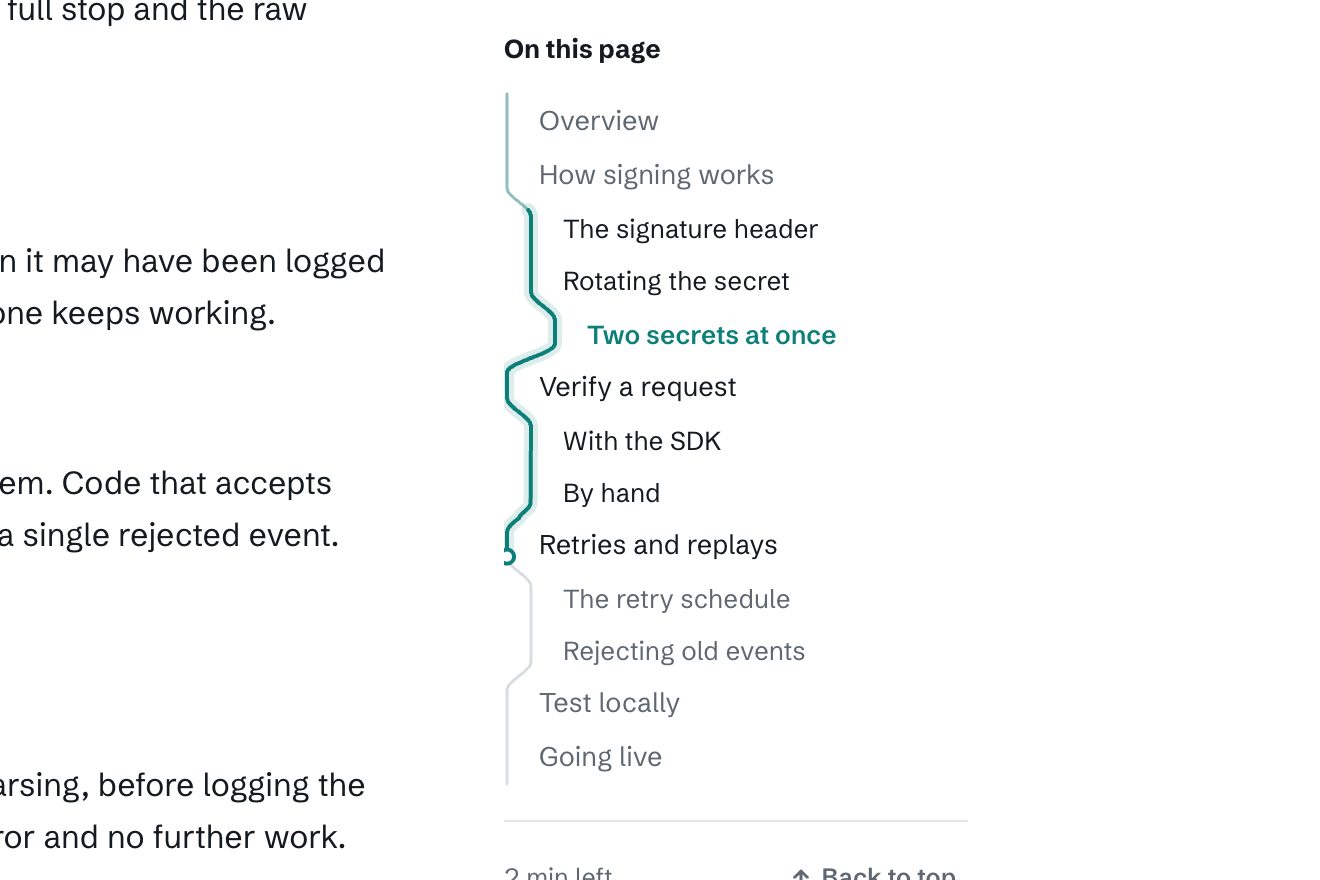
L’indice di un articolo come la minimappa degli editor di codice: accanto al testo c’è tutto l’articolo in miniatura, disegnato parola per parola dove ogni parola sta davvero, con i nomi delle sezioni a fianco. Una lente mostra la parte sullo schermo: scorrendo scivola, trascinata si porta dietro l’articolo e lanciata continua da sola; la sezione in lettura si colora, e puntando la minimappa si apre un’anteprima ingrandita con le parole vere.
Una cartella che funziona da sola: index.html, style.css, script.js e le librerie da CDN. Nelle schede React e Vue la stessa demo è già un componente, che spegne le sue animazioni quando esce dalla pagina.
<!doctype html>
<html lang="en">
<head>
  <meta charset="utf-8">
  <meta name="viewport" content="width=device-width, initial-scale=1">
  <title>The minimap index</title>
  <link rel="stylesheet" href="https://cdn.jsdelivr.net/npm/@fontsource-variable/newsreader@5.3.0/index.css">
  <link rel="stylesheet" href="https://cdn.jsdelivr.net/npm/@fontsource-variable/instrument-sans@5.3.0/index.css">
  <link rel="stylesheet" href="style.css">
</head>
<body>
  <main class="stage">
    <!-- the reader: a short article that scrolls, and beside it the minimap, the same article in miniature drawn on a
         canvas from where every word really is. The lens on the minimap is the part on screen: scroll the article
         and it slides, drag it and the article follows, press a section and the article glides there -->
    <div class="reader" data-minimap>
      <div class="reader__now" aria-hidden="true">
        <span class="reader__now-label">Reading</span>
        <span class="reader__now-name" data-now>Opening</span>
      </div>

      <article class="article" id="minimap-article" tabindex="0" aria-label="Article" data-article>
        <h1 data-label="Opening">How we cut our build from forty minutes to nine</h1>
        <p class="article__by">Field notes from the platform team · 6 min read</p>
        <p>For two years nobody touched the build. It worked, it was slow, and every engineer had quietly arranged their day around it: start a build, make coffee, answer messages, come back, start again.</p>
        <p>This spring we finally measured it. What follows is what we found, what we changed, and the one change we would skip if we did it again.</p>

        <h2 data-label="Where time went">Where the time went</h2>
        <p>We expected the compiler to be the villain. It was not. Compiling the whole monorepo took eleven minutes on a cold machine; the other twenty-nine were spent downloading, unpacking and testing things that had not changed since the previous run.</p>
        <p>A single trace of one build, laid out on a timeline, made the case better than any meeting could. Long grey bars of waiting, short coloured bars of work.</p>
        <p>Three things accounted for almost all of it: a dependency download that ignored its own cache, a test suite that ran every test on every change, and a packaging step that rebuilt images nobody had asked for.</p>
        <blockquote>The fastest build step is the one you can prove you do not need to run.</blockquote>

        <h2 data-label="Better cache keys">Caching the right things</h2>
        <p>Our first cache stored the output of every step under a key made of its inputs. It helped less than we hoped, because the keys included timestamps, absolute paths and the version of a tool that changed every night.</p>
        <p>Once the keys described only what a step actually reads, the hit rate went from a third to nine in ten.</p>
        <pre><code>key = hash(sources, lockfile, toolchain)
if cache.has(key):
    restore(key)
else:
    run_step()
    cache.put(key, outputs)</code></pre>
        <p>We also stopped caching things that were cheaper to rebuild than to download. Small steps with large outputs were slower from the cache than from scratch, and they crowded out the entries that mattered.</p>
        <p>The lesson is boring and true: a cache is only as good as the honesty of its key.</p>

        <h2 data-label="Split tests">Splitting the tests</h2>
        <p>The test suite ran on one machine, in one long line. We split it by measured duration, not by folder, so that eight machines finish within seconds of each other.</p>
        <ul>
          <li>Slow tests are spread first, fast ones fill the gaps.</li>
          <li>Each shard reports how long it took, and the next split learns from it.</li>
          <li>A flaky test is quarantined automatically after two failures.</li>
        </ul>
        <p>Nine minutes of tests became seventy seconds, and the quarantine list became the most honest document in the company.</p>

        <h2 data-label="Remote builds">Remote execution</h2>
        <p>The last big step was to stop building on laptops at all. Actions run on a shared pool of machines close to the cache, and a laptop only sends what changed.</p>
        <p>The first week was rough. Tests that quietly depended on a file in someone’s home folder failed one after another, and each failure was a small archaeology project.</p>
        <p>This is the part that took longest and saved least. It is worth it for a large team; for us, the cache and the split tests had already done most of the work.</p>

        <h2 data-label="What we’d skip">What we would skip</h2>
        <p>If we started again we would measure first, fix the cache keys second and split the tests third, and only then ask whether remote execution is still needed.</p>
        <p>The build now takes nine minutes on a bad day. Nobody makes coffee during it any more, which, we are told, is its own kind of loss.</p>
      </article>

      <!-- the minimap: the article in miniature, the section names beside it, the lens over it -->
      <div class="map" data-map-pane>
        <div class="map__frame" data-map>
          <canvas class="map__canvas" aria-hidden="true" data-canvas></canvas>
          <div class="map__lens" tabindex="0" role="scrollbar" aria-controls="minimap-article" aria-orientation="vertical"
               aria-label="Visible part of the article" aria-valuemin="0" aria-valuemax="100" aria-valuenow="0" data-lens></div>
        </div>
        <nav class="map__nav" aria-label="Sections">
          <ol class="map__list" data-list></ol>
        </nav>
      </div>

      <!-- the preview: the zone under the pointer, magnified on a second canvas, with a beam back to the minimap -->
      <svg class="beam" aria-hidden="true" data-beam><path data-beam-path/></svg>
      <div class="peek" aria-hidden="true" data-peek>
        <span class="peek__name" data-peek-name></span>
        <canvas class="peek__canvas" data-peek-canvas></canvas>
      </div>
    </div>
  </main>

  <script src="https://cdn.jsdelivr.net/npm/gsap@3.15.0/dist/gsap.min.js"></script>
  <script src="script.js"></script>
</body>
</html>Cambia valori, colori e testi con le manopole e guarda l’animazione rispondere dal vivo. Oppure scrivi tu nel codice. Poi scarica la cartella con le tue modifiche.
47 valori da cambiare
Col connettore di Animorio, Claude Code la prende da qui con tutta la sua guida e la adatta al tuo progetto. Incolla questa richiesta:
Prendi «L’indice a minimappa» da Animorio e adattala al mio sitoUn TreeWalker passa tutti i nodi di testo dell’articolo; per ogni parola un Range la abbraccia e getClientRects() dice dove sta davvero, riga per riga. Ogni parola diventa un rettangolo con la sua dimensione di carattere, il suo font (da getComputedStyle), il tipo di blocco (titolo, paragrafo, codice, citazione) e la sezione a cui appartiene. Le misure si rifanno quando il riquadro cambia misura (ResizeObserver) e quando i caratteri sono arrivati.
La scala è la più grande che fa stare tutta l’altezza dell’articolo nel pannello, senza superare MAP_WIDTH in larghezza. Ogni parola è una barra arrotondata alta metà del suo carattere, centrata sulla sua riga, su un canvas fuori schermo; un secondo canvas fuori schermo ha la stessa miniatura nel colore d’accento. Quello visibile mette insieme il grigio e, sopra ogni sezione, la sua striscia colorata con un’opacità che sfuma: così il colore passa da una sezione all’altra senza ridisegnare le parole.
Quattro modi: libero (l’articolo scorre da sé e la lente lo segue su una molla), presa (la lente è sotto la mano e l’articolo è tirato verso di lei da una molla critica, FOLLOW), lancio (la meta continua con la velocità della mano e perde FRICTION al secondo) e corsa (un nome scelto: GSAP porta lo scroll fin lì). Il passo è limitato a 1/30 di secondo e il ciclo si ferma quando tutto è fermo.
Un IntersectionObserver con l’articolo come radice e rootMargin di -62% in basso guarda i titoli attraversare una linea al 38% dell’altezza: la sezione in lettura è l’ultimo titolo sopra la linea. In fondo all’articolo vince l’ultima sezione anche se è corta. I nomi sono messi all’altezza del loro titolo e spinti a parte se si toccano, con un filo a curva che li lega al titolo.
Puntando la miniatura, la zona sotto il puntatore è alta quanto l’anteprima può mostrare alla scala che fa stare la colonna di testo nella sua larghezza. Il secondo canvas ridisegna quella zona con fillText, parola per parola, col font e il colore di ognuna; il riquadro segue il puntatore su una molla e un tracciato SVG fa il fascio fra la cornice sulla miniatura e il suo bordo.
| Nome | File | Di partenza | Cosa cambia |
|---|---|---|---|
LENS_SPRING | script.js | [560, 0.86] | La lente che segue lo scorrimento: la forza della sua molla e lo smorzamento (1 = senza rimbalzo). |
FOLLOW | script.js | 260 | Quanto forte l’articolo è tirato verso la lente trascinata: più basso, resta più indietro. |
FRICTION | script.js | 3.4 | Quanto in fretta rallenta la lente lanciata: la parte di velocità che perde ogni secondo. |
GLIDE | script.js | 0.95 | Il tempo più lungo che l’articolo impiega a scivolare fino a una sezione, in secondi. |
MAP_WIDTH | script.js | 118 | La larghezza massima della miniatura, in pixel (deve anche far stare tutta l’altezza). |
LABEL_GAP | script.js | 24 | Lo spazio minimo fra due nomi di sezione, in pixel. |
WORDS | script.js | true | Ogni parola la sua barra (sì) o righe intere (no). |
Per articoli lunghi, documentazione, note tecniche, termini e condizioni, changelog: dove chi legge vuole vedere in un colpo la forma di tutto il testo, quanto manca e dove sono il codice e le citazioni. Con un testo di una sola schermata non serve.
Sotto i 720 pixel la minimappa diventa una striscia larga 46 pixel sul lato destro, senza nomi; il nome della sezione in lettura rotola in una barra in cima al riquadro. Il dito trascina la lente o tocca la striscia per saltare, e mentre trascina compare l’anteprima a sinistra della striscia (al posto dell’hover). Niente sfora di lato.
La lente segue lo scorrimento senza molla, trascinata porta l’articolo con sé senza ritardo e lasciata si ferma; un nome porta subito alla sezione senza scivolare, il colore cambia sezione senza sfumare e l’anteprima compare in dissolvenza, senza scivolare.
GSAP 3.15.0, Newsreader (font variabile) 5.3.0, Instrument Sans (font variabile) 5.3.0.
Compressi con gzip, i tre file della demo pesano 14 KB; le librerie: GSAP 28 KB.
Provata il 5 ottobre 2026
Puoi usarla nei tuoi progetti e in quelli dei tuoi clienti. Non puoi rivenderla né ridistribuirla così com’è. GSAP resta sotto la sua licenza Standard. Licenza completa.
Con l’email e la password del tuo account.
oppure con l’email
Hai fatto l’accesso come .
Con l’account scarichi lo zip di ogni animazione e di ogni pacchetto, gratis.