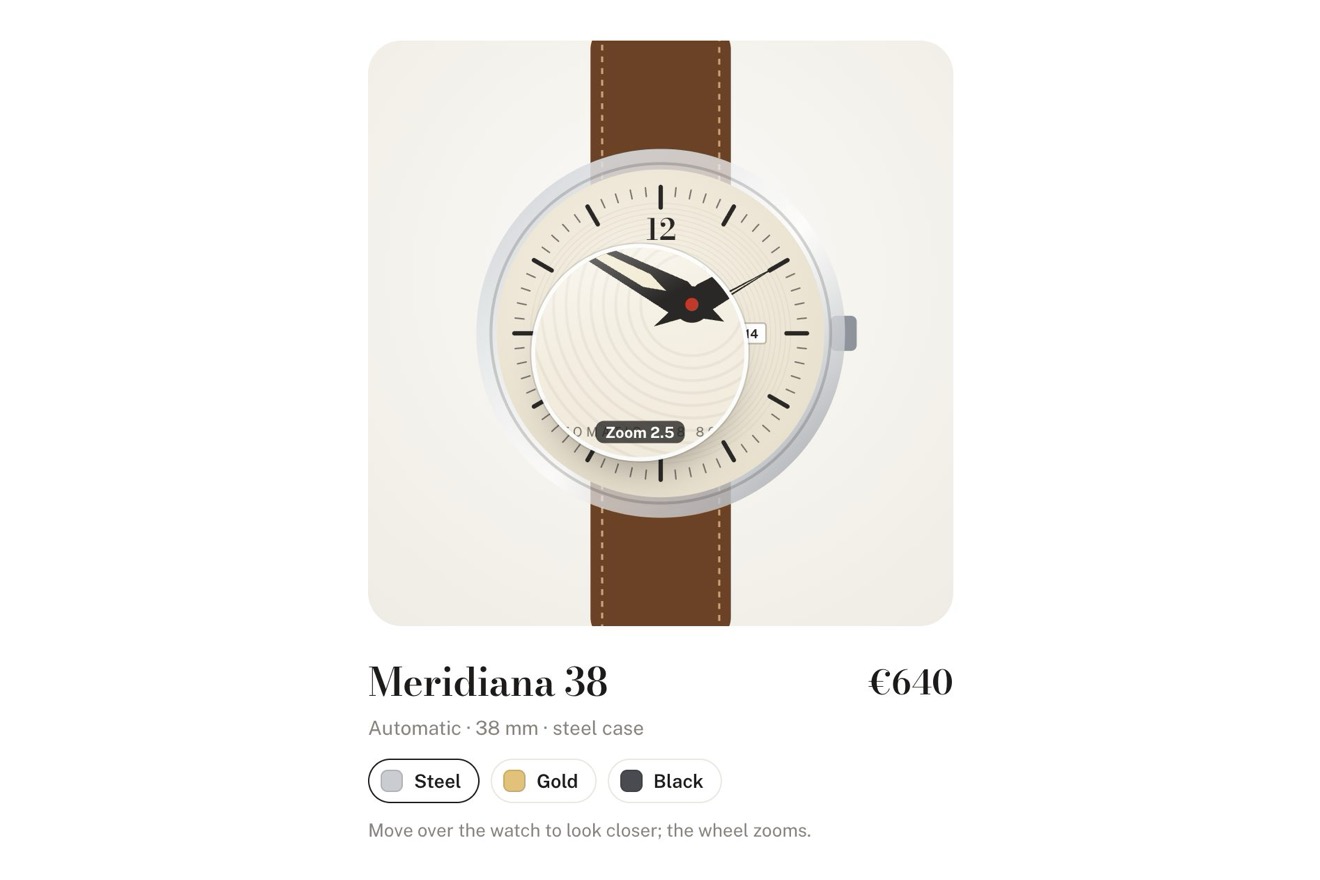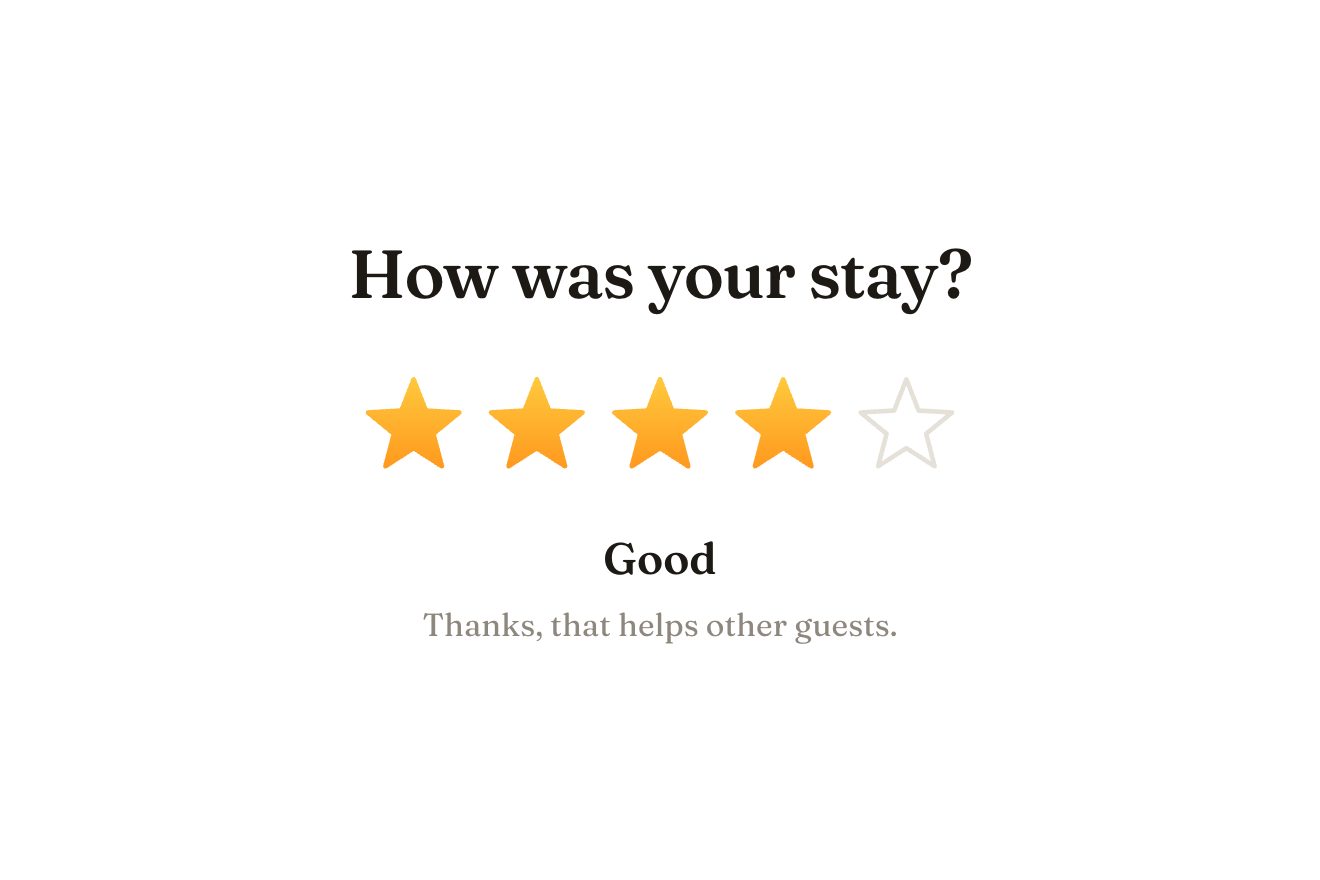
La valutazione a stelle
Valutazioni, SVG, Hover
NuovaGratis
L'Order breakfast di un piccolo café, nello stile ricco: nella punta tonda della pillola rosso marmellata sta un tostapane di smalto menta, col piano cromato, la manopola della doratura e la leva nera, con due fette di pane nelle fessure. Al clic la leva scende, il pane affonda, le fessure si accendono d'arancio e la pillola si riempie come un timer; poi la leva scatta, il toast salta fuori dorato, gira in aria, ricade con le briciole e la scritta diventa Breakfast's up.
Una cartella che funziona da sola: index.html, style.css, script.js e le librerie da CDN. Nelle schede React e Vue la stessa demo è già un componente, che spegne le sue animazioni quando esce dalla pagina.
<!doctype html>
<html lang="en">
<head>
<meta charset="utf-8">
<meta name="viewport" content="width=device-width, initial-scale=1">
<title>The toaster button</title>
<link rel="stylesheet" href="https://cdn.jsdelivr.net/npm/@fontsource-variable/mona-sans@5.3.0/wdth.css">
<link rel="stylesheet" href="style.css">
</head>
<body>
<main class="stage">
<!-- the toaster button: the Order breakfast of a small café, with a mint enamel toaster standing in the round left
end of the pill. Two slices of bread wait in the slots. A click pushes the lever down and the bread sinks; the
slots glow orange, the heat shimmers, the dial turns back and the pill fills like a timer. Then the lever snaps
up, the toast jumps out golden, turns in the air and drops back into the slots with a few crumbs, and the words
turn to Breakfast's up. A second click puts fresh bread back -->
<div class="tb" data-tb>
<button class="tb__btn" type="button" data-btn data-autoclic>
<span class="tb__fill" aria-hidden="true"><span class="tb__timer" data-timer></span></span>
<span class="tb__faces">
<span class="tb__face" data-face="rest">
<span class="tb__word" data-label-text>Order breakfast</span>
<span class="tb__note" data-note-text>Toast & jam</span>
</span>
<span class="tb__face tb__face--busy" data-face="busy" aria-hidden="true">
<span class="tb__shine" data-busy-text>Toasting…</span>
</span>
<span class="tb__face tb__face--done" data-face="done" aria-hidden="true">
<svg class="tb__tick" viewBox="0 0 16 16" width="16" height="16" aria-hidden="true"><path d="M3 8.6 L6.6 12 L13 4.4" fill="none" stroke="currentColor" stroke-width="2.2" stroke-linecap="round" stroke-linejoin="round"/></svg>
<span class="tb__done" data-done-text>Breakfast's up</span>
</span>
</span>
</button>
<svg class="tb__art" viewBox="0 0 132 170" width="132" height="170" aria-hidden="true" data-art>
<defs>
<linearGradient id="tb-enamel" x1="0" y1="0" x2="0" y2="1">
<stop offset="0" style="stop-color:var(--mint-light)"/>
<stop offset="0.55" style="stop-color:var(--mint)"/>
<stop offset="1" style="stop-color:var(--mint-deep)"/>
</linearGradient>
<linearGradient id="tb-enamel-side" x1="0" y1="0" x2="1" y2="0">
<stop offset="0" stop-color="#000" stop-opacity="0.16"/>
<stop offset="0.12" stop-color="#000" stop-opacity="0"/>
<stop offset="0.86" stop-color="#000" stop-opacity="0"/>
<stop offset="1" stop-color="#000" stop-opacity="0.22"/>
</linearGradient>
<linearGradient id="tb-top" x1="0" y1="0" x2="0" y2="1">
<stop offset="0" style="stop-color:var(--chrome-light)"/>
<stop offset="1" style="stop-color:var(--chrome)"/>
</linearGradient>
<linearGradient id="tb-chrome" x1="0" y1="0" x2="0" y2="1">
<stop offset="0" style="stop-color:var(--chrome-light)"/>
<stop offset="0.45" style="stop-color:var(--chrome)"/>
<stop offset="0.5" style="stop-color:var(--chrome-dark)"/>
<stop offset="1" style="stop-color:var(--chrome-light)"/>
</linearGradient>
<linearGradient id="tb-slot" x1="0" y1="0" x2="0" y2="1">
<stop offset="0" style="stop-color:var(--ink)"/>
<stop offset="1" style="stop-color:var(--slot)"/>
</linearGradient>
<linearGradient id="tb-glow" x1="0" y1="0" x2="0" y2="1">
<stop offset="0" style="stop-color:var(--glow-hot)"/>
<stop offset="1" style="stop-color:var(--glow)"/>
</linearGradient>
<radialGradient id="tb-heat" cx="0.5" cy="0.5" r="0.5">
<stop offset="0" style="stop-color:var(--glow)" stop-opacity="0.45"/>
<stop offset="1" style="stop-color:var(--glow)" stop-opacity="0"/>
</radialGradient>
<linearGradient id="tb-bread" x1="0" y1="0" x2="0" y2="1">
<stop offset="0" style="stop-color:var(--bread-light)"/>
<stop offset="1" style="stop-color:var(--bread)"/>
</linearGradient>
<radialGradient id="tb-brown" cx="0.5" cy="0.42" r="0.62">
<stop offset="0" style="stop-color:var(--toast-light)"/>
<stop offset="0.7" style="stop-color:var(--toast)"/>
<stop offset="1" style="stop-color:var(--toast-deep)"/>
</radialGradient>
<linearGradient id="tb-knob" x1="0" y1="0" x2="0" y2="1">
<stop offset="0" stop-color="#4a3a33"/>
<stop offset="1" style="stop-color:var(--ink)"/>
</linearGradient>
<clipPath id="tb-slotline"><rect x="-20" y="-80" width="172" height="161"/></clipPath>
<symbol id="tb-slice" viewBox="0 0 30 46" overflow="visible">
<path d="M3 46 V16 C-1 12 0 3.4 7.4 2.2 C10.6 -0.6 19.4 -0.6 22.6 2.2 C30 3.4 31 12 27 16 V46 Z" style="fill:var(--crust)"/>
<path d="M5.6 46 V15.4 C2.6 12.4 3.4 5.6 9 4.8 C11.6 2.6 18.4 2.6 21 4.8 C26.6 5.6 27.4 12.4 24.4 15.4 V46 Z" fill="url(#tb-bread)"/>
<g fill="#b88a52" fill-opacity="0.28">
<ellipse cx="10" cy="14" rx="1.1" ry="0.7"/><ellipse cx="18.4" cy="11" rx="0.9" ry="0.6"/>
<ellipse cx="14" cy="21" rx="1.3" ry="0.8"/><ellipse cx="20.6" cy="25" rx="1" ry="0.6"/>
<ellipse cx="9.4" cy="28" rx="0.8" ry="0.5"/><ellipse cx="15.6" cy="33" rx="1.1" ry="0.7"/>
<ellipse cx="21.4" cy="18.4" rx="0.7" ry="0.5"/><ellipse cx="11.6" cy="37" rx="0.9" ry="0.5"/>
</g>
</symbol>
<symbol id="tb-slice-brown" viewBox="0 0 30 46" overflow="visible">
<path d="M3 46 V16 C-1 12 0 3.4 7.4 2.2 C10.6 -0.6 19.4 -0.6 22.6 2.2 C30 3.4 31 12 27 16 V46 Z" style="fill:var(--toast-deep)"/>
<path d="M5.6 46 V15.4 C2.6 12.4 3.4 5.6 9 4.8 C11.6 2.6 18.4 2.6 21 4.8 C26.6 5.6 27.4 12.4 24.4 15.4 V46 Z" fill="url(#tb-brown)"/>
<g fill="#5e3416" fill-opacity="0.32">
<ellipse cx="10" cy="14" rx="1.1" ry="0.7"/><ellipse cx="18.4" cy="11" rx="0.9" ry="0.6"/>
<ellipse cx="14" cy="21" rx="1.3" ry="0.8"/><ellipse cx="20.6" cy="25" rx="1" ry="0.6"/>
<ellipse cx="9.4" cy="28" rx="0.8" ry="0.5"/><ellipse cx="15.6" cy="33" rx="1.1" ry="0.7"/>
</g>
<path d="M8 7.4 C12 5.4 18 5.4 22 7.4" fill="none" stroke="#ffe6b8" stroke-opacity="0.45" stroke-width="1.2" stroke-linecap="round"/>
</symbol>
</defs>
<!-- the shadow on the table -->
<ellipse cx="66" cy="166" rx="56" ry="4.2" fill="#2a1f1a" fill-opacity="0.14"/>
<!-- the top: chrome, with the two slots -->
<g data-body>
<rect x="13" y="70" width="106" height="28" rx="14" fill="url(#tb-top)"/>
<rect x="13" y="70" width="106" height="28" rx="14" fill="none" stroke="#ffffff" stroke-opacity="0.7" stroke-width="0.8"/>
<ellipse cx="66" cy="79" rx="46" ry="12" fill="url(#tb-heat)" opacity="0" data-heat/>
<g>
<rect x="24" y="74" width="38" height="9.5" rx="4.75" fill="url(#tb-slot)"/>
<rect x="70" y="74" width="38" height="9.5" rx="4.75" fill="url(#tb-slot)"/>
<g opacity="0" data-glow>
<rect x="25.4" y="75.4" width="35.2" height="6.8" rx="3.4" fill="url(#tb-glow)"/>
<rect x="71.4" y="75.4" width="35.2" height="6.8" rx="3.4" fill="url(#tb-glow)"/>
<path d="M28 78.6 h30 M74 78.6 h30" style="stroke:var(--glow-hot)" stroke-width="0.9" stroke-linecap="round" stroke-dasharray="3 2.2"/>
</g>
</g>
<!-- the heat over the slots -->
<g fill="none" stroke-linecap="round" opacity="0" data-shimmer>
<path d="M36 66 c-3 -5 3 -8 0 -13 s3 -8 0 -12" style="stroke:var(--glow)" stroke-opacity="0.38" stroke-width="1.4"/>
<path d="M48 64 c-3 -5 3 -8 0 -13 s3 -8 0 -12" style="stroke:var(--glow)" stroke-opacity="0.3" stroke-width="1.2"/>
<path d="M82 66 c-3 -5 3 -8 0 -13 s3 -8 0 -12" style="stroke:var(--glow)" stroke-opacity="0.38" stroke-width="1.4"/>
<path d="M95 64 c-3 -5 3 -8 0 -13 s3 -8 0 -12" style="stroke:var(--glow)" stroke-opacity="0.3" stroke-width="1.2"/>
</g>
<!-- the bread: behind the front of the body, cut at the slot line so it goes into the slots -->
<g clip-path="url(#tb-slotline)">
<g data-slice="0" transform="translate(28 54)">
<g data-turn>
<use href="#tb-slice" width="30" height="46"/>
<use href="#tb-slice-brown" width="30" height="46" opacity="0" data-brown/>
</g>
</g>
<g data-slice="1" transform="translate(74 54)">
<g data-turn>
<use href="#tb-slice" width="30" height="46"/>
<use href="#tb-slice-brown" width="30" height="46" opacity="0" data-brown/>
</g>
</g>
</g>
<!-- the body: mint enamel, a chrome band with the name, the dial, the lever and the crumb tray -->
<rect x="10" y="84" width="112" height="76" rx="19" fill="url(#tb-enamel)"/>
<rect x="10" y="84" width="112" height="76" rx="19" fill="url(#tb-enamel-side)"/>
<path d="M22 92 C40 87 70 87 96 89" fill="none" stroke="#ffffff" stroke-opacity="0.55" stroke-width="3.2" stroke-linecap="round"/>
<rect x="10" y="84" width="112" height="76" rx="19" fill="none" style="stroke:var(--mint-deep)" stroke-opacity="0.45" stroke-width="1"/>
<rect x="10" y="116" width="112" height="11" fill="url(#tb-chrome)"/>
<path d="M10 116 h112 M10 127 h112" style="stroke:var(--chrome-dark)" stroke-opacity="0.5" stroke-width="0.6"/>
<text x="58" y="124.2" text-anchor="middle" class="tb__brand" data-brand-text>CRUMB</text>
<!-- a soft vertical gleam on the enamel, and the chrome skirt at the foot with the crumb tray's pull -->
<rect x="18" y="90" width="9" height="22" rx="4.5" fill="#ffffff" fill-opacity="0.22"/>
<rect x="18" y="130" width="9" height="16" rx="4.5" fill="#ffffff" fill-opacity="0.14"/>
<path d="M10.6 148 h110.8 v1 a11 11 0 0 1 -11 11 h-88.8 a11 11 0 0 1 -11 -11 Z" fill="url(#tb-chrome)"/>
<path d="M11 148 h110" style="stroke:var(--chrome-dark)" stroke-opacity="0.55" stroke-width="0.6"/>
<rect x="50" y="151.2" width="32" height="5" rx="2.5" style="fill:var(--ink)" fill-opacity="0.78"/>
<rect x="54" y="152" width="24" height="1.2" rx="0.6" fill="#ffffff" fill-opacity="0.35"/>
<!-- the browning dial -->
<g>
<circle cx="30" cy="141" r="9.4" style="fill:var(--chrome-dark)" fill-opacity="0.35"/>
<circle cx="30" cy="140.4" r="8.4" fill="url(#tb-top)" style="stroke:var(--chrome-dark)" stroke-width="0.7"/>
<g style="stroke:var(--mint-deep)" stroke-width="0.8" stroke-linecap="round">
<path d="M30 129.6 v1.6 M40.8 140.4 h-1.6 M19.2 140.4 h1.6 M37.6 132.8 l-1.1 1.1 M22.4 132.8 l1.1 1.1"/>
</g>
<g data-dial>
<path d="M30 140.4 L30 133.6" style="stroke:var(--jam)" stroke-width="1.8" stroke-linecap="round"/>
<circle cx="30" cy="140.4" r="2.2" style="fill:var(--ink)"/>
</g>
</g>
<!-- the lever in its groove on the right -->
<rect x="104.6" y="93" width="5.8" height="48" rx="2.9" style="fill:var(--ink)" fill-opacity="0.82"/>
<g data-lever>
<rect x="98" y="91.6" width="19" height="9.6" rx="4.8" fill="url(#tb-knob)"/>
<rect x="100.4" y="92.8" width="11" height="2" rx="1" fill="#ffffff" fill-opacity="0.32"/>
</g>
<!-- the feet -->
<rect x="22" y="158" width="15" height="7.4" rx="2.6" style="fill:var(--ink)"/>
<rect x="95" y="158" width="15" height="7.4" rx="2.6" style="fill:var(--ink)"/>
</g>
<!-- steam over the toast, and the crumbs (made by the script) -->
<g fill="none" stroke-linecap="round" opacity="0" data-steam>
<path d="M40 44 c-4 -6 4 -10 0 -16 s4 -10 0 -15" stroke="#9fb3b0" stroke-opacity="0.5" stroke-width="1.6"/>
<path d="M88 42 c-4 -6 4 -10 0 -16 s4 -10 0 -15" stroke="#9fb3b0" stroke-opacity="0.45" stroke-width="1.4"/>
</g>
<g data-crumbs></g>
</svg>
<p class="sr" aria-live="polite" data-live></p>
</div>
</main>
<script src="https://cdn.jsdelivr.net/npm/gsap@3.15.0/dist/gsap.min.js"></script>
<script src="script.js"></script>
</body>
</html>Cambia valori, colori e testi con le manopole e guarda l’animazione rispondere dal vivo. Oppure scrivi tu nel codice. Poi scarica la cartella con le tue modifiche.
37 valori da cambiare
Col connettore di Animorio, Claude Code la prende da qui con tutta la sua guida e la adatta al tuo progetto. Incolla questa richiesta:
Prendi «Il pulsante del tostapane» da Animorio e adattala al mio sitoIl disegno è un solo SVG sopra la punta sinistra della pillola, che non prende il puntatore. L'ordine degli strati fa il trucco delle fessure: prima il piano cromato con le fessure scure e il loro bagliore, poi le fette di pane, poi il corpo di smalto davanti. Le fette sono tagliate da un clipPath alla linea delle fessure, così sembrano entrare dentro e non passare davanti al piano.
Ogni fetta è due use dello stesso disegno: il pane fresco e, sopra, la stessa forma già tostata, con la crosta scura e il marrone che sfuma ai bordi. La doratura è solo l'opacità del secondo strato, che sale mentre il pane è dentro fino a BROWN: si vede quando il toast salta fuori.
Con svgOrigin il corpo si schiaccia sui piedini, la lancetta gira attorno al centro della manopola e ogni fetta ruota attorno alla sua base, nelle coordinate dell'SVG: niente si stacca. La leva scorre solo in verticale dentro la scanalatura.
Una timeline GSAP preme la leva e affonda il pane (power3.in), assesta il corpo con elastic.out, accende il bagliore e l'aria calda, gira la lancetta e riempie il timer per TOAST_TIME secondi; poi fa scattare la leva, lancia le fette di JUMP pixel con un giro di qualche grado, le fa ricadere e rimbalzare una volta e lancia le briciole su piccoli archi. Le briciole hanno un caso con seme fisso, così ogni salto è uguale. SPEED cambia il timeScale di tutto.
È un button: Invio e Spazio fanno lo stesso del clic, il fuoco dei tasti ha l'anello e fa provare la leva come il mouse, aria-busy e aria-disabled mentre tosta, e una regione aria-live dice Toasting your bread e poi Breakfast's up. Il secondo clic rimette il pane fresco e il pulsante torna pronto.
| Nome | File | Di partenza | Cosa cambia |
|---|---|---|---|
LABEL | script.js | Order breakfast | Le parole a riposo. |
NOTE | script.js | Toast & jam | Le parole piccole accanto. |
BUSY | script.js | Toasting… | Le parole mentre il pane tosta. |
DONE | script.js | Breakfast's up | Le parole quando il toast è pronto. |
BRAND | script.js | CRUMB | Il nome sulla fascia cromata. |
TOAST_TIME | script.js | 2.6 | Quanto resta dentro il pane, in secondi. |
JUMP | script.js | 50 | Quanto salta il toast fuori dalle fessure, in pixel. |
BROWN | script.js | 0.92 | Quanto esce scuro il toast. |
CRUMBS | script.js | 10 | Quante briciole volano quando salta. |
SPEED | script.js | 1 | La velocità di tutto. |
Per il pulsante d'ordine di un café, di un bar per la colazione, di un forno o di un'app di consegne, o per un pulsante che fa partire un lavoro che richiede qualche secondo.
Il componente è largo 308 pixel o lo schermo meno 32, e alto 170 con la pillola di 60; a riposo la scritta piccola Toast & jam sta sotto quella grande, così entrano tutte e due. Senza hover, il dito che si appoggia prova la leva come il mouse, e il tocco non aspetta il doppio tocco.
Niente leva che scende, niente pane che salta, niente briciole né aria calda: al clic il pane si fa dorato in una dissolvenza e la pillola si riempie e torna, le parole cambiano svanendo.
GSAP 3.15.0, Mona Sans (font variabile) 5.3.0.
Compressi con gzip, i tre file della demo pesano 9,0 KB; le librerie: GSAP 28 KB.
Provata il 22 ottobre 2026
Puoi usarla nei tuoi progetti e in quelli dei tuoi clienti. Non puoi rivenderla né ridistribuirla così com’è. GSAP resta sotto la sua licenza Standard. Licenza completa.
Con l’email e la password del tuo account.
oppure con l’email
Hai fatto l’accesso come .
Con l’account scarichi lo zip di ogni animazione e di ogni pacchetto, gratis.