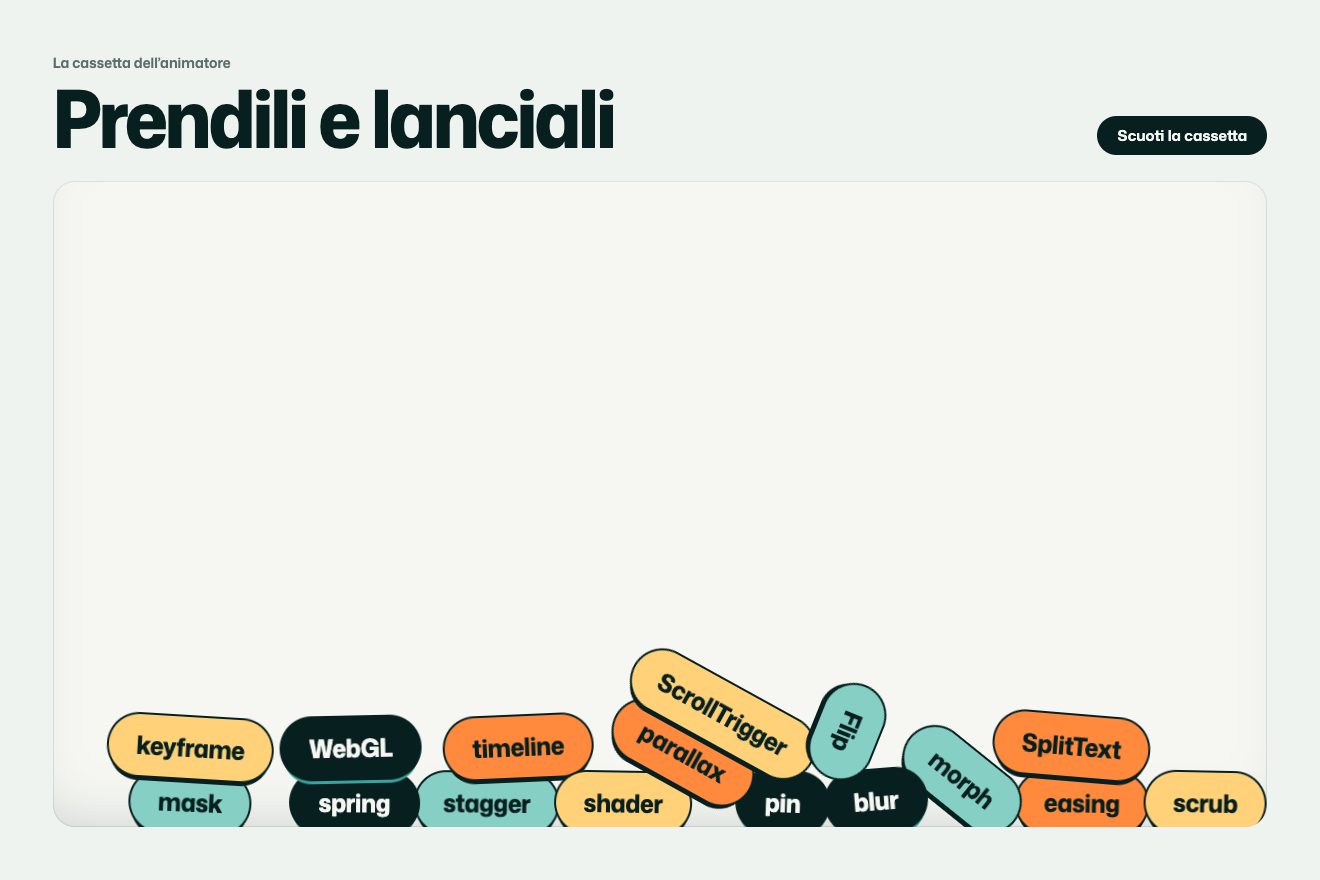
Falling tools
Physics, Hover
NewFree
The cooling tray of a small roastery, full of freshly roasted beans: the pointer runs through it like a hand, opens a furrow, the beans in front fly off, knock their neighbours, hop, flip over on the other side and settle, and the roastery’s stamp shows in the furrow. A button shakes the tray and the beans flow back into the gaps, like sand.
A folder that runs on its own: index.html, style.css, script.js and the libraries from a CDN. The React and Vue tabs hold the same demo as a ready component, which switches its animations off when it leaves the page.
<!doctype html>
<html lang="en">
<head>
<meta charset="utf-8">
<meta name="viewport" content="width=device-width, initial-scale=1">
<title>Coffee bean tray</title>
<link rel="stylesheet" href="https://cdn.jsdelivr.net/npm/@fontsource-variable/fraunces@5.3.0/full.css">
<link rel="stylesheet" href="https://cdn.jsdelivr.net/npm/@fontsource-variable/mona-sans@5.3.0/standard.css">
<link rel="stylesheet" href="style.css">
</head>
<body>
<main class="stage" data-stage>
<!-- the cooling tray of the roastery: a wooden frame, a burlap floor with the stamp, the beans on a canvas -->
<div class="tray" data-tray>
<div class="tray__frame" data-frame>
<div class="tray__bed">
<div class="tray__floor" aria-hidden="true">
<div class="stamp" data-stamp>
<div class="stamp__in">
<svg class="stamp__seal" viewBox="0 0 200 200">
<defs>
<path id="seal-ring" d="M100 100 m-74 0 a74 74 0 1 1 148 0 a74 74 0 1 1 -148 0"></path>
</defs>
<circle cx="100" cy="100" r="94" fill="none" stroke="currentColor" stroke-width="6"></circle>
<circle cx="100" cy="100" r="56" fill="none" stroke="currentColor" stroke-width="3"></circle>
<text class="stamp__ring"><textPath href="#seal-ring" startOffset="0" textLength="458" lengthAdjust="spacing">Small batch · Roasted at dawn ·</textPath></text>
<!-- the low flame -->
<path d="M100 66c4 12 18 20 18 38a18 18 0 0 1-36 0c0-10 6-15 9-22 2 7 5 10 8 11-2-9-1-18 1-27z" fill="currentColor"></path>
<path d="M78 136h44" stroke="currentColor" stroke-width="5" stroke-linecap="round"></path>
</svg>
<div class="stamp__words">
<p class="stamp__name">Low Fire</p>
<p class="stamp__line">Roasters of Huila beans</p>
</div>
</div>
</div>
</div>
<canvas class="tray__beans" data-beans aria-hidden="true"></canvas>
<div class="tray__lip" aria-hidden="true"></div>
</div>
</div>
</div>
<div class="light" aria-hidden="true"></div>
<!-- the paper tag lying on the corner of the tray -->
<article class="tag" data-tag>
<div class="tag__card">
<span class="tag__hole" aria-hidden="true"></span>
<p class="tag__kicker">Low Fire Roasters</p>
<h1 class="tag__title">Roasted at dawn</h1>
<p class="tag__line">Pink bourbon from Huila, Colombia. Washed, light roast: panela, red apple, black tea.</p>
<dl class="tag__facts">
<div><dt>Roasted</dt><dd>06:40</dd></div>
<div><dt>Batch</dt><dd>12 kg</dd></div>
</dl>
<button class="pill" type="button" data-shake>
<span class="pill__text" data-text="Shake the tray">Shake the tray</span>
</button>
</div>
</article>
<p class="hint" data-hint><span>Run your hand through the beans</span></p>
</main>
<svg class="defs" aria-hidden="true" width="0" height="0">
<!-- the stamp ink: rough edges and the gaps where the burlap did not take it -->
<filter id="ink" x="-5%" y="-5%" width="110%" height="110%">
<feTurbulence type="fractalNoise" baseFrequency="0.85" numOctaves="2" seed="7" result="grain"></feTurbulence>
<feDisplacementMap in="SourceGraphic" in2="grain" scale="3" xChannelSelector="R" yChannelSelector="G" result="rough"></feDisplacementMap>
<feColorMatrix in="grain" type="matrix" values="0 0 0 0 0 0 0 0 0 0 0 0 0 0 0 0 0 0 -2.6 1.75" result="holes"></feColorMatrix>
<feComposite in="rough" in2="holes" operator="in"></feComposite>
</filter>
</svg>
<script src="https://cdn.jsdelivr.net/npm/gsap@3.15.0/dist/gsap.min.js"></script>
<script src="script.js"></script>
</body>
</html>Change values, colours and text with the controls and watch the animation respond live. Or write in the code yourself. Then download the folder with your changes.
34 values to change
With the Animorio connector, Claude Code takes it from here, guide included, and fits it into your project. Paste this request:
Take “The coffee bean tray” from Animorio and fit it into my siteFor the physics a bean is a circle on the floor, smaller than its drawing: so the drawings overlap and the layer looks like a heap. Every bean has a position, a speed, a turn, a height and the side it lies on. At every step it slides, friction slows it down (FRICTION) and it soon stops, like a real bean on burlap.
A grid finds the neighbours of every bean. Two beans that overlap are moved apart and, if they are moving closer, swap speed along the line between them with a dull bounce; the rub turns them. A hard knock makes the one that was still hop: so the push passes from bean to bean and the heaps on the sides of the furrow build up by themselves.
The pointer is a circle (HAND) that at every frame goes from where it was to where it is, split into more steps when it runs: a bean inside that stretch is pushed out and takes the speed of the hand, a little more (PUSH), so it flies ahead. Holding the button down widens the circle with a bounce.
A bean hit hard hops (HOP): it has a height that gravity pulls back down, it passes over the others without knocking them, grows a little and its shadow moves away. In the air it turns round its long side: the drawing squeezes, halfway it changes side (from the cut to the back) and on the floor it settles gently on the nearest side.
The button raises and lowers a value with a GSAP timeline: the frame trembles, the beans feel the tray moving under them and jiggle. A coarse grid counts how full every part of the tray is and pushes the beans from the fuller parts to the emptier ones, so the gaps close up as in sand.
| Name | File | Default | What it changes |
|---|---|---|---|
BEAN_SIZE | script.js | 1 | How big the beans are: bigger means fewer beans. |
FILL | script.js | 0.7 | How thick the layer is: 0.8 is packed full, 0.4 lets the burlap show. |
HAND | script.js | 1 | How wide the furrow the pointer opens. |
PUSH | script.js | 1 | How hard the beans hit by the hand fly off. |
FRICTION | script.js | 1 | How fast the beans stop: 0.4 makes them slide as on ice. |
HOP | script.js | 1 | How high the beans hop and how often they flip over (0 = never). |
SHAKE_TIME | script.js | 1.8 | How many seconds the shake of the tray lasts. |
--stamp | style.css | #8f2f1d | The colour of the stamp on the burlap (the beans go from --bean-light to --bean-dark, the cut is --crease, the silver skin --chaff). |
For the first page of a roastery, a café or a coffee shop, a grocer or a mill: something to touch that brings the product straight away, and a message (the name, an offer, the roasting date) hidden underneath, to uncover with your hand.
The tray fills the screen and the tag sits at the top, shorter, with the button next to the title. You drag a finger through the beans: the physics, the hops, the flips and the shake are the same, with smaller beans.
Nothing moves: the tray is already full and the beans stay where they are. Where the pointer passes the beans turn see-through and show the stamp, then slowly come back; the button fades the beans out and back in, shuffled.
GSAP 3.15.0, Fraunces (font variabile) 5.3.0, Mona Sans (font variabile) 5.3.0.
Compressed with gzip, the three demo files weigh 13 KB; the libraries: GSAP 28 KB.
Tested on 13 October 2026
Use it in your own projects and in your clients’ projects. Do not resell it or redistribute it as is. GSAP stays under its own Standard license. Full license.
With your account’s email and password.
or with your email
You’re signed in as .
With your account, you can download the zip of every animation and every pack, for free.