Skip to content
animorio
IT
All QR codes

The departure board QR

NewZIPPNGFree17 October 2026

Tap the code and it becomes a split-flap station board: the flaps fall in a cascade from where you touched, shuffle random letters and spell the site’s name in big letters. Then they flip on to the code, lit on black flaps inside a screwed metal frame.

The flat code always scans: it is a standard QR (error correction level M), tested with a phone camera. Before you print a thousand, scan it once.

What you can choose

Board
Station, Airport, Vintage, Night
Speed
Local, Regional, High speed

How to use it

  • Type the address

    Put the link to your site, a menu, a profile or just some text in the field and press Build. The code rearranges itself around the new address.

  • Watch it transform

    Tap the code: it steps into its style, and you change it with the choices below. Tap it again and it lies flat, ready to scan.

  • Download the animation

    The zip is the whole animation with your link and your colours: three files for your site, with the values to change at the top of the code, plus the PNG of the flat code (about 2000 pixels) for print. The zip needs a free account, the PNG alone does not.

How it’s made

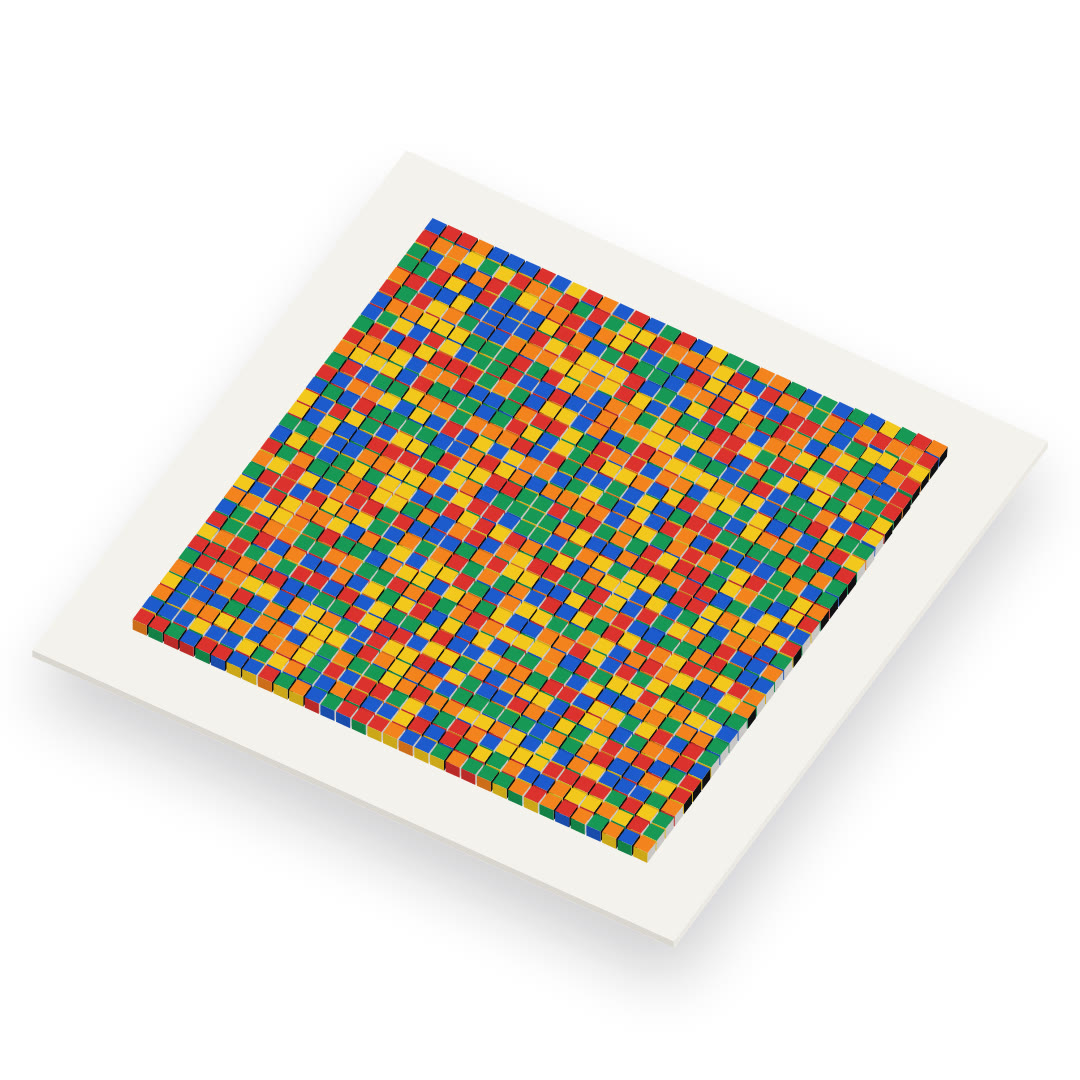
  • One flap per module

    Every QR module is a flap with two halves: the top one falls onto the bottom one by squashing its height, with a shadow passing over the fold and a small bounce at the end. All on a 2D canvas; at rest nothing is redrawn.

  • The cascade

    Each flap starts later the farther it is from the point you tapped and shuffles two or three faces before it stops; the chosen speed changes the fall and the delay. Changing the address only flips the flaps that change.

  • The destination

    Before the code the board spells the site’s name, taken from the address, in big letters made of several flaps: Archivo squeezed to the end of its wdth axis, like the lettering on real boards.

The other styles

Animated QR codes16 styles