Skip to content
animorio
IT
All QR codes

The QR built from toy bricks

NewZIPPNGFree18 October 2026

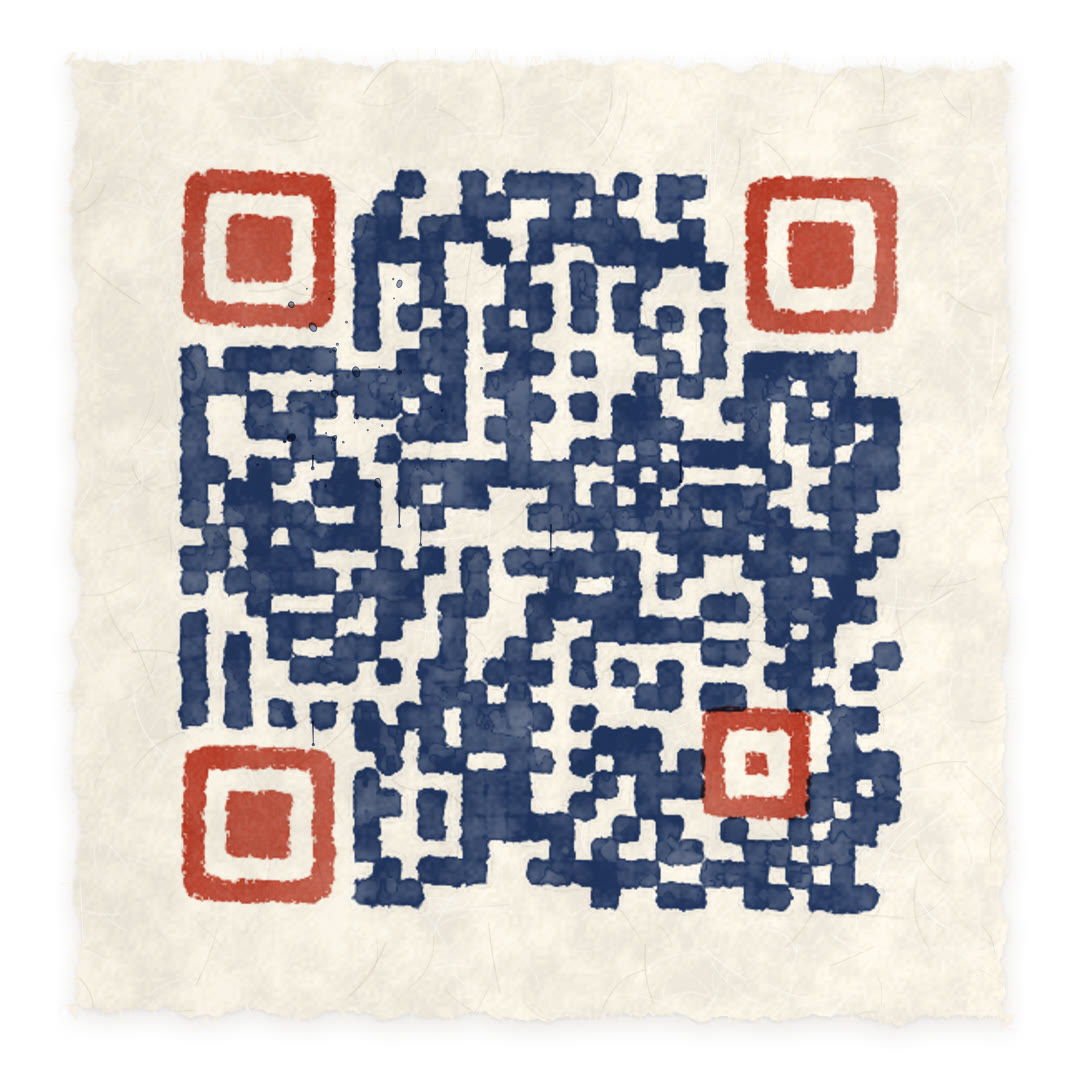
Tap the code and the paper becomes a building plate: the studs pop up and glossy plastic bricks rain from above, snapping in with a bounce and joining neighbouring modules into longer pieces. Change the address and the bricks that aren’t needed fly off; tap them and it all comes apart, back to the code to scan.

The flat code always scans: it is a standard QR (error correction level M), tested with a phone camera. Before you print a thousand, scan it once.

What you can choose

Colours
Classic red, Sea, Forest, Pastel, Black night
Bricks
Short, Long, Mixed

How to use it

  • Type the address

    Put the link to your site, a menu, a profile or just some text in the field and press Build. The code rearranges itself around the new address.

  • Watch it transform

    Tap the code: it steps into its style, and you change it with the choices below. Tap it again and it lies flat, ready to scan.

  • Download the animation

    The zip is the whole animation with your link and your colours: three files for your site, with the values to change at the top of the code, plus the PNG of the flat code (about 2000 pixels) for print. The zip needs a free account, the PNG alone does not.

How it’s made

  • The right pieces

    The code is cut into real bricks: neighbouring dark modules join into pieces of two, three or four, and in Mixed also upright and square ones; the position squares get their frame and the centre piece, which lands last and shakes the plate.

  • Glossy plastic

    Every brick is drawn on a 2D canvas with its front face, the gloss on top and the studs, prepared as images in advance, so even three hundred pieces in the air stay smooth.

  • The snap

    The pieces fall staggered by their distance from where you tapped and snap in with a small squash and a bounce; changing colour, every piece hops and turns in mid-air, in a wave from the centre.

The other styles

Animated QR codes16 styles