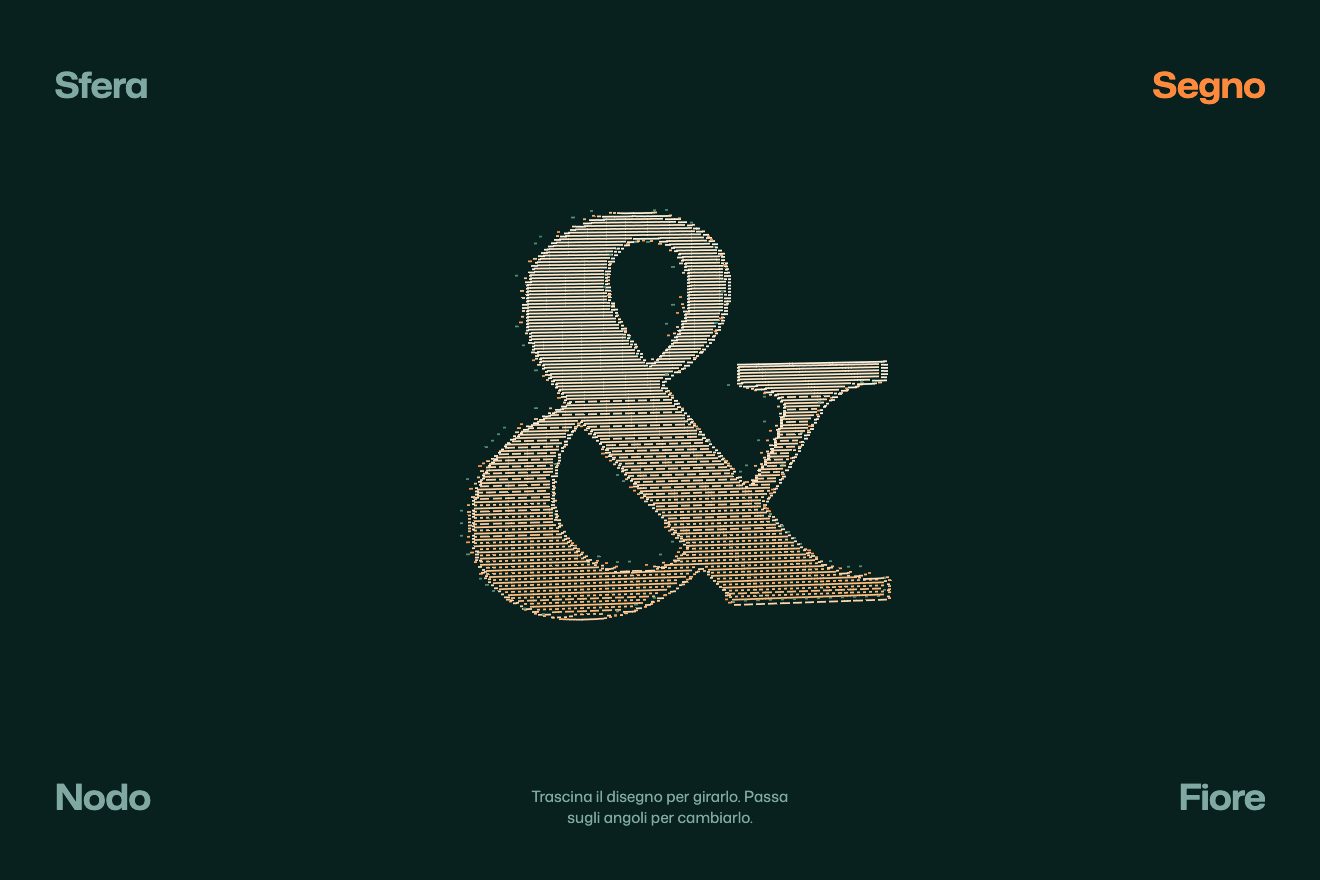
The dash relief
WebGL, 3D, Hover
Free
A minimal-style WebGL cube, drawn only with its thin edges, with a word on every face. Drag it to turn it and it settles on a spring onto the nearest face; hover it and it unfolds into its net, the cross of six squares, one hinge after another, then folds back.
A folder that runs on its own: index.html, style.css, script.js and the libraries from a CDN. The React and Vue tabs hold the same demo as a ready component, which switches its animations off when it leaves the page.
<!doctype html>
<html lang="en">
<head>
  <meta charset="utf-8">
  <meta name="viewport" content="width=device-width, initial-scale=1">
  <title>Plano</title>
  <link rel="stylesheet" href="https://cdn.jsdelivr.net/npm/@fontsource-variable/archivo@5.3.0/wdth.css">
  <link rel="stylesheet" href="style.css">
  <script type="importmap">
    { "imports": {
      "three": "https://cdn.jsdelivr.net/npm/three@0.178.0/build/three.module.min.js"
    } }
  </script>
</head>
<body>
  <!-- a cube drawn only with its edges, one word on every face: drag it to turn it, it settles on the nearest face;
       hover it (or tap it) and it unfolds flat into its net, hinge after hinge, then folds back -->
  <main class="pagina" data-pagina>
    <canvas class="tela" aria-label="A wireframe cube with a word on each face, drag to turn it, hover to unfold it" role="img" data-tela></canvas>

    <header class="testa">
      <p class="marca" data-entra>Plano</p>
      <button class="apri" type="button" aria-pressed="false" data-entra data-apri>Unfold</button>
    </header>

    <footer class="piede">
      <p class="voce" data-entra><span class="voce__finestra"><span data-voce>Work</span></span></p>
      <p class="nota" data-entra data-nota>Drag to turn, hover to unfold</p>
    </footer>
  </main>

  <script src="https://cdn.jsdelivr.net/npm/gsap@3.15.0/dist/gsap.min.js"></script>
  <script type="module" src="script.js"></script>
</body>
</html>Change values, colours and text with the controls and watch the animation respond live. Or write in the code yourself. Then download the folder with your changes.
16 values to change
With the Animorio connector, Claude Code takes it from here, guide included, and fits it into your project. Paste this request:
Take “The cube that unfolds flat” from Animorio and fit it into my siteThe front face sits at the centre of a group; the others are children of a pivot placed on the edge that joins them: right and left turn around y, top and bottom around x, and the back face is a child of the top face, on its far edge. With all angles at zero the faces lie in the same plane and make the cross of the net; with all at a quarter turn the cube is closed. Every face is an EdgesGeometry square with LineBasicMaterial, plus two planes with the word: a thin one and a heavy one.
The open cross does not have its centre where the cube has it: open it must move down by half a side, closed it must move forward by half a side. The offset follows the average of the hinge angles, and so does the camera distance, computed on every resize so that both the closed cube and the open cross fit in the space between header and footer.
Every hinge has its own spring, integrated each frame on the GSAP ticker, and changes target only after a delay that depends on its order: opening, the sides go first, then the bottom face, then the back one; closing, the reverse. The cube's rotation uses another spring towards the nearest quarter turn, with damping at 0.82, which gives one degree too far and the settle.
While dragging, the cube follows the finger and the speed is measured between events. On release, the spring's target is the quarter turn nearest to where the hand would have taken it, and the push dies down with inertia while the spring takes over.
Every frame each face's world normal is compared with the camera direction: the one most turned towards us is the front one. Its heavy vermilion word rises, the thin one fades; side faces grow paler the more edge-on they are. The name at the bottom changes with a back.out jump.
| Name | File | Default | What it changes |
|---|---|---|---|
LATO | script.js | 2 | The side of the cube in the scene: the camera adapts, so it mostly changes how thin the lines look. |
MOLLA | script.js | 90 | The stiffness of the spring that settles the cube on a face: stiffer arrives sooner. |
SMORZA | script.js | 0.82 | That spring's damping: lower swings more; at 0.82 it goes one degree past and back. |
CERNIERA | script.js | 150 | The stiffness of the hinge springs. |
SFALSA | script.js | 0.09 | The delay between one hinge and the next, in seconds: at zero they all open together. |
INERZIA | script.js | 0.92 | How much of the hand's push remains each frame. |
OGNI | script.js | 2.2 | How many seconds between the cube's idle quarter turns. |
PIATTO | script.js | 3.2 | How many seconds it stays open when it opens on its own. |
For the menu or home page of an architecture, design or graphics studio, for a product that comes in a box, to present six sections in a single object.
The same cube: a finger turns it with inertia and the spring, a tap without dragging opens and closes it. The camera sizes the cube and the cross on the height too, so they fit the narrow box.
With reduced motion the cube does not turn on its own and does not swing: dragged, it settles straight on the face, and opening and closing are a fade.
Three.js 0.178.0, GSAP 3.15.0, Archivo (font variabile) 5.3.0.
Compressed with gzip, the three demo files weigh 8.0 KB; the libraries: GSAP 28 KB, Three.js 174 KB.
Tested on 22 October 2026
Use it in your own projects and in your clients’ projects. Do not resell it or redistribute it as is. GSAP stays under its own Standard license. Full license.
With your account’s email and password.
or with your email
You’re signed in as .
With your account, you can download the zip of every animation and every pack, for free.