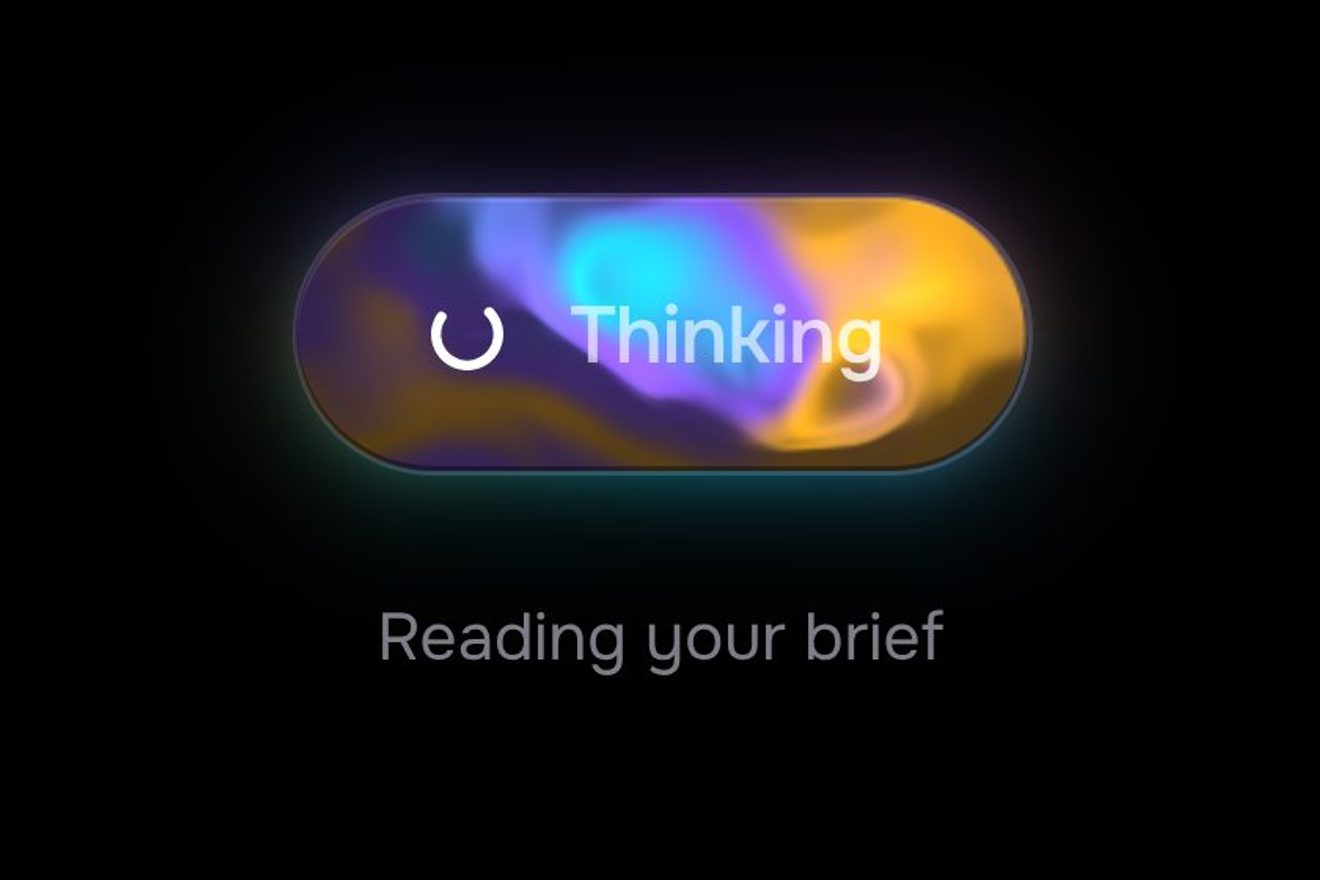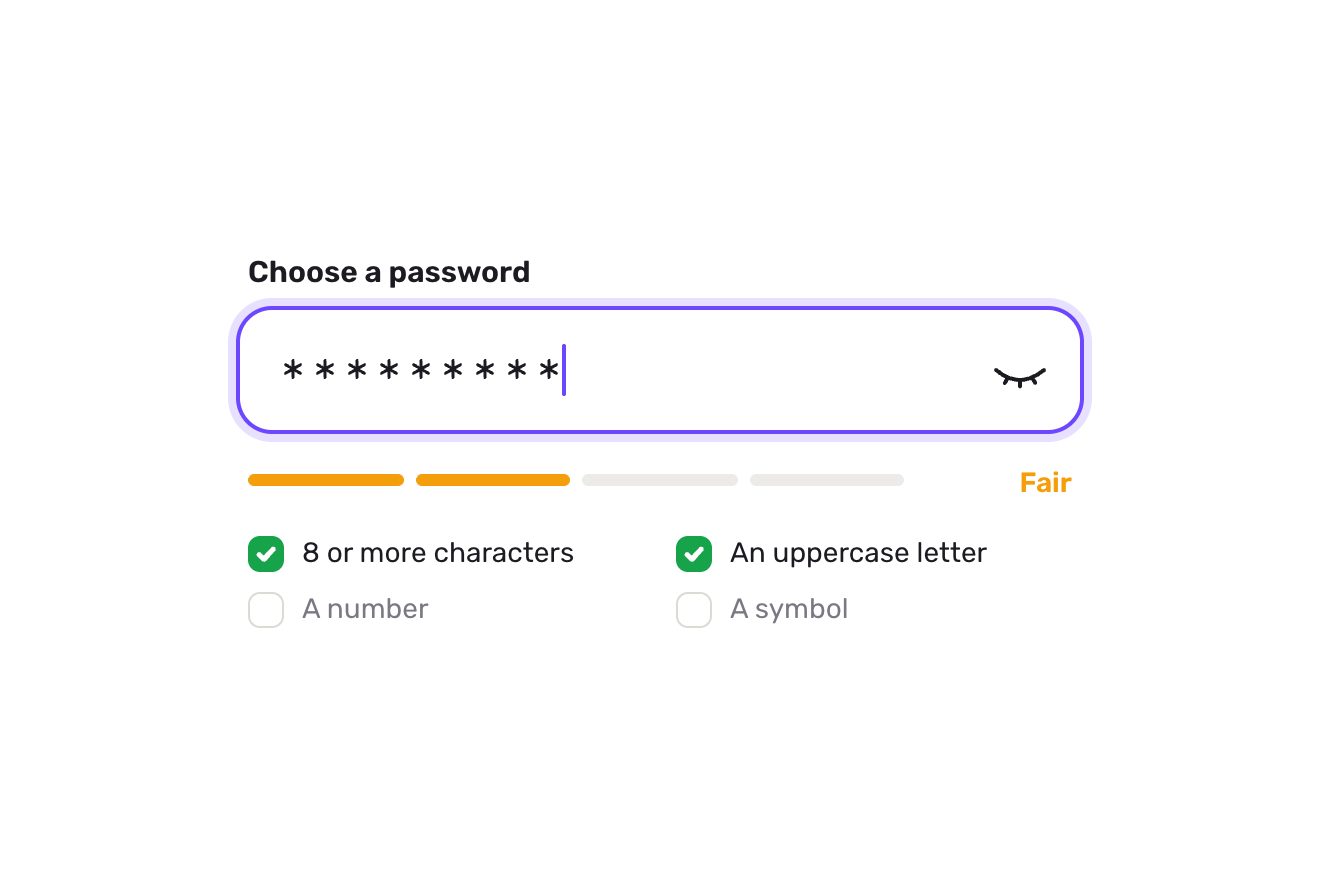
The password field
Forms, Text, SVG
NewFree
In the minimal style, on black: the Save draft of a notes app whose outline is a thin dashed line slowly marching round the pill, like a selection waiting to be confirmed. Under the pointer the dashes slow down and the gaps close until the line is solid. Pressed, an orange line starts at the top and runs round the pill, closing the dashes behind it while the draft saves; when it meets itself the ring closes, growing by one pixel, the crop marks at the corners flash, a tick is drawn and Saved lands. Then the ring opens into dashes again.
A folder that runs on its own: index.html, style.css, script.js and the libraries from a CDN. The React and Vue tabs hold the same demo as a ready component, which switches its animations off when it leaves the page.
<!doctype html>
<html lang="en">
<head>
  <meta charset="utf-8">
  <meta name="viewport" content="width=device-width, initial-scale=1">
  <title>The dashed outline button</title>
  <link rel="stylesheet" href="https://cdn.jsdelivr.net/npm/@fontsource-variable/archivo@5.3.0/wdth.css">
  <link rel="stylesheet" href="style.css">
</head>
<body>
  <main class="stage">
    <!-- the dashed outline button: the Save draft of a notes app, on black. At rest the outline is a dashed line that
         slowly marches round the pill; under the pointer the gaps close and the line turns solid. Pressed, one orange
         line runs round the pill from the top and closes the dashes behind it as the draft saves; when it meets itself
         the ring closes with a one pixel overshoot, a tick is drawn and Saved lands. Then the ring opens into dashes
         again. Four crop marks at the corners feel every step -->
    <div class="dash" data-dash>
      <div class="dash__frame">
        <svg class="dash__marks" aria-hidden="true" data-marks>
          <path class="dash__mark" data-mark></path>
          <path class="dash__mark" data-mark></path>
          <path class="dash__mark" data-mark></path>
          <path class="dash__mark" data-mark></path>
        </svg>
        <button class="dash__btn" type="button" data-btn data-autoclic>
          <svg class="dash__line" aria-hidden="true" data-line>
            <g data-ring>
              <path class="dash__ink" data-ink></path>
              <path class="dash__run" data-run></path>
            </g>
          </svg>
          <span class="dash__words">
            <span class="dash__word" data-word="rest">Save draft</span>
            <span class="dash__word dash__word--busy" data-word="busy" aria-hidden="true">Saving</span>
            <span class="dash__word dash__word--done" data-word="done" aria-hidden="true">
              <svg class="dash__tick" viewBox="0 0 16 16" aria-hidden="true"><path d="M2.5 8.6 6.3 12.2 13.6 4.2" data-tick></path></svg>
              <span data-done-text>Saved</span>
            </span>
          </span>
        </button>
      </div>
      <p class="dash__note" data-note>Draft · 1,240 words</p>
      <p class="sr" aria-live="polite" data-live></p>
    </div>
  </main>

  <script src="https://cdn.jsdelivr.net/npm/gsap@3.15.0/dist/gsap.min.js"></script>
  <script src="script.js"></script>
</body>
</html>Change values, colours and text with the controls and watch the animation respond live. Or write in the code yourself. Then download the folder with your changes.
20 values to change
With the Animorio connector, Claude Code takes it from here, guide included, and fits it into your project. Paste this request:
Take “The dashed outline button” from Animorio and fit it into my siteThe outline is an SVG path of the pill starting at the middle of the top side and running clockwise, worked out in pixels on the button’s real size. The same path is used twice: once for the dashes and once, on top, for the orange line.
The dashes are a stroke-dasharray of DASH drawn and GAP empty: the marching is just the stroke-dashoffset moving on every frame, and closing the gaps is just taking the second number to zero. The marching speed is proportional to the gap, so the dashes slow down as they close and a solid line stands still. The colour goes from grey to warm white with color-mix between the two :root variables, so the Playground Palette recolours them.
The orange line has a dasharray of (progress times length) drawn and the rest empty: GSAP takes the progress from 0 to 1 in three stretches, quick, a hesitation halfway and the final run, while the gaps of the dashes ahead tighten. When it closes, the dashes disappear and the ring group grows by (width plus 2) divided by width, one pixel on each side, and springs back.
Archivo has width and weight axes: Saved starts at width 118 and weight 300 and lands narrow at 98 and weight 600, one pixel too high and then in place. The four crop marks are drawn again at every step at a distance from the corners that GSAP moves: they step closer under the pointer, snap in at the close and flash orange one after the other.
It is a real button; an aria-live line announces the save; the keyboard focus ring shows only when the keyboard is in use. During the run clicks are ignored. With reduced motion the dashes stand still and a click turns the outline orange and swaps the words with a fade.
| Name | File | Default | What it changes |
|---|---|---|---|
LABEL | script.js | Save draft | The words at rest. |
BUSY | script.js | Saving | The small word while the line runs round. |
DONE | script.js | Saved | The words once the draft is saved. |
NOTE | script.js | Draft · 1,240 words | The small line under the pill. |
NOTE_DONE | script.js | Saved to Notebook · just now | The small line once the draft is saved. |
DASH | script.js | 9 | The length of each dash of the outline, in pixels. |
GAP | script.js | 6 | The gap between two dashes, in pixels. |
MARCH | script.js | 14 | How fast the dashes march round the pill, in pixels a second. |
SAVE | script.js | 1.9 | The seconds the orange line takes to go round. |
HOLD | script.js | 1.6 | The seconds Saved stays before the ring opens again. |
For a save or submit button that should show the work is safe: an editor’s draft, an app’s settings, a long form, a file uploading.
The pill narrows to 32 pixels from the edges and the outline is worked out again on the real width. A tap presses the pill like a click and starts the save; the gaps closing under the pointer happen only with a mouse.
The dashes stand still; on click the outline fades to orange and the words swap, without the run and without bounces.
GSAP 3.15.0, Archivo (font variabile) 5.3.0.
Compressed with gzip, the three demo files weigh 6.1 KB; the libraries: GSAP 28 KB.
Tested on 23 October 2026
Use it in your own projects and in your clients’ projects. Do not resell it or redistribute it as is. GSAP stays under its own Standard license. Full license.
With your account’s email and password.
or with your email
You’re signed in as .
With your account, you can download the zip of every animation and every pack, for free.