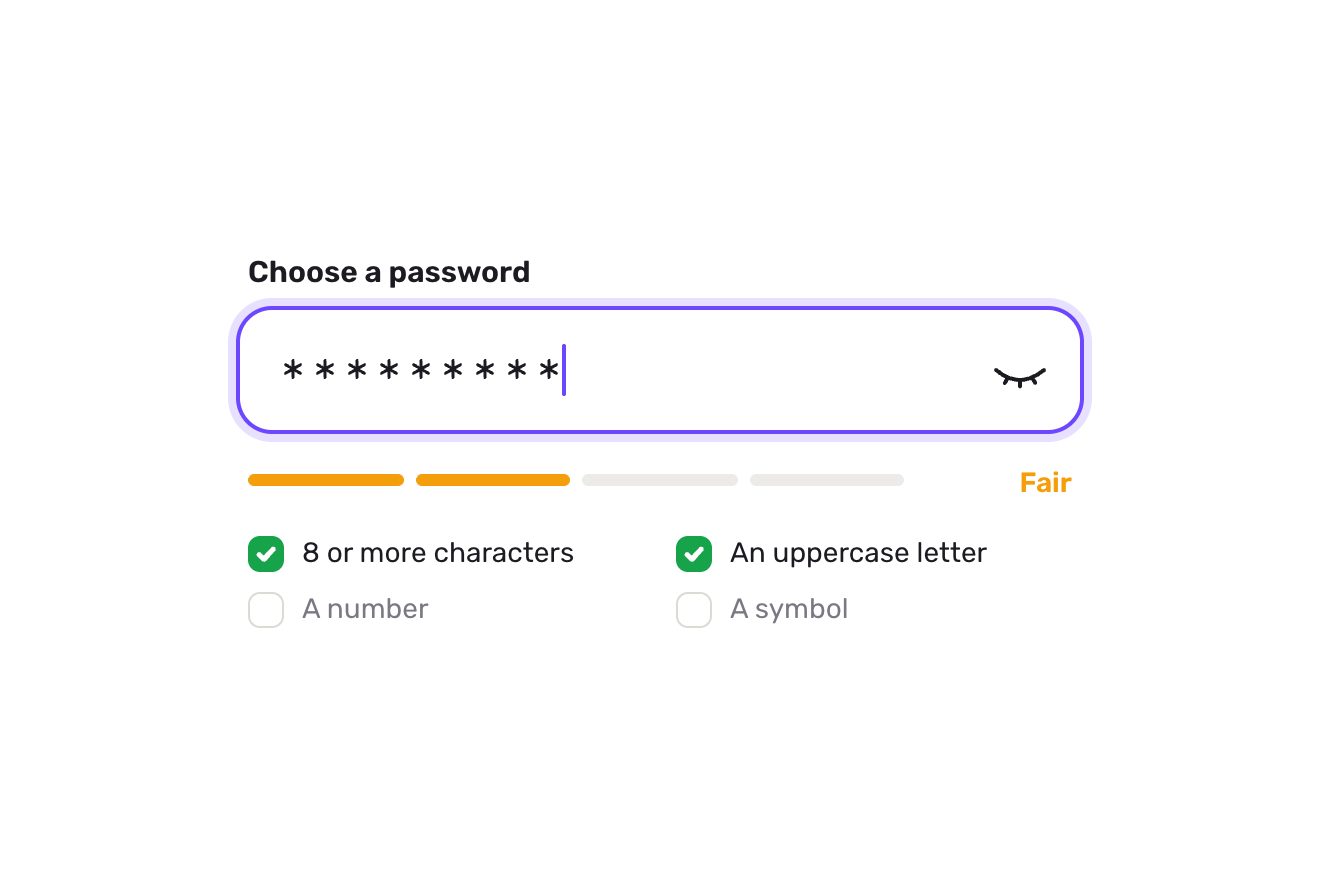
The password field
Forms, Text, SVG
NewFree
The email field of a sign-up that reads the address like a proofreader: while you type it offers the rest of the provider in grey, and a typo like nora@gmial.con gets a blue wavy line and a suggestion; taken, the letters correct themselves in place, the wrong one jumps out and falls, the right one drops in from above and the two swapped ones leap over each other. If something is missing the red pencil comes, with an insertion mark where it goes.
A folder that runs on its own: index.html, style.css, script.js and the libraries from a CDN. The React and Vue tabs hold the same demo as a ready component, which switches its animations off when it leaves the page.
<!doctype html>
<html lang="en">
<head>
  <meta charset="utf-8">
  <meta name="viewport" content="width=device-width, initial-scale=1">
  <title>The email field</title>
  <link rel="stylesheet" href="https://cdn.jsdelivr.net/npm/@fontsource-variable/archivo@5.3.0/wdth.css">
  <link rel="stylesheet" href="style.css">
</head>
<body>
  <main class="stage">
    <!-- the email field of a newsletter sign-up that reads the address like a copy editor: the rest of a known
         provider in grey while typing, a blue wavy line under a likely typo and the letters that fix themselves when
         the suggestion is taken, the red pencil where something is missing, and the button that sends it -->
    <form class="mail" action="#" novalidate data-mail data-autoclic>
      <label class="mail__label" for="mail-input">Email address</label>
      <div class="mail__field" data-field>
        <input class="mail__input" id="mail-input" name="email" type="text" inputmode="email" autocomplete="email" autocapitalize="off" autocorrect="off" spellcheck="false" enterkeyhint="send" placeholder="name@example.com" aria-describedby="mail-note" aria-invalid="false" data-input>
        <div class="mail__ink" aria-hidden="true" data-ink>
          <div class="mail__row" data-row>
            <svg class="mail__marks" data-marks><path class="mail__squiggle" data-squiggle/><path class="mail__wedge" d="M-4.6 5.4 0 0l4.6 5.4" data-wedge/></svg>
            <span class="mail__ghost" data-ghost><span class="ghost__clip" data-ghost-clip><span class="ghost__text" data-ghost-text></span></span><span class="ghost__key">tab</span></span>
            <span class="mail__caret" data-caret></span>
          </div>
        </div>
        <svg class="mail__tick" viewBox="0 0 20 20" aria-hidden="true" data-tick><path d="M4.6 10.4l3.6 3.6 7.2-8"/></svg>
        <button class="send" type="submit" data-send>
          <span class="send__bg" data-send-bg></span>
          <span class="send__label" data-send-label>Subscribe</span>
          <svg class="send__spin" viewBox="0 0 24 24" aria-hidden="true" data-spin><circle cx="12" cy="12" r="8.5"/></svg>
          <svg class="send__done" viewBox="0 0 24 24" aria-hidden="true" data-done><path d="M6.2 12.6l3.9 3.9 7.8-8.9"/></svg>
        </button>
      </div>
      <div class="mail__note" id="mail-note" aria-live="polite" data-note><span class="note__line is-help"><span class="note__words">One letter on Sundays. Leave whenever you like.</span></span></div>
      <span class="sr" aria-live="polite" data-live></span>
    </form>
  </main>

  <script src="https://cdn.jsdelivr.net/npm/gsap@3.15.0/dist/gsap.min.js"></script>
  <script src="script.js"></script>
</body>
</html>Change values, colours and text with the controls and watch the animation respond live. Or write in the code yourself. Then download the folder with your changes.
58 values to change
With the Animorio connector, Claude Code takes it from here, guide included, and fits it into your project. Paste this request:
Take “The email field” from Animorio and fit it into my siteThe input is real (a label, autocomplete email, inputmode email for the keyboard with the @ on phones, aria-invalid and aria-describedby pointing at the line underneath, which is aria-live). It is of type text, not email: an email input does not let the script read or move the caret (selectionStart is null and setSelectionRange throws), and here it matters whether the caret is at the end. Its own letters are the ones you see: the drawn letters only take their place while they move, and meanwhile the input’s text, caret and placeholder are transparent.
Every position is measured with measureText on a canvas, in the input’s font read from getComputedStyle. A letter starts where the text up to and including it ends, less its own width: that way the kerning with the letter before (W and a, y and the dot) counts, as the input counts it. Everything drawn sits in a row shifted by the input’s scroll (scrollLeft, read on every frame only while the field has the focus), inside a layer cut exactly to the input’s text box.
After the @, with the caret at the end, the first provider in PROVIDERS that starts with the domain typed shows in grey after the caret; when the provider changes the old ending leaves upwards and the new one comes in from below, like a reel. PAUSE seconds after the last key (a GSAP delayedCall restarted at every key) the domain is compared with the providers using the Damerau-Levenshtein distance: one letter for the short ones, two for those of nine letters or more, with a length differing by one letter at most. If none is close, the ending is compared with ENDINGS (.con becomes .com). The wavy line is an SVG path recomputed on every frame while it draws: a sine wave whose amplitude settles with elastic.out.
The same Damerau-Levenshtein table, walked back from its corner, gives the list of steps: letters that stay, that are replaced, that go, that come, and swapped pairs. Those that stay slide to their new place with power3.inOut; in a swapped pair one leaps HOP pixels growing and the other passes underneath shrinking, on an arc made with a sine; those that go fall on a real parabola (a push upwards and gravity), turning and fading; the new ones drop in with back.out. It all takes FIX seconds; if a long address has to scroll, the row glides along with the letters.
The check says what is missing and where: a red wavy line under the wrong part, or an insertion mark under the place where something has to be written (the @ before gmail.com, the ending after the domain). It checks on leaving the field and on sending; after an error, at every key, and the error goes as soon as the address is right. Sending narrows the button into a circle (width and radius with GSAP) with an arc spinning for WAIT seconds. A click from a script on the form (detail 0, the library’s preview) makes one move at a time without taking the focus, with a drawn caret: a typo, the fix, sending, a provider completed, an ending forgotten and added.
| Name | File | Default | What it changes |
|---|---|---|---|
PAUSE | script.js | 0.7 | The seconds of quiet after the last key before the field reads the address over. |
FIX | script.js | 0.85 | How many seconds the letters take to correct a typo. |
HOP | script.js | 15 | How high a letter leaps over its neighbour when the two swap places, in pixels. |
WAVE | script.js | 1.6 | How wavy the line under a word is, in pixels. |
WAIT | script.js | 1.3 | How many seconds the subscription takes in the demo, while the arc spins. |
PROVIDERS | script.js | ['gmail.com', 'yahoo.com', 'outlook.com', …] | The providers the field completes and checks typos against, the most common first. |
ENDINGS | script.js | ['com', 'net', 'org', …] | The endings the field knows, to notice a .con or a .cmo. |
In a newsletter sign-up, when registering for a service, at a shop’s checkout: anywhere a wrong address means a lost person, because the confirmation will never reach them. The suggestion does not block: whoever really meant that address can send it anyway.
The field takes the width of the screen (358 pixels on a 390 phone), stays 60 tall and the button narrows to 108. A tap opens the email keyboard, with the @ and the dot, and the Enter key says Send. The grey rest of the provider is taken by tapping it, without the keyboard closing; the suggestion is tapped like a button. An address longer than the field scrolls, and the letters and marks scroll with it. Tapping Subscribe with a typo just found shows the suggestion instead of sending at once.
The letters do not leap or fall: the old address fades where it is and the corrected one appears. The wavy line and the insertion mark fade in, without wriggling or springing up; the grey ending changes without rolling; the field does not shake; the button does not narrow and the arc stays still; the lines under the field swap with a fade.
GSAP 3.15.0, Archivo (font variabile) 5.3.0.
Compressed with gzip, the three demo files weigh 16 KB; the libraries: GSAP 28 KB.
Tested on 5 October 2026
Use it in your own projects and in your clients’ projects. Do not resell it or redistribute it as is. GSAP stays under its own Standard license. Full license.
With your account’s email and password.
or with your email
You’re signed in as .
With your account, you can download the zip of every animation and every pack, for free.