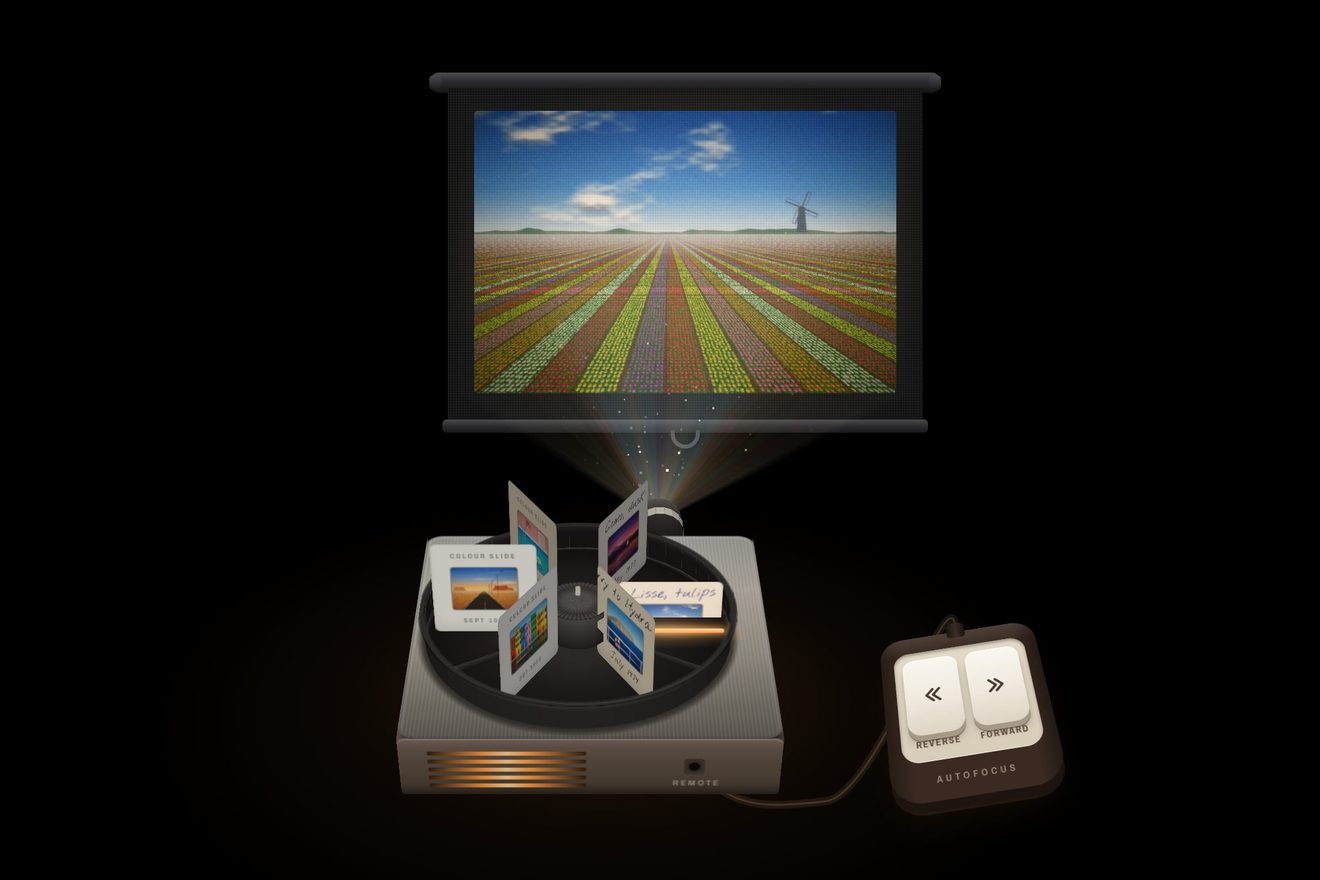
The slide projector gallery
Galleries, Images, 3D, Transitions
NewFree
The photos of a flat to let in an old palazzo by the sea, its rooms one after the other with all the doors in a row: every photo is a room drawn in perspective, and through its door the others show, down to the terrace and the sea. Opening a photo, the camera steps into the room; with the arrows, the keys or a finger you go through the door and walk into the next room, and closing, you step back and the photo lands in its square.
A folder that runs on its own: index.html, style.css, script.js and the libraries from a CDN. The React and Vue tabs hold the same demo as a ready component, which switches its animations off when it leaves the page.
<!doctype html>
<html lang="en">
<head>
  <meta charset="utf-8">
  <meta name="viewport" content="width=device-width, initial-scale=1">
  <title>The enfilade gallery</title>
  <link rel="stylesheet" href="https://cdn.jsdelivr.net/npm/@fontsource-variable/bodoni-moda@5.3.0/index.css">
  <link rel="stylesheet" href="https://cdn.jsdelivr.net/npm/@fontsource-variable/albert-sans@5.3.0/index.css">
  <link rel="stylesheet" href="style.css">
</head>
<body>
  <main class="stage">
    <!-- the photos of a flat whose rooms open one into the next, the doors in a row. Each photo is a room drawn in
         perspective by the script; open, the camera steps into it, walks through the doors and steps back out -->
    <section class="flat" aria-label="Photos of the flat" data-gallery data-autoclic>
      <ul class="flat__grid" data-grid></ul>

      <div class="tour" role="dialog" aria-modal="true" aria-labelledby="tour-name" tabindex="-1" hidden data-tour>
        <canvas class="tour__view" role="img" data-view></canvas>
        <div class="tour__lens" aria-hidden="true"></div>
        <div class="tour__shade" aria-hidden="true"></div>

        <nav class="plan" aria-label="Floor plan" data-plan>
          <svg class="plan__lines" aria-hidden="true" focusable="false" data-plan-lines></svg>
        </nav>

        <button class="tour__btn tour__close" type="button" aria-label="Close the photos" data-close>
          <svg viewBox="0 0 24 24" aria-hidden="true" focusable="false"><path d="M6.5 6.5l11 11M17.5 6.5l-11 11"/></svg>
        </button>
        <button class="tour__btn tour__step tour__step--back" type="button" data-prev>
          <svg viewBox="0 0 24 24" aria-hidden="true" focusable="false"><path d="M14.5 6 8.5 12l6 6"/></svg>
          <span class="tour__to" aria-hidden="true" data-prev-name></span>
        </button>
        <button class="tour__btn tour__step tour__step--on" type="button" data-next>
          <span class="tour__to" aria-hidden="true" data-next-name></span>
          <svg viewBox="0 0 24 24" aria-hidden="true" focusable="false"><path d="M9.5 6l6 6-6 6"/></svg>
        </button>

        <div class="tour__caption">
          <h2 class="tour__name" id="tour-name"><span data-name></span></h2>
          <p class="tour__line"><span data-line></span></p>
        </div>
        <p class="sr" aria-live="polite" data-live></p>
      </div>
    </section>
  </main>

  <script src="https://cdn.jsdelivr.net/npm/gsap@3.15.0/dist/gsap.min.js"></script>
  <script src="script.js"></script>
</body>
</html>Change values, colours and text with the controls and watch the animation respond live. Or write in the code yourself. Then download the folder with your changes.
16 values to change
With the Animorio connector, Claude Code takes it from here, guide included, and fits it into your project. Paste this request:
Take “The enfilade gallery” from Animorio and fit it into my siteEvery room is a box: its depth, its walls left and right of the line of the doors, its height and the thickness of its far wall, with the door (square or arched) cut through the wall. The doors are all on x = 0, on the side of the windows as in real enfilades, and the rooms stand one behind the other along z. The furniture is boxes, of which only the faces turned to the camera are drawn, each in its own light (the windows are on the right); plants and lamps are flat drawings in metres facing the camera. A small engine projects every point: sx = px + f·(x − cx)/(z − cz), sy = py − f·(y − cy)/(z − cz). The camera never turns, so the vanishing point is the eye and the doors stay one behind the other; whatever is behind the camera is cut by a plane 4 centimetres in front of it (Sutherland-Hodgman) before projecting.
Drawing starts from the furthest room: the room the camera is in, then through its door the next one, and so on. For every door the rectangle where it shows on the canvas is worked out (the opening on both faces of the wall), cut by those of the doors before it, and the next room is drawn only inside it; when the rectangle is smaller than a pixel the chain stops. Inside a room: the far wall, the ceiling and the side walls, the floor with its joints, rugs and light, then the furniture sorted by distance from the camera, and inside each piece its parts sorted the same way.
The sun comes in through the windows on the right, low and from behind: every pane is followed along the light until it meets the floor, the left wall or the far wall, and each patch is cut on its own plane, so it bends at the corners and keeps clear of the door; it is drawn in screen mode, with a faint beam in the air. Every colour turns towards the colour of the evening with distance, m = 1 − e^(−(d − 2)/HAZE): the far rooms become veiled and warm. Sky, sea and headlands are infinitely far: they are drawn by their angle from the eye, and walking does not bring them nearer.
The photo in the grid is the room seen from 90 centimetres before its threshold, with the wall in front left out. Opening, a single value u from 0 to 1 (STEP_IN seconds, power3.inOut) moves three things together: the photo’s rectangle, from the square to the whole gallery (the lens follows the diagonal, f = diagonal / 2 / tan(LENS/2)); the camera, from where it took the photo to 45 centimetres inside the room; the grid, scaled and moved so its square follows the photo, fading. Closing, the same value goes back to 0 from wherever the camera is, towards the square of the room it is in.
The arrows, the plan, the keys and the trackpad have GSAP move only the camera’s z to the standing point of the room chosen (WALK seconds for one room, power2.inOut; a walk asked for while walking starts again from there with power2.out). The name changes halfway through the thickness of the wall, with a blur. A finger drags the camera along the rooms (6.2 metres every 62% of the width), with a rubber band past the first and the last; let go, it goes to the nearest room, or to the next one if it was thrown. Downwards it drags the value u of the step in: past a quarter, or with a throw, the photo goes back into its square.
The open photo is a dialog (role dialog, aria-modal) with the room’s name as its title: the focus goes to the dialog, Tab stays inside, Esc closes, the arrows walk, Home and End go to the first and the last room; closing, the focus goes back to the photo of the room you are in. The canvas carries the room’s description (alt) and every photo in the grid its own. The plan is an SVG made from the same measures: walls, windows and a cone that follows the camera; every room is a button. Over a photo in the grid the camera follows the pointer on a spring (PEEK) and leans in by 42 centimetres. A click from a script (the library’s preview) steps into a room, walks on twice and steps back out, without taking the focus.
| Name | File | Default | What it changes |
|---|---|---|---|
WALK | script.js | 1.35 | The seconds to walk from one room into the next (several rooms at once go a little faster). |
STEP_IN | script.js | 0.95 | The seconds to step from a photo into its room (stepping out is a little quicker). |
LENS | script.js | 88 | How wide the camera sees, in degrees across the photo’s diagonal: less is a long lens, more a wide angle. |
EYE | script.js | 1.35 | How high the camera stands above the floor, in metres. |
PEEK | script.js | 0.4 | How far, in metres, the camera moves following the pointer over a photo. |
HAZE | script.js | 30 | The metres of air that give the far rooms the colour of the evening: less, and the rooms at the end vanish into the light. |
For the listing of a flat to let or for sale, the rooms of a hotel or a holiday home, the halls of a museum or a villa one after the other, a furniture showroom: anywhere the photos are places one inside the next and it is worth walking through them instead of leafing through them.
Two columns of photos. Open, the photo fills the gallery upright, with more floor and more ceiling (the lens follows the diagonal, so the framing adapts by itself). A finger drags the camera along the rooms and throws it, and dragging down steps out; the arrows, a smaller plan and the close button stay. The leaning in under the pointer is not there on a phone.
The camera never moves: the open photo fades in, from one room to the next there is a crossfade, closing the photo fades away and the grid comes back. No leaning over the photos, no entrance for the thumbnails; the names change without moving.
GSAP 3.15.0, Bodoni Moda (font variabile) 5.3.0, Albert Sans (font variabile) 5.3.0.
Compressed with gzip, the three demo files weigh 30 KB; the libraries: GSAP 28 KB.
Tested on 6 October 2026
Use it in your own projects and in your clients’ projects. Do not resell it or redistribute it as is. GSAP stays under its own Standard license. Full license.
With your account’s email and password.
or with your email
You’re signed in as .
With your account, you can download the zip of every animation and every pack, for free.