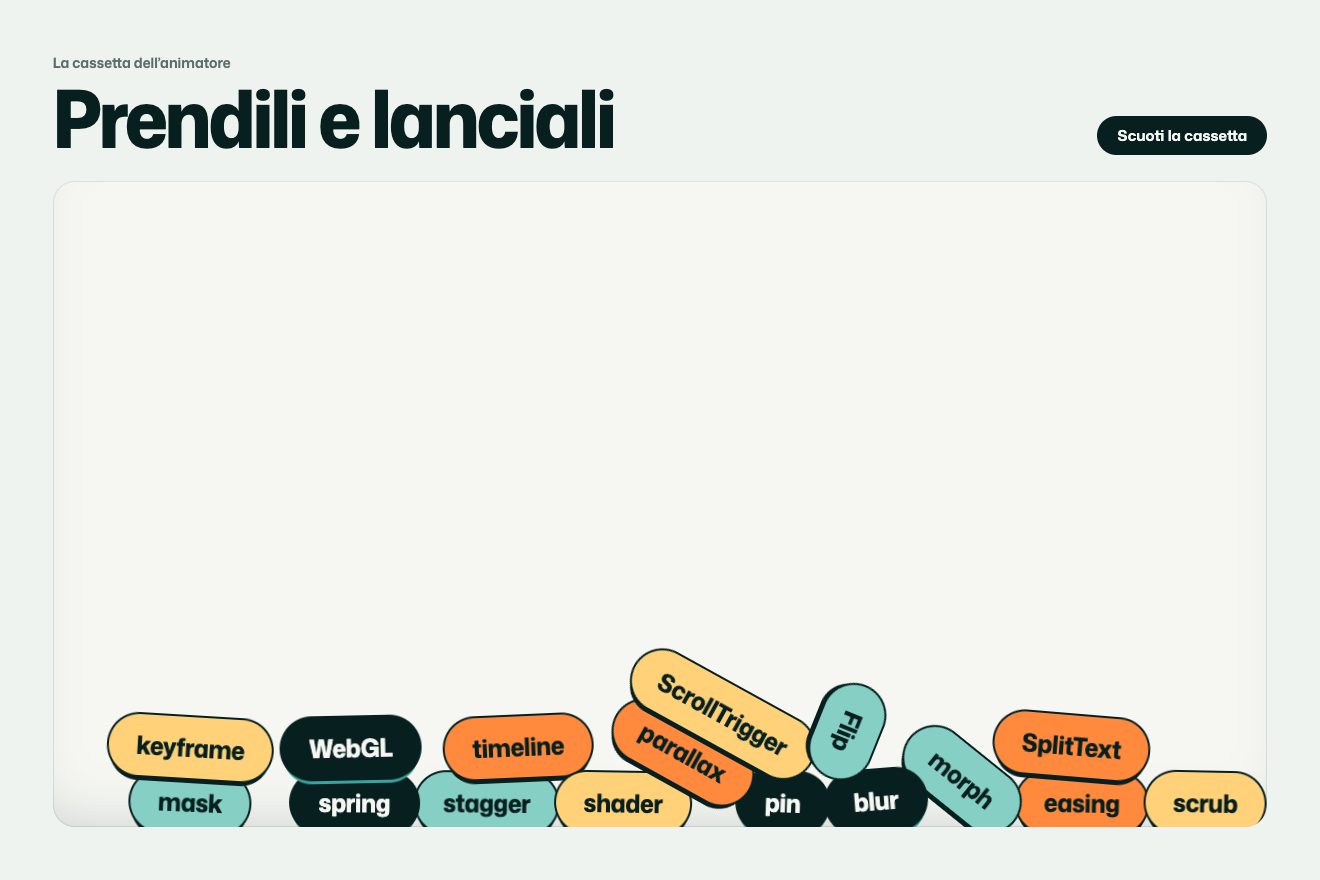
Falling tools
Physics, Hover
NewFree
Dozens of drawn feathers lying on the page of a pillow maker: moving the pointer over them, the air it pushes lifts them, they twirl, turn over and fall back swinging like leaves, then land softly. A click is a strong breath that sends them all flying.
A folder that runs on its own: index.html, style.css, script.js and the libraries from a CDN. The React and Vue tabs hold the same demo as a ready component, which switches its animations off when it leaves the page.
<!doctype html>
<html lang="en">
<head>
  <meta charset="utf-8">
  <meta name="viewport" content="width=device-width, initial-scale=1">
  <title>Feathers on the page</title>
  <link rel="stylesheet" href="https://cdn.jsdelivr.net/npm/@fontsource-variable/fraunces@5.3.0/full.css">
  <link rel="stylesheet" href="https://cdn.jsdelivr.net/npm/@fontsource-variable/mona-sans@5.3.0/standard.css">
  <link rel="stylesheet" href="style.css">
</head>
<body>
  <main class="stage" data-stage>
    <header class="bar" data-in>
      <a class="brand" href="#" aria-label="Ellery Down, home">
        <svg class="brand__mark" viewBox="0 0 40 40" aria-hidden="true">
          <path d="M8 33 C14 24 22 15 33 7" fill="none" stroke="currentColor" stroke-width="1.6" stroke-linecap="round"/>
          <path d="M15 24 C11 20 11 14 14 9 C18 11 21 15 21 19 M21 19 C24 14 29 11 33 7 C33 14 30 21 22 24 C19 25 17 25 15 24" fill="none" stroke="currentColor" stroke-width="1.3" stroke-linejoin="round"/>
        </svg>
        <span class="brand__name">Ellery Down</span>
      </a>
      <nav class="nav" aria-label="Main">
        <a href="#" class="nav__link"><span>Pillows</span></a>
        <a href="#" class="nav__link"><span>Duvets</span></a>
        <a href="#" class="nav__link"><span>Care</span></a>
      </nav>
    </header>

    <!-- the shadows lie on the page, the feathers float above it -->
    <div class="shadows" data-shadows aria-hidden="true"></div>

    <section class="copy" data-copy>
      <p class="copy__kicker" data-in>Hand-filled down pillows</p>
      <h1 class="copy__title" data-title>Lighter than what is inside</h1>
      <p class="copy__line" data-in>Every pillow is plumped by hand in our workshop and filled with loose down that never clumps. Sleep on it once and the old one goes to the dog.</p>
      <p class="copy__cta" data-in>
        <a class="pill" href="#" data-pill><span class="pill__text" data-text="Shop pillows">Shop pillows</span></a>
        <span class="copy__note">Free returns for 100 nights</span>
      </p>
    </section>

    <div class="feathers" data-feathers aria-hidden="true"></div>
    <div class="puffs" data-puffs aria-hidden="true"></div>

    <!-- a click anywhere is a strong breath; the button is there for the keyboard -->
    <button class="blow" type="button" aria-label="Blow all the feathers into the air" data-blow></button>

    <p class="hint" data-hint>Move over the feathers. Click to blow.</p>
  </main>

  <svg class="defs" width="0" height="0" aria-hidden="true"><defs data-defs></defs></svg>

  <script src="https://cdn.jsdelivr.net/npm/gsap@3.15.0/dist/gsap.min.js"></script>
  <script src="script.js"></script>
</body>
</html>Change values, colours and text with the controls and watch the animation respond live. Or write in the code yourself. Then download the folder with your changes.
32 values to change
With the Animorio connector, Claude Code takes it from here, guide included, and fits it into your project. Paste this request:
Take “Feathers on the pointer” from Animorio and fit it into my siteEvery feather is an SVG symbol made by the code: the shaft is a curve that bends a little, and along it the barbs leave on both sides, swept towards the tip; their ends draw the outline of the vane, which is filled with a soft colour. In two or three places the barbs sweep further up and the vane splits, as in real feathers. At the base a tuft of down. Every symbol has a flat copy for the shadow.
For every feather we keep its place on the page and its height above it. The higher it is, the further up the screen it goes and the bigger it gets; its shadow stays on the page, drifting away and fading. The shadows sit in a layer under the copy, the feathers in one above. Everything moves with CSS transforms.
In the air every feather has a phase that keeps turning: the sideways shift is the sine of the phase, the falling speed follows the square of the cosine, so it falls fast in the middle of the swing and almost stops at the ends, like a leaf. Meanwhile it tips the way it is going and turns a little over its shaft. Near the page a cushion of air slows it and calms the swing; when it touches down, the shift becomes its place. The physics runs at 120 steps a second, at a fixed step.
At every move the whole path travelled by the pointer since the last event is checked: the feathers near that stretch, within REACH, get an upward push that grows with the speed of the gesture (a slow one only makes them slide and turn), a push along the gesture and one away from it. The side the air passes on decides which way they twirl.
A click, or a short tap on the phone, gives every feather a push up and away from the place of the click, stronger for the nearest ones, and a random spin. Nine curls of air open from the place of the click, drawn with a running dash, and the words of the title duck and spring back with an elastic, the nearest first.
| Name | File | Default | What it changes |
|---|---|---|---|
COUNT | script.js | 34 | How many feathers lie on the page (one in four is a little down feather). |
SIZE | script.js | 1 | How big the feathers are. |
AIR | script.js | 1 | How much air the pointer pushes: 2 lifts them high even with a slow sweep. |
REACH | script.js | 150 | How far from the pointer, in pixels, the air still lifts a feather. |
SWAY | script.js | 1 | How wide they swing from side to side while they fall. |
FALL | script.js | 1 | How fast they fall: 0.5 floats them down slowly. |
SPIN | script.js | 1 | How much they twirl and turn over in the air. |
BLOW | script.js | 1 | The strength of the breath of a click. |
--feather-2 | style.css | #efd4cc | One of the five feather colours (they go from --feather-1 to --feather-5; the shaft is --quill, the shadows --shadow). |
For the first page of a brand of pillows, duvets and bed linen, of light cosmetics, of a hotel or a shop of soft things: a toy to touch that says “light” straight away and invites you to stay.
The feathers are a little smaller and cover the whole page, with the copy at the bottom. They lift as you drag a finger through them; a short tap is the breath. The physics, the pendulum fall and the shadows are the same.
Nothing flies: the feathers are already lying on the page and fade in. The feather under the pointer softly fades a little; a click fades them all out and back in, in other places on the page.
GSAP 3.15.0, Fraunces (font variabile) 5.3.0, Mona Sans (font variabile) 5.3.0.
Compressed with gzip, the three demo files weigh 12 KB; the libraries: GSAP 28 KB.
Tested on 11 October 2026
Use it in your own projects and in your clients’ projects. Do not resell it or redistribute it as is. GSAP stays under its own Standard license. Full license.
With your account’s email and password.
or with your email
You’re signed in as .
With your account, you can download the zip of every animation and every pack, for free.