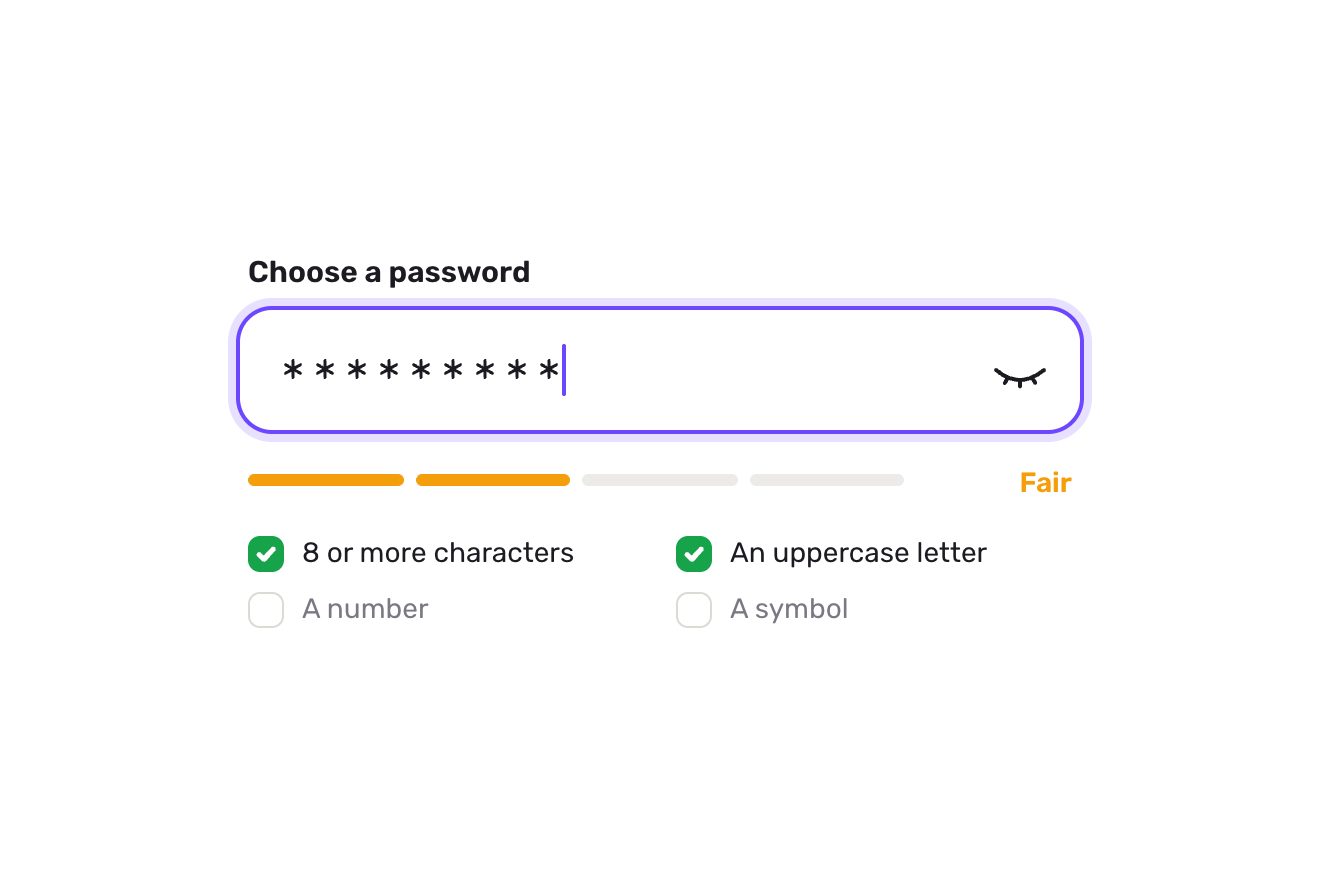
The password field
Forms, Text, SVG
NewFree
In the minimal style: the bio of a profile, 160 characters, with no box round it. Under the text a hairline is the room that is left: it gets shorter with every letter and ends at the count of characters left, in tabular figures that grow heavier as the limit comes near without ever changing width. Past the limit the extra letters fade, an orange hairline strikes them through one after the other, an upright mark shows where the limit falls and the count goes below zero; deleting them, the line comes back out of the count on a spring. Saving, a darker line runs up to the count and the pill says Saved.
A folder that runs on its own: index.html, style.css, script.js and the libraries from a CDN. The React and Vue tabs hold the same demo as a ready component, which switches its animations off when it leaves the page.
<!doctype html>
<html lang="en">
<head>
  <meta charset="utf-8">
  <meta name="viewport" content="width=device-width, initial-scale=1">
  <title>The field that counts its letters</title>
  <link rel="stylesheet" href="https://cdn.jsdelivr.net/npm/@fontsource-variable/archivo@5.3.0/wdth.css">
  <link rel="stylesheet" href="style.css">
</head>
<body>
  <main class="stage">
    <!-- the short bio of a profile, 160 characters. No box round the field: its underline is the room that is left,
         a hairline that gets shorter with every letter and ends at the count. Past the limit the extra letters are
         struck through with a hairline of the accent and the count goes below zero; deleting them, the line grows
         back on a spring. The marks over the text and the line are drawn by the script -->
    <form class="bio is-waiting" action="#" novalidate data-bio data-autoclic>
      <div class="bio__head">
        <label class="bio__label" for="bio-text" data-label>Bio</label>
      </div>

      <div class="bio__box" data-box>
        <div class="bio__mirror" aria-hidden="true" data-mirror></div>
        <textarea class="bio__input" id="bio-text" name="bio" rows="3" maxlength="400" spellcheck="false" autocomplete="off" placeholder="A line or two about you" aria-describedby="bio-count bio-note" data-input>Type designer in Porto. I draw display faces for small presses and restore old wood type for anyone who still prints by hand.</textarea>
        <svg class="bio__marks" aria-hidden="true" data-marks>
          <path class="bio__wash" data-wash d=""/>
          <path class="bio__strike" data-strike d=""/>
          <path class="bio__limit" data-limit d=""/>
        </svg>
        <span class="bio__caret" aria-hidden="true" data-caret></span>
      </div>

      <div class="bio__gauge" data-gauge>
        <svg class="bio__rule" aria-hidden="true" data-rule>
          <path class="bio__track" data-track d=""/>
          <path class="bio__line" data-line d=""/>
          <path class="bio__ticks" data-ticks d=""/>
          <path class="bio__run" data-run d=""/>
        </svg>
        <p class="bio__count" id="bio-count" data-count><span class="bio__num" aria-hidden="true" data-num>35</span><span class="sr" data-count-said>35 characters left</span></p>
      </div>

      <div class="bio__foot">
        <p class="bio__note" id="bio-note" data-note><span class="note__line">Shown under your name on your profile.</span></p>
        <button class="save" type="submit" data-save>
          <span class="save__bg" aria-hidden="true"></span>
          <span class="save__labels">
            <span class="save__label is-on" data-word="save">Save</span>
            <span class="save__label" aria-hidden="true" data-word="saving">Saving</span>
            <span class="save__label" aria-hidden="true" data-word="saved">Saved</span>
          </span>
        </button>
      </div>
      <span class="sr" aria-live="polite" data-live></span>
    </form>
  </main>

  <script src="https://cdn.jsdelivr.net/npm/gsap@3.15.0/dist/gsap.min.js"></script>
  <script src="script.js"></script>
</body>
</html>Change values, colours and text with the controls and watch the animation respond live. Or write in the code yourself. Then download the folder with your changes.
26 values to change
With the Animorio connector, Claude Code takes it from here, guide included, and fits it into your project. Paste this request:
Take “The field that counts its letters” from Animorio and fit it into my siteThe textarea is real and draws its own letters, caret and selection. Next to it, hidden with visibility: hidden, is a twin div with the same typeface, the same width, white-space: pre-wrap and overflow-wrap: break-word, holding the same text in a single node. For every character past the limit a Range on the twin, with getClientRects, gives the letter’s box on its line, even after a line break. Characters are counted the way the eye counts them (codePointAt, so an emoji is one), and the limit is turned into the right place inside the text. The twin also tells how tall the text is: the textarea takes that height (no scrollbar) and the box follows it with GSAP.
Over the textarea, in an SVG with no viewBox (one unit is one pixel), three paths are rewritten on every frame from the letters’ boxes: for every line a rectangle in the page colour at VEIL opacity that fades the extra letters, a 1.5-pixel hairline at the height of the small letters, and an upright mark where the limit falls (between two letters, or in the middle of a space). The strike does not jump from line to line: a spring carries the number of struck letters towards the extra ones, and the letter halfway is struck for its share. Spaces at the end of a line are left out.
The two ends of the line, the weight of the number, the strike, the mark and the little knocks of the ticks are damped springs integrated by hand on the GSAP ticker: acceleration equal to minus omega squared times the distance, minus two zeta omega times the speed, with the step capped at 1/30 of a second and split into steps of 1/240. When the line gets shorter the spring has almost no bounce (zeta 0.86); when it gets longer it is GIVE, and when the extra letters are gone the left end gets a push of PUSH pixels a second to the left, so the line comes out of the number, goes a little past and settles. The loop falls asleep once every spring is still and no tween is moving the colours.
The number is set in Archivo with tabular figures (tnum). Its weight goes from LIGHT to HEAVY on a curve, the share used raised to the power CURVE, so it is felt mostly near the limit. But tabular figures widen with weight too: when the typeface arrives the script measures ten figures at every weight, from 100 to 900 in steps of 50, and finds by bisection the value of the wdth axis that makes them as wide as at the lightest weight. While it moves, wght and wdth change together from that table, and the end of the line moves only when the number of figures changes. Below zero it is the real minus sign (U+2212, written with String.fromCharCode).
Save with a bio too long does not save: the pill has aria-disabled, the strike thickens on a spring and the sentence under the field turns orange. With a bio that fits, a 2-pixel line runs along the whole measure in WAIT seconds; when it arrives the tick and the number’s weight get a push, the pill goes from Saving to Saved (three words in the same grid cell, so its width never changes) and the aria-live region says so. Cmd or Ctrl with Enter saves from the keyboard. A click from a script on the form (detail 0, the library’s preview) plays one whole round on a GSAP timeline, without taking the focus and with a drawn caret: a sentence added until it runs over, a pause on the struck letters, the extra part deleted, Save, Saved and the bio as it was.
| Name | File | Default | What it changes |
|---|---|---|---|
LIMIT | script.js | 160 | How many characters the bio can have. |
LIGHT | script.js | 220 | The weight of the count while there is plenty of room. |
HEAVY | script.js | 820 | Its weight at the limit and past it. |
CURVE | script.js | 2.6 | How late the count gains weight: 1 steadily from the start, 4 only in the last stretch. |
GIVE | script.js | 0.45 | How springy the line is when it grows back: 0.25 bounces, 1 does not bounce at all. |
PUSH | script.js | 480 | The push the line gets when the extra letters are gone, in pixels a second. |
VEIL | script.js | 0.6 | How pale the letters past the limit go behind their strike, 0 to 1. |
WAIT | script.js | 0.9 | How many seconds saving takes in the demo, while the darker line runs. |
DONE | script.js | Saved. Your profile shows it now. | The line under the field once the bio is saved. |
Wherever a short text with a limit is written: the bio of a profile, the description of a shop or an event, the caption of a post, the summary for search engines, a message for a gift card. The line says how much room is left without reading the number, and the strike shows exactly which letters are out, instead of cutting them off without a word as maxlength does.
The field takes the width of the screen (358 pixels on a 390 phone), the text drops to 18 pixels on 27-pixel lines, the count to 20 and the pill to 42. The box keeps room for four lines, so the page does not jump when the text wraps; beyond that it grows on a spring. A tap opens the keyboard: every letter shortens the line as on a computer, and the strike follows the extra letters even when they wrap. The pill swells under the finger as under the pointer.
No springs: the line, the count’s weight, the strike and the limit mark are already in place at every letter, with no travel and no bounce. Only the colours, the line under the field and the words on the pill change with a fade, one after the other. Saving waits WAIT seconds without the running line, then the pill says Saved.
GSAP 3.15.0, Archivo (font variabile) 5.3.0.
Compressed with gzip, the three demo files weigh 12 KB; the libraries: GSAP 28 KB.
Tested on 16 October 2026
Use it in your own projects and in your clients’ projects. Do not resell it or redistribute it as is. GSAP stays under its own Standard license. Full license.
With your account’s email and password.
or with your email
You’re signed in as .
With your account, you can download the zip of every animation and every pack, for free.