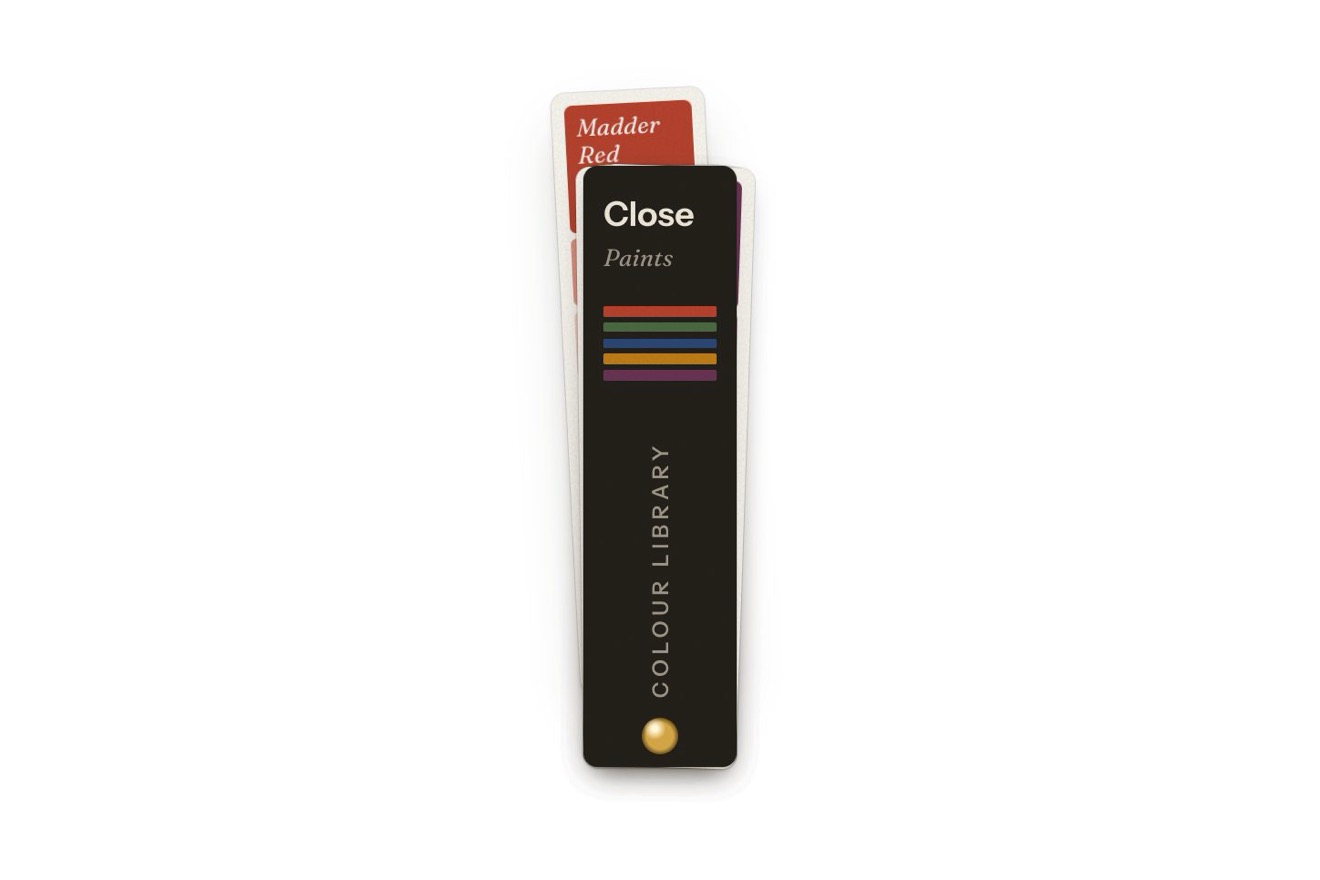
The swatch fan menu
Menus, Physics, Transitions, Hover
NewFree
The kilometres of a running app, a bar a day or a month, each on a spring: from the week to the month the chart pulls back like a camera, from the month to the year the thirty days fly one after another into September's bar and pile up in it. Over it, a level line follows the pointer and leaves orange only what beats the chosen bar.
A folder that runs on its own: index.html, style.css, script.js and the libraries from a CDN. The React and Vue tabs hold the same demo as a ready component, which switches its animations off when it leaves the page.
<!doctype html>
<html lang="en">
<head>
  <meta charset="utf-8">
  <meta name="viewport" content="width=device-width, initial-scale=1">
  <title>The gathering chart</title>
  <link rel="stylesheet" href="https://cdn.jsdelivr.net/npm/@fontsource-variable/archivo@5.3.0/wdth.css">
  <link rel="stylesheet" href="style.css">
</head>
<body>
  <main class="stage">
    <!-- the distance card of a running app: a bar a day, or a bar a month. Every bar is a spring. From the week to the
         month the chart zooms out and the other days slide in; from the month to the year the days fly into
         September's bar and pile up into it, while the other months rise. Over the chart a level line follows the
         pointer or the finger from bar to bar: the bars that beat the one under it stay coloured above the line.
         The chart is drawn by the script on a canvas; the numbers are in a table for screen readers -->
    <section class="runs" aria-labelledby="runs-title" data-runs>
      <div class="runs__head">
        <h2 class="runs__title" id="runs-title">Distance</h2>
        <div class="period" role="tablist" aria-label="Period" data-periods data-autoclic>
          <span class="period__thumb" aria-hidden="true" data-thumb></span>
          <button class="period__btn" type="button" role="tab" aria-controls="runs-plot" data-period>Week</button>
          <button class="period__btn" type="button" role="tab" aria-controls="runs-plot" data-period>Month</button>
          <button class="period__btn" type="button" role="tab" aria-controls="runs-plot" data-period>Year</button>
          <span class="period__ink" aria-hidden="true" data-ink></span>
        </div>
      </div>

      <p class="runs__figure"><span class="runs__value" data-value></span><span class="runs__unit" data-unit>km</span></p>
      <p class="runs__when" data-when></p>

      <div class="plot" id="runs-plot" role="tabpanel" tabindex="0" data-plot>
        <canvas class="plot__canvas" aria-hidden="true" data-canvas></canvas>
        <div class="plot__ticks" aria-hidden="true" data-ticks></div>
        <span class="plot__tag" aria-hidden="true" data-tag></span>
        <div class="plot__days" aria-hidden="true" data-days></div>
      </div>

      <table class="sr" data-table></table>
      <p class="sr" aria-live="polite" data-said></p>
    </section>
  </main>

  <script src="https://cdn.jsdelivr.net/npm/gsap@3.15.0/dist/gsap.min.js"></script>
  <script src="script.js"></script>
</body>
</html>Change values, colours and text with the controls and watch the animation respond live. Or write in the code yourself. Then download the folder with your changes.
24 values to change
With the Animorio connector, Claude Code takes it from here, guide included, and fits it into your project. Paste this request:
Take “The gathering chart” from Animorio and fit it into my siteThere are 41 bars: the thirty days of September and the eleven months before it. Each has eight measures (its middle, its width, its bottom, its top, its opacity, the radius of its top, its least height and how swollen it is) and each runs towards its goal on a spring, worked out in steps of 1/240 of a second on GSAP's ticker. The heights use SPRING and bounce; sideways the bars glide on a more damped spring, so a long trip never knocks into the neighbours. The canvas is only redrawn when something moves.
In the week the days are the same row as in the month, wider and moved so the seven days fill the chart; the others stay outside the sides, cut off. Between week and month all the bars set off together on the same spring: it is a camera pulling back or moving in, and the order of the days never breaks.
In the year each day has its bottom where the sum of the days before it ends and its top where its own ends: the pile is September, and its height is the month's real total. The change goes in steps: first the month drops to the year's scale where it stands, then the days set off one after another (WAVE) and land with little bounce, cut out by an edge of the card's colour that goes once the pile is done; the months rise when every day has set off, the nearest first. Going back the pile comes apart from the top and the days grow to the new scale all together.
The top of the scale is rounded to four round steps above the highest bar (24 km for days and week, 240 for the year) and changes on a logarithmic scale: the old lines sink towards zero as they fade, the new ones come in from above, and the numbers on the right follow them. The dates under the chart are tied to their bars and travel with them.
The pointer picks the column, wider than the bar; the line goes to that bar's height on a spring (LEVEL). Every bar is painted in two pieces cut to its rounded outline: above the line orange, below it a colour moving towards --soft as much as the line is on, except for the chosen bar, which stays orange and swells by SWELL. The total at the top counts to that value and the tag reads it on the right; the number of the scale that would sit under it fades.
The periods are tabs with the arrow keys, and the colour of their words changes exactly where the white pill passes: a dark copy of the words is clipped to the pill with clip-path. The chart is reached with Tab: the arrows, Home and End move the line and an aria-live region reads the date and the value; Esc turns it off. A hidden table holds every value of the period. A finger slides across the chart sideways and the reading stays a moment. A click from a script on the periods (the library's preview) picks the next one.
| Name | File | Default | What it changes |
|---|---|---|---|
SPRING | script.js | [190, 0.58] | The bars' springs: how stiff they are and how much they are held back (1 = no bounce). |
WAVE | script.js | 0.5 | The seconds the wave of a change of period takes to run across the bars. |
LEVEL | script.js | [460, 0.78] | The spring of the level line following the pointer from bar to bar: stiffness and damping. |
BAR | script.js | 0.6 | How much of its room a bar takes, from 0.2 to 0.9. |
WIDEST | script.js | 26 | The widest a bar gets, in pixels. |
SWELL | script.js | 0.18 | How much the bar under the pointer swells sideways (0 = not at all). |
For a running, cycling or step-counting app, a home's energy use, a shop's sales, hours of sleep: wherever the same numbers are looked at by day, by month and by year. The change shows where the week sits inside the month and which days the month is made of, and the level line answers the question people ask of a bar chart: which ones did better than this?
On a phone the card takes the width of the screen and the canvas is redrawn sharp at its size, its words always the same size. A finger slides across the chart sideways to read the bars, the month's thirty too, and the page still scrolls up and down; once the finger lifts, the reading stays a moment and then the total comes back.
The bars do not travel or bounce: changing period the chart fades out, changes and fades back in, and the total changes at once. The level line jumps from bar to bar without a spring and the chosen bar does not swell; the colours still change with a fade.
GSAP 3.15.0, Archivo (font variabile, asse wdth) 5.3.0.
Compressed with gzip, the three demo files weigh 13 KB; the libraries: GSAP 28 KB.
Tested on 6 October 2026
Use it in your own projects and in your clients’ projects. Do not resell it or redistribute it as is. GSAP stays under its own Standard license. Full license.
With your account’s email and password.
or with your email
You’re signed in as .
With your account, you can download the zip of every animation and every pack, for free.