
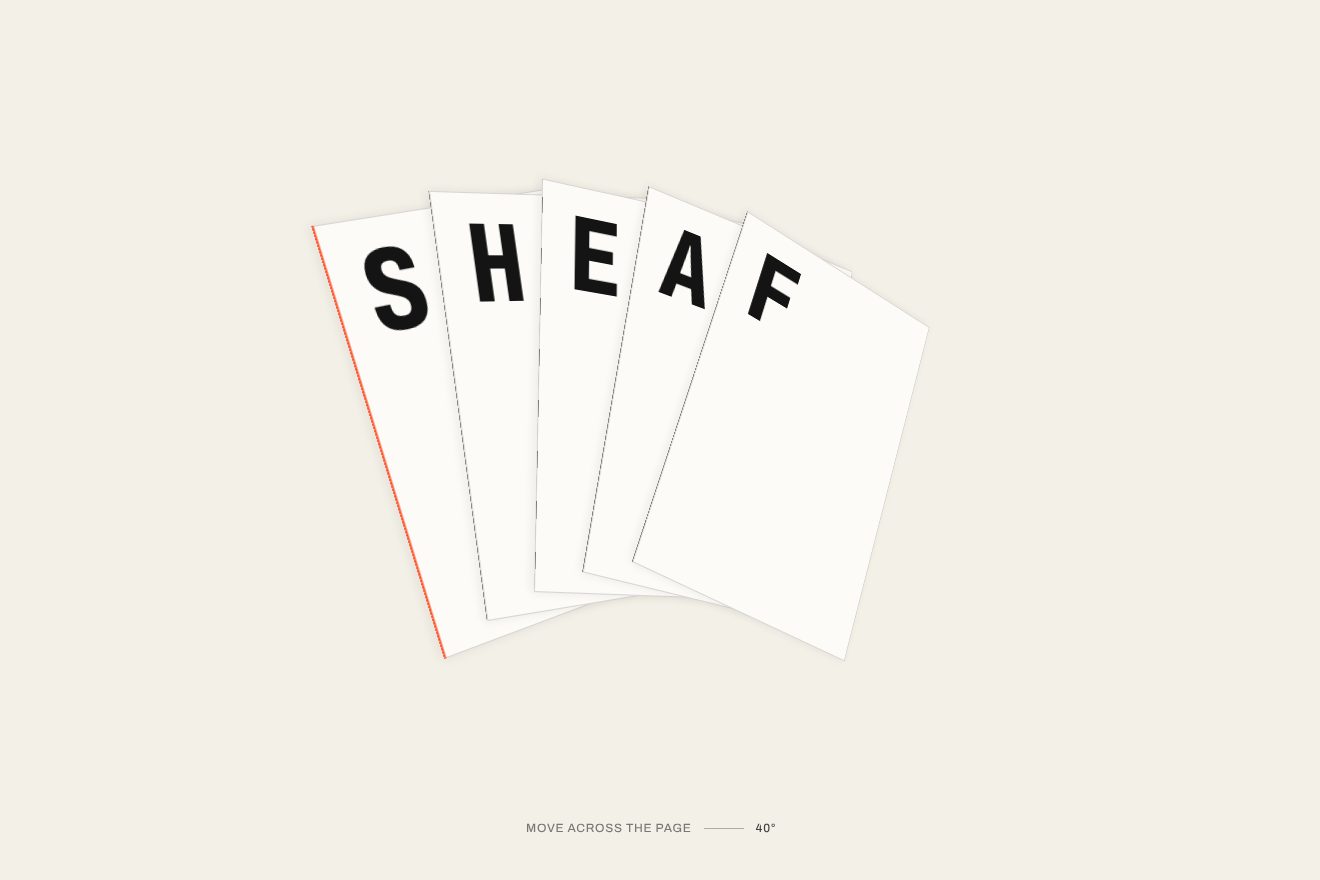
The word in the fanned sheets
3D, Text, Hover
NewFree
A foundry’s glyph set, in the minimal style, on black: a grid of thin frames with one glyph each. Around the pointer the frames turn a few degrees to look at it, each on its own spring, and the nearby glyphs take weight and grow soft on the variable typeface’s axes, as if under a lens of ink; the one under the pointer turns orange and tells the glyph’s name and code.
A folder that runs on its own: index.html, style.css, script.js and the libraries from a CDN. The React and Vue tabs hold the same demo as a ready component, which switches its animations off when it leaves the page.
<!doctype html>
<html lang="en">
<head>
  <meta charset="utf-8">
  <meta name="viewport" content="width=device-width, initial-scale=1">
  <title>Glyphs that turn to look</title>
  <link rel="stylesheet" href="https://cdn.jsdelivr.net/npm/@fontsource-variable/fraunces@5.3.0/full.css">
  <link rel="stylesheet" href="style.css">
</head>
<body>
  <main class="stage" data-stage>
    <header class="top">
      <span class="top__name">Quarry</span>
      <span class="top__note">Glyph set</span>
    </header>

    <!-- the glyph set of a made-up type foundry, one glyph per thin frame. The frames around the pointer turn a few
         degrees to look at it, and the glyphs near it take weight and grow soft; the one under the pointer shows its
         name and its code point -->
    <section class="sheet" aria-label="Glyph set" data-sheet>
      <div class="grid" data-grid></div>
    </section>

    <p class="hint" data-hint>Move over the glyphs</p>
  </main>

  <script src="https://cdn.jsdelivr.net/npm/gsap@3.15.0/dist/gsap.min.js"></script>
  <script src="script.js"></script>
</body>
</html>Change values, colours and text with the controls and watch the animation respond live. Or write in the code yourself. Then download the folder with your changes.
17 values to change
With the Animorio connector, Claude Code takes it from here, guide included, and fits it into your project. Paste this request:
Take “Glyphs that turn to look” from Animorio and fit it into my siteThe script picks the columns (eight, five on a phone) and the cell size from the free space and writes them in CSS variables (--cols, --cell, --gap) that hold the grid and the glyph size. Every cell has two layers: the outer element is turned by the script with transform, the child carries the border and the colour, so the inline transform wipes nothing of the CSS.
For every cell the distance from the pointer is computed in cells, with its direction. The angle is TILT × sin(π·d/REACH), damped near zero: none under the pointer, most at about one cell, none past REACH. rotateY follows the horizontal direction and rotateX the vertical one with the opposite sign, with perspective() in every cell’s transform, so each frame has its own point of view and not the centre of the grid’s.
Both angles of every cell head for their target on a lightly damped spring (SPRING), in GSAP’s ticker, in steps of 1/240 of a second: that is why they wobble slightly and settle. The weight has its own firmer spring; the softness follows with a simple exponential chase.
Fraunces has the wght (100–900), SOFT (0–100) and opsz axes. The weight goes from WEIGHT[0] to WEIGHT[1] and the softness from 0 to SOFT with a Gaussian bell of the distance, LENS cells wide, times the strength of the field, which GSAP takes to 1 when the pointer comes in and to 0 when it leaves. font-variation-settings is rewritten only when the rounded values change.
The cell closest to the pointer gets the is-on class (orange border) and its name and code rise four pixels with a power3 entrance; the code is written with codePointAt in hexadecimal. In small cells, on a phone, only the name stays.
| Name | File | Default | What it changes |
|---|---|---|---|
GLYPHS | script.js | 'AaBbGgQqRrSsefky&?!@%§¶ß2358øæW€' | The glyphs of the set, in order (thirty-two on a computer, thirty on a phone). |
TILT | script.js | 7 | How many degrees a frame turns, at most, to look at the pointer. |
REACH | script.js | 2.6 | How far the frames turn, in cells from the pointer. |
LENS | script.js | 1.4 | How far the weight and the softness reach, in cells. |
WEIGHT | script.js | [300, 900] | The weight of a glyph at rest and right under the pointer (100 to 900). |
SOFT | script.js | 100 | How soft a glyph gets under the pointer (0 to 100). |
SPRING | script.js | [190, 13] | The frames’ spring: how stiff, and how much it is held back (less holds wobble more). |
For a typeface’s page at a foundry, for a graphic design or lettering portfolio, for the type section of a design system: wherever people should get a feel for a variable typeface. It works with any set of glyphs, figures included.
The same animations with adapted measures: five columns and thirty glyphs, smaller cells. Touching the grid lights the lens under the finger and it follows as you drag; lifting the finger it stays a moment, then the frames straighten. In small cells only the name shows under the glyph.
The frames do not turn and there are no springs: they stay straight, the glyphs near the pointer take weight and softness without wobbling, the frame underneath turns orange and name and code fade in. When the page opens everything fades in.
GSAP 3.15.0, Fraunces (font variabile) 5.3.0.
Compressed with gzip, the three demo files weigh 5.6 KB; the libraries: GSAP 28 KB.
Tested on 19 October 2026
Use it in your own projects and in your clients’ projects. Do not resell it or redistribute it as is. GSAP stays under its own Standard license. Full license.
With your account’s email and password.
or with your email
You’re signed in as .
With your account, you can download the zip of every animation and every pack, for free.

