The ridge line background
Backgrounds, WebGL, Hover
NewFree
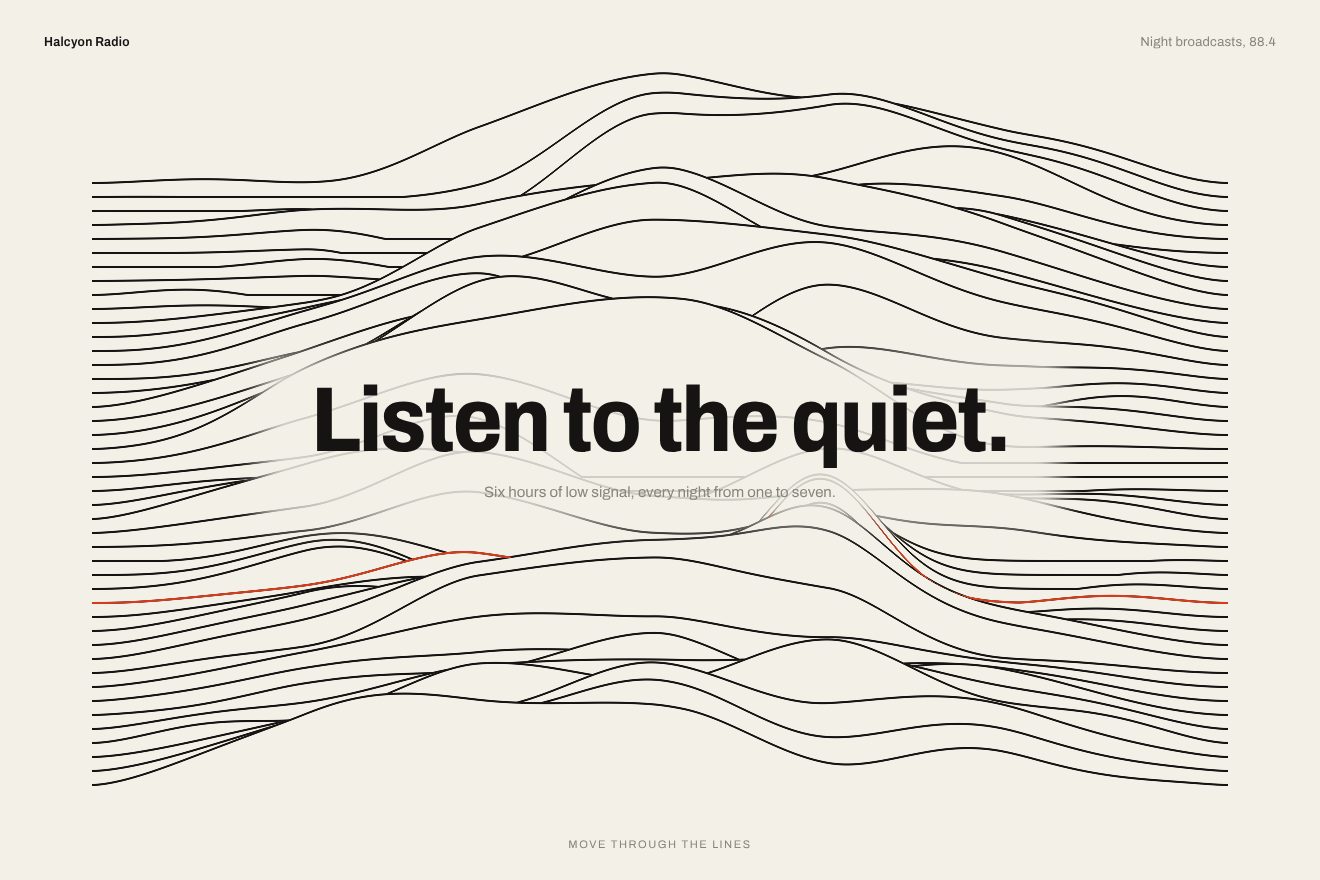
A minimal-style WebGL animated background to put behind a headline: a grid of hairlines and a big word bend around an invisible mass that follows the pointer, like light around a galaxy. The letters stretch into arcs and, when the mass passes over a letter, a vermilion Einstein ring closes. A click or a tap gives the mass a kick.
A folder that runs on its own: index.html, style.css, script.js and the libraries from a CDN. The React and Vue tabs hold the same demo as a ready component, which switches its animations off when it leaves the page.
<!doctype html>
<html lang="en">
<head>
<meta charset="utf-8">
<meta name="viewport" content="width=device-width, initial-scale=1">
<title>Umbra</title>
<link rel="stylesheet" href="https://cdn.jsdelivr.net/npm/@fontsource-variable/archivo@5.3.0/wdth.css">
<link rel="stylesheet" href="style.css">
</head>
<body>
<!-- a word behind a gravitational lens: a WebGL 2 shader bends a hairline grid and a big word around an invisible
mass that follows the pointer; where the light is stretched most, the arcs turn vermilion -->
<main class="pagina" data-pagina>
<canvas class="tela" aria-hidden="true" data-tela></canvas>
<h1 class="parola" data-parola>Umbra</h1>
<header class="testa">
<p class="marchio" data-entra>Umbra</p>
<p class="testa__nota" data-entra>Deep sky observatory</p>
</header>
<footer class="piede">
<p class="nota" data-entra data-nota>Move to bend the light</p>
<p class="scala" data-entra aria-hidden="true"><i data-scala></i>1″</p>
<p class="misura" data-entra>Einstein radius <span data-raggio>0.00</span>″</p>
</footer>
</main>
<script src="https://cdn.jsdelivr.net/npm/gsap@3.15.0/dist/gsap.min.js"></script>
<script src="script.js"></script>
</body>
</html>Change values, colours and text with the controls and watch the animation respond live. Or write in the code yourself. Then download the folder with your changes.
23 values to change
With the Animorio connector, Claude Code takes it from here, guide included, and fits it into your project. Paste this request:
Take “The gravitational lens background” from Animorio and fit it into my siteEverything is a single WebGL 2 fragment shader on one triangle as big as the page. For each pixel θ is the distance from the mass and θE the Einstein radius: the point lens says that pixel sees the sheet at β = θ · (1 − θE² / |θ|²). The sheet never moves: it is the shader that, pixel by pixel, reads a different point. A small constant under |θ|² avoids dividing by zero right on top of the mass.
The grid is not an image: in the shader the lines come from fract() of the sheet coordinates divided by the spacing, and they are measured in pixels with fwidth(), so they stay thin and sharp even where the lens stretches or squeezes them. Every fourth line is darker and at each crossing there is a registration mark. Where the lines would be denser than a pixel the grid fades out, and on the Einstein circle, where the whole circle looks at the same point of the sheet, it vanishes completely: otherwise it would draw a ring around the pointer.
The word is drawn once in a 2D canvas as big as the page and uploaded as a texture; the shader reads it at β. The point-lens magnification is 1 / |1 − (θE/θ)⁴|: where it goes above GLOW the ink switches to vermilion, in a short step, so the most stretched arcs get a crisp red edge. When a letter sits under the mass, the whole Einstein circle looks at it and the ring is born.
The mass follows the pointer with a real spring: acceleration = stiffness · (target − position) − damping · velocity, in three small steps per frame on GSAP's ticker. With 70 and 13 the spring is just under critical, so it stops with a barely visible sway. With no pointer for two and a half seconds the target is a slow Lissajous curve around the word.
On entrance the small labels appear staggered and the Einstein radius grows from zero with elastic.out(1, 0.55) over 2.2 seconds: the lines swell and settle. A click takes the mass to PULSE times and brings it back with elastic.out(1, 0.32); if nobody touches, every seven seconds a timeline gives it a smaller kick on its own. The radius at the bottom only updates when its second decimal changes.
| Name | File | Default | What it changes |
|---|---|---|---|
WORD | script.js | Umbra | The word behind the lens. |
MASS | script.js | 0.17 | The Einstein radius, as a fraction of the page's short side: higher bends more. |
STIFFNESS | script.js | 70 | How stiff the spring carrying the mass towards the pointer is. |
DAMPING | script.js | 13 | How much the spring brakes: lower, the mass sways more before it stops. |
GRID | script.js | 34 | The grid spacing, in px. |
LINE | script.js | 1 | The line thickness, in px. |
PULSE | script.js | 1.55 | How much the mass grows on a click or a tap. |
DRIFT | script.js | 1 | How fast it drifts when nobody touches. |
GLOW | script.js | 4 | From which magnification the light turns vermilion: higher, thinner vermilion arcs. |
WEIGHT | script.js | 720 | The weight of the word. |
As the opening background of an observatory, a planetarium, a science museum, an astronomy magazine or a space company; behind the title of a physics conference; as the landing page of a design studio that wants a living but clean background that only moves when you touch it.
The same animation: the word is sized on both width and height, the Einstein radius on the short side. A dragging finger carries the mass; without a finger the mass circles the word on its own and now and then gets a kick. The plate scale hides below 520 px.
The lens is already in place and still, below and to the right of the word, which reads in full: no entrance, no drift and no kicks. The pointer moves the lens at once, with no spring; the labels fade in.
GSAP 3.15.0, Archivo (font variabile) 5.3.0.
Compressed with gzip, the three demo files weigh 6.9 KB; the libraries: GSAP 28 KB.
Tested on 23 October 2026
Use it in your own projects and in your clients’ projects. Do not resell it or redistribute it as is. GSAP stays under its own Standard license. Full license.
With your account’s email and password.
or with your email
You’re signed in as .
With your account, you can download the zip of every animation and every pack, for free.