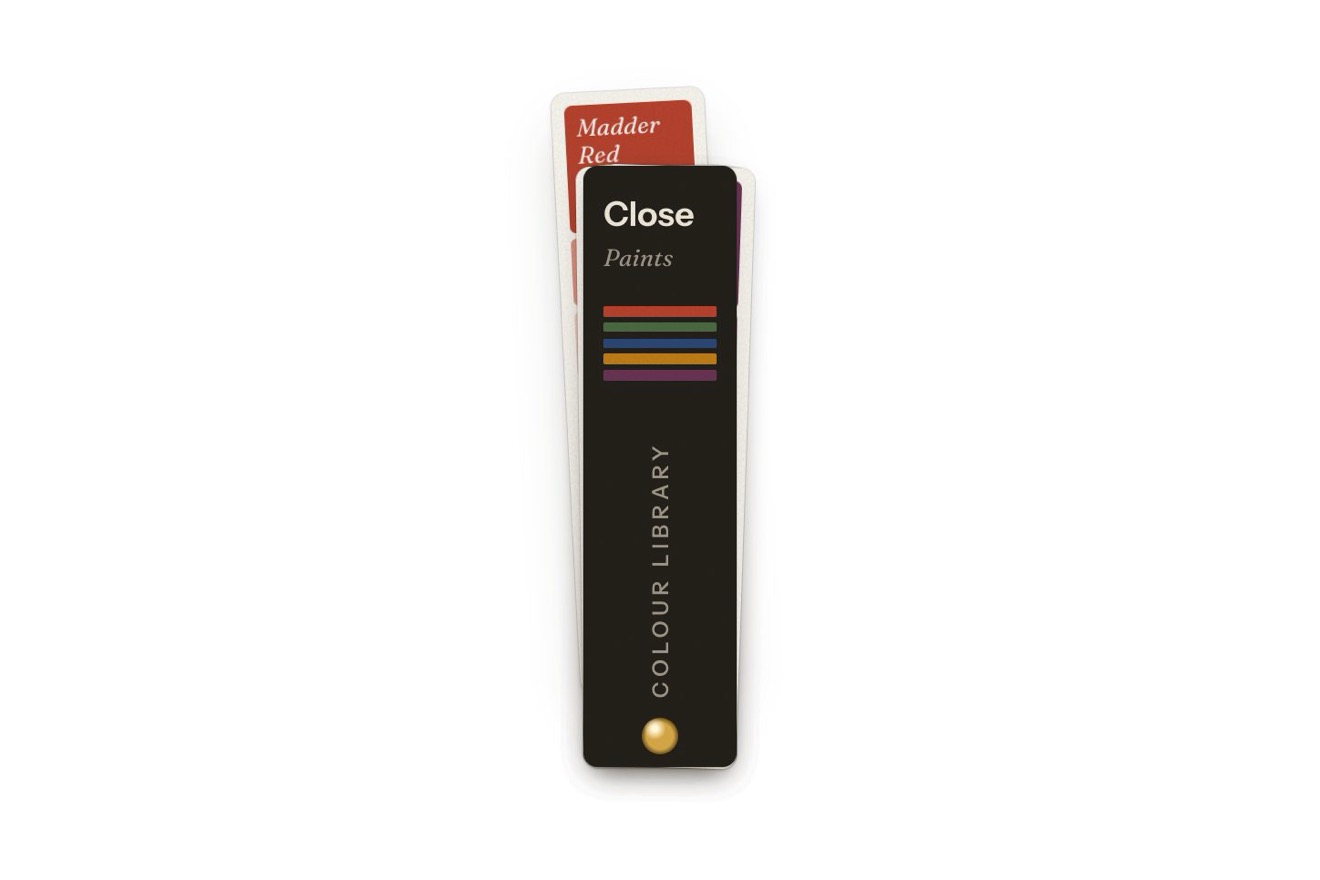
The swatch fan menu
Menus, Physics, Transitions, Hover
NewFree
A small gallery's menu as a hanging mobile in the manner of Calder: at rest it is a button with a thread hanging from it and a little copy of the shape of the page you are on. Pressed, the thread drops and the wire arms open one under the other, each hung from the arm above; every entry is a flat painted shape (petal, disc, crescent) hanging at one end. The balance is real: the mobile swings and settles where the moments of the weights even out. Hovered, a shape turns on its thread and its arm tips under the weight; you can take one and swing the whole thing.
A folder that runs on its own: index.html, style.css, script.js and the libraries from a CDN. The React and Vue tabs hold the same demo as a ready component, which switches its animations off when it leaves the page.
<!doctype html>
<html lang="en">
<head>
  <meta charset="utf-8">
  <meta name="viewport" content="width=device-width, initial-scale=1">
  <title>The hanging mobile menu</title>
  <link rel="stylesheet" href="https://cdn.jsdelivr.net/npm/@fontsource-variable/bricolage-grotesque@5.3.0/standard.css">
  <link rel="stylesheet" href="style.css">
</head>
<body>
  <main class="stage">
    <!-- the hanging mobile menu: the menu of a small gallery as a hanging mobile. Closed, it is a button with a thread
         hanging from it and, at its end, a little copy of the shape of the page you are on. Pressed, the thread drops
         and the wire arms open one under the other, each balanced under its own thread; every entry is a flat painted
         shape hanging at the end of an arm. The arms really balance: every shape has its weight, and the mobile swings
         and settles where the moments of the forces even out -->
    <div class="mobile" data-mobile>
      <canvas class="mobile__canvas" aria-hidden="true" data-canvas></canvas>

      <nav class="mobile__nav" id="mobile-menu" aria-label="Main" data-nav inert>
        <ul class="mobile__list">
          <li><a class="piece" href="#exhibitions" style="--c: var(--red)" data-piece="petal" aria-current="page"><span class="piece__label">Exhibitions</span></a></li>
          <li><a class="piece" href="#artists" style="--c: var(--black)" data-piece="disc"><span class="piece__label">Artists</span></a></li>
          <li><a class="piece" href="#collection" style="--c: var(--yellow)" data-piece="moon"><span class="piece__label">Collection</span></a></li>
          <li><a class="piece" href="#visit" style="--c: var(--blue)" data-piece="leaf"><span class="piece__label">Visit</span></a></li>
          <li><a class="piece" href="#journal" style="--c: var(--white)" data-piece="dot"><span class="piece__label">Journal</span></a></li>
        </ul>
      </nav>

      <button class="hanger" type="button" aria-expanded="false" aria-controls="mobile-menu" data-hanger data-autoclic>
        <span class="hanger__bg" aria-hidden="true" data-bg></span>
        <span class="hanger__icon" aria-hidden="true">
          <svg class="hanger__glyph" viewBox="0 0 24 24" data-glyph>
            <path class="glyph__wire" d="M12 2.5V7M4.5 10.5Q12 5.5 19.5 10.5M4.5 10.5V13M19.5 10.5V12.5"/>
            <path class="glyph__shape glyph__shape--red" d="M4.5 13c2.6.8 3.2 4.4.4 6.6-2.4-.9-3.1-4.4-.4-6.6z"/>
            <path class="glyph__shape" d="M19.5 12.5a3.6 3.6 0 1 1 0 7.2 3.6 3.6 0 0 1 0-7.2z"/>
          </svg>
          <svg class="hanger__cross" viewBox="0 0 24 24" data-cross>
            <path d="M6.5 6.5l11 11M17.5 6.5l-11 11"/>
          </svg>
        </span>
        <span class="hanger__words" aria-hidden="true">
          <span class="hanger__word" data-word="menu">Menu</span>
          <span class="hanger__word" data-word="close">Close</span>
        </span>
        <span class="sr" data-name>Open the menu</span>
      </button>
      <p class="sr" aria-live="polite" data-live></p>
    </div>
  </main>

  <script src="https://cdn.jsdelivr.net/npm/gsap@3.15.0/dist/gsap.min.js"></script>
  <script src="script.js"></script>
</body>
</html>Change values, colours and text with the controls and watch the animation respond live. Or write in the code yourself. Then download the folder with your changes.
29 values to change
With the Animorio connector, Claude Code takes it from here, guide included, and fits it into your project. Paste this request:
Take “The hanging mobile menu” from Animorio and fit it into my siteThe mobile is a set of points with a weight: the pivot and the two ends of every arm (light wire) and one shape per entry (heavy, roughly as much as its area). The points move with Verlet steps of 1/120 of a second, with gravity and an exponential damping; the threads are constraints that only pull (a maximum distance), solved ten times per step with every correction weighted by the inverse of the mass (position based dynamics). The fixed step keeps the physics the same at any screen rate.
From the bottom up the script adds up the weight hanging under each end and puts each arm's pivot where the weight on the left times its arm equals the weight on the right times its own: so the mobile, let go, comes to rest level by itself. The pivot sits a little above the line of the ends (CURVE), like the curved arms of real mobiles: that is what makes the balance stable, and lets an extra weight tip the arm by a fair angle instead of turning it over.
After every pass over the threads, the three points of an arm are put back on their shape: the script finds the rotation that fits them best (in two dimensions a single atan2 over the sums of dot and cross products) and applies it round their centre. A rotation never mirrors, so an arm cannot flip over even while it opens from a single point. Long tethers from the eyelet to every point, as long as the thread and wire between them, keep the chain of heavy pieces from stretching at every joint.
A GSAP timeline pays out each arm's thread (sine.inOut, never faster than free fall, so it does not jerk) and spreads the arm from its pivot, one after another STAGGER seconds apart; the shapes grow with elastic.out. The timeline moves on the physics' own clock, in steps of 1/120: on a slow computer they slow down together. Choosing, the shape's thread grows by DROP and the others shrink to nothing; then the arms fold up from the bottom and the first thread turns short again, with the small copy of the chosen shape.
Each shape is a Path2D drawn on the canvas from the point it hangs by, turned like its thread. It also turns round the thread: its width is multiplied by the cosine of the angle, a dark copy shifted by the sine shows under it (the edge of the sheet), the colour brightens as the face looks at the lamp and a band of light slides from one side to the other. Under the pointer the shape turns at SPIN turns a second and its weight becomes HEAVY times as much: the arm tips under the new moments. The shadow on the wall is the same drawing on a canvas a quarter the size, scaled up: it softens by itself, without the blur filter.
The entries are links in a nav (inert while closed) and follow the shapes every frame, with the caption under them; leaving the hover is judged from the shape, not the box, so a shape sinking under the mouse does not lose it. Dragging one, its point follows the hand with a soft limit (tanh); a tap without a drag chooses. The button has aria-expanded and aria-controls, the arrows, Home and End move the focus, Escape closes and brings the focus back to the button, an aria-live area reads the chosen entry. When nothing moves the loop stops.
| Name | File | Default | What it changes |
|---|---|---|---|
GRAVITY | script.js | 2400 | How hard the shapes are pulled down, in units of the drawing per second squared: stronger, the mobile swings faster. |
DAMPING | script.js | 2.2 | How quickly the swinging dies away, per second (0 = it never stops). |
HEAVY | script.js | 1.14 | How many times heavier a shape gets under the pointer: its arm tips under the weight. |
SPIN | script.js | 0.32 | How many turns a second a shape makes on its thread under the pointer. |
CURVE | script.js | 0.11 | How high each arm arches over its pivot, as a share of its length: higher, it tips less. |
STAGGER | script.js | 0.2 | The seconds between one arm opening and the next. |
DROP | script.js | 30 | How far the chosen shape drops on its thread before the mobile folds away. |
For the menu of a site where shape and colour matter: a gallery, a museum, a design or architecture studio, a shop of objects, a portfolio. From four to six short entries; each one is known by its shape, and the small copy hanging from the button says which page you are on even while closed.
The whole mobile scales to the width of the screen (at 390 pixels the frame is 358 wide) and fits when open, with the captions never under 11.5 pixels. A finger holding a shape counts as the mouse hovering it (it turns and weighs), dragging it swings the whole thing, a tap chooses it; the shapes keep touch-action: none so the finger does not scroll the page.
No swinging or turning: the mobile opens and closes with a fade, already balanced in its place, and on hover only the caption changes. The chosen entry closes the menu with the same fade and its small copy already hangs from the button.
GSAP 3.15.0, Bricolage Grotesque (font variabile) 5.3.0.
Compressed with gzip, the three demo files weigh 14 KB; the libraries: GSAP 28 KB.
Tested on 9 October 2026
Use it in your own projects and in your clients’ projects. Do not resell it or redistribute it as is. GSAP stays under its own Standard license. Full license.
With your account’s email and password.
or with your email
You’re signed in as .
With your account, you can download the zip of every animation and every pack, for free.