The loader that becomes a logo
Transitions, SVG, Text
NewFree
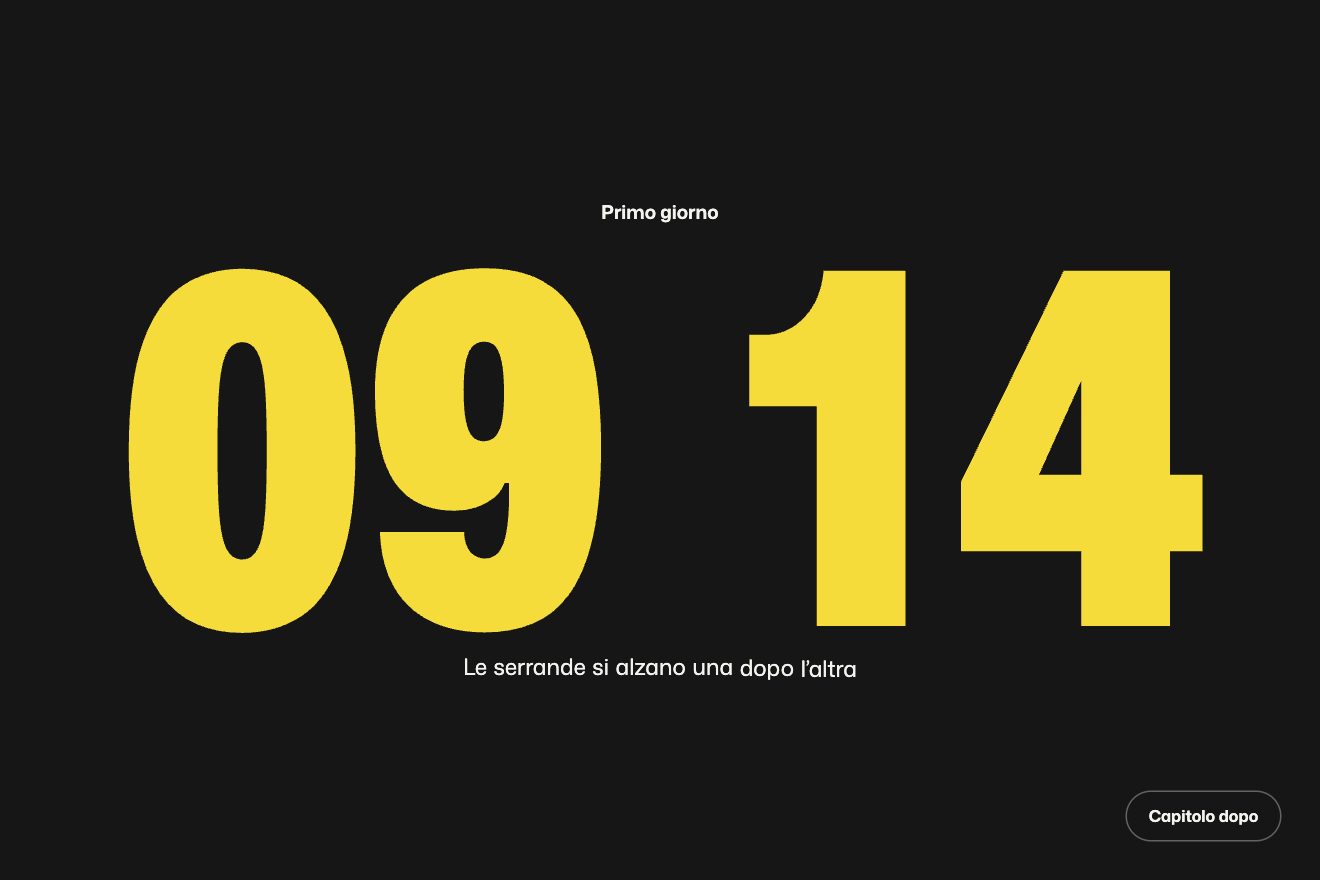
A loader in one gesture: the white screen is the inside of a giant number. The count rolls up to the car’s number, five lights come on, then the number shrinks into its place in the page, chased by an orange copy, and the page appears around it.
A folder that runs on its own: index.html, style.css, script.js and the libraries from a CDN. The React and Vue tabs hold the same demo as a ready component, which switches its animations off when it leaves the page.
<!doctype html>
<html lang="en" class="is-loading">
<head>
  <meta charset="utf-8">
  <meta name="viewport" content="width=device-width, initial-scale=1">
  <title>The number that was the screen</title>
  <link rel="stylesheet" href="https://cdn.jsdelivr.net/npm/@fontsource-variable/big-shoulders-display@5.3.0/index.css">
  <link rel="stylesheet" href="https://cdn.jsdelivr.net/npm/@fontsource/barlow@5.3.0/400.css">
  <link rel="stylesheet" href="https://cdn.jsdelivr.net/npm/@fontsource/barlow@5.3.0/600.css">
  <link rel="stylesheet" href="style.css">
</head>
<body>
  <header class="bar">
    <a class="brand" href="#">Halcyon Motorsport</a>
    <nav class="bar__nav" aria-label="Sections">
      <a href="#">Team</a>
      <a href="#">Season</a>
      <a href="#">Partners</a>
    </nav>
    <button class="replay" type="button" data-replay data-autoclic>Replay the start</button>
  </header>

  <main class="hero" data-hero>
    <!-- thin lines down the page: they grow from the top when the hero opens -->
    <div class="lines" aria-hidden="true"><i data-line></i><i data-line></i><i data-line></i><i data-line></i></div>

    <!-- the drawing: grey while the loader covers it, it zooms back and takes its colours -->
    <div class="art" data-art aria-hidden="true">
      <svg viewBox="0 0 640 560" role="presentation">
        <defs>
          <linearGradient id="shell" x1="0" y1="0" x2="0.35" y2="1">
            <stop offset="0" stop-color="#ffffff"/>
            <stop offset="0.55" stop-color="#eef0f4"/>
            <stop offset="1" stop-color="#c3c9d4"/>
          </linearGradient>
          <linearGradient id="visor" x1="0" y1="0" x2="1" y2="1">
            <stop offset="0" stop-color="#ffc35a"/>
            <stop offset="0.4" stop-color="#ff5a36"/>
            <stop offset="0.75" stop-color="#9a2f8a"/>
            <stop offset="1" stop-color="#2a1a5e"/>
          </linearGradient>
          <linearGradient id="dusk" x1="0" y1="0" x2="1" y2="0.4">
            <stop offset="0.35" stop-color="#000" stop-opacity="0"/>
            <stop offset="1" stop-color="#000" stop-opacity="0.32"/>
          </linearGradient>
          <radialGradient id="shine" cx="0.32" cy="0.2" r="0.42">
            <stop offset="0" stop-color="#fff" stop-opacity="0.85"/>
            <stop offset="1" stop-color="#fff" stop-opacity="0"/>
          </radialGradient>
          <radialGradient id="floor" cx="0.5" cy="0.5" r="0.5">
            <stop offset="0" stop-color="#000" stop-opacity="0.55"/>
            <stop offset="1" stop-color="#000" stop-opacity="0"/>
          </radialGradient>
          <clipPath id="shell-cut"><path d="M150 470C120 440 110 400 112 360L118 300C122 190 210 92 330 80C470 68 588 160 594 282C598 360 570 420 520 452C470 482 380 488 300 486L190 484C172 484 158 480 150 470Z"/></clipPath>
        </defs>
        <ellipse cx="350" cy="512" rx="250" ry="26" fill="url(#floor)"/>
        <!-- the spoiler at the back -->
        <path d="M512 146L606 166C614 168 616 176 612 184L604 200L530 190Z" fill="#232836"/>
        <!-- the shell, its stripes and its shading -->
        <path d="M150 470C120 440 110 400 112 360L118 300C122 190 210 92 330 80C470 68 588 160 594 282C598 360 570 420 520 452C470 482 380 488 300 486L190 484C172 484 158 480 150 470Z" fill="url(#shell)"/>
        <g clip-path="url(#shell-cut)">
          <path d="M96 206C220 112 430 98 640 196V244C430 150 236 160 96 254Z" fill="#ff4b1f"/>
          <path d="M96 268C230 184 430 176 640 268V292C430 206 236 214 96 296Z" fill="#14336b"/>
          <path d="M352 330C430 318 540 316 640 334V560H352Z" fill="#14336b"/>
          <path d="M352 330C430 318 540 316 640 334V346C540 328 430 330 352 342Z" fill="#ff4b1f"/>
          <path d="M470 392l14 30 33 4-24 22 6 33-29-16-29 16 6-33-24-22 33-4z" fill="#ffffff"/>
          <text x="420" y="232" transform="rotate(9 470 230)" font-family="'Big Shoulders Display Variable', Impact, sans-serif" font-weight="800" font-size="22" letter-spacing="5" fill="#ffffff">HALCYON</text>
          <path d="M0 0H640V560H0Z" fill="url(#dusk)"/>
          <ellipse cx="270" cy="150" rx="210" ry="120" fill="url(#shine)"/>
        </g>
        <!-- the eye port and the visor, with a hard glint -->
        <path d="M128 262C150 218 214 196 300 196C368 196 404 222 410 256C414 282 396 300 362 302L160 304C136 304 122 286 128 262Z" fill="#0b0d12"/>
        <path d="M140 262C160 228 218 210 298 210C356 210 388 230 394 258C398 278 384 290 356 291L168 292C146 292 134 280 140 262Z" fill="url(#visor)"/>
        <path d="M158 250C186 228 236 218 290 218" fill="none" stroke="#fff" stroke-opacity="0.7" stroke-width="7" stroke-linecap="round"/>
        <path d="M318 222C340 224 358 230 370 240" fill="none" stroke="#fff" stroke-opacity="0.35" stroke-width="5" stroke-linecap="round"/>
        <circle cx="424" cy="270" r="15" fill="#232836"/>
        <circle cx="424" cy="270" r="6" fill="#8b93a6"/>
        <!-- the chin: vents and the rubber trim along the bottom -->
        <g fill="#9aa2b3"><rect x="176" y="356" width="104" height="9" rx="4.5"/><rect x="172" y="378" width="108" height="9" rx="4.5"/><rect x="176" y="400" width="104" height="9" rx="4.5"/></g>
        <path d="M162 474C262 490 420 492 522 452" fill="none" stroke="#1b1f29" stroke-width="16" stroke-linecap="round"/>
      </svg>
    </div>

    <!-- the numbers on the left -->
    <div class="hero__stats" data-group>
      <p class="stat"><b data-roll>27</b><span data-text>Car number</span></p>
      <p class="stat"><b data-roll>9</b><span data-text>Podiums</span></p>
      <p class="stat"><b data-roll>12</b><span data-text>Circuits raced</span></p>
    </div>

    <div class="hero__facts" data-group>
      <p data-text><span>Home circuit</span>Lakeside Ring</p>
      <p data-text><span>Racing since</span>2019</p>
      <p data-text><span>Series</span>GT4 Coastal Cup</p>
    </div>

    <div class="hero__name" data-group>
      <h1 data-text>Halcyon</h1>
      <p data-text>Two drivers, one car, a garage on the coast. We race for the hundredth of a second nobody else bothers to find.</p>
    </div>

    <div class="hero__next" data-group>
      <p data-text>Next race · Pine Hollow</p>
      <p class="countdown" data-countdown aria-label="Time to the next race">06:14:22:09</p>
    </div>
  </main>

  <!-- the loader: the white of the screen is the inside of a giant number; it shrinks into the number of the hero -->
  <div class="loader" data-loader aria-hidden="true">
    <svg class="giant giant--accent" data-giant="accent" preserveAspectRatio="none"><g data-glyph></g></svg>
    <svg class="giant giant--white" data-giant="white" preserveAspectRatio="none"><g data-glyph></g></svg>
    <div class="count" data-count>27</div>
    <div class="lights"><i data-light></i><i data-light></i><i data-light></i><i data-light></i><i data-light></i></div>
  </div>

  <script src="https://cdn.jsdelivr.net/npm/gsap@3.15.0/dist/gsap.min.js"></script>
  <script src="https://cdn.jsdelivr.net/npm/gsap@3.15.0/dist/SplitText.min.js"></script>
  <script src="script.js"></script>
</body>
</html>Change values, colours and text with the controls and watch the animation respond live. Or write in the code yourself. Then download the folder with your changes.
41 values to change
With the Animorio connector, Claude Code takes it from here, guide included, and fits it into your project. Paste this request:
Take “The number that was the screen” from Animorio and fit it into my siteThe number is an SVG as big as the screen, holding the outlines of the digits of the typeface, Big Shoulders Display 900, kept in the script as paths. On every frame the script works out the viewBox from a value e that goes from 0 to 1: the scale goes from SCALE to 1 and the thickest point of the number, which starts in the middle of the screen, slides in a straight line to its place. This keeps the number sharp at any magnification, which a CSS scale a hundred times bigger does not promise.
To start with the whole screen white you need a point of the number far enough from its edges. The script draws the digits on a canvas and, in two passes, gives every inked pixel its distance from the edge: the farthest wins. If half the screen’s diagonal, seen at the starting scale, does not fit inside it, the starting scale goes up.
Every digit is a column 0-9 0-9 inside a mask one line high, moved in em. The width of the mask follows the width of the digit it shows, measured with measureText, because the typeface’s digits are not all equally wide. The rightmost digit turns first, then the others 0.04 seconds apart; the countdown turns backwards.
It is all one timeline: the count rolls up in COUNT seconds with expo.out; the lights come on in LIGHT seconds each, spread so that the last one is on 0.3 seconds before the count stops. After HOLD seconds the number shrinks in TAKEOVER seconds with expo.inOut, the orange copy CHASE seconds later; the count shrinks away in a second; the lights go out in a row, 0.2 seconds each, 0.08 apart, squeezed into half the time of the takeover. The helmet comes back from ART to 1 and from grey to colour in 1.6 seconds, and the lines of the background come down in 1.6 seconds in a scattered order.
0.4 seconds before the number lands the groups of the page arrive, 0.15 seconds apart: the numbers roll in STATS seconds with expo.out, 0.08 seconds apart, and the words, split into lines with SplitText and a mask, rise from 110% in TEXT seconds. Then the countdown ticks every second, its digits rolling backwards in TICK seconds. While the start is running the button does not cut it short.
| Name | File | Default | What it changes |
|---|---|---|---|
NUMBER | script.js | '27' | The car’s number: the count rolls up to it and the giant number is made of its digits. |
SCALE | script.js | 100 | How many times bigger the giant number starts (it goes up by itself if the screen would not fit inside a stroke). |
COUNT | script.js | 2 | The seconds the count takes to roll up to the number. |
LIGHT | script.js | 0.35 | The seconds each light takes to come on; the last one is on 0.3 seconds before the count stops. |
HOLD | script.js | 0.05 | The pause between the count and the takeover, in seconds. |
TAKEOVER | script.js | 1.2 | The seconds the giant number takes to shrink into its place. |
CHASE | script.js | 0.025 | How far behind the white number the orange copy runs, in seconds. |
LAND | script.js | 0.16 | The width of the landed number, as a share of the screen width (between 130 and 260 pixels). |
ART | script.js | 1.2 | The zoom the drawing behind starts from. |
STATS | script.js | 1.2 | The seconds each number of the page takes to roll. |
TEXT | script.js | 0.8 | The seconds the words take to rise. |
TICK | script.js | 0.45 | The seconds a digit of the countdown takes to roll back. |
For the opening of a site with a number to show: a team, a driver, an anniversary, an event with its date. It is a loader: fine once, on arrival, not on every page.
The number lands higher, at 36% of the screen, the helmet grows below it, the team’s numbers go in a row under the bar and the facts on the right disappear. The thickest point works on the narrow screen too: if needed, the starting scale goes up.
No loader: the page is already there, with the white number in its place, the helmet in colour and the countdown changing without rolling.
GSAP 3.15.0, Big Shoulders Display (font variabile) 5.3.0, Barlow 5.3.0.
Compressed with gzip, the three demo files weigh 12 KB; the libraries: GSAP + SplitText 31 KB.
Tested on 2 October 2026
Use it in your own projects and in your clients’ projects. Do not resell it or redistribute it as is. GSAP stays under its own Standard license. Full license.
With your account’s email and password.
or with your email
You’re signed in as .
With your account, you can download the zip of every animation and every pack, for free.