The burning veil
Transitions, WebGL
NewFree
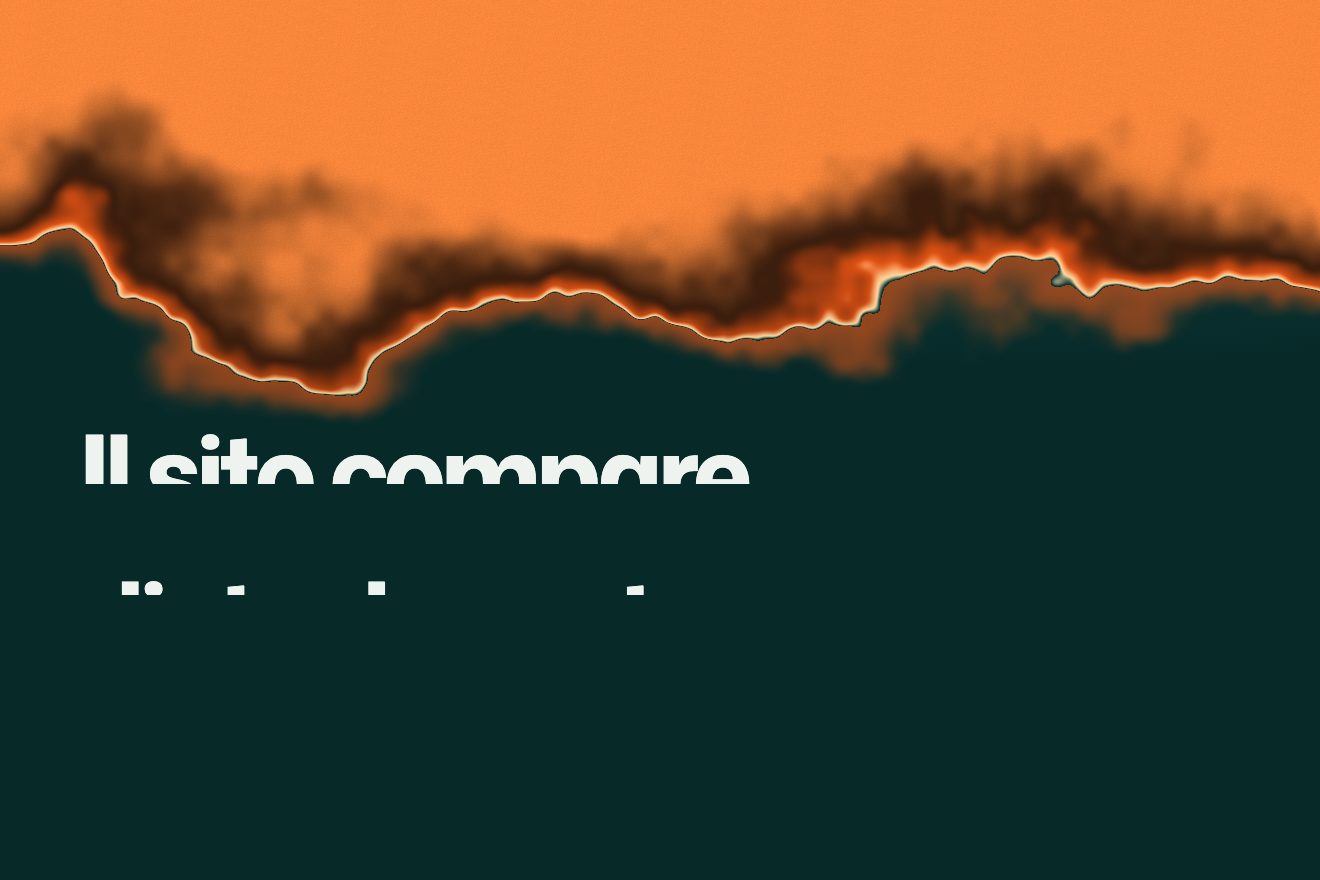
A button opens a black hole in the middle of the page: the disc grows with a wobbling rim, the strip of pictures around it bends like light around a heavy star, and the profile’s lines rise inside it.
A folder that runs on its own: index.html, style.css, script.js and the libraries from a CDN. The React and Vue tabs hold the same demo as a ready component, which switches its animations off when it leaves the page.
<!doctype html>
<html lang="en">
<head>
  <meta charset="utf-8">
  <meta name="viewport" content="width=device-width, initial-scale=1">
  <title>The profile in the black hole</title>
  <link rel="stylesheet" href="https://cdn.jsdelivr.net/npm/@fontsource-variable/mona-sans@5.3.0/standard.css">
  <link rel="stylesheet" href="https://cdn.jsdelivr.net/npm/@fontsource/instrument-serif@5.3.0/index.css">
  <link rel="stylesheet" href="style.css">
</head>
<body>
  <main class="stage" data-stage>
    <!-- the strip of pictures and the floor are drawn here; the hole is a second pass over the finished picture -->
    <canvas class="stage__canvas" data-canvas aria-hidden="true"></canvas>

    <header class="bar">
      <p class="brand">Darksite</p>
      <button class="toggle" type="button" data-toggle data-autoclic aria-expanded="false" aria-controls="profile">Profile</button>
    </header>

    <!-- the series: the script paints these names on the pictures, and they stay here for whoever cannot see them -->
    <ul class="series" data-series>
      <li><h2>Star trails</h2><p>Four hours facing north</p></li>
      <li><h2>Perseids</h2><p>One frame, forty minutes</p></li>
      <li><h2>Saturn, low</h2><p>Rings open, the week before harvest</p></li>
      <li><h2>The long eclipse</h2><p>Two minutes of totality</p></li>
      <li><h2>Moonrise on salt</h2><p>A flat that holds the light</p></li>
      <li><h2>Comet season</h2><p>Twenty cold mornings</p></li>
      <li><h2>Blue hour</h2><p>The quarter hour nobody keeps</p></li>
    </ul>

    <!-- the profile sits where the hole opens: the script reads this box to know the hole's centre and size -->
    <section class="profile" id="profile" data-profile aria-label="Profile" inert>
      <div class="profile__inside" data-inside>
        <p class="profile__text" data-lines>Darksite is one photographer, two tripods and a thermos, out wherever the street lights stop. Every picture is a single long exposure, never stacked: what the sky did that night, on one frame.</p>
        <p class="profile__facts" data-lines>Seven series, three books, one very cold tripod</p>
        <div class="profile__row">
          <ul class="profile__links" data-row>
            <li><a href="#">Prints</a></li>
            <li><a href="#">Books</a></li>
            <li><a href="#">Instagram</a></li>
            <li><a href="#">Email</a></li>
          </ul>
        </div>
      </div>
    </section>

    <footer class="foot">
      <p>Night-sky photography</p>
      <p data-hint>Drag the strip</p>
    </footer>
  </main>

  <script src="https://cdn.jsdelivr.net/npm/gsap@3.15.0/dist/gsap.min.js"></script>
  <script src="https://cdn.jsdelivr.net/npm/gsap@3.15.0/dist/CustomEase.min.js"></script>
  <script src="https://cdn.jsdelivr.net/npm/gsap@3.15.0/dist/SplitText.min.js"></script>
  <script src="script.js"></script>
</body>
</html>Change values, colours and text with the controls and watch the animation respond live. Or write in the code yourself. Then download the folder with your changes.
95 values to change
With the Animorio connector, Claude Code takes it from here, guide included, and fits it into your project. Paste this request:
Take “The profile in the black hole” from Animorio and fit it into my siteThe strip and the floor are first drawn into a framebuffer as big as the canvas. Every picture is a rectangle given in pixels, its round corners worked out in the fragment shader. The floor is a single full-screen rectangle: for every pixel below the horizon the shader works out how far away that point of floor is (the eye’s height times the eye’s distance from the screen, divided by the pixels below the horizon), and the lines fall where the position is a multiple of a square’s side. While the hole is shut the page goes straight to the screen: the second pass only runs when there is a hole.
The second pass reads the texture back through one line of physics. For every pixel at distance t from the hole’s centre (in page widths) it shows what the page holds at distance t − E² / t, in the same direction; E is the hole’s radius times LENS, 1.5. Far away nothing changes. Near the rim the result goes to zero: you see the page’s middle, wrapped all the way round. Closer in it turns negative: the sample crosses to the other side and the far side appears, mirrored.
Left alone, the bending falls off slowly and warps the page right out to the corners. It is multiplied by 1 − smoothstep(rim, rim + REACH, t): full at the rim, nothing 0.09 page widths further out. That is what makes the hole an object sitting on the page and not a filter over all of it.
The rim is the radius plus 0.6 · sin(3a + 0.7t) + 0.4 · sin(5a − 0.45t), a being the angle: three lobes against five, turning opposite ways, never repeating. All of it times WOBBLE and times sin(π · openness), so shut and open the rim is a circle. Once open the radius breathes by 1.5%. The direction the page is read in is turned by an angle equal to the bending times ORBIT times the time: whatever is caught near the rim goes round it. Red and blue are read with a ring 0.4% bigger and smaller. While closing, space is multiplied by (1 + s, 1 − s) before distances are measured, and the whole hole squashes at once.
Opening takes 0.85 seconds and closing 0.65, on a three-part curve (CustomEase) that covers 88% of the way in a third of the time and then settles for a long while. The text is HTML over the canvas: SplitText cuts the paragraph where the browser breaks it and puts every line in a mask; the lines rise from 115% in 1.1 seconds of expo.out, 0.075 seconds apart, starting after 0.2. While closing, the block shrinks with the hole and fades before it is gone. The hole’s centre and radius are read from the profile’s HTML box: move or resize that in the CSS and the hole follows.
| Name | File | Default | What it changes |
|---|---|---|---|
OPEN, CLOSE | script.js | 0.85, 0.65 | The seconds the hole takes to open and to close. |
LENS | script.js | 1.5 | How hard the page bends: the ring’s radius, as a multiple of the hole’s. At 1 it hardly bends at all. |
REACH | script.js | 0.09 | How far past the rim the bending reaches, in page widths. |
ORBIT | script.js | 0.3 | How fast what is caught near the rim turns about the hole, in radians per second. |
WOBBLE, BREATH | script.js | 0.05, 0.015 | How far the rim leaves the circle while it opens and closes (page widths), and how much it breathes once open (share of the radius). |
SPLIT | script.js | 0.004 | How far red and blue part at the rim. |
SQUASH | script.js | 0.1 | How squat the hole gets while it closes. |
LINES | script.js | 0.2, 1.1, 0.075 | The text in the hole: the wait, a line’s duration and the gap between lines, in seconds. |
DRIFT | script.js | 22 | The pixels per second the strip drifts by itself. |
STRIP | script.js | 0.44, 12, 18 | The pictures: height (share of the page), gap and corner radius in pixels. |
FLOOR | script.js | 0.17, 0.125 | The floor: how bright its lines are and how wide a square is, in page widths. |
SERIES | script.js | 7 | The seven pictures: subject, proportions and colours. To use photos, pass images to texImage2D instead of the canvases. |
--hole | style.css | min(40vw, 62vh) | The hole’s diameter: it is the size of the profile’s box, and the script reads it from there. |
To open, over a page full of pictures, a panel that has to be noticed: a profile, contacts, a menu. It pays off when there is something behind it to bend, photos or large type, on a dark background. On a light page of plain text you would see little more than a black circle.
The hole is almost as wide as the screen (88% of its width), the strip moves with a finger and the text stays at 13 px. It shuts with the button or with a tap outside the disc.
No lens: the panel is a black disc that appears in a quarter of a second with the text already in place, and the strip does not drift by itself (it can still be dragged).
GSAP 3.15.0, CustomEase (GSAP) 3.15.0, SplitText (GSAP) 3.15.0, Mona Sans (font variabile) 5.3.0, Instrument Serif 5.3.0.
Compressed with gzip, the three demo files weigh 13 KB; the libraries: GSAP + SplitText + CustomEase 35 KB.
Tested on 30 September 2026
Use it in your own projects and in your clients’ projects. Do not resell it or redistribute it as is. GSAP stays under its own Standard license. Full license.
With your account’s email and password.
or with your email
You’re signed in as .
With your account, you can download the zip of every animation and every pack, for free.