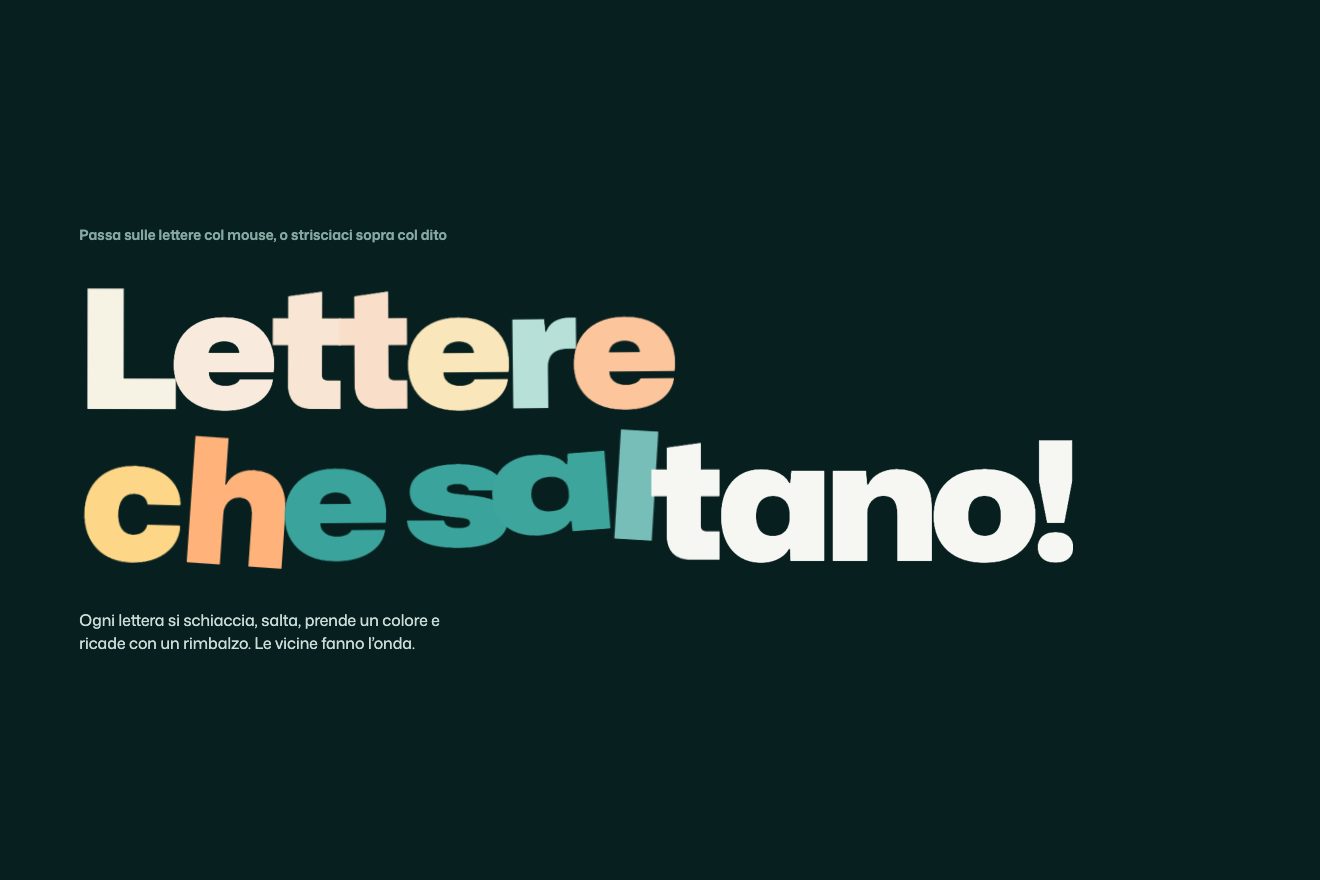
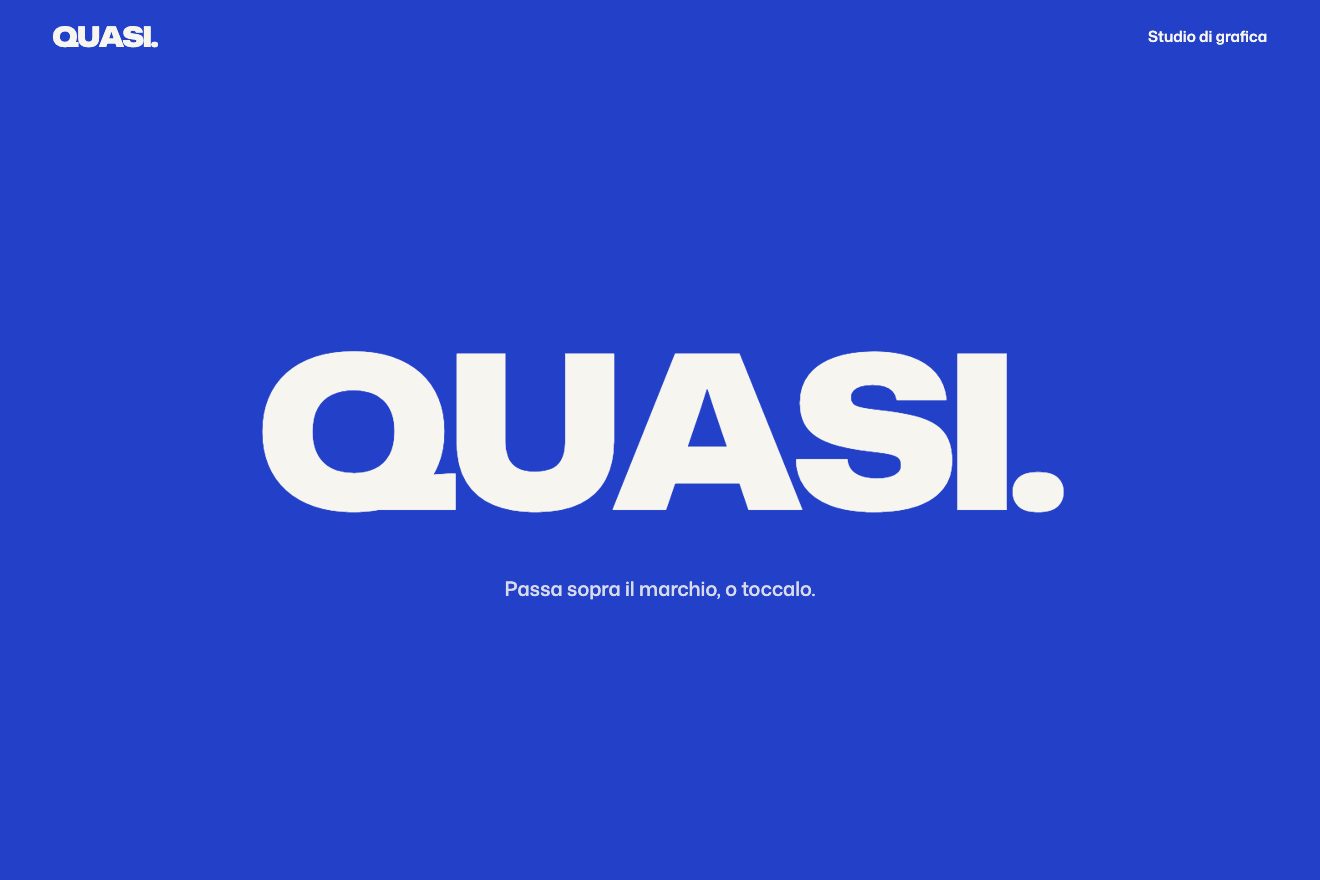
Marquee that speeds up with scroll
Scroll, Text, Hover
Free
In the minimal style: a field of thin outlined squares on warm paper. Near the pointer the corners round off on a spring until the squares become circles, turning a little; far away they go back to sharp corners. Stop the pointer and a wave sets off: everything turns into small grey circles except the squares left standing, and those spell a word in the negative, in the accent colour.
A folder that runs on its own: index.html, style.css, script.js and the libraries from a CDN. The React and Vue tabs hold the same demo as a ready component, which switches its animations off when it leaves the page.
<!doctype html>
<html lang="en">
<head>
  <meta charset="utf-8">
  <meta name="viewport" content="width=device-width, initial-scale=1">
  <title>Rest</title>
  <link rel="stylesheet" href="https://cdn.jsdelivr.net/npm/@fontsource-variable/instrument-sans@5.3.0/wdth.css">
  <link rel="stylesheet" href="style.css">
</head>
<body>
  <!-- a field of thin squares: near the pointer they round into circles, and when the pointer rests they spell a word -->
  <main class="stage" data-stage>
    <canvas class="field" data-field role="img"></canvas>
    <p class="hint" data-hint>Move across the field, then hold still.</p>
    <p class="read" data-readout aria-hidden="true"><span class="read__win"><span class="read__label" data-label>Corner</span></span> <span class="read__win"><b class="read__value" data-value>0%</b></span></p>
  </main>

  <script src="https://cdn.jsdelivr.net/npm/gsap@3.15.0/dist/gsap.min.js"></script>
  <script src="script.js"></script>
</body>
</html>Change values, colours and text with the controls and watch the animation respond live. Or write in the code yourself. Then download the folder with your changes.
18 values to change
With the Animorio connector, Claude Code takes it from here, guide included, and fits it into your project. Paste this request:
Take “The squares that round off” from Animorio and fit it into my siteThe squares are drawn on a canvas, not built from page elements: so hundreds of shapes are redrawn every frame with no effort. The field is the word plus a frame of two empty cells on every side, and the cell size is chosen so the whole thing fits the screen with plenty of empty space around it. On a phone the word breaks onto two lines (RE and ST) when that makes the cells bigger. Every square is a path with four arcTo calls: with a zero radius it is a square, with a radius of half the side it is a circle, and every shape in between.
The letters are written in a little table, five columns by seven rows, with an empty column between one letter and the next. At the start the cells of the field that fall on a filled part of a letter are marked: those are the ones that stay square when the word is written. WORD takes letters, digits and a few signs, up to eight characters.
Every square has a corner (from 0 to 1), a scale and a turn, moved by springs with a frequency (SPRING, in hertz) and a damping (WOBBLE) in fixed steps of a two-hundred-and-fortieth of a second inside gsap.ticker. Near the pointer the corner target grows on a soft curve of the distance, up to REACH cells away; the turn goes towards the pointer, one way on the right and the other on the left, up to TURN degrees. The pointer itself is followed a hair late, so the field breathes behind the hand.
When the pointer stays still for HOLD seconds (even if it leaves the page), a GSAP tween widens a circular front from that point, at WAVE cells per second. Every square it reaches changes target: outside the word it becomes a smaller grey circle, inside it stays square and takes the accent colour, a couple of cells later, so the word lands a moment after the circles. As the front passes, every shape gets a knock on its scale (and the letters on their turn too), which the springs turn into the little settle. A real movement of a third of a cell sets off the opposite wave, faster.
The entrance is a GSAP timeline: the outlines draw themselves with a dash that grows longer, staggered from the middle with the grid stagger, then the first wave sets off from the middle. Under the field the small print in Instrument Sans gives the corner of the square nearest the pointer; the weight and width of the typeface grow and narrow with the corner through a CSS variable. When the word is written, the label and the value roll through their little windows and become «Reads REST».
| Name | File | Default | What it changes |
|---|---|---|---|
WORD | script.js | 'REST' | The word the squares spell when the pointer stops (letters and digits, up to 8). |
REACH | script.js | 3.2 | How far the pointer rounds the squares, in cells. |
TURN | script.js | 14 | How far a square turns while it rounds off, in degrees. |
SPRING | script.js | 4.2 | How quick the corners are, in hertz: 2 slow and soft, 8 snappy. |
WOBBLE | script.js | 0.34 | How much the shapes overshoot and settle: 0.15 a long wobble, 1 none at all. |
HOLD | script.js | 0.6 | How many seconds the pointer must stay still before the word is written. |
WAVE | script.js | 26 | How fast the wave that writes the word runs, in cells per second. |
SIZE | script.js | 0.6 | The side of a square, as a share of its cell. |
--accent | style.css | #e0462a | The colour of the squares that spell the word. |
--stroke | style.css | 1.2 | The thickness of the outlines, in pixels. |
For a page that rewards whoever stops: the opening of a graphic or architecture studio, a landing page with the brand name hidden in the grid, a launch waiting page, a 404 page with the right word. It works with any short word.
The same springs and the same wave with the sizes adapted: the word breaks onto two lines when that makes the cells bigger, and the field is redrawn to fit. Drag a finger over the field to round the squares; lift it and after a moment the wave writes the word again from there. The hint becomes «Drag across the field, then let go.» and hides if there is no room beside the reading.
Nothing turns, nothing grows and there is no wave: the field fades in with the word already written. Near the pointer the corners soften without springs, with a gentle change; moving and stopping the pointer, the whole field changes together, fading from the squares to the word and back.
GSAP 3.15.0, Instrument Sans (font variabile) 5.3.0.
Compressed with gzip, the three demo files weigh 8.3 KB; the libraries: GSAP 28 KB.
Tested on 15 October 2026
Use it in your own projects and in your clients’ projects. Do not resell it or redistribute it as is. GSAP stays under its own Standard license. Full license.
With your account’s email and password.
or with your email
You’re signed in as .
With your account, you can download the zip of every animation and every pack, for free.