Words that melt into each other
Text, Scroll, SVG
NewFree
Scroll inside the preview
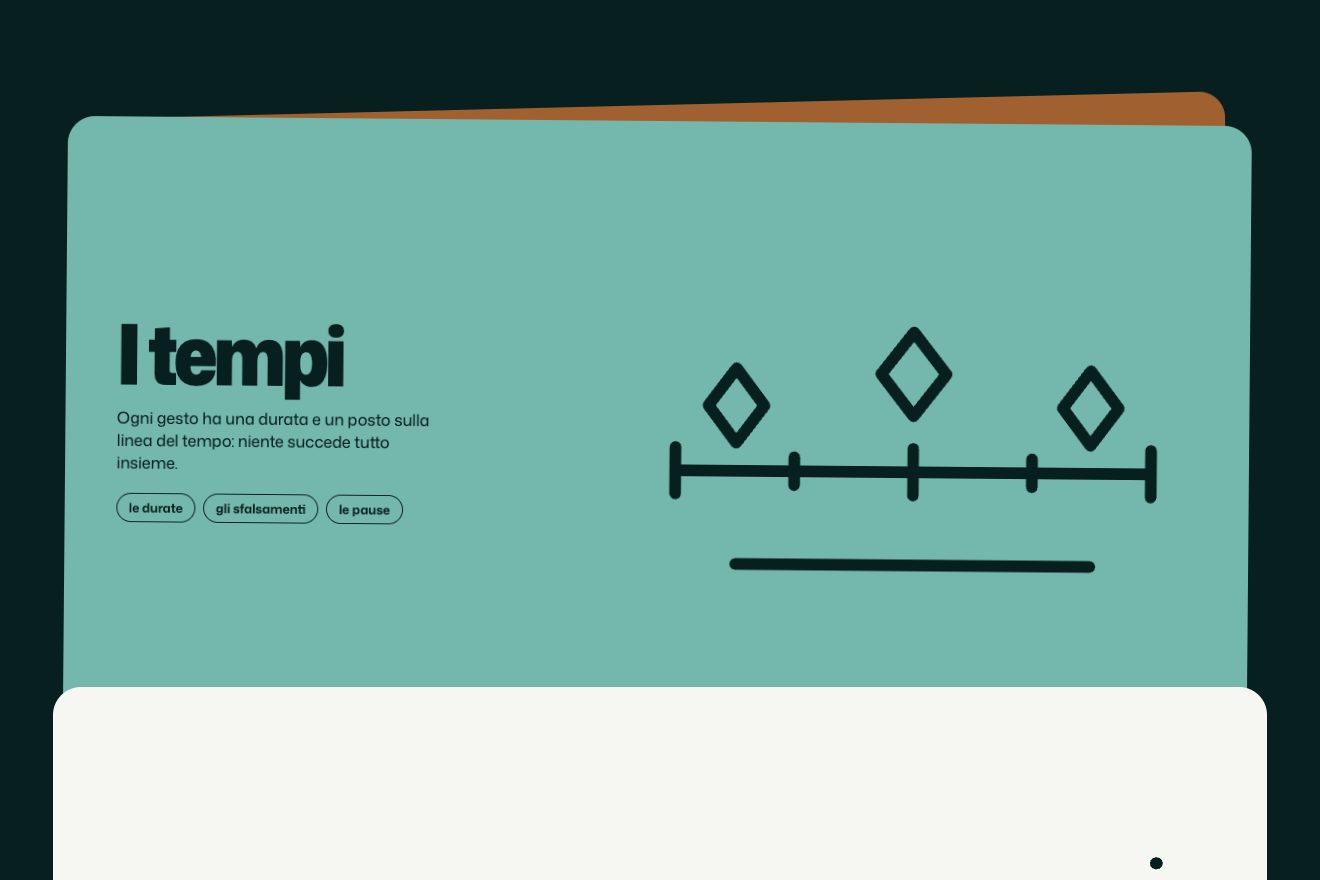
A studio’s “how we work” page: as you scroll, a little train of shapes runs down an invisible trail that winds between the steps, bunched up at first and then strung out along the whole way. Over each step the bars are its weeks of work, and a kite hops across them and back.
A folder that runs on its own: index.html, style.css, script.js and the libraries from a CDN. The React and Vue tabs hold the same demo as a ready component, which switches its animations off when it leaves the page.
<!doctype html>
<html lang="en">
<head>
  <meta charset="utf-8">
  <meta name="viewport" content="width=device-width, initial-scale=1">
  <title>Stars along the trail</title>
  <link rel="stylesheet" href="https://cdn.jsdelivr.net/npm/@fontsource-variable/bricolage-grotesque@5.3.0/index.css">
  <link rel="stylesheet" href="https://cdn.jsdelivr.net/npm/@fontsource/ibm-plex-mono@5.3.0/400.css">
  <link rel="stylesheet" href="style.css">
</head>
<body>
  <!-- the "how we work" page of a small studio: as you scroll, a little train of shapes runs down an invisible trail
       that winds between the steps, and over each step a small kite hops along the bars of its weeks -->
  <header class="apertura">
    <p class="apertura__marchio">Paper Kite</p>
    <h1 class="apertura__titolo">How we work</h1>
    <p class="apertura__sotto">Five steps, from the first call to the day after launch.</p>
  </header>

  <section class="percorso" data-percorso>
    <svg class="sentiero" data-sentiero aria-hidden="true" focusable="false">
      <defs>
        <symbol id="forma-stella" viewBox="-10 -10 20 20"><path d="M0 -10C1.2 -2.5 2.5 -1.2 10 0C2.5 1.2 1.2 2.5 0 10C-1.2 2.5 -2.5 1.2 -10 0C-2.5 -1.2 -1.2 -2.5 0 -10Z"/></symbol>
        <symbol id="forma-fiore" viewBox="-10 -10 20 20"><circle cx="0.00" cy="-4.90" r="4.3"/><circle cx="4.66" cy="-1.51" r="4.3"/><circle cx="2.88" cy="3.96" r="4.3"/><circle cx="-2.88" cy="3.96" r="4.3"/><circle cx="-4.66" cy="-1.51" r="4.3"/><circle r="3.4"/></symbol>
        <symbol id="forma-anello" viewBox="-10 -10 20 20"><path d="M0 -9A9 9 0 1 1 0 9A9 9 0 1 1 0 -9ZM0 -4.5A4.5 4.5 0 1 0 0 4.5A4.5 4.5 0 1 0 0 -4.5Z" fill-rule="evenodd"/></symbol>
        <symbol id="forma-aquilone" viewBox="-10 -10 20 20"><path d="M0 -10L7 -1.5L0 10L-7 -1.5Z"/></symbol>
        <symbol id="forma-goccia" viewBox="-10 -10 20 20"><path d="M0 -10C4 -4 7.5 -0.5 7.5 3A7.5 7.5 0 0 1 -7.5 3C-7.5 -0.5 -4 -4 0 -10Z"/></symbol>
      </defs>
      <path class="sentiero__linea" data-linea d="M0 0"/>
      <g data-forme></g>
    </svg>

    <ol class="passi">
      <li class="passo passo--sinistra" data-passo data-lato="sinistra">
        <div class="settimane" data-settimane aria-hidden="true">
          <svg class="aquilone" data-aquilone viewBox="-12 -16 24 32"><path d="M0 -15L11 -2L0 15L-11 -2Z"/><path d="M-11 -2H11M0 -15V15" class="aquilone__croce"/></svg>
          <span class="stanghetta" data-stanghetta></span>
        </div>
        <h2 class="passo__titolo">First call</h2>
        <p class="passo__durata">1 week</p>
        <p class="passo__testo">We listen, ask a lot of questions and write down what the project has to do.</p>
      </li>
      <li class="passo passo--destra" data-passo data-lato="destra">
        <div class="settimane" data-settimane aria-hidden="true">
          <svg class="aquilone" data-aquilone viewBox="-12 -16 24 32"><path d="M0 -15L11 -2L0 15L-11 -2Z"/><path d="M-11 -2H11M0 -15V15" class="aquilone__croce"/></svg>
          <span class="stanghetta" data-stanghetta></span><span class="stanghetta" data-stanghetta></span>
        </div>
        <h2 class="passo__titolo">Sketches</h2>
        <p class="passo__durata">2 weeks</p>
        <p class="passo__testo">Rough ideas on paper and in the browser, until one of them feels right.</p>
      </li>
      <li class="passo passo--sinistra" data-passo data-lato="sinistra">
        <div class="settimane" data-settimane aria-hidden="true">
          <svg class="aquilone" data-aquilone viewBox="-12 -16 24 32"><path d="M0 -15L11 -2L0 15L-11 -2Z"/><path d="M-11 -2H11M0 -15V15" class="aquilone__croce"/></svg>
          <span class="stanghetta" data-stanghetta></span><span class="stanghetta" data-stanghetta></span><span class="stanghetta" data-stanghetta></span>
        </div>
        <h2 class="passo__titolo">Design</h2>
        <p class="passo__durata">3 weeks</p>
        <p class="passo__testo">Every screen drawn properly, with a prototype you can click through.</p>
      </li>
      <li class="passo passo--destra" data-passo data-lato="destra">
        <div class="settimane" data-settimane aria-hidden="true">
          <svg class="aquilone" data-aquilone viewBox="-12 -16 24 32"><path d="M0 -15L11 -2L0 15L-11 -2Z"/><path d="M-11 -2H11M0 -15V15" class="aquilone__croce"/></svg>
          <span class="stanghetta" data-stanghetta></span><span class="stanghetta" data-stanghetta></span><span class="stanghetta" data-stanghetta></span><span class="stanghetta" data-stanghetta></span>
        </div>
        <h2 class="passo__titolo">Build</h2>
        <p class="passo__durata">4 weeks</p>
        <p class="passo__testo">The real thing, written and tested on the phones and computers people use.</p>
      </li>
      <li class="passo passo--sinistra" data-passo data-lato="sinistra">
        <div class="settimane" data-settimane aria-hidden="true">
          <svg class="aquilone" data-aquilone viewBox="-12 -16 24 32"><path d="M0 -15L11 -2L0 15L-11 -2Z"/><path d="M-11 -2H11M0 -15V15" class="aquilone__croce"/></svg>
          <span class="stanghetta" data-stanghetta></span><span class="stanghetta" data-stanghetta></span>
        </div>
        <h2 class="passo__titolo">Looking after it</h2>
        <p class="passo__durata">2 weeks</p>
        <p class="passo__testo">Launch day, then fixes and small changes for as long as you need them.</p>
      </li>
    </ol>
  </section>

  <footer class="chiusura">
    <p class="chiusura__frase">Let’s fly something together.</p>
  </footer>

  <script src="https://cdn.jsdelivr.net/npm/gsap@3.15.0/dist/gsap.min.js"></script>
  <script src="https://cdn.jsdelivr.net/npm/gsap@3.15.0/dist/ScrollTrigger.min.js"></script>
  <script src="https://cdn.jsdelivr.net/npm/gsap@3.15.0/dist/MotionPathPlugin.min.js"></script>
  <script src="https://cdn.jsdelivr.net/npm/gsap@3.15.0/dist/CustomEase.min.js"></script>
  <script src="script.js"></script>
</body>
</html>Change values, colours and text with the controls and watch the animation respond live. Or write in the code yourself. Then download the folder with your changes.
45 values to change
With the Animorio connector, Claude Code takes it from here, guide included, and fits it into your project. Paste this request:
Take “Stars along the trail” from Animorio and fit it into my siteThe script takes a point at the top of the section, in the middle, one next to every step on the side opposite its words, moved SWING of the width from the middle, and one at the bottom. Then it joins them with a smooth curve: every piece sets off in the direction from the point before to the point after, divided by six. The path is never drawn; it is rebuilt when the page changes size.
ScrollTrigger takes a number from 0 to 1 while the section scrolls from TRAIL[0] to TRAIL[1], tied to the scroll. Shape i sits at the point of the trail given by that number minus i/COUNT, kept between 0 and 0.999: the first is always ahead, the last only sets off once the number passes 23 twenty-fourths. MotionPathPlugin.getPositionOnPath says where that point falls.
They are five SVG symbols, each used in turn by a use element: little star, flower, ring, kite and drop, with colours taken from the style sheet. Every shape turns SPIN degrees over the whole trip, in proportion to where it is.
The script measures the centre of every bar and makes a timeline that repeats forever, with a rest of HOP_PAUSE seconds at the end: for every bar a sideways tween of HOP[0] seconds and, at the same moment, one up of HOP[1] and one down of HOP[2]. The row is crossed to the last bar and then back to the first. The curve is a CustomEase made from the four numbers in EASE.
The bars do not count the steps: they are each step’s weeks of work, and the number is written next to them. A one-week step has a single bar and the kite sits still on it.
| Name | File | Default | What it changes |
|---|---|---|---|
COUNT | script.js | 24 | How many shapes travel on the trail (24 on the site). |
SIZE | script.js | [26, 20] | Their size in pixels, on a computer and on a phone. |
TRAIL | script.js | ['20% 50%', '80% 35%'] | Where the trip starts and ends: a point of the section meets a point of the screen (the site’s). |
SPIN | script.js | 540 | How many degrees each shape turns on its trip. |
SWING | script.js | 0.26 | How far from the middle the trail swings, as a share of the width. |
HOP | script.js | [0.8, 0.28, 0.36] | The kite’s hop in seconds: sideways, up and down (the site’s). |
HOP_HEIGHT | script.js | [8, 20] | How high the kite sits over the bars and how high it jumps, in pixels. |
HOP_PAUSE | script.js | 0.35 | The rest at the end of every round trip. |
EASE | script.js | [0.22, 1, 0.36, 1] | The curve of the hop, as in a cubic-bezier. |
For a page that tells a method, a journey or the stages of a project: the train walks the reader from one step to the next, and the bars say how long each thing takes without needing a chart.
The same, with the steps one under the other: the trail swings from one side of the screen to the other, passing behind the words, and the shapes are a little smaller.
No trip and no hops: the shapes fade in already strung out along the whole trail, and the kites sit still on the first bar.
GSAP 3.15.0, ScrollTrigger (GSAP) 3.15.0, MotionPath (GSAP) 3.15.0, CustomEase (GSAP) 3.15.0, Bricolage Grotesque (font variabile) 5.3.0, IBM Plex Mono 5.3.0.
Compressed with gzip, the three demo files weigh 5.7 KB; the libraries: GSAP + ScrollTrigger + CustomEase + MotionPath 58 KB.
Tested on 6 October 2026
Use it in your own projects and in your clients’ projects. Do not resell it or redistribute it as is. GSAP stays under its own Standard license. Full license.
With your account’s email and password.
or with your email
You’re signed in as .
With your account, you can download the zip of every animation and every pack, for free.