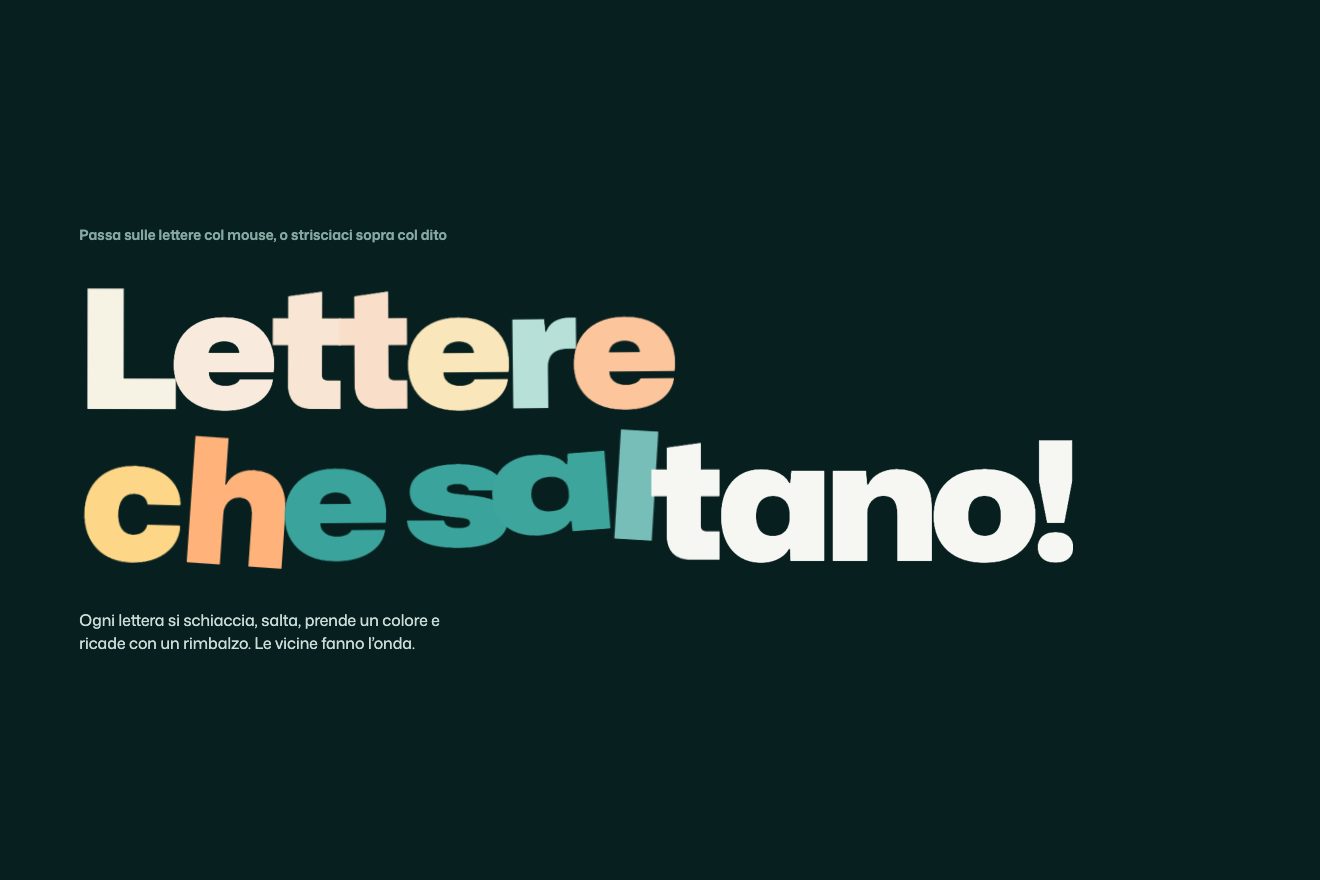
Marquee that speeds up with scroll
Scroll, Text, Hover
Free
A big quote with two coloured words: point at one and a sticker comes out of it, follows the pointer a little late and leans the way you move it. The face pops up from below with a bounce, the heart opens like a round window and beats.
A folder that runs on its own: index.html, style.css, script.js and the libraries from a CDN. The React and Vue tabs hold the same demo as a ready component, which switches its animations off when it leaves the page.
<!doctype html>
<html lang="en">
<head>
  <meta charset="utf-8">
  <meta name="viewport" content="width=device-width, initial-scale=1">
  <title>The sticker that follows the words</title>
  <link rel="stylesheet" href="https://cdn.jsdelivr.net/npm/@fontsource-variable/inter-tight@5.3.0/index.css">
  <link rel="stylesheet" href="https://cdn.jsdelivr.net/npm/@fontsource-variable/inter-tight@5.3.0/wght-italic.css">
  <link rel="stylesheet" href="style.css">
</head>
<body>
  <!-- a quote from a made-up comedy podcast. Two words are a different colour: on each one a sticker pops out of the
       word and rides along above the pointer, leaning the way it moves; the heart one beats while it is out -->
  <main class="palco">
    <figure class="citazione" data-citazione>
      <blockquote class="citazione__testo" data-testo>
        <p>I tell strangers I <span class="accento" tabindex="0" data-parola="cuore">love</span> them on day one.</p>
        <p>It saves us all a lot of <span class="accento" tabindex="0" data-parola="faccia">awkward</span> time later.</p>
      </blockquote>
      <figcaption class="citazione__firma" data-firma>
        <span class="firma__chi">Rosa Pemberton</span>
        <span class="firma__dove">Late Bloomers, episode 112</span>
      </figcaption>

      <!-- the two stickers: drawn here, never in the flow of the text -->
      <div class="adesivo adesivo--faccia" aria-hidden="true" data-adesivo="faccia">
        <div class="adesivo__corpo" data-corpo>
          <svg viewBox="0 0 220 230" focusable="false">
            <g class="bordo">
              <path d="M112 34c40 0 72 30 72 74 0 50-32 92-72 92s-74-40-74-90c0-44 32-76 74-76Z"/>
              <path d="M128 4h76a14 14 0 0 1 14 14v26a14 14 0 0 1-14 14h-40l-18 16 3-16h-21a14 14 0 0 1-14-14V18a14 14 0 0 1 14-14Z"/>
            </g>
            <path class="pelle" d="M112 34c40 0 72 30 72 74 0 50-32 92-72 92s-74-40-74-90c0-44 32-76 74-76Z"/>
            <path class="capelli" d="M42 102c-6-44 26-74 70-74 38 0 70 24 72 62-14-16-34-22-52-18 4-8 2-16-6-22-12 14-40 22-84 52Z"/>
            <path class="guance" d="M64 146a12 8 0 1 0 24 0a12 8 0 1 0-24 0M138 146a12 8 0 1 0 24 0a12 8 0 1 0-24 0"/>
            <g class="occhi">
              <circle cx="86" cy="118" r="13"/><circle cx="140" cy="118" r="13"/>
              <circle class="pupilla" cx="90" cy="121" r="6"/><circle class="pupilla" cx="144" cy="121" r="6"/>
            </g>
            <path class="tratto" d="M68 96c8-8 20-10 30-6M128 88c10-2 22 2 28 10"/>
            <path class="tratto" d="M96 168c10 6 26 6 34-2"/>
            <path class="nuvoletta" d="M128 4h76a14 14 0 0 1 14 14v26a14 14 0 0 1-14 14h-40l-18 16 3-16h-21a14 14 0 0 1-14-14V18a14 14 0 0 1 14-14Z"/>
            <text class="nuvoletta__testo" x="166" y="37" text-anchor="middle">Wait, what?</text>
          </svg>
        </div>
      </div>
      <div class="adesivo adesivo--cuore" aria-hidden="true" data-adesivo="cuore">
        <div class="adesivo__corpo" data-corpo>
          <svg viewBox="0 0 200 184" focusable="false">
            <path class="bordo" d="M100 176C52 140 8 108 8 62 8 30 32 8 60 8c18 0 32 8 40 22 8-14 22-22 40-22 28 0 52 22 52 54 0 46-44 78-92 114Z"/>
            <path class="cuore" d="M100 162C58 130 20 102 20 62c0-24 18-42 40-42 18 0 32 10 40 28 8-18 22-28 40-28 22 0 40 18 40 42 0 40-38 68-80 100Z"/>
            <path class="luce" d="M46 56c2-12 10-20 22-22"/>
          </svg>
        </div>
      </div>
    </figure>
  </main>

  <script src="https://cdn.jsdelivr.net/npm/gsap@3.15.0/dist/gsap.min.js"></script>
  <script src="https://cdn.jsdelivr.net/npm/gsap@3.15.0/dist/SplitText.min.js"></script>
  <script src="https://cdn.jsdelivr.net/npm/gsap@3.15.0/dist/CustomEase.min.js"></script>
  <script src="script.js"></script>
</body>
</html>Change values, colours and text with the controls and watch the animation respond live. Or write in the code yourself. Then download the folder with your changes.
30 values to change
With the Animorio connector, Claude Code takes it from here, guide included, and fits it into your project. Paste this request:
Take “The sticker that follows the words” from Animorio and fit it into my siteThe sticker sits in the same box as the quote, absolutely placed. The outer box goes where the script says: three CSS variables, --x and --y for the point and --giro for the lean, and a transform that moves it left by half its width and up by its whole height, so the pointer sits under its bottom edge. The inner box comes and goes with GSAP. Kept on two different elements, the movement that follows the pointer and the pop never wipe each other out.
The pointer events only write the point to reach. On every frame the sticker covers the FOLLOW share of the distance it has left: 0.22 means a little over a fifth, and that is the lag you see. The share is worked out from the real time since the last frame, so a 120 Hz screen moves it as a 60 Hz one does.
On every move the speed is how many pixels the pointer went sideways since the previous event, times LEAN, held within MAX_LEAN degrees. The lean catches up with it by the TURN share, and meanwhile the speed loses on every frame what SETTLE does not keep: if you stop it goes back to zero by itself, and the sticker straightens up without being told.
The face starts at scale zero and opacity zero, with its origin on the bottom edge, and reaches one in POP seconds on the BOUNCE curve, the site’s cubic-bezier(0.4, 1.65, 0.3, 1), which goes past and comes back. The heart is cut out instead: clip-path goes from inset(50% round 50%), a circle of radius zero in the middle, to inset(-100% round 50%), bigger than the whole drawing, on the same curve; meanwhile it beats, with the numbers in BEAT: in 0.7 seconds it grows a tenth, turns five degrees and comes back.
SplitText splits the quote into lines and closes each line in a slot; the lines rise from 120% of their height in REVEAL seconds, one every STAGGER. While splitting, SplitText builds the words again: that is why the events are listened for on the quote rather than on the words, and the empty copies left at the cut are removed, otherwise they would be a second, invisible Tab stop.
| Name | File | Default | What it changes |
|---|---|---|---|
FOLLOW | script.js | 0.22 | How much ground the sticker makes up every sixtieth of a second (0.22 on the site). |
LEAN | script.js | 1 | How many degrees of lean for each pixel moved sideways in one event (1 on the site). |
MAX_LEAN | script.js | 90 | The most it can lean, in degrees (90 on the site). |
TURN | script.js | 0.18 | How quickly the lean catches up with the speed (0.18 on the site). |
SETTLE | script.js | 0.82 | How much speed is left after each frame: lower straightens up sooner (0.82 on the site). |
POP | script.js | 0.45 | How long a sticker takes to pop out (0.45 seconds on the site). |
BOUNCE | script.js | CustomEase.create('bounce', '0.4, 1.65, 0.3, 1') | The curve of the pop, which overshoots and comes back (the site’s). |
BEAT | script.js | [0.7, 1.1, 5] | The heart’s beat: seconds per beat, how much bigger it gets and how many degrees it turns (the site’s). |
STAY | script.js | 1.2 | On a phone, how many seconds the sticker stays after the finger lifts. |
REVEAL | script.js | 1.2 | How long each line takes to rise (1.2 seconds on the site). |
STAGGER | script.js | 0.08 | The delay between one line and the next. |
For a quote, a headline or an introduction where one or two words deserve a surprise: whoever passes the mouse over them finds a drawing, a portrait or an object of the brand, and the text stays clean for everyone else.
The same, with a finger: the sticker comes out where you touch, follows you while you drag across the word and stays for a second after you lift your finger.
The lines fade in; the stickers neither follow the pointer nor lean: they fade in and out, still above their word, and the heart does not beat.
GSAP 3.15.0, SplitText (GSAP) 3.15.0, Inter Tight (font variabile) 5.3.0.
Compressed with gzip, the three demo files weigh 6.5 KB; the libraries: GSAP + SplitText + CustomEase 35 KB.
Tested on 8 October 2026
Use it in your own projects and in your clients’ projects. Do not resell it or redistribute it as is. GSAP stays under its own Standard license. Full license.
With your account’s email and password.
or with your email
You’re signed in as .
With your account, you can download the zip of every animation and every pack, for free.