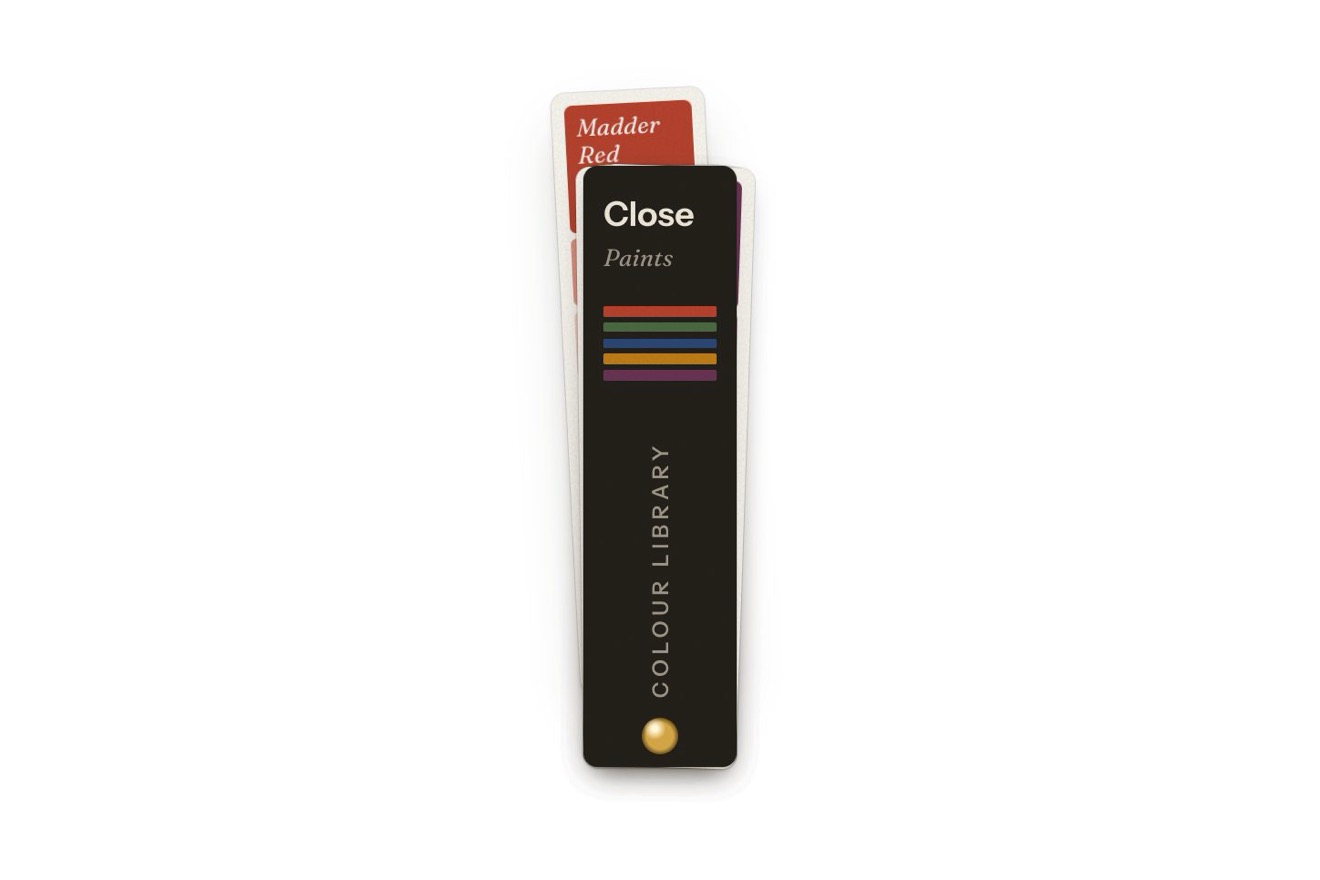
The swatch fan menu
Menus, Physics, Transitions, Hover
NewFree
A month of spending in a ring of 120 thin ticks, like a watch face, in the minimal style: every category is an arc of ticks. Moving over a category, on the ring or in the key, its ticks grow one after another on staggered springs and take the accent, the others shorten, and in the middle the figure counts with the running digits heavier and narrower.
A folder that runs on its own: index.html, style.css, script.js and the libraries from a CDN. The React and Vue tabs hold the same demo as a ready component, which switches its animations off when it leaves the page.
<!doctype html>
<html lang="en">
<head>
  <meta charset="utf-8">
  <meta name="viewport" content="width=device-width, initial-scale=1">
  <title>The tick ring chart</title>
  <link rel="stylesheet" href="https://cdn.jsdelivr.net/npm/@fontsource-variable/roboto-flex@5.3.0/full.css">
  <link rel="stylesheet" href="style.css">
</head>
<body>
  <main class="stage">
    <!-- a month of spending drawn as a dial of thin radial ticks: every category is an arc of ticks. Pointing at a
         category (on the ring or in the key) its ticks grow one after another on staggered springs and turn the
         accent, the others shorten, and the figure in the middle counts to its amount. The ring is drawn by the
         script on a canvas; the key carries the numbers for screen readers -->
    <section class="spend" aria-label="Spending by category" data-spend data-autoclic>
      <div class="spend__ring" data-ring>
        <canvas class="spend__canvas" aria-hidden="true" data-canvas></canvas>
        <div class="read" aria-hidden="true">
          <span class="read__label" data-label></span>
          <span class="read__amount" data-amount></span>
          <span class="read__note" data-note></span>
        </div>
      </div>

      <ul class="key" role="list" aria-label="Categories" data-key></ul>

      <p class="sr" aria-live="polite" data-said></p>
    </section>
  </main>

  <script src="https://cdn.jsdelivr.net/npm/gsap@3.15.0/dist/gsap.min.js"></script>
  <script src="script.js"></script>
</body>
</html>Change values, colours and text with the controls and watch the animation respond live. Or write in the code yourself. Then download the folder with your changes.
33 values to change
With the Animorio connector, Claude Code takes it from here, guide included, and fits it into your project. Paste this request:
Take “The tick ring chart” from Animorio and fit it into my siteThe categories share the 120 places minus the gaps with the largest remainder method, so the ticks always add up and every category has at least one; with the same method the key's percentages add up to 100. Every tick has a place, a category and a length, as a part of the ring's width: on resize it is simply drawn again.
Every tick is a damped spring (SPRING) towards its goal length, worked out in steps of 1/240 s on GSAP's ticker, with the step held to 1/30 s. It also pulls its neighbours (PULL) by how far each is from its own goal: the wave has a body, the ticks next to it feel the knock, and two neighbours with different goals both still get there.
Choosing a category, every tick gets its new goal with a delay proportional to its distance (round the ring) from the starting point: STAGGER seconds per tick for the ones growing, a quarter of that for the ones shortening. The length decides everything else: the colour turns from the category's grey to the accent in a narrow band, so a tick is grey or orange and crosses the mix quickly, and the stroke grows by half a pixel.
Every sign of the figure sits in a box of its own, the same width for all digits, counted from the right: so a digit growing heavier or narrower never moves its neighbours. When a digit changes it heats up (wght plus HEAT, wdth minus 14) and cools on a spring: the digits on the left stop first and settle first.
The loop only runs while something moves and stops when every tick is at its goal, the digits are cool and the tweens are over: at rest the canvas is not drawn again.
The key's entries are buttons with aria-pressed and the arrows, Home and End go from one to the next; Esc goes back to the total, and a line for screen readers reads category, spending and share. A finger taps an arc or an entry, and tapping it again, or outside, goes back to the total. A click from a script (the library's preview) goes round every category in a GSAP timeline, back to rest, and again.
| Name | File | Default | What it changes |
|---|---|---|---|
TICKS | script.js | 120 | How many ticks make the ring, gaps included. |
GAP | script.js | 2 | The empty ticks between two categories. |
STAGGER | script.js | 0.016 | The seconds between one tick and the next in the wave. |
SPRING | script.js | [320, 0.56] | Each tick's spring: how stiff, and how much it is held back (1 = no overshoot). |
PULL | script.js | 0.22 | How much a tick pulls its neighbours, as a part of its stiffness. |
LENGTHS | script.js | [0.075, 0.15, 0.04] | A tick's length at rest, chosen and dimmed, as a part of the ring's width. |
HEAT | script.js | 300 | How much weight a running digit takes (the figure is 520). |
ARRIVAL | script.js | 1.1 | The seconds the ticks take to grow all the way round when the page opens. |
MONTH | script.js | 'October' | The month the figure in the middle adds up. |
CURRENCY | script.js | '$' | The sign before the figures. |
SPENDING | script.js | [{ name: 'Rent', amount: 1650 }, …] | The categories and what went into each (up to ten). |
For a household or budgeting app, a bank's monthly summary, the costs of a trip or a project, a shop's dashboard with sales by department: wherever a total splits into a few parts.
The key goes under the ring, in two columns, and the ring takes the width of the screen up to 340 pixels. A finger taps an arc or an entry to choose it, and tapping it again or outside goes back to the total: the same waves as on a computer.
The ticks are already in place and change length at once, with the ring fading back in; the figure changes without counting and without changing weight, the words in the middle swap with a fade.
GSAP 3.15.0, Roboto Flex (font variabile, assi wght, wdth e opsz) 5.3.0.
Compressed with gzip, the three demo files weigh 9.4 KB; the libraries: GSAP 28 KB.
Tested on 16 October 2026
Use it in your own projects and in your clients’ projects. Do not resell it or redistribute it as is. GSAP stays under its own Standard license. Full license.
With your account’s email and password.
or with your email
You’re signed in as .
With your account, you can download the zip of every animation and every pack, for free.