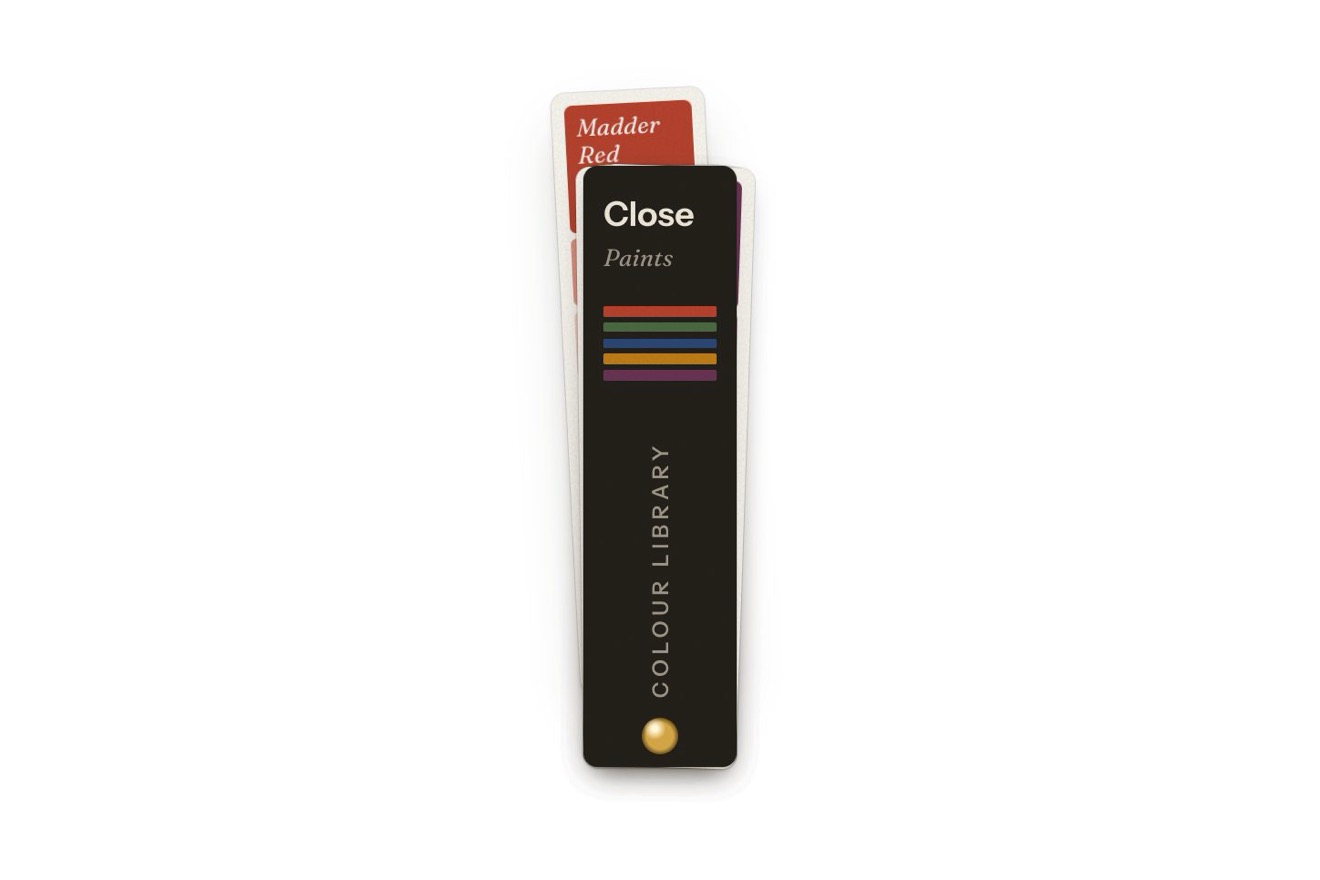
The swatch fan menu
Menus, Physics, Transitions, Hover
NewFree
The tools menu of a photo editor as a blue metal cantilever toolbox. Closed, it is the button; pressed, the latch drops and swings, and the trays rise and step outwards on their hinged arms, always level, knocking against their stops with a bounce; then the lids swing back like tool boards. Each tray holds a tool that is an action: under the pointer it lifts, chosen it leaves the box, which folds back and snaps its latch shut.
A folder that runs on its own: index.html, style.css, script.js and the libraries from a CDN. The React and Vue tabs hold the same demo as a ready component, which switches its animations off when it leaves the page.
<!doctype html>
<html lang="en">
<head>
  <meta charset="utf-8">
  <meta name="viewport" content="width=device-width, initial-scale=1">
  <title>The toolbox menu</title>
  <link rel="stylesheet" href="https://cdn.jsdelivr.net/npm/@fontsource-variable/archivo@5.3.0/wdth.css">
  <link rel="stylesheet" href="style.css">
</head>
<body>
  <main class="stage">
    <!-- the toolbox menu: the actions of a photo editor as the trays of a cantilever toolbox. Closed, the box is the
         button. Pressed, the latch flips, the trays rise and step outwards on their hinged arms (two parallel arms
         per tray, so every tray stays level) and the lids swing back like tool boards. The metal, the arms and the
         tools are painted on the canvas; the buttons on top of it are the real menu -->
    <div class="box" data-box>
      <canvas class="box__paint" aria-hidden="true" data-paint></canvas>

      <button class="lid-button" type="button" aria-haspopup="menu" aria-expanded="false" aria-controls="toolbox-menu" data-toggle data-autoclic>
        <span class="plate" aria-hidden="true" data-plate>
          <span class="plate__face" data-face><span class="plate__word">Tools</span></span>
        </span>
        <span class="sr" data-name>Tools</span>
      </button>

      <div class="trays" id="toolbox-menu" role="menu" aria-label="Photo tools" tabindex="-1" data-menu inert>
        <button class="tray" type="button" role="menuitem" tabindex="-1" data-tray="crop" data-autoclic>
          <span class="tray__label" data-label>Crop</span>
        </button>
        <button class="tray" type="button" role="menuitem" tabindex="-1" data-tray="adjust">
          <span class="tray__label" data-label>Adjust</span>
        </button>
        <button class="tray tray--board" type="button" role="menuitem" tabindex="-1" data-tray="retouch">
          <span class="tray__label" data-label>Retouch</span>
        </button>
        <button class="tray tray--board" type="button" role="menuitem" tabindex="-1" data-tray="straighten">
          <span class="tray__label" data-label>Straighten</span>
        </button>
      </div>
    </div>
    <p class="sr" aria-live="polite" data-say></p>
  </main>

  <script src="https://cdn.jsdelivr.net/npm/gsap@3.15.0/dist/gsap.min.js"></script>
  <script src="script.js"></script>
</body>
</html>Change values, colours and text with the controls and watch the animation respond live. Or write in the code yourself. Then download the folder with your changes.
27 values to change
With the Animorio connector, Claude Code takes it from here, guide included, and fits it into your project. Paste this request:
Take “The toolbox menu” from Animorio and fit it into my siteEach tray hangs on two parallel arms of the same length, pinned to its parent: the box for the lower trays, the lower tray for the upper ones. The script only knows where the tray sits closed and where it has to stand open: the pin must be at the same distance from the arm’s end in both places, so on the perpendicular bisector of the segment between them. Of that line it takes the point nearest to where it would like the pin, kept inside the face of the parent; from there come the length of the arm and its two angles. At every frame the tray is where the arm ends, less the point where the arm holds it: the tray never turns and follows a true arc.
The opening of each arm is a number from 0 to 1 with its own speed. A damped spring aims a little past the stop (1.08 opening, -0.08 closing), so the tray reaches it with speed: there it bounces back keeping BOUNCE of its speed and the spring pushes it back, until it settles. Every knock gives a push to a stiff spring that lowers the box by a pixel or two. The physics runs on GSAP’s ticker in steps of 1/240 of a second, with the frame step capped at 1/30, and the upper trays set off STAGGER seconds later.
The lid of an upper tray turns on a hinge at the back of the tray. Seen from the front, its inside shows as tall as its depth times the sine of the angle, and its four-unit edge as tall as the cosine: the script draws the board with scale(1, sine) and puts the tools and their outlines on it, darkened while the lid is still nearly flat. It opens on a lightly damped spring once the tray is past 62 percent of its travel, and it folds down first.
Steel, arms, rivets, tools and shadows are drawn on a canvas at every frame, but only while something moves. The bands of paint have a vertical gradient with a bright rolled lip, the hammered grain (a repeated tile of soft dents) and darker ends; the arms have their gradient across them with the bright side always facing up, however they turn. Canvas shadows do not follow the transform, so blur and offset are multiplied by the scale by hand.
Over the canvas there are real buttons: the box, with aria-expanded and aria-controls, and four role=menuitem items that the script moves at every frame over their trays, with the name stamped in real text. The arrows go from item to item, Home and End to the first and the last, a letter to the item that starts with it; Escape and Tab close and give the focus back to the box. The closed menu is inert.
| Name | File | Default | What it changes |
|---|---|---|---|
REACH | script.js | 134 | How far from the middle the upper trays stand with the box open, in pixels; the pins of the arms are worked out again by themselves. |
RISE | script.js | 112 | How high above the bottom of the box the upper trays stand with the box open, in pixels. |
SPRING | script.js | 48 | How hard the springs of the arms throw the trays towards their stops. |
BOUNCE | script.js | 0.34 | How much of its speed a tray keeps as it knocks against its stop (0 none, 0.6 lively). |
STAGGER | script.js | 0.07 | The seconds between the lower trays setting off and the upper ones. |
LID | script.js | 100 | How far the lids swing back, in degrees. |
LIFT | script.js | 9 | How far a tool lifts under the pointer, in pixels. |
HOLD | script.js | 1.6 | The seconds the plate says what was done. |
OPEN_WORD | script.js | 'Close' | What the plate says while the box is open. |
DONE_WORDS | script.js | ['Cropped', 'Adjusted', 'Retouched', 'Straightened'] | What the plate says after each tool, in the order of the menu. |
For the tools or actions menu of an editor (photos, video, projects, sites) or of an app with an object-like character: a DIY shop, a repair service, a tool for creatives. Four short actions, one per tray; for six you need another tier of trays and a wider frame.
The frame is 384 units wide and at 390 pixels it shrinks to about 0.93: the closed box stays 56 pixels high and the open one fits inside the screen, with the names still legible. A tap opens and closes it like a click; a finger pressing an item lifts its tool like the pointer, and letting go chooses it.
No turning arms, no bounces and no knocks: the box fades out and comes back open or closed, the tool under the pointer does not lift but the name on its tray brightens, and choosing an action the box fades back closed with the plate saying what was done. The plate’s words fade instead of rolling.
GSAP 3.15.0, Archivo (font variabile) 5.3.0.
Compressed with gzip, the three demo files weigh 15 KB; the libraries: GSAP 28 KB.
Tested on 9 October 2026
Use it in your own projects and in your clients’ projects. Do not resell it or redistribute it as is. GSAP stays under its own Standard license. Full license.
With your account’s email and password.
or with your email
You’re signed in as .
With your account, you can download the zip of every animation and every pack, for free.