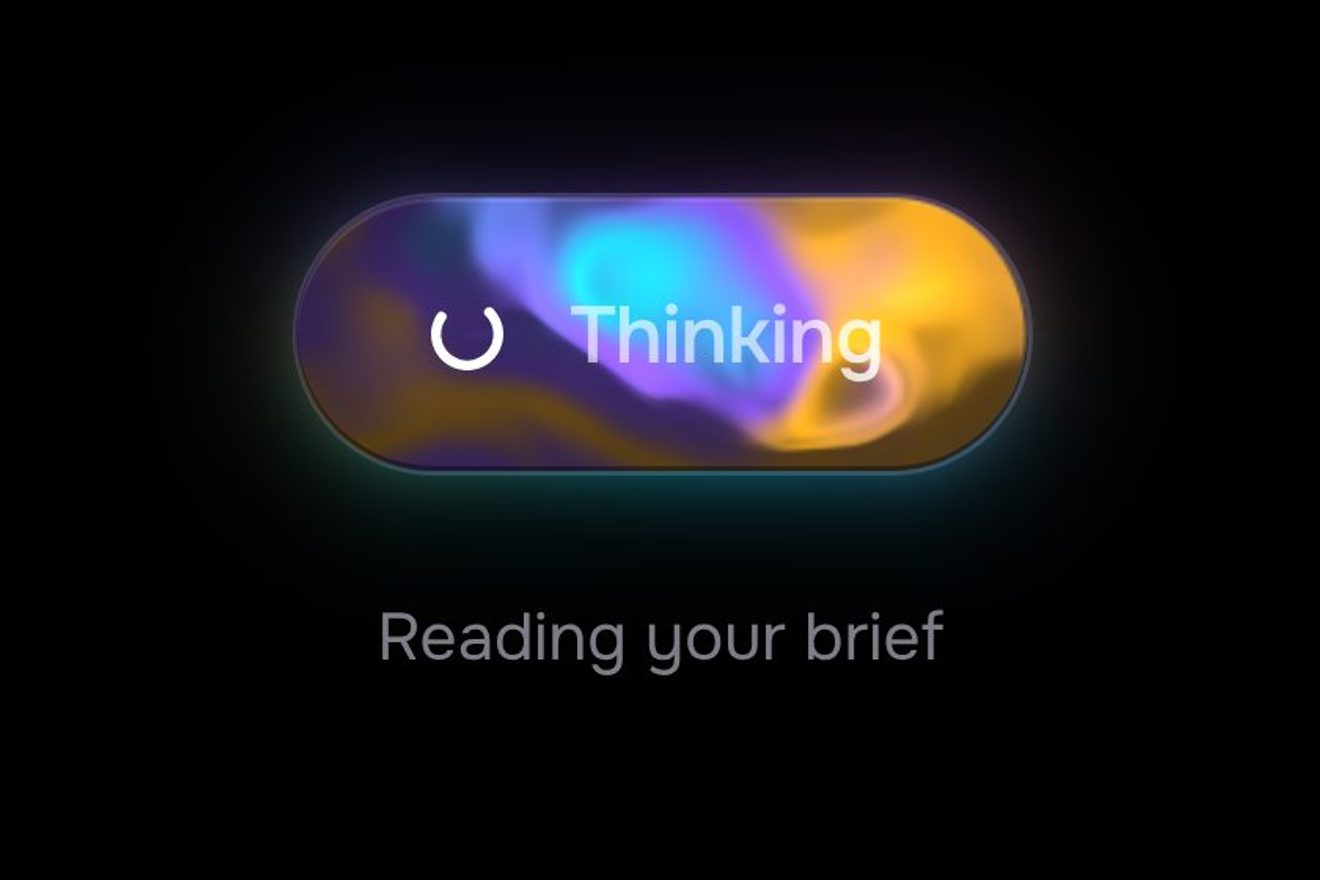
The AI generate button
Buttons, WebGL, SVG, Hover, Text
NewFree
In the minimal style: a sentence with three words explained, dashed underneath like the hidden edges of a technical drawing. Resting on one, the word takes a little weight without moving the sentence, two extension lines rise from its edges and a vermilion dimension line runs out with ticks at its ends, goes one pixel too far and comes back, while the definition is lettered next to it one letter at a time, as soon as the line passes over it.
A folder that runs on its own: index.html, style.css, script.js and the libraries from a CDN. The React and Vue tabs hold the same demo as a ready component, which switches its animations off when it leaves the page.
<!doctype html>
<html lang="en">
<head>
  <meta charset="utf-8">
  <meta name="viewport" content="width=device-width, initial-scale=1">
  <title>The tooltip with the dimension line</title>
  <link rel="stylesheet" href="https://cdn.jsdelivr.net/npm/@fontsource-variable/archivo@5.3.0/wdth.css">
  <link rel="stylesheet" href="style.css">
</head>
<body>
  <main class="stage">
    <!-- the tooltip with the dimension line: a sentence with three words explained, each one dashed underneath like a
         hidden edge in a drawing. Resting on one, the word takes a little weight without moving the sentence, two
         extension lines rise from its edges and a dimension line runs out from them, ticked at both ends, while the
         definition is lettered above it as the line goes by. The lines are one svg, drawn by the script -->
    <div class="gloss" data-gloss data-autoclic>
      <svg class="gloss__lines" aria-hidden="true" data-lines></svg>
      <p class="gloss__text" data-text>
        A <button class="term" type="button" aria-describedby="tip-chamfer" data-term><span class="term__word">chamfer</span><i class="term__base"></i></button>
        on every edge, a <button class="term" type="button" aria-describedby="tip-tenon" data-term><span class="term__word">tenon</span><i class="term__base"></i></button>
        in every joint, a <button class="term" type="button" aria-describedby="tip-veneer" data-term><span class="term__word">veneer</span><i class="term__base"></i></button>
        of oak on top.
      </p>
      <span class="tip" role="tooltip" id="tip-chamfer" data-tip>A flat cut taken off a sharp corner, most often at 45 degrees.</span>
      <span class="tip" role="tooltip" id="tip-tenon" data-tip>The tongue cut on the end of a rail, made to fit a mortise.</span>
      <span class="tip" role="tooltip" id="tip-veneer" data-tip>A slice of fine wood, thinner than a millimetre, glued over a plain core.</span>
    </div>
  </main>

  <script src="https://cdn.jsdelivr.net/npm/gsap@3.15.0/dist/gsap.min.js"></script>
  <script src="script.js"></script>
</body>
</html>Change values, colours and text with the controls and watch the animation respond live. Or write in the code yourself. Then download the folder with your changes.
22 values to change
With the Animorio connector, Claude Code takes it from here, guide included, and fits it into your project. Paste this request:
Take “The tooltip with the dimension line” from Animorio and fit it into my siteThe face, Archivo, has two axes: weight (wght) and width (wdth). For every word, when the page opens and whenever the text’s size changes, the script takes a hidden copy of the word and, for nine weights between the one at rest and the one switched on, runs a binary search (sixteen steps between 62 and 125) for the width on the axis that keeps it as wide as at rest. During the animation the weight grows and the width is read from that small table: the word gets blacker and a little narrower, and the sentence does not move.
The dimension line runs on a damped spring written in closed form, x(t) = 1 − e^(−ζωt)(cos ω_d t + ζ/√(1−ζ²) sin ω_d t). The overshoot of such a spring is a fixed fraction of its travel, so on a long line it would be big and on a short one invisible: the damping ζ is worked out every time from the length, ζ = −ln r / √(π² + ln² r) with r = OVERSHOOT / length, so the line always goes OVERSHOOT pixels too far, whether it is 80 pixels long or 400. GSAP only runs the spring’s time, in a timeline.
The lines are three paths in an svg over the sentence: the dashes, the extension lines with the dimension line, and the ticks (slanted at 45 degrees, a little thicker). GSAP’s timelines only move numbers (how far the extension lines have risen, the spring’s time, how much of the line is out, the size of the ticks) and a function on the ticker writes the d attributes again. The hairlines sit on the half pixel so they stay sharp; the dashes close by taking the gap of stroke-dasharray to zero, cut so that they start and end on a whole dash.
The definition is real text (role tooltip and aria-describedby on the word, with a whole copy for screen readers); for the eye it is split into one span per letter, with words that never break. The script measures how far each letter is from the edge the line starts from and, on every frame, switches on the ones the line’s head has just passed: they rise 5 pixels on a light spring and turn from the line’s colour to black. Closing, they go first, from the last one, then the line goes back in and the extension lines come down.
Above or below: towards the side of the sentence the word is nearer to, so the definition never covers the other line. Right or left: the definition is tried at most TIP_WIDTH pixels wide, its longest line is measured (with the letters, line by line) and the line runs to the right if it fits, otherwise to the left with the text set right; if it fits on neither side, as on a phone, it narrows on the side with more room and wraps. Everything is measured again on resize and when the fonts arrive, even halfway through, because the drawing comes from numbers and not from saved positions.
The first time after DELAY seconds of the pointer resting; while a definition is out, and for a moment after, the next one starts at once. Leaving the word it waits LINGER seconds, and an invisible bridge in the definition’s box lets the pointer climb up to the letters. With the keyboard focus it shows at once, and Esc closes it until the focus or the pointer leave the word; a touch opens and closes it. A click from a script (the library’s preview) is a pretend pointer, in a timeline, that passes over the three words and then leaves.
| Name | File | Default | What it changes |
|---|---|---|---|
WEIGHT | script.js | [380, 540] | The weight of the word at rest and with its definition out (100 to 900): its width stays the same. |
OVERSHOOT | script.js | 1 | How many pixels the dimension line goes past its length before it comes back, whatever its length. |
STIFFNESS | script.js | 13 | How quick the dimension line’s spring is: higher, the line runs faster. |
DELAY | script.js | 0.25 | The seconds the pointer rests on a word before the first definition. |
LINGER | script.js | 0.3 | The seconds the definition waits after the pointer has left the word, so it can be taken up to the letters. |
SETTLE | script.js | 0.5 | The seconds each letter of the definition takes to settle; drying from vermilion to black takes it almost twice as long. |
TIP_WIDTH | script.js | 236 | The widest the definition may be, in pixels: on a phone it narrows by itself when there is no room. |
For the technical terms on a product page (a piece of furniture, a watch, a bike), the hard words of an article or a lesson, the items of a documentation or a specification: anywhere a word needs one line of explanation and the site speaks the language of drawing, architecture or design.
The sentence goes down to 21 pixels and stays on two lines, so the words on the first line put the dimension above and those on the second below. The same lines, the same spring and the same letters; the definition takes the side with more room and, if it has to, narrows and wraps, always inside the screen. A touch opens it, another touch or a touch somewhere else closes it; the definition does not stop the finger.
No running lines and no rising letters: the whole dimension, the ticks and the definition show already in place with a fade, while the dashes close and the word takes weight. The dashes are already there, without drawing themselves.
GSAP 3.15.0, Archivo (font variabile, assi wght e wdth) 5.3.0.
Compressed with gzip, the three demo files weigh 9.2 KB; the libraries: GSAP 28 KB.
Tested on 16 October 2026
Use it in your own projects and in your clients’ projects. Do not resell it or redistribute it as is. GSAP stays under its own Standard license. Full license.
With your account’s email and password.
or with your email
You’re signed in as .
With your account, you can download the zip of every animation and every pack, for free.