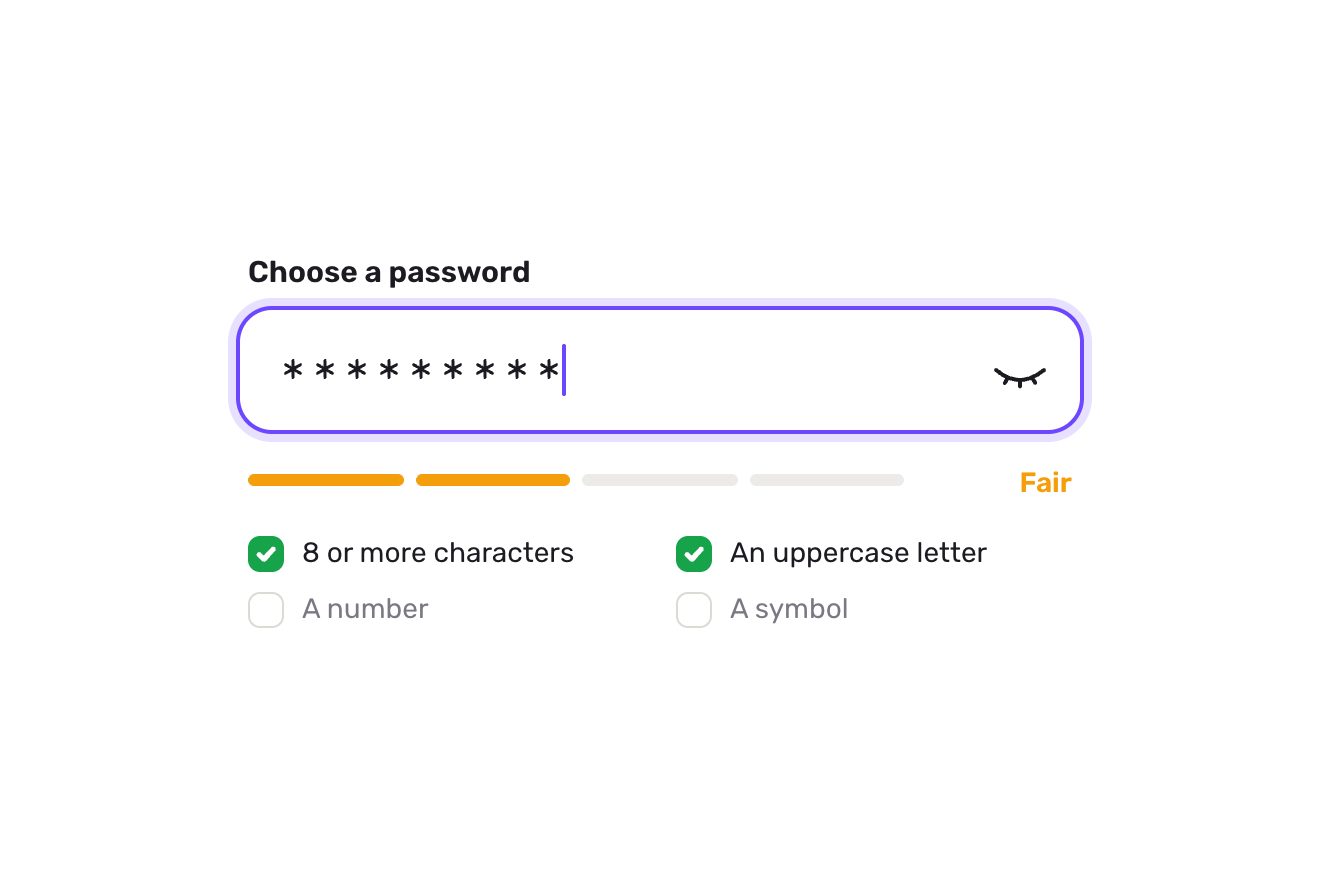
The password field
Forms, Text, SVG
NewFree
The email field of a sign-up typed on a strip of paper wound on the platen: the strike point stays still and at every key the paper moves one notch, while a typebar flicks up from below and leaves the letter inked a little differently every time. Backspace lifts the letter off with correction tape, the bell shakes near the margin, and on sending the return lever throws the carriage back, the platen rolls a line and the machine types the answer by itself.
A folder that runs on its own: index.html, style.css, script.js and the libraries from a CDN. The React and Vue tabs hold the same demo as a ready component, which switches its animations off when it leaves the page.
<!doctype html>
<html lang="en">
<head>
  <meta charset="utf-8">
  <meta name="viewport" content="width=device-width, initial-scale=1">
  <title>The typewriter field</title>
  <link rel="stylesheet" href="https://cdn.jsdelivr.net/npm/@fontsource/courier-prime@5.3.0/400.css">
  <link rel="stylesheet" href="https://cdn.jsdelivr.net/npm/@fontsource/courier-prime@5.3.0/400-italic.css">
  <link rel="stylesheet" href="https://cdn.jsdelivr.net/npm/@fontsource/courier-prime@5.3.0/700.css">
  <link rel="stylesheet" href="style.css">
</head>
<body>
  <main class="stage">
    <!-- the newsletter sign-up of a short fiction magazine, typed on a strip of paper wound on a black rubber platen:
         the strike point stays still behind the metal guide and the paper moves, the return lever throws the carriage
         back when the address is sent, the knurled knob turns with the platen and the bell shakes near the margin -->
    <form class="tw" action="#" novalidate data-tw data-autoclic>
      <div class="tw__top">
        <label class="tw__label" for="tw-input">Email address</label>
      </div>
      <svg class="tw__bell" viewBox="0 0 28 22" aria-hidden="true" data-bell>
        <g data-bell-body>
          <path class="bell__dome" d="M8 16.2c0-4.6 2.6-7.6 6-7.6s6 3 6 7.6z"/>
          <path class="bell__base" d="M6.4 16.6h15.2"/>
          <path class="bell__stem" d="M14 8.6V6.4"/>
          <circle class="bell__knob" cx="14" cy="5.4" r="1.4"/>
        </g>
        <path class="bell__ring" d="M5.4 8.2c-1.3 1.5-1.8 3.4-1.5 5.4M2.6 6.4C.8 8.6.1 11.3.6 14" data-ring/>
        <path class="bell__ring" d="M22.6 8.2c1.3 1.5 1.8 3.4 1.5 5.4M25.4 6.4c1.8 2.2 2.5 4.9 2 7.6" data-ring/>
      </svg>
      <div class="tw__field" data-field>
        <svg class="tw__lever" viewBox="0 0 34 40" aria-hidden="true" data-lever>
          <defs>
            <linearGradient id="tw-chrome" x1="0" y1="0" x2="1" y2="0.35">
              <stop offset="0" stop-color="#8a8e95"/>
              <stop offset="0.28" stop-color="#ffffff"/>
              <stop offset="0.55" stop-color="#a4a8af"/>
              <stop offset="0.78" stop-color="#e9ebee"/>
              <stop offset="1" stop-color="#5d6168"/>
            </linearGradient>
          </defs>
          <g data-lever-arm>
            <path class="lever__arm" d="M12.4 34C12.3 25.6 9.8 17 5.2 10.2l3.6-2.4C13.4 14.8 17 24 17.6 34z"/>
            <path class="lever__blade" d="M.9 8.8C.2 6.2 1.7 2.9 5 1.4 8.1 0 10.6.9 10.9 3c.3 1.9-1.2 3.9-3.3 5.3-2.4 1.6-5.9 2.6-6.7.5z"/>
            <path class="lever__shine" d="M2.6 6.6c.9-1.9 2.6-3.3 4.7-3.8"/>
          </g>
          <circle class="lever__boss" cx="15" cy="34" r="4.4"/>
          <circle class="lever__screw" cx="15" cy="34" r="1.3"/>
        </svg>
        <svg class="tw__knob" viewBox="0 0 16 50" preserveAspectRatio="none" aria-hidden="true">
          <defs>
            <linearGradient id="tw-knob" x1="0" y1="0" x2="0" y2="1">
              <stop offset="0" stop-color="#000" stop-opacity="0.85"/>
              <stop offset="0.3" stop-color="#000" stop-opacity="0"/>
              <stop offset="0.42" stop-color="#fff" stop-opacity="0.07"/>
              <stop offset="0.7" stop-color="#000" stop-opacity="0"/>
              <stop offset="1" stop-color="#000" stop-opacity="0.9"/>
            </linearGradient>
          </defs>
          <rect class="knob__body" x="0" y="0" width="16" height="50" rx="4.5"/>
          <path class="knob__ridges" data-ridges/>
          <path class="knob__grooves" data-grooves/>
          <rect x="0" y="0" width="16" height="50" rx="4.5" fill="url(#tw-knob)"/>
        </svg>
        <div class="tw__window" data-window>
          <div class="tw__sheet" data-sheet>
            <div class="tw__paper" data-paper></div>
            <div class="tw__lines" aria-hidden="true" data-lines>
              <span class="tw__ph" data-ph></span>
            </div>
            <input class="tw__input" id="tw-input" name="email" type="text" inputmode="email" autocomplete="email" autocapitalize="off" autocorrect="off" spellcheck="false" enterkeyhint="send" maxlength="254" aria-describedby="tw-help" aria-invalid="false" data-input>
          </div>
          <div class="tw__shade" aria-hidden="true"></div>
          <div class="tw__guide" aria-hidden="true" data-guide>
            <svg class="guide__plate" viewBox="-32 0 64 60">
              <defs>
                <linearGradient id="tw-plate" x1="0" y1="0" x2="0" y2="1">
                  <stop offset="0" stop-color="#f6f7f8"/>
                  <stop offset="0.35" stop-color="#c3c7cd"/>
                  <stop offset="0.7" stop-color="#8b9098"/>
                  <stop offset="1" stop-color="#5c6067"/>
                </linearGradient>
              </defs>
              <path class="guide__index" d="M-3.4 7.6h6.8L0 12.2z" data-index/>
              <path class="guide__body" d="M-27 44.6c0-.9.7-1.6 1.6-1.6h21.6L0 47.4 3.8 43h21.6c.9 0 1.6.7 1.6 1.6v9.8H-27z"/>
              <path class="guide__slots" d="M-15.5 46.6v4.6M15.5 46.6v4.6"/>
              <path class="guide__lip" d="M-26 43.6h21.9M4.1 43.6H26"/>
            </svg>
            <span class="tw__tape" data-tape></span>
            <span class="tw__bar" data-bar></span>
          </div>
        </div>
        <button class="tw__key" type="submit" data-key>
          <span class="key__top">
            <span class="key__cap">
              <span class="key__word" data-key-word>Subscribe</span>
              <svg class="key__tick" viewBox="0 0 24 24" aria-hidden="true" data-key-tick><path d="M6.4 12.6l3.8 3.8 7.6-8.6"/></svg>
            </span>
          </span>
        </button>
      </div>
      <div class="tw__help" aria-hidden="true" data-help><span class="help__line is-help">A new short story every other Sunday.</span></div>
      <span class="sr" id="tw-help" data-help-sr></span>
      <span class="sr" aria-live="polite" data-live></span>
    </form>
  </main>

  <script src="https://cdn.jsdelivr.net/npm/gsap@3.15.0/dist/gsap.min.js"></script>
  <script src="script.js"></script>
</body>
</html>Change values, colours and text with the controls and watch the animation respond live. Or write in the code yourself. Then download the folder with your changes.
24 values to change
With the Animorio connector, Claude Code takes it from here, guide included, and fits it into your project. Paste this request:
Take “The typewriter field” from Animorio and fit it into my siteThe input is real (a label, autocomplete email, inputmode email for the keyboard with the @, enterkeyhint send, aria-invalid and aria-describedby pointing at a line for screen readers, an aria-live region for errors and the answer). It sits inside the moving sheet, thousands of pixels wide so it never scrolls by itself, with its letters transparent and its caret visible: its letters fall exactly under the drawn ones (a monospaced face measured with measureText), so its caret, the selection, autofill and the phone keyboard work where they are seen.
At every change the value is compared with the drawn text (same start, same end). What is added at the end joins a queue of strikes, what is taken off the end a queue of corrections; every step is a GSAP timeline: the typebar rises with power3.in, at the impact the letter is inked and the carriage moves on by its width, with a jolt and a kick of the platen that carry on by themselves. When steps pile up the hand speeds up to PASTE seconds a letter. A change in the middle of the line (the machine could not do it) flushes the queue and the letters move to their places.
Once, on a canvas, a value noise is drawn (blotches the size of a letter, a finer mottle, the ribbon’s diagonal weave and a few fibres that took no ink) and becomes the alpha mask of every letter, taken from a different spot. With mask-composite: intersect a gradient at a random angle is added to it, because a typebar never lands flat. On top, every letter has its own density, a shift off the line of JITTER pixels, a lean of TILT degrees and now and then a faint second strike in text-shadow; INK sets how uneven it all is.
A line sits on the platen’s cylinder: it rises by the radius times the sine of its angle, is squashed by the cosine and dims as it turns away. On sending, the lever turns round its pivot, the carriage runs to the margin with power2.in and bangs into it, and the platen turns one line carrying the address up and the new line down; the knob’s grooves, lines round a cylinder seen from the front, are redrawn only while it turns. After subscribe() has answered the reply types itself; a click or a key turns the platen back.
The check says what is missing and it is typed under the field letter by letter in red, with the same ink mask; the carriage shakes and the guide’s index turns red. When the carriage passes BELL letters before the margin the bell rocks, once a line. A click from a script on the form (detail 0, the library’s preview) types an address with a slip corrected and sends it, then one without its ending, refused in red, finished and sent.
| Name | File | Default | What it changes |
|---|---|---|---|
PLACEHOLDER | script.js | 'you@example.com' | The address pencilled on the paper while the field is empty. |
DONE | script.js | 'You’re on the list.' | What the machine types by itself on the new line once the address has gone. |
NOTE | script.js | 'The first story comes on Sunday.' | The line typed under the field once the address has gone. |
STRIKE | script.js | 0.06 | The seconds the typebar takes to fly up and hit the paper. |
CARRIAGE | script.js | 0.07 | The seconds the carriage takes to jump one space. |
JOLT | script.js | 1.2 | How many pixels the carriage overshoots at every jump (and how much the platen kicks). |
INK | script.js | 0.45 | How uneven the ink is: 0 every letter alike, 1 patchy and faint. |
JITTER | script.js | 0.6 | How many pixels a letter can stray above or below the line. |
TILT | script.js | 0.6 | How many degrees a letter can lean. |
PASTE | script.js | 0.035 | The seconds between two strikes when a whole address is pasted or filled in by the browser. |
BELL | script.js | 6 | How many letters before the margin the bell rocks. |
WAIT | script.js | 0.5 | How many seconds the subscription takes in the demo, before the answer is typed. |
In the newsletter sign-up of a magazine, a writer, a publisher, a bookshop or a short fiction site: where writing is the product and an ordinary field would be a missed chance. It stays a real email field, with the browser’s autofill and the phone’s keyboard.
On a 390-pixel phone the carriage is as wide as the screen, stays 60 tall, the letters drop to 16 pixels (so iOS does not zoom the page when the field is touched) and the key narrows to 86. A tap opens the email keyboard with an Enter key that says Send; the paper, the lever and the bell are the same, with fewer letters before the margin.
No typebar, no jumps or jolts: the paper moves one space at once and the letter fades in at its place, and leaves the same way. On sending, the line fades and the answer appears letter by letter with no lever and no turning platen; the carriage does not shake, the bell appears and fades standing still, the lines under the field swap with a fade.
GSAP 3.15.0, Courier Prime 5.3.0.
Compressed with gzip, the three demo files weigh 18 KB; the libraries: GSAP 28 KB.
Tested on 7 October 2026
Use it in your own projects and in your clients’ projects. Do not resell it or redistribute it as is. GSAP stays under its own Standard license. Full license.
With your account’s email and password.
or with your email
You’re signed in as .
With your account, you can download the zip of every animation and every pack, for free.