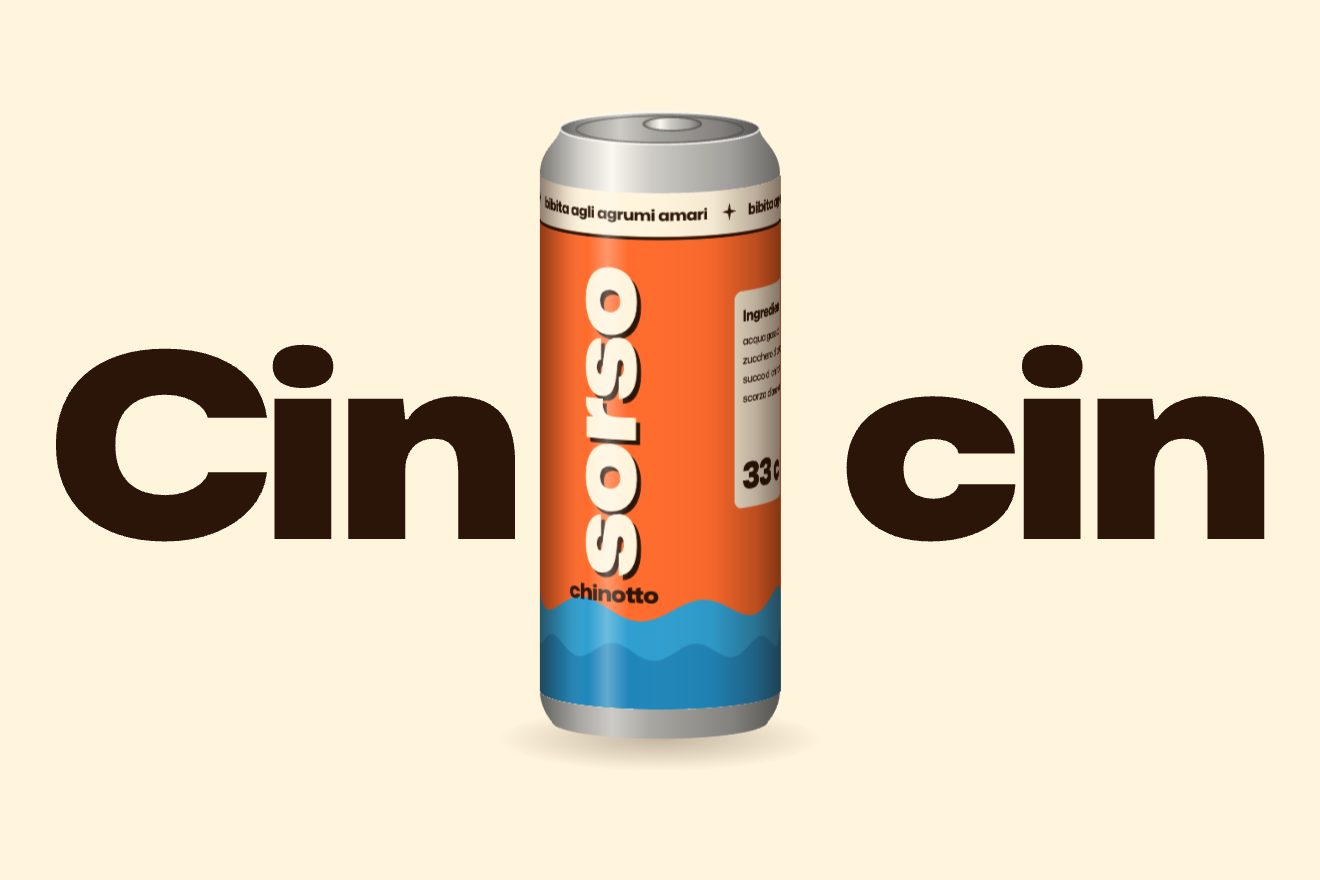
Standing letters with a long shadow
Text, Scroll, 3D
NewFree
Scroll inside the preview
A minimal-style 3D scroll animation for the header of a made-up planetarium: around a planet drawn with a hairline, the letters of the name travel round a ring. At first the ring is edge-on, a single line; as you scroll it opens towards you and the letters pass in front, wide and full, and round the back, small, pale and mirrored, hidden by the planet. The one in front takes the orange accent.
A folder that runs on its own: index.html, style.css, script.js and the libraries from a CDN. The React and Vue tabs hold the same demo as a ready component, which switches its animations off when it leaves the page.
<!doctype html>
<html lang="en">
<head>
  <meta charset="utf-8">
  <meta name="viewport" content="width=device-width, initial-scale=1">
  <title>The word on the planet's ring</title>
  <link rel="stylesheet" href="https://cdn.jsdelivr.net/npm/@fontsource-variable/archivo@5.3.0/wdth.css">
  <link rel="stylesheet" href="style.css">
</head>
<body>
  <!-- a made-up planetarium, Halo. The stage sticks while you scroll: the ring around the planet starts edge-on, a
       single line through it, and opens as you scroll while the letters of the name travel round it; the planet hides
       the letters going round the back. Ring, planet and letters are placed by the script -->
  <main>
    <section class="corsa" data-corsa>
      <div class="palco" data-palco>
        <header class="testa">
          <a class="marchio" href="#" data-entra>Halo</a>
          <p class="testa__nota" data-entra>Planetarium · open nights</p>
        </header>

        <svg class="cielo" data-cielo aria-hidden="true"></svg>

        <div class="scena" data-scena aria-hidden="true">
          <svg class="pianeta" data-svg>
            <defs>
              <clipPath id="disco"><circle data-clip cx="0" cy="0" r="10"></circle></clipPath>
            </defs>
            <g data-dietro></g>
            <circle class="pianeta__disco" data-disco cx="0" cy="0" r="10"></circle>
            <g clip-path="url(#disco)">
              <g data-bande></g>
              <path class="pianeta__ombra" data-ombra d=""></path>
            </g>
            <circle class="pianeta__bordo" data-bordo cx="0" cy="0" r="10"></circle>
            <g data-davanti></g>
            <line class="lettura" data-lettura x1="0" y1="0" x2="0" y2="0"></line>
          </svg>
          <div class="lettere" data-lettere></div>
        </div>
        <p class="sr-only" data-frase></p>

        <div class="titolo" data-titolo>
          <h1 class="titolo__riga">Under one sky.</h1>
          <p class="titolo__nota">Shows every night at nine</p>
        </div>

        <p class="lettura-dati" data-entra><span>Ring tilt <b data-inclina>0.0°</b></span><span>Turn <b data-giro>0°</b></span></p>
        <p class="cenno" data-entra><span data-cenno>Scroll to open the ring</span></p>
      </div>
    </section>
    <section class="dopo">
      <p class="dopo__testo">A dome, a sky and a guide. Book a seat for tonight.</p>
    </section>
  </main>

  <script src="https://cdn.jsdelivr.net/npm/gsap@3.15.0/dist/gsap.min.js"></script>
  <script src="https://cdn.jsdelivr.net/npm/gsap@3.15.0/dist/ScrollTrigger.min.js"></script>
  <script src="https://cdn.jsdelivr.net/npm/lenis@1.3.26/dist/lenis.min.js"></script>
  <script src="script.js"></script>
</body>
</html>Change values, colours and text with the controls and watch the animation respond live. Or write in the code yourself. Then download the folder with your changes.
28 values to change
With the Animorio connector, Claude Code takes it from here, guide included, and fits it into your project. Paste this request:
Take “The word on the planet’s ring” from Animorio and fit it into my siteA point of the ring sits at angle th and radius r on the ring plane: x = r·cos(th), y = r·sin(th)·sin(opening). With the opening at zero the ring is a line; as the opening grows it becomes an ever rounder ellipse. Then everything is rolled around the planet’s centre. The half with a positive sin(th) is the front.
Each ellipse of the ring is drawn in two halves, two SVG paths: first the back halves, then the planet’s disc filled with the paper colour, then the front halves. So the planet covers the back of the ring and the ring passes in front of the planet, with no intersections to compute.
The letters are spans placed on every frame: each sits at angle base minus k times the step (360 degrees over the number of letters). They turn with the tangent of the ellipse, so they follow the ring; at the back the tangent runs the other way and the letter is mirrored with scale(-1, 1). The sine of the angle gives the scale, the weight, the width and the ink.
The letters at the back (negative sine) fade out when their distance from the centre falls below the planet’s radius, over a margin of half a letter: they seem to pass behind its edge. The letters in front sit above everything.
The scroll moves a single number, p, from 0 to 1 (ScrollTrigger with scrub, and Lenis): the opening goes from TILT[0] to TILT[1] over the first 62% with power2.inOut, the roll from ROLL[0] to ROLL[1], and the letters make TURNS turns. When the letter in front changes, its spring kicks and settles with elastic.out. The pointer adds a few degrees of opening and roll with gsap.quickTo; a click adds three steps of turn.
| Name | File | Default | What it changes |
|---|---|---|---|
PHRASE | script.js | 'HALO PLANETARIUM · OPEN NIGHTS · ' | The letters that travel round the ring (up to 60). |
TILT | script.js | [1.5, 26] | How open the ring is at the start and at the end of the scroll, in degrees. |
ROLL | script.js | [-15, -8] | How much the ring is rolled at the start and at the end, in degrees. |
TURNS | script.js | 1.15 | How many turns the letters make over the whole scroll. |
SIZE | script.js | 1 | How big the planet and its ring are (1 = what fits the screen). |
WEIGHT | script.js | [170, 760] | The weight of the letters at the back and in front. |
WIDTH | script.js | [66, 124] | The width of the letters (font-stretch, in percent) at the back and in front; Archivo goes from 62 to 125. |
STARS | script.js | 24 | How many thin crosses in the sky. |
SMOOTH | script.js | 0.6 | How softly the ring follows the scroll, in seconds (0 = glued to it). |
RIDE | script.js | 1 | How much scroll the whole thing takes: 2 is twice as long. |
--accento | style.css | #e2471b | The only accent: the letter passing in front and the tick under the ring. |
For the header of a planetarium, an observatory, a science museum, an astronomy magazine or a space company; and in general for a name or a motto worth sending round a shape as you scroll down.
The same animation with the sizes adapted: the planet and the ring fit the width with a margin, the letters are a little bigger relative to the planet and the headline sits underneath, within the height.
No smoothed scroll, no rotation and no springs: the open ring fades in directly, with the letters still in their places and the headline underneath.
GSAP 3.15.0, ScrollTrigger 3.15.0, Lenis 1.3.26, Archivo (font variabile) 5.3.0.
Compressed with gzip, the three demo files weigh 8.3 KB; the libraries: GSAP + ScrollTrigger 45 KB, Lenis 5.3 KB.
Tested on 23 October 2026
Use it in your own projects and in your clients’ projects. Do not resell it or redistribute it as is. GSAP stays under its own Standard license. Full license.
With your account’s email and password.
or with your email
You’re signed in as .
With your account, you can download the zip of every animation and every pack, for free.