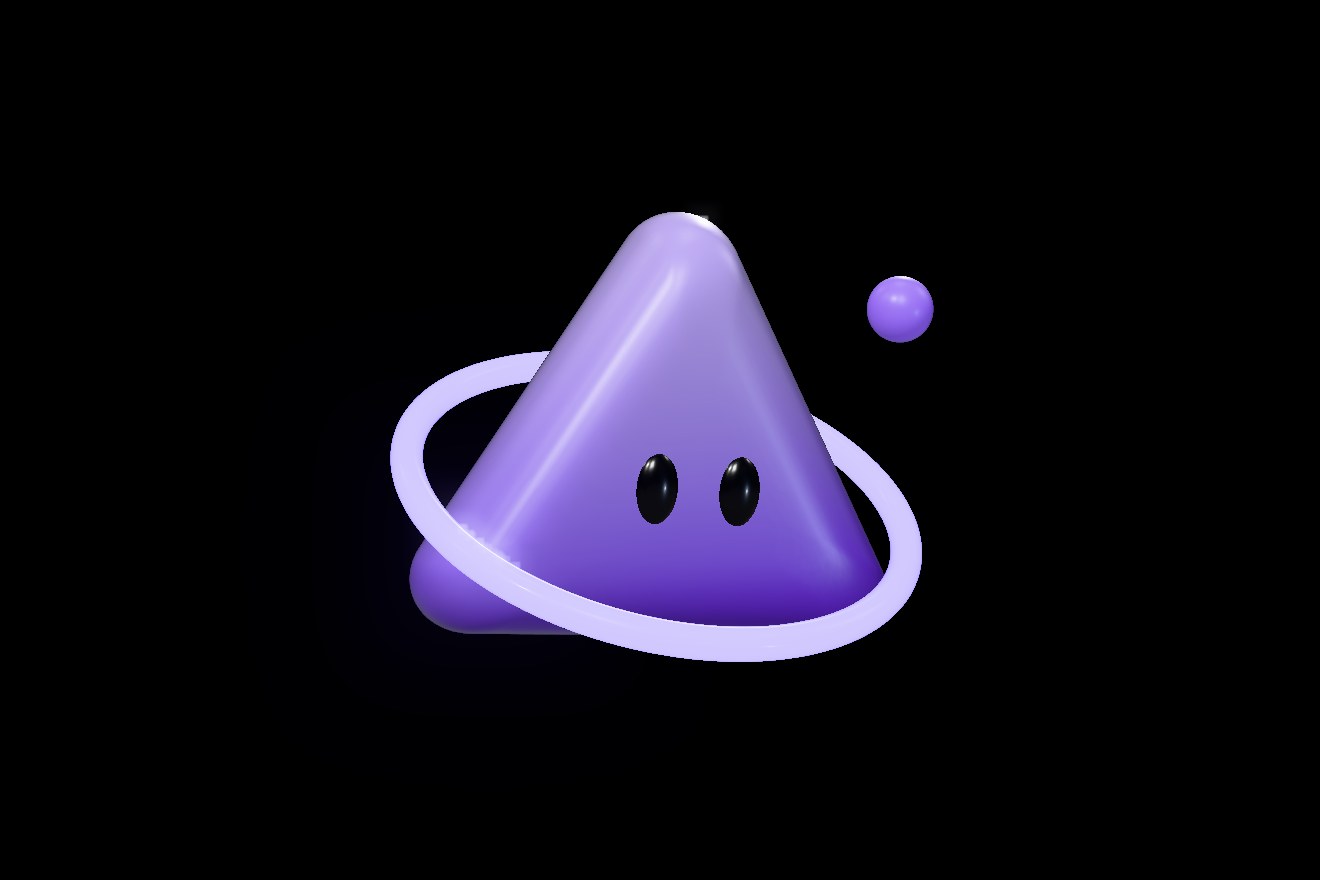
A puffy, glossy purple triangle with very rounded corners, a glowing purple ring tilted around it and a moon. It hovers while the ring tilts; click it and it jumps and spins in the air.
What’s inside
- Mesh
- 89,525 vertices, 175,552 triangles
- Animation
fluttua, 4 seconds, looping. It rises and sinks, breathes, turns gently and blinks; the ring tilts and the moon bobs. It loops seamlessly.- Animation
lavora, 2 seconds, looping. Working: it hops on the spot twice a second, squashing at each touchdown, and turns this way and that. It loops seamlessly.- Animation
dorme, 6 seconds, looping. Sleeping: a little lower and tilted, eyes closed, breathing slowly. It loops seamlessly.- Animation
salto, 1.2 seconds, looping. It winds up, jumps with a full spin and lands with a squash; the ring and the moon follow a beat later.- Parts
saltothe node that rises in the jumpcorposquashes and stretches, pivoting at the basepellethe surfaceocchithe two eyes (occhio_sinistro, occhio_destro)anellothe glowing ring (toro)lunathe moon
- Materials
- Triangolo (lilac at the top, deep purple at the bottom, glossy), Anello (purple, self-lit), Luna (lilac, with a hint of glow), Occhi (glossy black)
- Weight
- 0.6 MB
How to use it
Load the GLB and loop “fluttua”; when it is clicked, play “salto” once and then go back to “fluttua”. Every part is a named node: “salto” rises, “corpo” squashes, “occhi” blink.
import * as THREE from 'three';
import { GLTFLoader } from 'three/addons/loaders/GLTFLoader.js';
import { MeshoptDecoder } from 'three/addons/libs/meshopt_decoder.module.js';
import { RoomEnvironment } from 'three/addons/environments/RoomEnvironment.js';

// the model: meshopt-compressed, it needs its decoder
const loader = new GLTFLoader().setMeshoptDecoder(MeshoptDecoder);
const gltf = await loader.loadAsync('agente-triangolo.glb');
scene.add(gltf.scene);

// the "fluttua" animation: 4 seconds, looping
const mixer = new THREE.AnimationMixer(gltf.scene);
mixer.clipAction(gltf.animations[0]).play();

// the light: a white studio, and white stays white
renderer.toneMapping = THREE.NoToneMapping;
scene.environment = new THREE.PMREMGenerator(renderer)
  .fromScene(new RoomEnvironment(), 0.04).texture;

const clock = new THREE.Clock();
renderer.setAnimationLoop(() => {
  mixer.update(clock.getDelta());
  renderer.render(scene, camera);
});
How it’s made
From the drawing
The triangle is an equilateral triangle minus a radius, so with rounded corners, read as a distance function and inflated like a cushion: fuller at the front, flatter at the back. The ring is a torus laid flat and then tilted on screen, so it passes in front at the bottom and behind at the top.
A springy jump
The jump follows cartoon rules: it squashes to wind up, takes off stretched, spins a full turn in the air, lands squashed and settles with a little bounce. The detached parts follow a beat later, and the eyes open wide in the air and squeeze shut on landing.
Colours in the vertices
No textures: each agent’s gradient is baked into the vertex colours, under a glossy clear coat. The GLB stays light and looks the same in Three.js, in Blender and in any program that reads glTF.