Guides
How web animations are made: on scroll, in online shops, on buttons, on type. Explained with code, so they stay fast and accessible.
- Guide
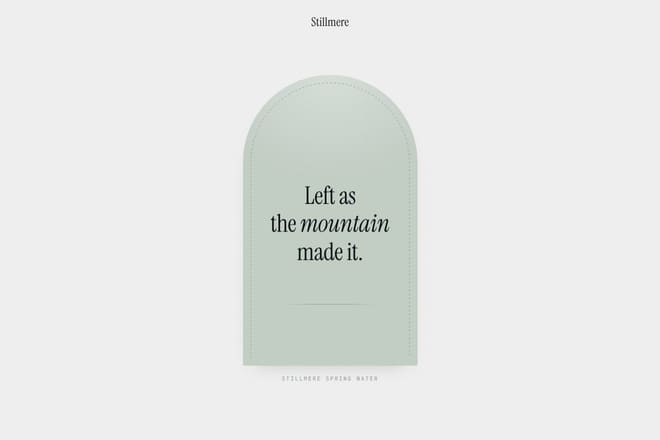
How to build a scroll animation with GSAP and ScrollTrigger
From the first animation that starts when an element enters the screen to sections that hold still while the content moves: how trigger, start, end, scrub and pin work, how to add Lenis for smooth scrolling, and the mistakes that break everything without a single error message.
- Guide
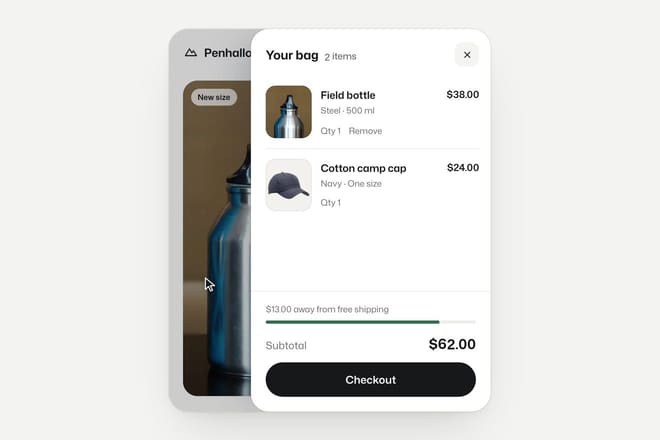
Animations for an online shop: which ones matter and where
In an online shop motion has one job: making clear what just happened and what comes next. The add to cart button, the product photo, the sale price, the move to checkout and the loading states, with the right timings, the code to build them and the animations you are better off leaving out.
- Guide
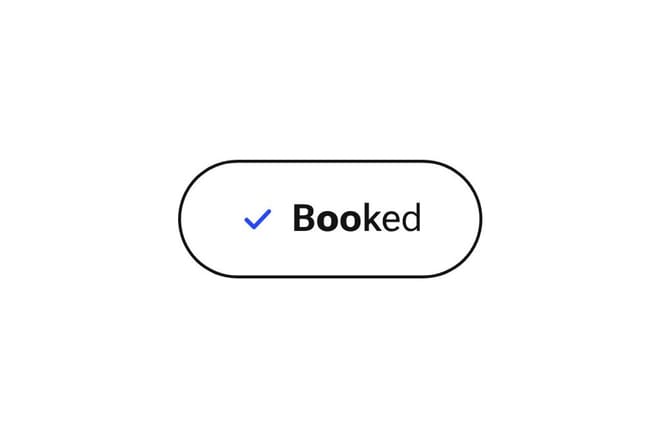
Button hover and micro-interactions: timing, springs and states
A well animated button has four moments: when the pointer arrives, when the finger presses, while the action runs and when it settles back. How long each should last, why springs feel better than curves, how to write hover only for people with a mouse, and how to keep anyone from waiting.
- Guide

Accessible animation: prefers-reduced-motion and beyond
For some people movement on screen brings on nausea, dizziness or headaches; for others it is a distraction that makes reading impossible. How to respect the system setting, what to remove and what to keep, how to avoid hiding content behind an animation, and how to make it all work with a keyboard and a screen reader.
- Guide
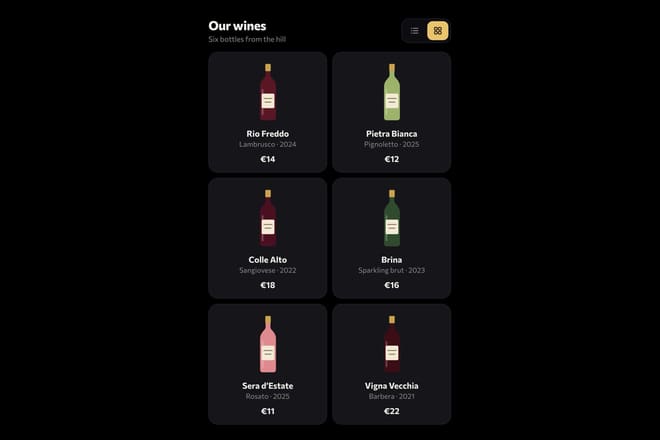
Animating at 60 frames per second: what costs the browser and how to save
An animation stutters when the browser cannot draw a frame in sixteen milliseconds. Which properties are free and which are expensive, what layout thrashing is and how to avoid it, when will-change helps, how to animate hundreds of elements with a single IntersectionObserver, and how to test on a real phone.
- Guide
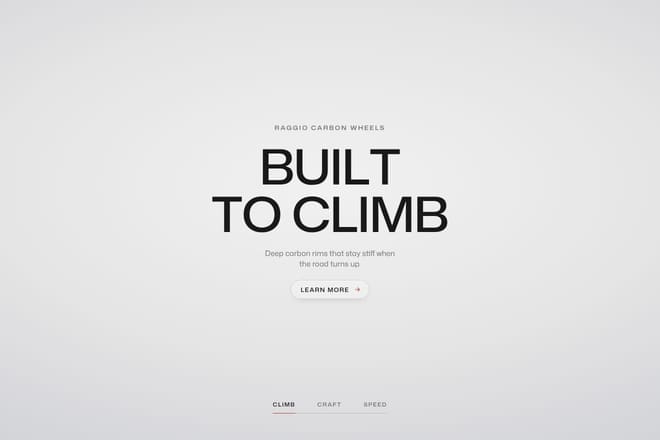
Animated type: words, letters and variable fonts
A headline that arrives word by word, letters that jump as the pointer passes, a menu whose weight shifts where the hand goes: how to split text without breaking it, how to use the weight and width axes of a variable font, and the rules that keep everything readable, screen readers included.