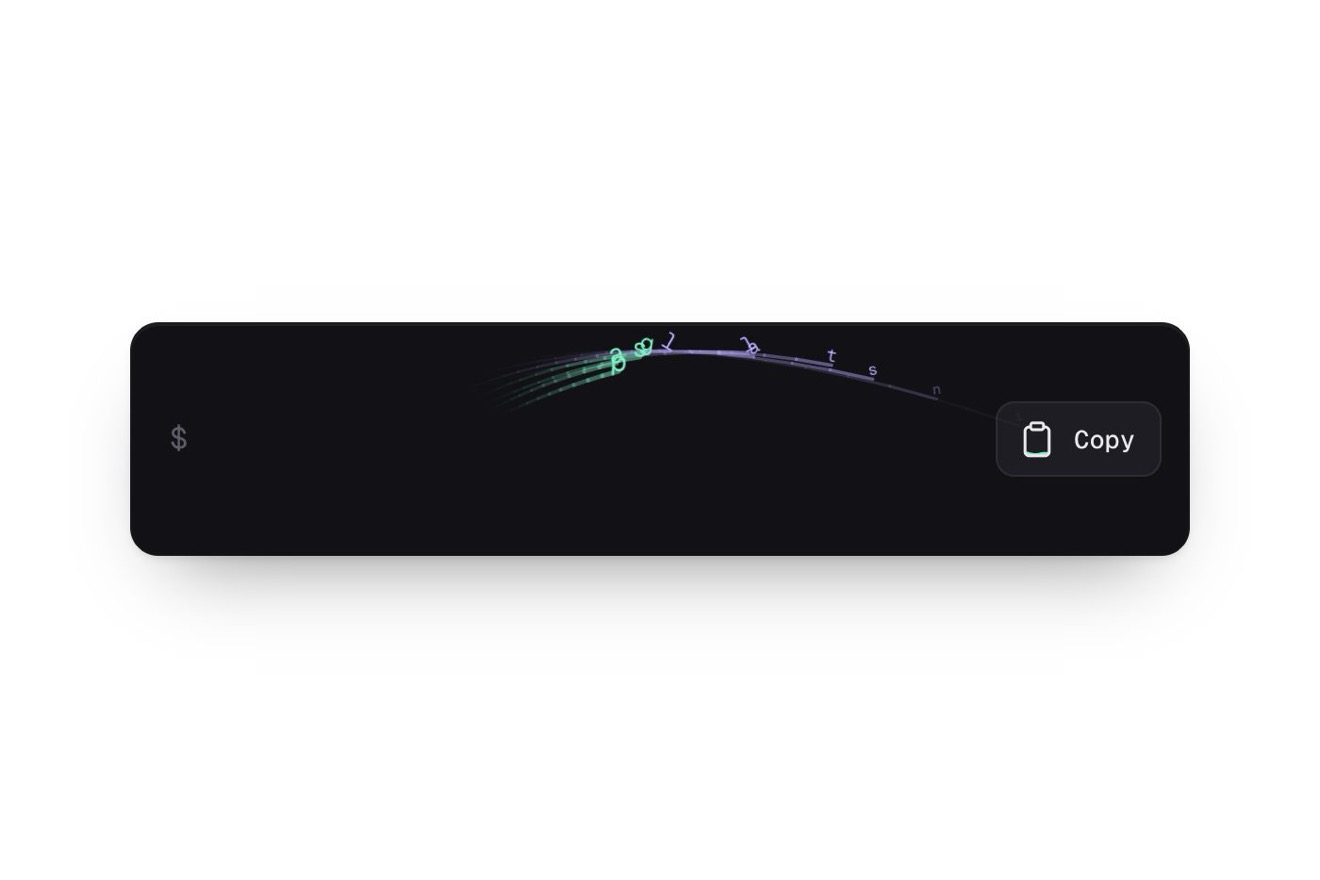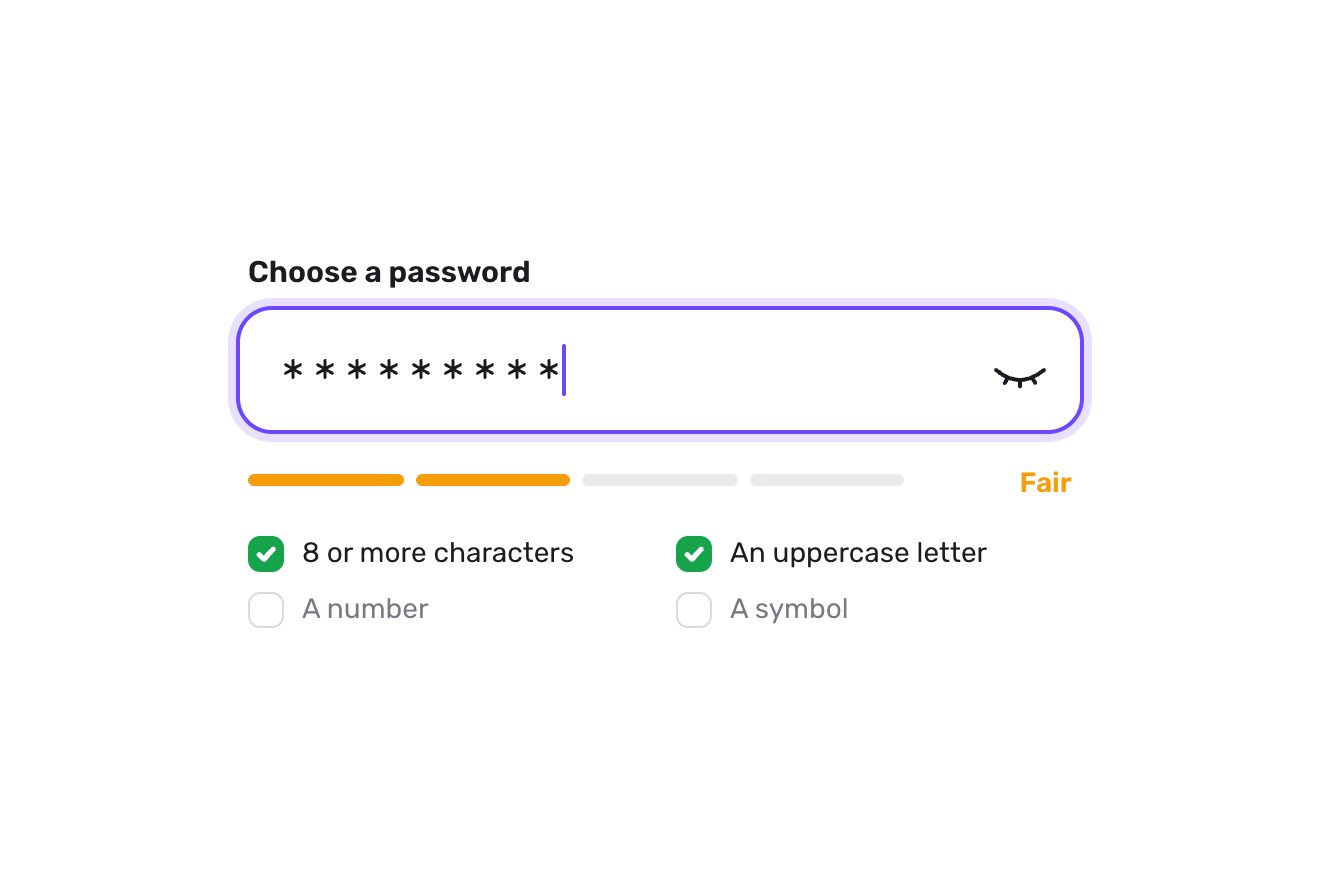
The password field
Forms, Text, SVG
The card of an AI agent at work in a made-up analytics app, on black, in the style of the light effects of AI apps: the request «Summarize Q3 churn by plan» on top, then the steps arriving one at a time, their text shimmering while they run and a check drawing itself, together with the time taken, when they finish. While it works a soft beam runs along the card’s border; at the end it goes out and the result opens in two lines with a small bar chart drawing itself.
A folder that runs on its own: index.html, style.css, script.js and the libraries from a CDN. The React and Vue tabs hold the same demo as a ready component, which switches its animations off when it leaves the page.
<!doctype html>
<!--
"AI agent steps card" from Animorio · https://animorio.com
License: free on your own sites and your clients’ sites, paid work included.
Not for resale, redistribution, templates or code collections · https://animorio.com/en/license/
-->
<html lang="en">
<head>
<meta charset="utf-8">
<meta name="viewport" content="width=device-width, initial-scale=1">
<title>The AI agent card with steps that check off</title>
<link rel="stylesheet" href="https://cdn.jsdelivr.net/npm/@fontsource-variable/mona-sans@5.3.0/wdth.css">
<link rel="stylesheet" href="style.css">
</head>
<body>
<main class="stage" data-stage>
<!-- the card of a research agent at work, in an invented analytics app: the request on top, then the steps arrive
one at a time with their text shimmering while they run, and check off with a drawn check and the time they
took. A soft beam runs along the card's border while it works and goes out at the end, when the result opens
in two lines with a small drawn bar chart. The steps and the chart are made by the script from its lists -->
<article class="agent" data-card aria-label="Research agent">
<span class="agent__wash" data-wash aria-hidden="true"></span>
<svg class="beam" data-beam aria-hidden="true">
<defs>
<filter id="beam-soft" x="-20%" y="-20%" width="140%" height="140%"><feGaussianBlur stdDeviation="3.5"></feGaussianBlur></filter>
</defs>
<path class="beam__ring" data-beam-ring></path>
<path class="beam__glow" data-beam-path pathLength="100"></path>
<path class="beam__tail" data-beam-path pathLength="100"></path>
<path class="beam__body" data-beam-path pathLength="100"></path>
<path class="beam__head" data-beam-path pathLength="100"></path>
</svg>
<header class="agent__head">
<span class="agent__mark" aria-hidden="true">
<svg viewBox="0 0 24 24">
<g data-lens>
<circle cx="10.6" cy="10.6" r="5.1"></circle>
<path d="m14.4 14.4 4.4 4.4"></path>
</g>
</svg>
</span>
<div class="agent__who">
<p class="agent__name" data-name>Research agent</p>
<p class="agent__sub">
<span data-app>Tallyfold</span><span class="agent__sep" aria-hidden="true">·</span><span class="agent__state" data-state></span>
</p>
</div>
<button class="act" type="button" data-act>
<span class="act__ico" aria-hidden="true">
<svg viewBox="0 0 16 16">
<rect class="act__stop" data-act-stop x="4.6" y="4.6" width="6.8" height="6.8" rx="1.6"></rect>
<g class="act__again" data-act-again>
<path d="M12.6 8a4.6 4.6 0 1 1-1.35-3.25"></path>
<path d="M11.6 2.6v2.4H9.2"></path>
</g>
</svg>
</span>
<span class="act__label" data-act-label></span>
</button>
</header>
<div class="ask">
<svg class="ask__ico" viewBox="0 0 16 16" aria-hidden="true"><path d="M3 4.2h10M3 8h10M3 11.8h6"></path></svg>
<p class="ask__text" data-task>Summarize Q3 churn by plan</p>
</div>
<ul class="steps" data-steps aria-label="Steps" aria-live="polite"></ul>
<div class="result" data-result>
<div class="result__in" data-result-in>
<span class="result__rule" data-rule aria-hidden="true"></span>
<div class="result__body">
<div class="result__text" data-summary></div>
<div class="chart" data-chart role="img" aria-label="Q3 churn by plan"></div>
</div>
</div>
</div>
</article>
<!-- an invisible box as large as the finished card: the preview frames this, not the card that is still growing -->
<span class="frame" data-frame aria-hidden="true"></span>
<svg class="ghost" data-ghost viewBox="0 0 24 24" aria-hidden="true"><path d="M5 3.2 19.2 11l-6.3 1.6-3.3 5.9Z"></path></svg>
</main>
<script src="https://cdn.jsdelivr.net/npm/gsap@3.15.0/dist/gsap.min.js"></script>
<script src="script.js"></script>
</body>
</html>Change values, colours and text with the controls and watch the animation respond live. Or write in the code yourself. Then download the folder with your changes.
35 values to change
With the Animorio connector, Claude Code, ChatGPT, Cursor or VS Code take it from here, guide included, and fit it into your project. Paste this request:
Take “AI agent steps card” from Animorio and fit it into my siteAn SVG as large as the card, redrawn by a ResizeObserver while the card stretches: a single rounded-rectangle path with pathLength 100, repeated four times (a glow blurred with feGaussianBlur, tail, body, white head). Each copy has an «L 100−L» dash and a stroke-dashoffset of L−p, with p going from 0 to 100 in BEAM_LAP seconds: the four end at the same point and travel together, at constant speed even round the corners.
Each step is an li of zero height: its height goes to the row’s with back.out(1.3), so the card stretches on a spring, and the row comes in from 8 pixels below with a 3-pixel blur. The card is placed so that, finished, it sits in the middle: it only grows downwards.
While the step runs, its text has a grey, white, grey gradient 260 per cent wide, clipped to the letters with background-clip: text; GSAP moves background-position from 100 to 0 per cent in a continuous loop. Once done, the gradient goes and the colour falls from white to grey.
The spinner is an arc that turns and breathes between 20 and 55 hundredths; at the end of the step it vanishes and in its place a ring draws itself with stroke-dashoffset, then the check, then the icon makes a small hop. The time rolls in from below; the timer on top counts the steps’ declared seconds, each lasting PACE real seconds.
The box opens to its measured height with back.out(1.15); the two lines are split into words that arrive staggered, with the numbers set in bold by a regular expression. Each bar grows in height and its value rides with it, counting from zero; on the tallest a second gradient, driven by the --shine variable, sends a glint up.
| Name | File | Default | What it changes |
|---|---|---|---|
AGENT | script.js | Research agent | The agent’s name at the top of the card. |
APP | script.js | Tallyfold | The made-up app, next to the state. |
TASK | script.js | Summarize Q3 churn by plan | The request at the top. |
STEPS | script.js | Searching 4 sources 2.1, Reading churn_q3.csv 1.4, Comparing plans 3.2, Writing summary 1.8 | The steps: the text while it works and the seconds it declares at the end (2 to 5). |
SUMMARY | script.js | Q3 churn hit 4.8%, up 0.6 pts / Starter leads at 7.2% | The two lines of the result; numbers with a decimal or a percent come out in white. |
PLANS | script.js | Starter 7.2, Pro 2.9, Team 1.6 | The chart’s columns: the plan and its value (2 to 4; the tallest comes in the accent colour). |
PACE | script.js | 0.6 | The real seconds for each second the steps declare. |
BEAM_LAP | script.js | 2.4 | The seconds of one lap of the beam along the border. |
HOLD | script.js | 3.4 | The seconds the result stays before the autopilot runs it again. |
In apps with an AI agent or assistant doing a long job in several steps: research, data analysis, reports, code checks, imports. It shows what it is doing, how long it takes and how far it has got, and lets you stop it.
The card takes the full width less 14 pixels a side up to 408; rows, gaps and bars are sized on the height too (clamp with vh), so when finished it fits the phone box. A tap on Stop and Run again does what a click does.
No running beam and no light over the letters: while it works the border lights up still and slowly fades, the spinner stays still, the steps, the words and the bars appear with a fade already in place and the drawn pointer is hidden.
GSAP 3.15.0, Mona Sans (font variabile) 5.3.0.
Compressed with gzip, the three demo files weigh 11 KB; the libraries: GSAP 28 KB.
Tested on 27 October 2026
Use it in your own projects and in your clients’ projects. Do not resell it or redistribute it as is. GSAP stays under its own Standard license. Full license.
Support Animorio
Animorio stays free thanks to the people who support it. If you like, buy us a coffee: it helps us make the next animations.
You asked for
We made it for you: it’s in the library, with the preview, the Playground and the code to copy.
An animation you can’t find, or a site to take apart in the journal: tell us which. We pick the next ones from here.
With your account’s email and password.
or with your email
You’re signed in as .
With your account, you can download the zip of every animation and every pack, for free.