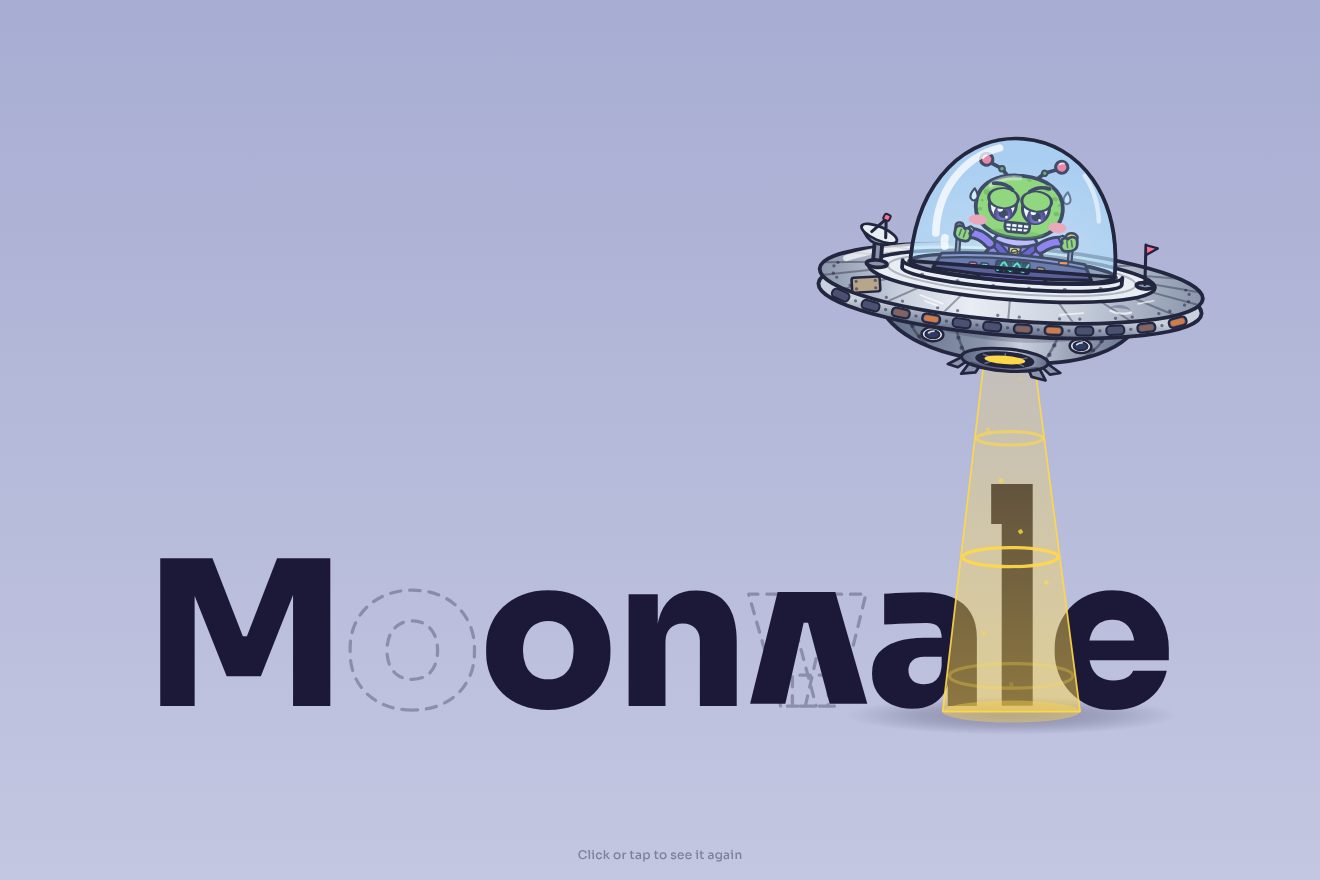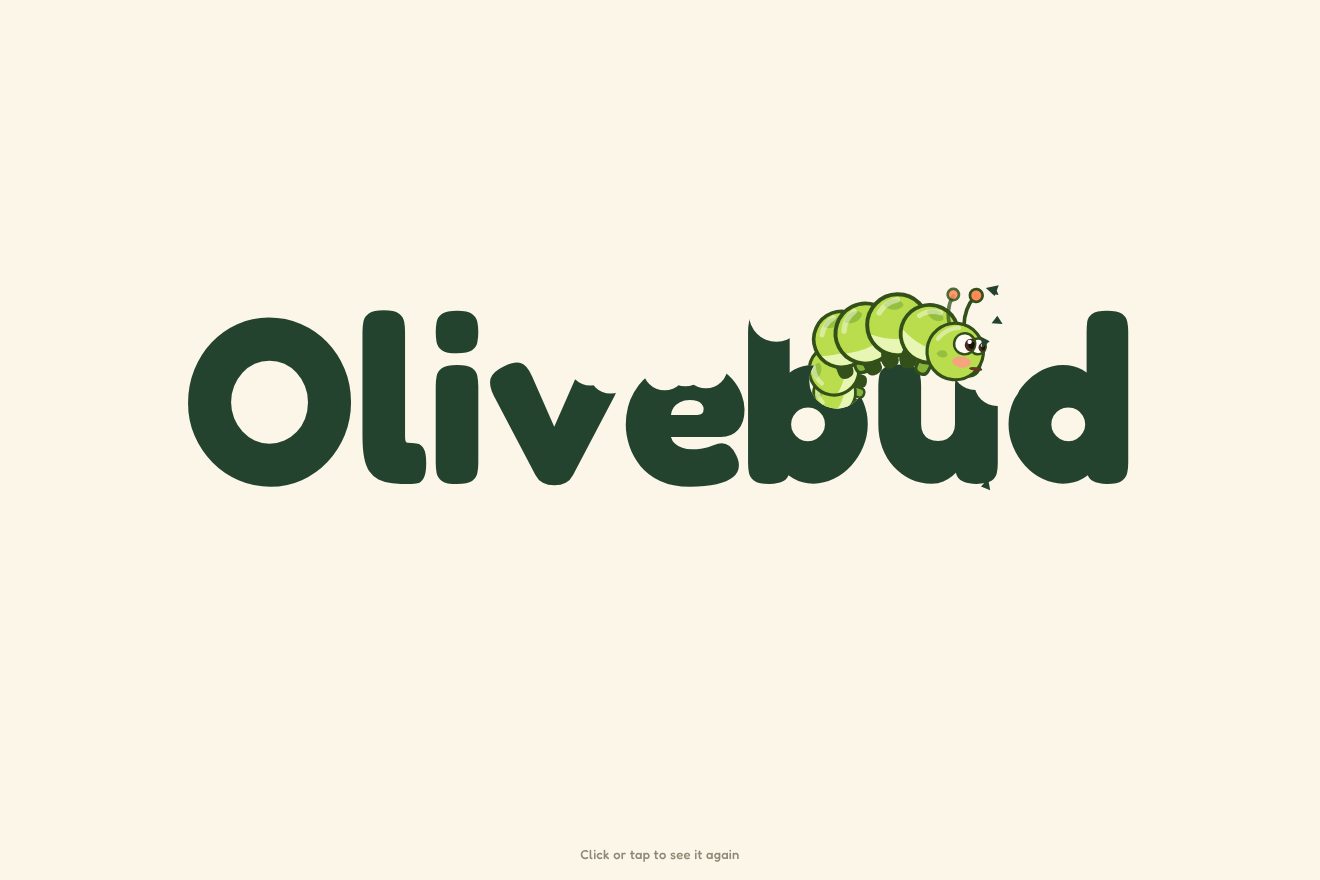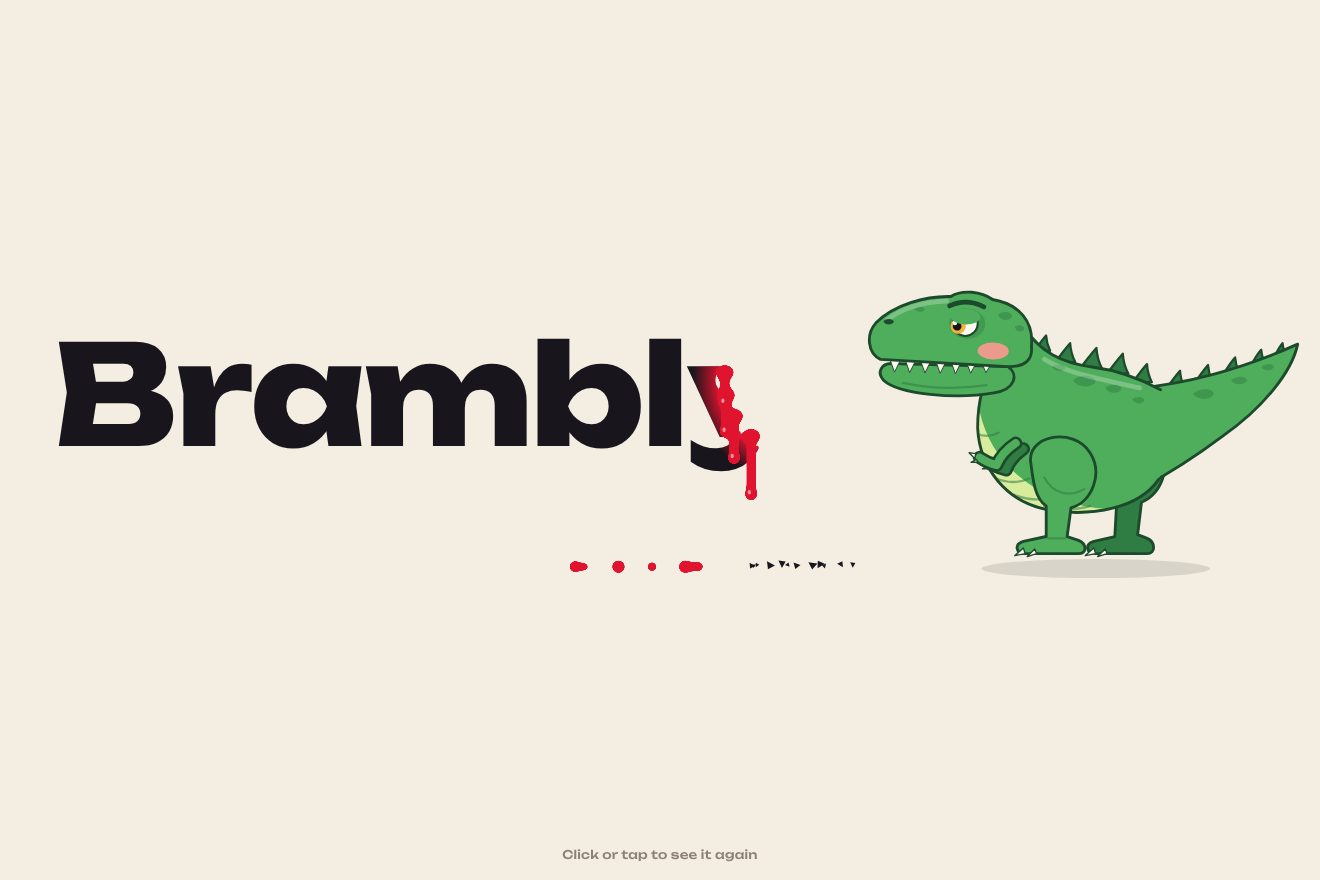
The dinosaur-bitten logo
Intro, SVG, Text
The logo intro of a team app, Boxwell, in the clean style of today’s products: six line icons of the app float in scattered, line up in a grid leaving a thin trail, then slide together and morph into the six faces of a small isometric box, which snaps shut with a one pixel bounce. The name types itself beside it letter by letter, widening.
A folder that runs on its own: index.html, style.css, script.js and the libraries from a CDN. The React and Vue tabs hold the same demo as a ready component, which switches its animations off when it leaves the page.
<!doctype html>
<!--
  "Icon-built app logo" from Animorio · https://animorio.com
  License: free on your own sites and your clients’ sites, paid work included.
  Not for resale, redistribution, templates or code collections · https://animorio.com/en/license/
-->
<html lang="en">
<head>
  <meta charset="utf-8">
  <meta name="viewport" content="width=device-width, initial-scale=1">
  <title>The app logo that assembles from its icons</title>
  <link rel="stylesheet" href="https://cdn.jsdelivr.net/npm/@fontsource-variable/mona-sans@5.3.0/index.css">
  <link rel="stylesheet" href="style.css">
</head>
<body>
  <main class="palco" data-palco>
    <div class="blocco" data-blocco>
      <svg class="marchio" data-marchio viewBox="-80 -80 160 160" aria-hidden="true">
        <g class="scie" data-scie></g>
        <ellipse class="ombra" data-ombra cx="0" cy="72" rx="46" ry="5"/>
        <g class="pezzi" data-pezzi></g>
        <path class="luce" data-luce d="M0,-56 L48.5,-28 L0,0 L-48.5,-28 Z"/>
      </svg>
      <div class="testi">
        <p class="nome" data-nome aria-label="Boxwell"></p>
        <p class="frase" data-frase>Everything your team needs, in one box.</p>
      </div>
    </div>
    <button class="replay" type="button" data-replay>
      <svg viewBox="0 0 16 16" aria-hidden="true"><path d="M3.2 8a4.8 4.8 0 1 0 1.5-3.5"/><path d="M3 2.4v3h3"/></svg>
      <span>Replay</span>
    </button>
  </main>
  <script src="https://cdn.jsdelivr.net/npm/gsap@3.15.0/dist/gsap.min.js"></script>
  <script src="https://cdn.jsdelivr.net/npm/gsap@3.15.0/dist/MorphSVGPlugin.min.js"></script>
  <script src="script.js"></script>
</body>
</html>Change values, colours and text with the controls and watch the animation respond live. Or write in the code yourself. Then download the folder with your changes.
17 values to change
With the Animorio connector, Claude Code, ChatGPT, Cursor or VS Code take it from here, guide included, and fit it into your project. Paste this request:
Take “Icon-built app logo” from Animorio and fit it into my siteEach icon is a path drawn around its own centre, inside two groups: the outer one moves with x and y in the space of the mark, the inner one turns and scales with svgOrigin 0 0, that is around the icon’s centre. That way the path is free to change shape.
The faces are six wedges of a hexagon of radius 56, cut from the centre. MorphSVG takes the path of each icon to its wedge while the outer group goes to the centre and the stroke width drops to zero; meanwhile the fill rises to its tone: 0.46 for the top face, 1 on the right, 0.74 on the left.
The wedges stop 7 units out along their bisector. The snap is a 0.16 second power4.in tween that takes them a pixel past the centre, followed by a back.out that settles them at 1.2 units: that extra pixel is what makes the click. The whole group dips to 0.97 and comes back with an elastic.
Each letter of the name is a span whose font-variation-settings are written with two custom properties, --w and --g. GSAP animates them from 75 to 100 width and from 300 to the chosen weight, while the letter rises from 40% of its height.
| Name | File | Default | What it changes |
|---|---|---|---|
FLY | script.js | 0.55 | How many seconds each icon takes to float in. |
SPREAD | script.js | 105 | How far from the centre the icons float in (the mark is 160). |
LINE_UP | script.js | 0.7 | How many seconds the icons take to line up in the grid. |
MORPH | script.js | 0.9 | How many seconds the icons take to become the faces of the box. |
GAP | script.js | 7 | How much space the faces leave before the snap. |
OVERSHOOT | script.js | 1 | How far past their place the faces go on the snap. |
NAME_WEIGHT | script.js | 640 | The weight of the name once it has arrived. |
HOLD | script.js | 2.4 | How many seconds the logo stays before the intro plays again. |
SPEED | script.js | 1 | Speed of everything: 2 twice as fast, 0.5 half as fast. |
For the first-visit entrance or the loader of the site of an app with many features, a team tool or an all-in-one software: the icons of its parts turning into the mark say that everything is in one place.
The same animation: the mark is sized on the shorter side of the window and the name goes underneath, so the logo stays large even in the phone’s short box.
Nothing floats in or morphs: the logo appears already assembled, with the name and the line, in a fade.
GSAP 3.15.0, MorphSVGPlugin 3.15.0, Mona Sans (font variabile) 5.3.0.
Compressed with gzip, the three demo files weigh 5.2 KB; the libraries: GSAP + MorphSVG 37 KB.
Tested on 27 October 2026
Use it in your own projects and in your clients’ projects. Do not resell it or redistribute it as is. GSAP stays under its own Standard license. Full license.
Support Animorio
Animorio stays free thanks to the people who support it. If you like, buy us a coffee: it helps us make the next animations.
You asked for
We made it for you: it’s in the library, with the preview, the Playground and the code to copy.
An animation you can’t find, or a site to take apart in the journal: tell us which. We pick the next ones from here.
With your account’s email and password.
or with your email
You’re signed in as .
With your account, you can download the zip of every animation and every pack, for free.