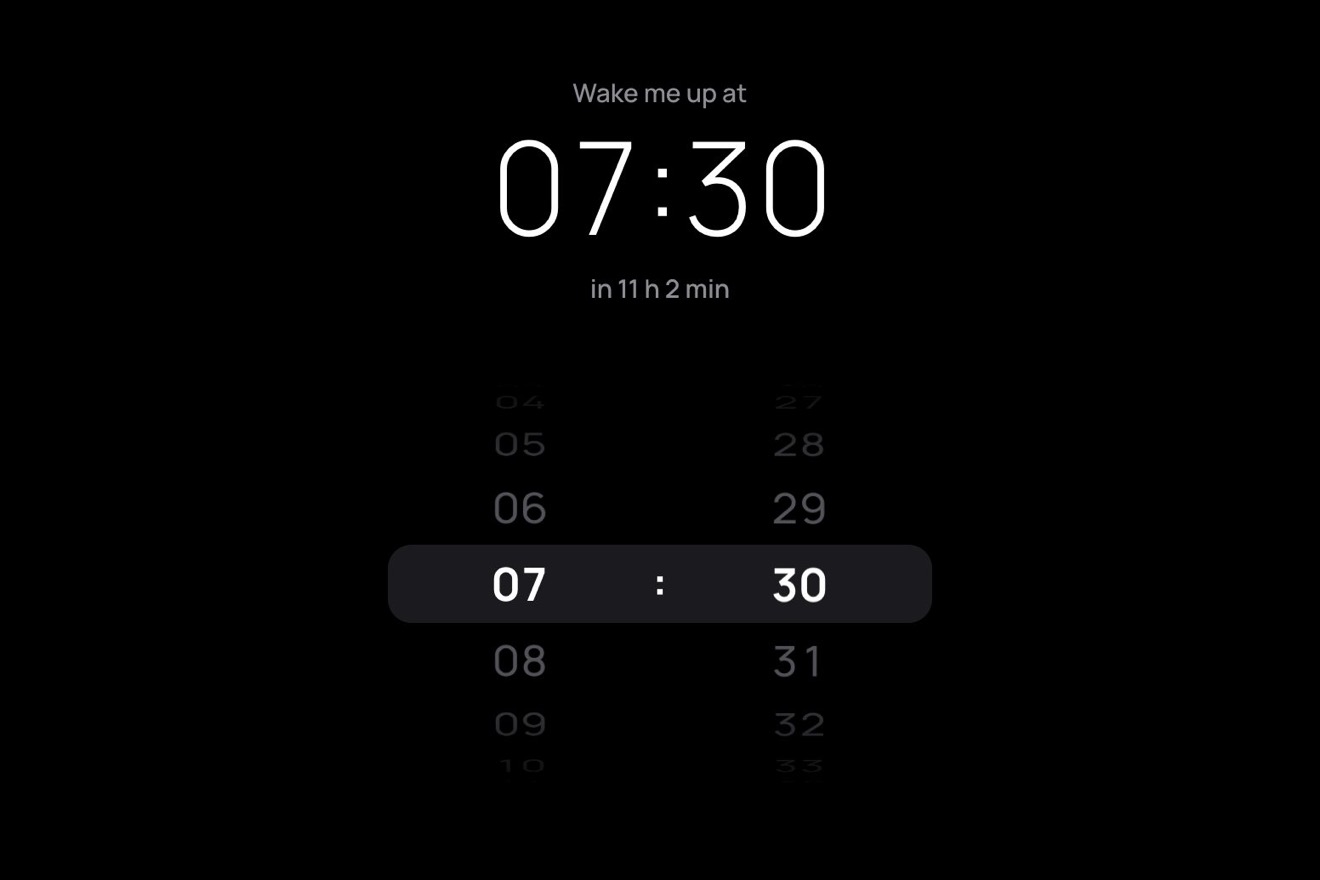
The time wheel
Pickers, 3D, Physics
NewFree
A shop's Pay $120.00 with the real money in the pill: in the left end a bundle of six 20 notes in its paper band, in a felt tray. At a click the band snaps and the notes are counted from one pile to the other the way a cashier does it: each one lifts from its far edge, turns over bending like real paper, comes towards the eye in perspective and drops onto the counted pile showing its back, faster and faster, while the amount beside it climbs. Then the pile is squared up, Paid arrives with a tick and a new bundle drops into the tray.
A folder that runs on its own: index.html, style.css, script.js and the libraries from a CDN. The React and Vue tabs hold the same demo as a ready component, which switches its animations off when it leaves the page.
<!doctype html>
<html lang="en">
<head>
  <meta charset="utf-8">
  <meta name="viewport" content="width=device-width, initial-scale=1">
  <title>The banknote button</title>
  <link rel="stylesheet" href="https://cdn.jsdelivr.net/npm/@fontsource-variable/mona-sans@5.3.0/wdth.css">
  <link rel="stylesheet" href="https://cdn.jsdelivr.net/npm/@fontsource-variable/fraunces@5.3.0/index.css">
  <link rel="stylesheet" href="style.css">
</head>
<body>
  <main class="stage">
    <!-- the banknote button: the Pay of a shop with the money itself in the pill. In the round left end a bundle of
         notes sits in a felt counting tray, held by its paper band. A click snaps the band, and the notes are counted
         from one pile to the other: each one peels up from its far edge, turns over on a curve of paper that bends with
         the speed of the turn, and flops onto the counted pile, faster and faster, while the amount counts up beside
         them. Then the pill says Paid, and a new bundle drops into the tray -->
    <div class="notes" data-notes>
      <button class="notes__btn" type="button" data-btn data-autoclic>
        <span class="notes__fill" aria-hidden="true">
          <svg class="notes__guilloche" data-guilloche preserveAspectRatio="none"></svg>
          <span class="notes__sheen" data-sheen></span>
        </span>
        <span class="notes__tray" aria-hidden="true"></span>
        <!-- the notes, the band and their shadows: drawn by script.js -->
        <canvas class="notes__canvas" aria-hidden="true" data-canvas></canvas>
        <span class="notes__faces" data-faces>
          <span class="notes__face" data-face="rest">
            <span class="notes__word" data-rest-text>Pay $120.00</span>
          </span>
          <span class="notes__face" data-face="busy" aria-hidden="true">
            <span class="notes__quiet" data-busy-text>Counting</span>
            <span class="notes__count" data-count>
              <span class="notes__roll" data-roll>$0.00</span>
              <span class="notes__roll" data-roll>$0.00</span>
            </span>
          </span>
          <span class="notes__face" data-face="done" aria-hidden="true">
            <svg class="notes__tick" viewBox="0 0 20 20" aria-hidden="true">
              <path d="M4.2 10.6 8.2 14.4 15.8 5.8" data-tick />
            </svg>
            <span class="notes__paid" data-paid-text>Paid</span>
          </span>
        </span>
      </button>
      <p class="sr" aria-live="polite" data-live></p>
    </div>
  </main>

  <script src="https://cdn.jsdelivr.net/npm/gsap@3.15.0/dist/gsap.min.js"></script>
  <script src="script.js"></script>
</body>
</html>Change values, colours and text with the controls and watch the animation respond live. Or write in the code yourself. Then download the folder with your changes.
27 values to change
With the Animorio connector, Claude Code takes it from here, guide included, and fits it into your project. Paste this request:
Take “The banknote button” from Animorio and fit it into my siteThe front and back of a note are drawn only once in two hidden canvases, four times larger than they show (216 by 104 pixels): the paper with a radial gradient, the double frame, a sine wave along the edges, the rosette (a hypotrochoid, the same curve as real guilloches, traced for 7 turns at half a degree a step), the oval of the watermark filled with concentric ellipses, and the value in Fraunces in the corners. When Fraunces has come (document.fonts.load) the notes are engraved again. The colours come from the variables in :root, read with getComputedStyle.
The note that turns over is a chain of 28 strips along its length. Every frame it is laid out from the hinge between the two piles: each strip has the angle θ(s) = π · p + k · s^1.5, where p goes from 0 (on the left pile) to 1 (on the right one) and k is the bend, and its position is the sum of the ones before. The sheet cannot go under the pile it rests on: where it would go below, it stays on top, and so the edge that arrives last lies down on the pile instead of going through it.
The bend k follows a damped spring (ω = 2π · 4.2, ζ = 0.32) pulled towards a target the turn itself sets: CURL · 0.7 · sin(2πp) · the speed of the turn. In the first half the target is positive and the far edge leads, as when a thumb lifts the note; in the second it is negative and the edge trails, held back by the air. When the turn ends the target goes back to zero, the spring goes past it and the sheet slaps onto the pile. Only once the spring has stopped does the note become one of the pile.
Each point is projected with σ = F / (F − z): the higher it is, the further it moves from the point under the eye, set to the right of the hinge and a little forward, so a note standing up shows its face and not its edge. Each strip is drawn with drawImage from its slice of the note, with a setTransform that carries the slice's rectangle onto the projected trapezoid, widened by half a texel so no lines show between two of them; the higher strips are drawn last. The face that shows is the one whose normal looks towards the eye: the front, then the back. Then it is darkened or lightened by its angle to the light, and under the note there is a blurred shadow (a rectangle drawn far away, of which only the shadowBlur is left) that widens and fades as it rises.
A GSAP timeline tightens the band, snaps it into two halves that spring away, then launches the notes: each gap is 86% of the one before (down to half of PACE) and each turn 93% of the one before, so the counting speeds up. Each note that lands makes the amount climb, two lines taking turns in a small window with overflow: hidden. The notes carry the small offset and tilt they had on their pile and pass to the ones they will have on the other, so they neither jump as they leave nor as they land. The button is a real button with aria-disabled while it counts and an aria-live region that says Counting $120.00…, then Paid, $120.00. and Ready to pay. The drawing loop lives in gsap.ticker and sleeps when nothing moves.
| Name | File | Default | What it changes |
|---|---|---|---|
LABEL | script.js | Pay | The words at rest, before the amount. |
NOTE | script.js | 20 | The value of one note: it is printed on the notes, in the corners of the front and large on the back. |
NOTES | script.js | 6 | How many notes are in the bundle, from 2 to 12: the amount to pay is NOTE times NOTES. |
CURRENCY | script.js | $ | The sign before the amounts. |
BUSY | script.js | Counting | The word while the notes are counted; the aria-live region says it too. |
PAID | script.js | Paid | The word beside the tick once they are all counted. |
FLIP | script.js | 0.5 | The seconds the first note takes to turn over; the others go a little faster. |
PACE | script.js | 0.26 | The seconds from the first note to the second: then the counting speeds up, down to half this gap. |
CURL | script.js | 1 | How much a note bends as it turns: 0 is a stiff card, 1.6 a soft old note that slaps onto the pile. |
HOLD | script.js | 1.6 | The seconds Paid stays before a new bundle drops into the tray. |
For the button that closes a purchase: the Pay or Checkout of an online shop, paying an invoice, a tip, settling up in an app for sharing costs, the till of a market stall, a banking or savings app that wants the money to feel real. It has to be wired to a real payment: here the payment is simulated, and in a real site the counting starts when the server accepts the payment and Paid comes when it confirms it.
The pill is about 320 pixels wide: at 390 it fits with room to spare, and it narrows if the screen is narrower. The finger pressing fans the bundle and squashes the fill; letting go pays. The canvas is drawn at the screen's density (up to 3), and the notes, engraved four times larger, stay sharp even when they come towards the eye.
Nothing turns and nothing jumps: the band fades away, the bundle fades out of the left pile and in on the right one, already counted, and the amount goes straight to $120.00. The words change with a fade and the tick is already drawn; the new bundle fades back in at its place. No fanning under the pointer, no bounce of the fill.
GSAP 3.15.0, Mona Sans (font variabile) 5.3.0, Fraunces (font variabile) 5.3.0.
Compressed with gzip, the three demo files weigh 13 KB; the libraries: GSAP 28 KB.
Tested on 13 October 2026
Use it in your own projects and in your clients’ projects. Do not resell it or redistribute it as is. GSAP stays under its own Standard license. Full license.
With your account’s email and password.
or with your email
You’re signed in as .
With your account, you can download the zip of every animation and every pack, for free.