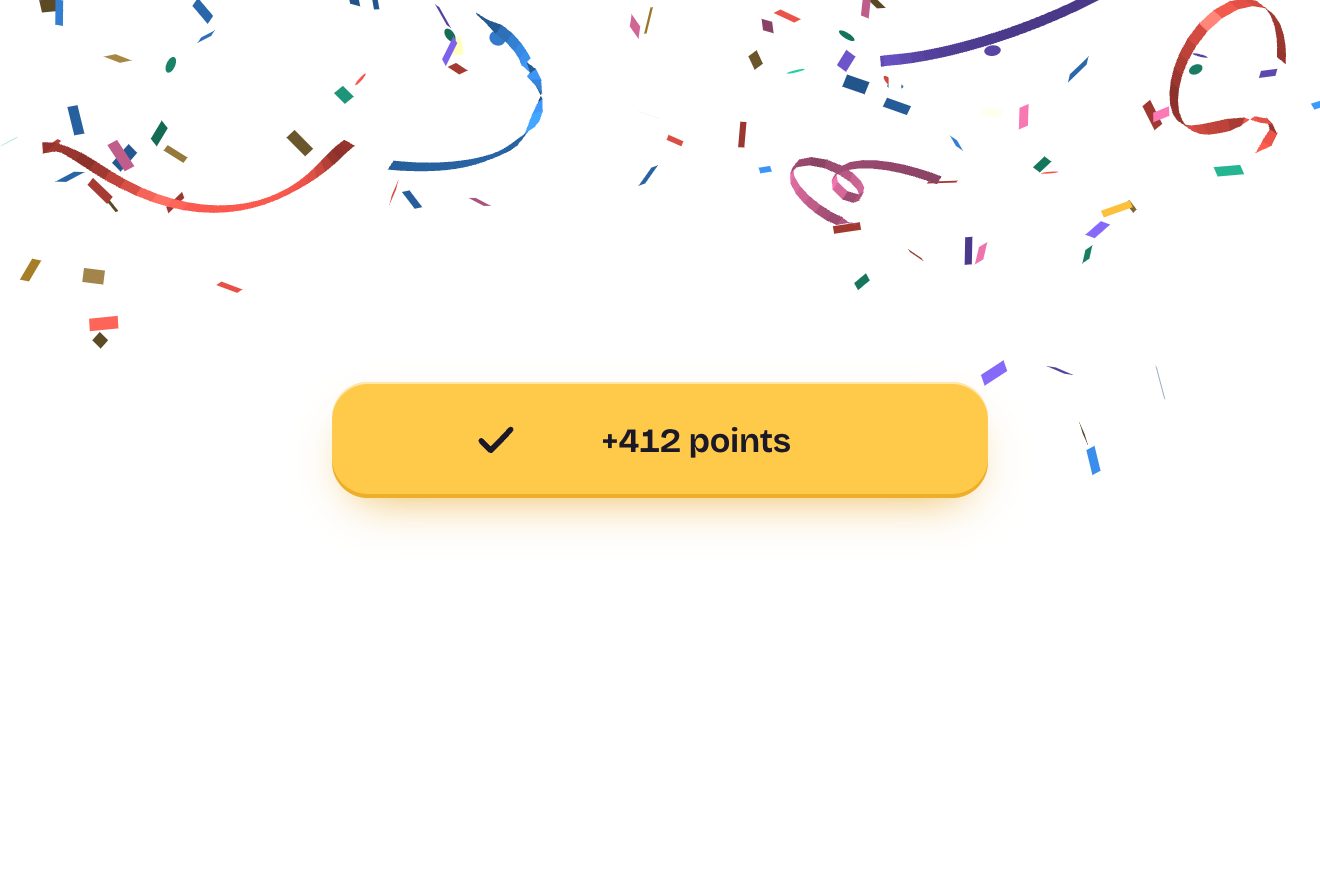
The confetti button
Buttons, Physics, 3D
NewFree
Two wheels to pick a time, hours and minutes, with the numbers on a drum that turns without end: flung, a wheel slows down by itself and always stops exactly on a number, which turns white and bold in the band; above, the chosen time and how long until then.
A folder that runs on its own: index.html, style.css, script.js and the libraries from a CDN. The React and Vue tabs hold the same demo as a ready component, which switches its animations off when it leaves the page.
<!doctype html>
<html lang="en">
<head>
  <meta charset="utf-8">
  <meta name="viewport" content="width=device-width, initial-scale=1">
  <title>The time wheel</title>
  <link rel="stylesheet" href="https://cdn.jsdelivr.net/npm/@fontsource-variable/manrope@5.3.0/index.css">
  <link rel="stylesheet" href="style.css">
</head>
<body>
  <main class="stage">
    <!-- the picker: two wheels on a drum, hours and minutes, that go round and round. Flung, a wheel slows down by
         itself and always stops exactly on a number; the time above follows the wheels. The numbers are drawn by
         the script -->
    <div class="alarm" data-alarm>
      <p class="alarm__label">Wake me up at</p>
      <p class="alarm__time" aria-hidden="true"><span data-hh>07</span><span class="alarm__colon">:</span><span data-mm>30</span></p>
      <p class="alarm__in" aria-live="polite"><span data-in></span></p>
      <div class="wheels" data-wheels data-autoclic>
        <span class="wheels__band" aria-hidden="true"></span>
        <div class="wheel" role="spinbutton" tabindex="0" aria-label="Hours" aria-valuemin="0" aria-valuemax="23" data-wheel="24"></div>
        <span class="wheels__colon" aria-hidden="true">:</span>
        <div class="wheel" role="spinbutton" tabindex="0" aria-label="Minutes" aria-valuemin="0" aria-valuemax="59" data-wheel="60"></div>
      </div>
    </div>
  </main>

  <script src="https://cdn.jsdelivr.net/npm/gsap@3.15.0/dist/gsap.min.js"></script>
  <script src="script.js"></script>
</body>
</html>Change values, colours and text with the controls and watch the animation respond live. Or write in the code yourself. Then download the folder with your changes.
17 values to change
With the Animorio connector, Claude Code takes it from here, guide included, and fits it into your project. Paste this request:
Take “The time wheel” from Animorio and fit it into my siteEach number is pushed back by the radius, turned by its distance from the band times STEP degrees and pushed forward again: translateZ(−R) rotateX translateZ(R). The radius comes from ITEM and STEP, so two neighbouring numbers just touch, and the perspective is on the wheel. Only the numbers within 90 degrees are drawn.
A wheel’s position is any number, negative ones too; the value is the rounded position, modulo 24 or 60. The elements are few and always the same: when one goes round to the other side of the drum, only its text changes.
When the wheel is let go, the speed comes from the last 90 milliseconds: where it would stop is position + speed / SLOW, and the script rounds that to a number. Then on every frame the distance left shrinks by e^(−SLOW·t): it starts at the speed of the fling and ends right on the number.
On every frame each number looks at how far it is from the band: its colour goes from --far to --ink with gsap.utils.interpolate, the variable font’s weight from 470 to 700, and the opacity drops with the angle. Each wheel has role spinbutton, with its aria-valuenow and aria-valuetext.
A tap brings the tapped number to the middle: on the drum the height is R · sin of the angle, so the arcsine tells how many numbers away it is. The arrows change it by one, the Page keys by PAGE, Home and End go to 00 and to the last one; the mouse wheel moves the wheel and after 0.14 seconds glides it to the nearest number. The line of how long is left updates when both wheels are less than half a number from their stop, and every 20 seconds.
| Name | File | Default | What it changes |
|---|---|---|---|
START | script.js | [7, 30] | The time when the page opens: hours and minutes. |
STEP | script.js | 20 | The degrees between two numbers on the drum. |
ITEM | script.js | 46 | The height of a number, in pixels. |
SLOW | script.js | 4 | How quickly a flung wheel slows down (more = it stops sooner). |
PAGE | script.js | [6, 10] | How many numbers the Page keys jump, for the hours and for the minutes. |
For an alarm or a reminder, the time of a booking or a pick-up, the length of a timer: wherever a time is chosen, above all on phones.
On a phone the wheels turn under the thumb: they have touch-action: none, so the finger does not scroll the page; the big time shrinks with the screen.
The wheels do not spin by themselves when the page opens and do not glide: dragged they follow the finger, let go or tapped they jump straight to the number they stop on, and the line of how long is left changes without sliding.
GSAP 3.15.0, Manrope (font variabile) 5.3.0.
Compressed with gzip, the three demo files weigh 5.2 KB; the libraries: GSAP 28 KB.
Tested on 3 October 2026
Use it in your own projects and in your clients’ projects. Do not resell it or redistribute it as is. GSAP stays under its own Standard license. Full license.
With your account’s email and password.
or with your email
You’re signed in as .
With your account, you can download the zip of every animation and every pack, for free.