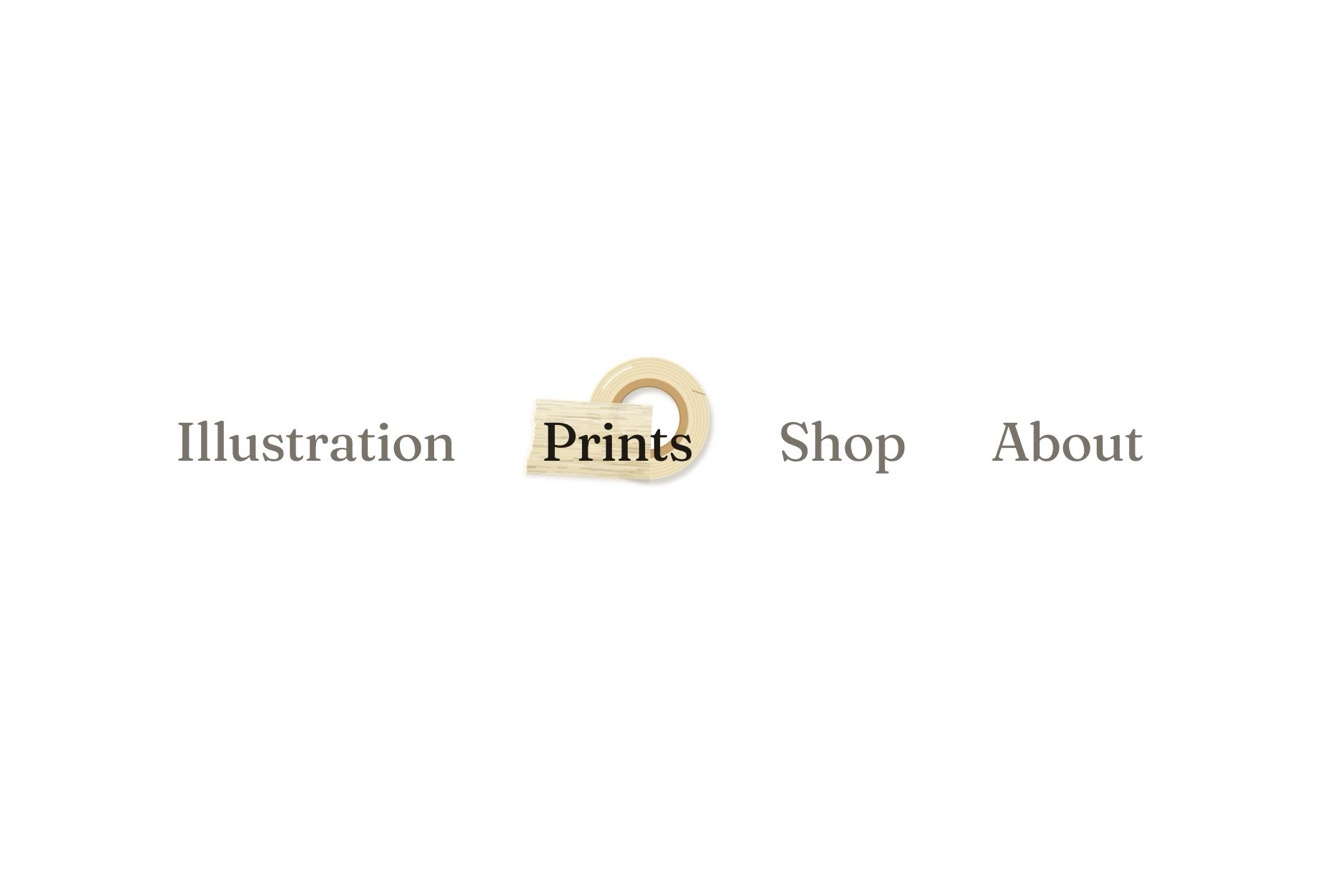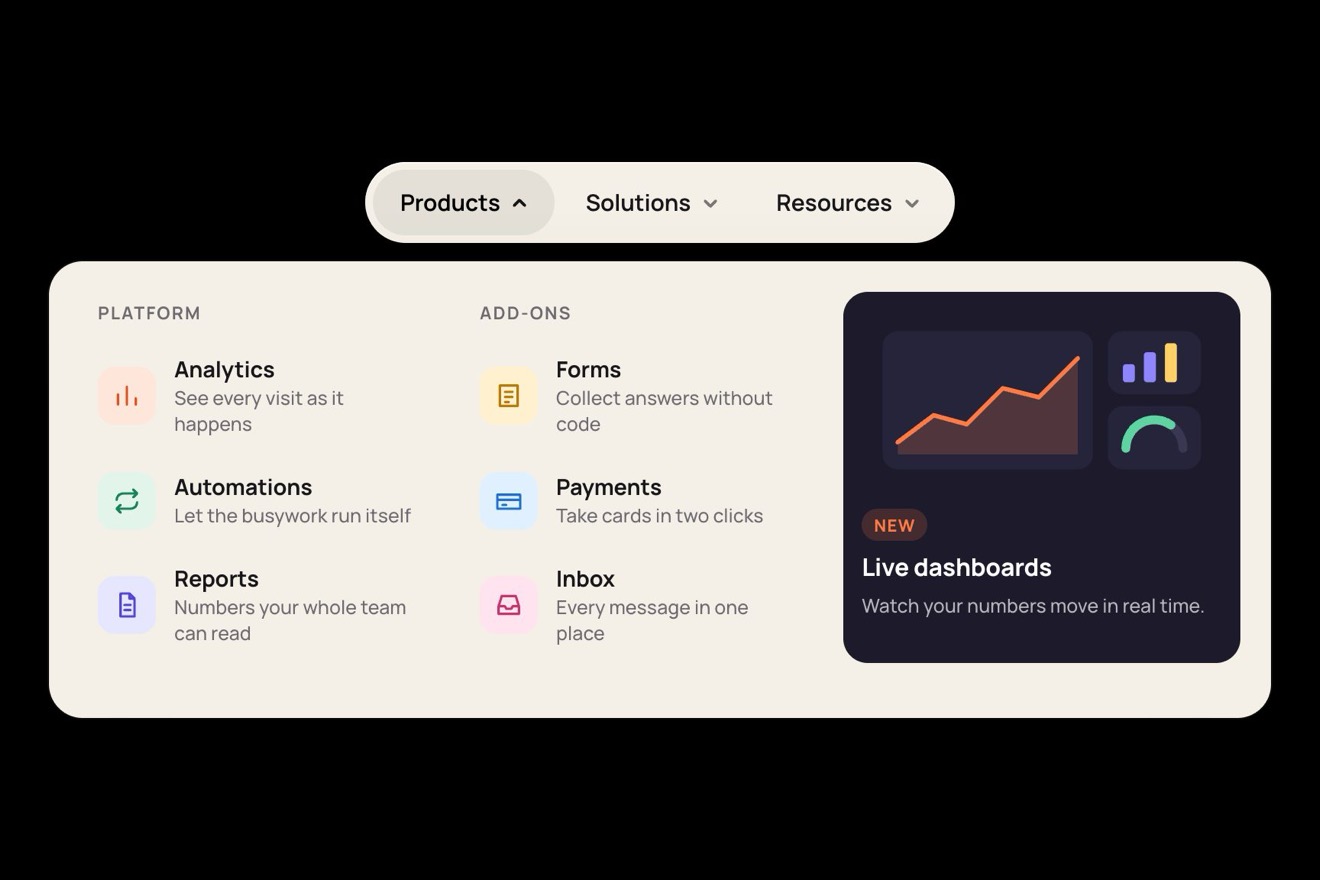
The tile mega menu
Menus, Hover, 3D, Transitions
NewFree
A museum pass that leans towards the pointer on springs: its engraved lines and its title carry a rainbow foil that slides as the card tilts, a glare follows the light and, pressed, the card turns over to show its back.
A folder that runs on its own: index.html, style.css, script.js and the libraries from a CDN. The React and Vue tabs hold the same demo as a ready component, which switches its animations off when it leaves the page.
<!doctype html>
<html lang="en">
<head>
  <meta charset="utf-8">
  <meta name="viewport" content="width=device-width, initial-scale=1">
  <title>The holographic card</title>
  <link rel="stylesheet" href="https://cdn.jsdelivr.net/npm/@fontsource-variable/unbounded@5.3.0/index.css">
  <link rel="stylesheet" href="https://cdn.jsdelivr.net/npm/@fontsource-variable/instrument-sans@5.3.0/index.css">
  <link rel="stylesheet" href="style.css">
</head>
<body>
  <main class="stage" data-stage>
    <!-- the card: a museum pass that leans towards the pointer on springs. The foil on its engraved lines turns
         through the colours as it tilts, a glare follows the light, and a press turns it over. The engraving is
         drawn by the script -->
    <div class="pass" data-pass>
      <button class="card" type="button" aria-pressed="false" aria-label="Annual pass. Turn it over" data-card>
        <span class="card__face card__face--front">
          <svg class="card__lines" viewBox="0 0 340 476" preserveAspectRatio="none" aria-hidden="true" data-lines>
            <defs>
              <linearGradient id="foil" gradientUnits="userSpaceOnUse" x1="0" y1="0" x2="340" y2="476" data-foil>
                <stop offset="0" stop-color="#ff7aa8"/>
                <stop offset="0.17" stop-color="#ffd36e"/>
                <stop offset="0.34" stop-color="#7dffbe"/>
                <stop offset="0.5" stop-color="#6cd4ff"/>
                <stop offset="0.67" stop-color="#b38cff"/>
                <stop offset="0.84" stop-color="#ff7aa8"/>
                <stop offset="1" stop-color="#ffd36e"/>
              </linearGradient>
            </defs>
            <g data-engraving></g>
          </svg>
          <span class="card__scrim" aria-hidden="true"></span>
          <span class="card__sheen" aria-hidden="true"></span>
          <span class="card__top">
            <svg class="card__mark" viewBox="0 0 32 32" aria-hidden="true"><path d="M16 3a13 13 0 1 0 0 26a13 13 0 1 0 0-26zM16 9a7 7 0 1 1 0 14M3 16h26"/></svg>
            <span class="card__brand">Lumen</span>
            <span class="card__kind">House of Light</span>
          </span>
          <span class="card__title">Annual<br>pass</span>
          <span class="card__foot">
            <span><span class="card__small">Member</span><span class="card__name">Mara Lindqvist</span></span>
            <span><span class="card__small">Valid until</span><span class="card__name">10/2027</span></span>
          </span>
        </span>
        <span class="card__face card__face--back">
          <span class="card__small">Scan at the door</span>
          <svg class="card__code" viewBox="0 0 220 64" preserveAspectRatio="none" aria-hidden="true" data-code></svg>
          <span class="card__note">One person, every day the house is open. Keep it with you: it is not transferable.</span>
          <span class="card__brand card__brand--back">Lumen</span>
        </span>
        <span class="card__glare" aria-hidden="true"></span>
      </button>
      <p class="pass__hint" aria-hidden="true" data-hint>Press to turn it over</p>
    </div>
  </main>

  <script src="https://cdn.jsdelivr.net/npm/gsap@3.15.0/dist/gsap.min.js"></script>
  <script src="script.js"></script>
</body>
</html>Change values, colours and text with the controls and watch the animation respond live. Or write in the code yourself. Then download the folder with your changes.
24 values to change
With the Animorio connector, Claude Code takes it from here, guide included, and fits it into your project. Paste this request:
Take “The holographic card” from Animorio and fit it into my siteThe card is a button with transform-style: preserve-3d and two faces with backface-visibility: hidden, the back already turned by 180 degrees. The script gives it rotateX, rotateY and scale, and when the card is edge on it also hides the face turning away with visibility; the fades sit on the wrapper, because an opacity on the card would flatten it and the back would show through the front.
The script draws the engraved lines: rings that wave (radius + size · sin(waves · angle + turn)), each turned a little from the one inside it, so they cross each other. Their stroke is a rainbow SVG linearGradient that the script moves with gradientTransform according to the tilt; the title has a gradient clipped to its letters with background-clip: text, moved by --title.
The tilt also gives the glare (--gx and --gy of a radial-gradient), the band of light (--sheen) and the slight shift of the words (--px and --py): the light follows the springs and the sway, not the pointer. On the back the glare is mirrored, because the same element turned round sees the light from the other side.
The pointer’s position from the card’s centre, from −1 to 1, becomes the tilt wanted: TILT degrees over the card, a third of it from afar, and LIFT in size over the card. Two springs with SPRING follow it, worked out in steps of 4 milliseconds. With nobody over the card, the tilt wanted becomes two slow waves of SWAY degrees.
Pressed, the card wants to turn by 180 degrees and a third spring with TURN takes it there; a little sideways push starts the turn with a lean, and when the card is edge on it narrows by 6 per cent. aria-pressed and the label say which face shows. With a finger: resting on the card it tilts it, a tap turns it over.
| Name | File | Default | What it changes |
|---|---|---|---|
TILT | script.js | 16 | The most the card leans towards the pointer, in degrees. |
SPRING | script.js | [170, 0.5] | The tilt’s spring: how stiff it is and how much it is held back (1 = no bounce). |
LIFT | script.js | 1.045 | How much bigger the card gets under the pointer. |
SWAY | script.js | 4 | How far the card sways by itself when nobody touches it, in degrees. |
TURN | script.js | [120, 0.6] | The spring that turns the card over: how stiff it is and how much it is held back. |
For a membership card, a ticket, a gift voucher or a season pass; for a game card, an event badge, the product to show off on a launch page.
The card takes almost the whole width of the screen. With a finger resting on it, it leans towards the finger (it has touch-action: none, so over the card the finger does not scroll the page), a tap turns it over, and let go it goes back to swaying by itself.
The card stays straight: no tilt, sway or entrance; pressed, it shows its other face with a short fade instead of turning over.
GSAP 3.15.0, Unbounded (font variabile) 5.3.0, Instrument Sans (font variabile) 5.3.0.
Compressed with gzip, the three demo files weigh 6.3 KB; the libraries: GSAP 28 KB.
Tested on 3 October 2026
Use it in your own projects and in your clients’ projects. Do not resell it or redistribute it as is. GSAP stays under its own Standard license. Full license.
With your account’s email and password.
or with your email
You’re signed in as .
With your account, you can download the zip of every animation and every pack, for free.