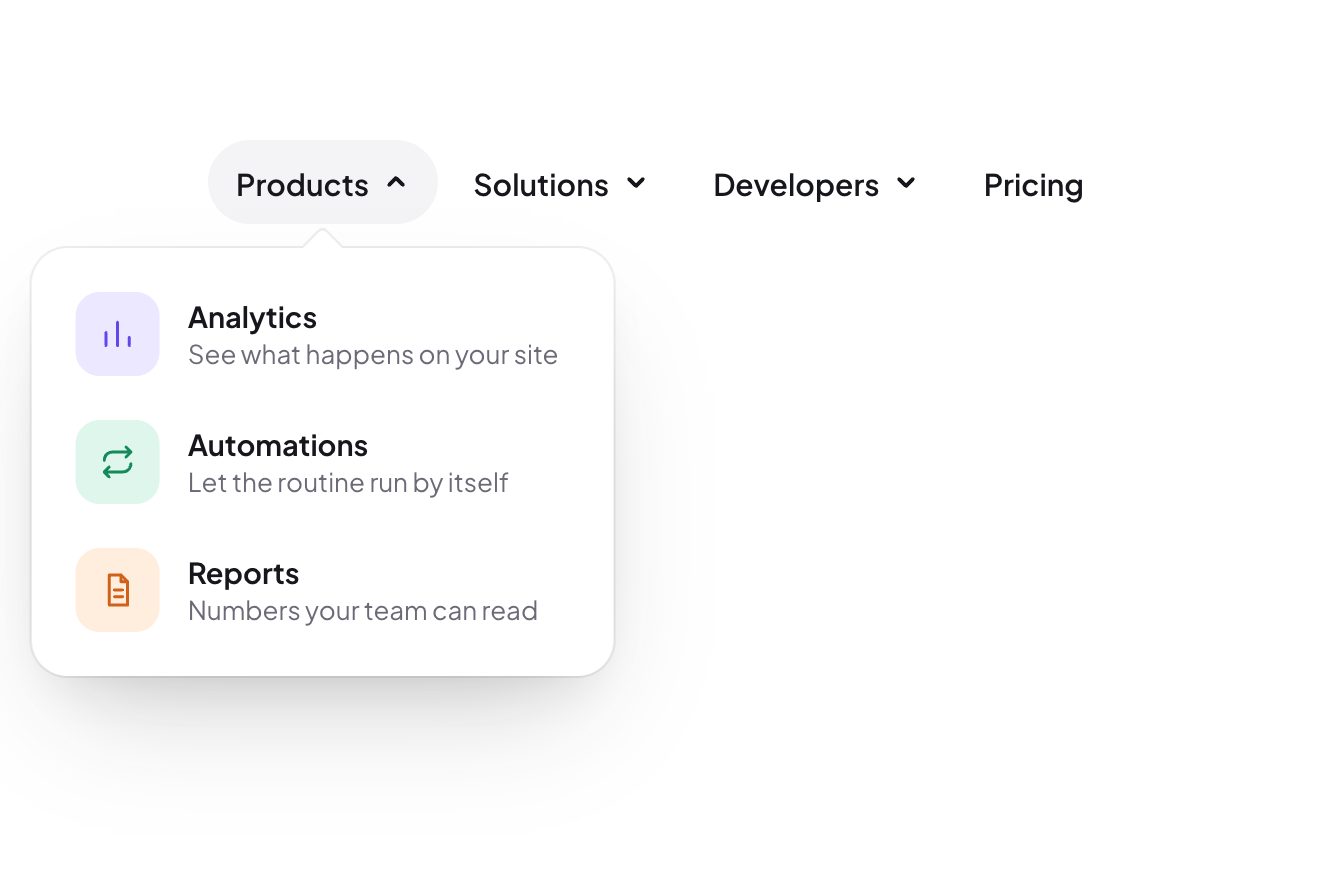
The inchworm menu
Menus, Hover, Transitions
NewFree
Two months side by side to choose an arrival and a departure, like a holiday house’s booking page: the two days pop into a black disc, the stay fills up one day after the other like a wave, and below the nights and the total count up to their numbers.
A folder that runs on its own: index.html, style.css, script.js and the libraries from a CDN. The React and Vue tabs hold the same demo as a ready component, which switches its animations off when it leaves the page.
<!doctype html>
<html lang="en">
<head>
  <meta charset="utf-8">
  <meta name="viewport" content="width=device-width, initial-scale=1">
  <title>The booking calendar</title>
  <link rel="stylesheet" href="https://cdn.jsdelivr.net/npm/@fontsource-variable/figtree@5.3.0/index.css">
  <link rel="stylesheet" href="style.css">
</head>
<body>
  <main class="stage">
    <!-- the picker: an arrival and a departure. The stay fills up day after day like a wave, the booked nights are
         struck through, and the nights and the total count up to their new numbers. The months are drawn by the script -->
    <div class="picker" data-picker>
      <div class="picker__head">
        <button class="picker__nav" type="button" aria-label="Previous month" data-prev><svg viewBox="0 0 24 24" aria-hidden="true"><path d="M14.5 6 8.5 12l6 6"/></svg></button>
        <button class="picker__nav" type="button" aria-label="Next month" data-next><svg viewBox="0 0 24 24" aria-hidden="true"><path d="M9.5 6l6 6-6 6"/></svg></button>
      </div>
      <div class="picker__months" data-months></div>
      <div class="picker__foot">
        <p class="picker__sum" aria-hidden="true" data-sum></p>
        <button class="picker__clear" type="button" data-clear>Clear dates</button>
      </div>
      <p class="sr" role="status" aria-live="polite" data-said></p>
    </div>
  </main>

  <script src="https://cdn.jsdelivr.net/npm/gsap@3.15.0/dist/gsap.min.js"></script>
  <script src="script.js"></script>
</body>
</html>Change values, colours and text with the controls and watch the animation respond live. Or write in the code yourself. Then download the folder with your changes.
16 values to change
With the Animorio connector, Claude Code takes it from here, guide included, and fits it into your project. Paste this request:
Take “The booking calendar” from Animorio and fit it into my siteThe script draws each month: the title, the initials of the days from WEEK_START on and six weeks of buttons, so all the months are equally tall. Each day has three layers: the band of the stay, the disc and the number with its price. The booked nights (about one in seven) and the prices are made up from a number worked out from the date, so they are always the same; the price starts from PRICE, one for weekdays and one for Fridays and Saturdays, plus 0, 10 or 20 euros.
Inside the stay a day’s band is as wide as its cell; the arrival’s starts from its middle and the departure’s ends at its middle, under the discs. It is rounded in the first and last column and on the first and last day of the month, so each week of the stay reads as one pill.
The wave is each day’s band growing from its left side (scaleX from 0 to 1) in WAVE[0] seconds, WAVE[1] seconds after the one before. The discs pop from 0.4 to 1 with back.out(POP). The nights and the total are two numbers GSAP takes to their new values in COUNT seconds, writing them again on every frame.
Changing month, the incoming month is added at the end of the row (at the start, going back), the window stays as wide as it was and the row moves by one month in SLIDE seconds with power3.inOut. Then the month that went out is taken away and the row goes back to zero: nothing shows, because everything moved by exactly one month.
A single day of the grid takes the Tab key: the arrows move between the days, Home and End go to the start and the end of the week, Page Up and Page Down change month, Enter chooses. With the keyboard the light band follows the focus, with the mouse the pointer; with a finger there is none, and you tap the arrival and then the departure.
| Name | File | Default | What it changes |
|---|---|---|---|
WEEK_START | script.js | 1 | The first day of the week: 1 Monday, 0 Sunday. |
PRICE | script.js | [120, 150] | The price of a night, in euros: on weekdays, and on Fridays and Saturdays. |
WAVE | script.js | [0.35, 0.018] | The wave of the stay: the seconds of each day, and the gap between one day and the next. |
POP | script.js | 2.6 | The bounce of a chosen day. |
SLIDE | script.js | 0.55 | The seconds the row of months takes to move by one month. |
COUNT | script.js | 0.7 | The seconds the nights and the total take to reach their new numbers. |
For the booking page of a holiday house, a farm stay, a hotel or a rental: wherever two dates are chosen and the nights matter. The prices and the booked nights should come from your own system instead of the made-up ones.
Below 760 pixels a single month stays and the cells narrow to fit the width of the screen. Taps work like clicks; the light band under the pointer is not there, but choosing works the same way: one tap for the arrival, one for the departure.
No wave, no bounces and no carousel: the band fades in and the discs appear at once, the months change at once, the nights and the total go straight to their numbers and when the page opens the card is already in place.
GSAP 3.15.0, Figtree (font variabile) 5.3.0.
Compressed with gzip, the three demo files weigh 8.4 KB; the libraries: GSAP 28 KB.
Tested on 3 October 2026
Use it in your own projects and in your clients’ projects. Do not resell it or redistribute it as is. GSAP stays under its own Standard license. Full license.
With your account’s email and password.
or with your email
You’re signed in as .
With your account, you can download the zip of every animation and every pack, for free.