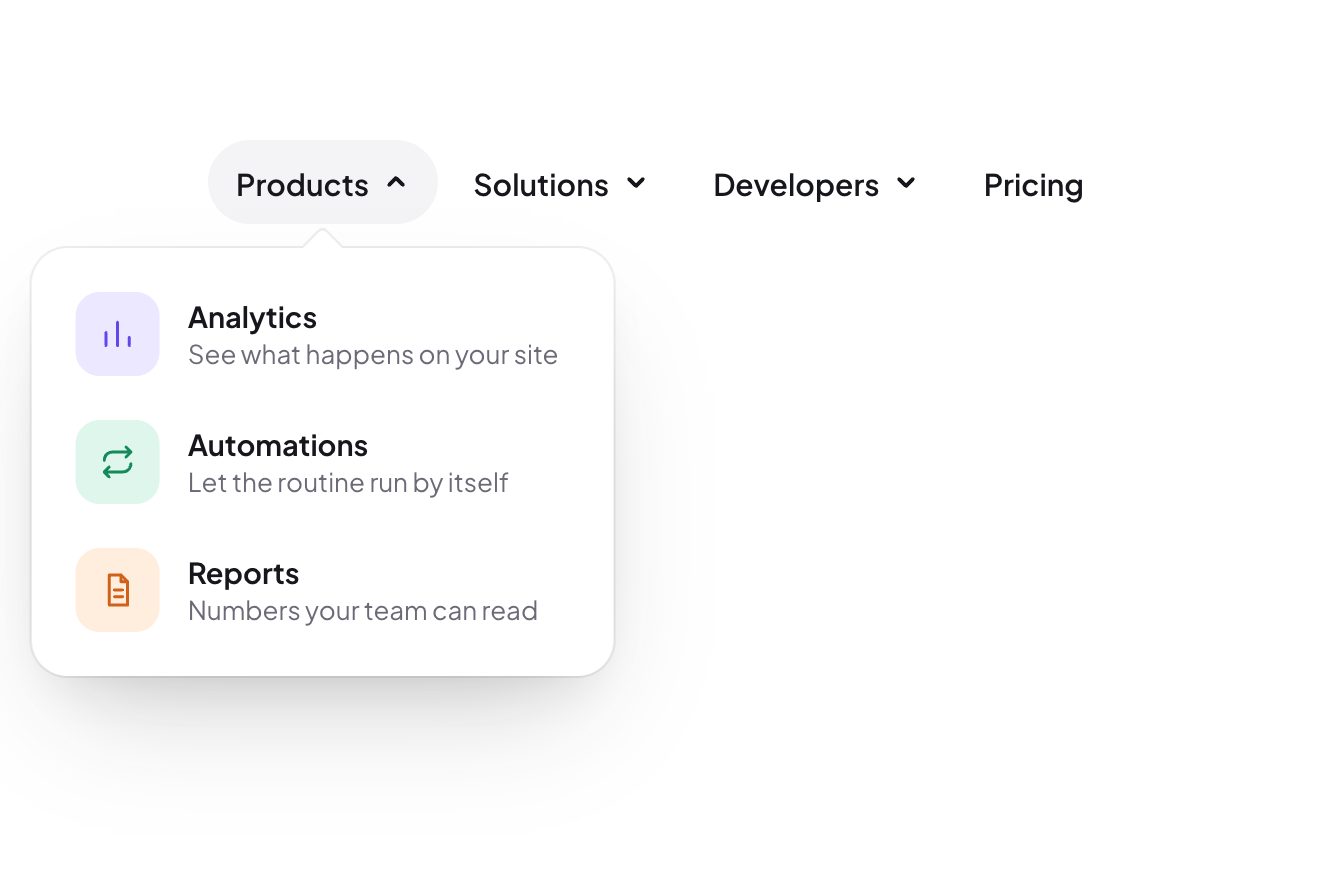
The dropdown that changes shape
Menus, Hover, Transitions
Free
A navigation bar with a white pill under the current page, which goes from one link to the next like an inchworm: the front edge leaves at once, the back edge follows, and on the way the pill stretches and thins; the words turn black letter by letter as the edge goes over them.
A folder that runs on its own: index.html, style.css, script.js and the libraries from a CDN. The React and Vue tabs hold the same demo as a ready component, which switches its animations off when it leaves the page.
<!doctype html>
<html lang="en">
<head>
  <meta charset="utf-8">
  <meta name="viewport" content="width=device-width, initial-scale=1">
  <title>The inchworm menu</title>
  <link rel="stylesheet" href="https://cdn.jsdelivr.net/npm/@fontsource-variable/instrument-sans@5.3.0/index.css">
  <link rel="stylesheet" href="style.css">
</head>
<body>
  <main class="stage">
    <!-- the bar: the white pill reaches the next item with its front edge first and pulls its back edge after it.
         Over the pill the words are black: a copy of them, cut to the pill's shape -->
    <nav class="bar" aria-label="Main" data-bar>
      <span class="bar__glow" data-glow aria-hidden="true"></span>
      <ul class="bar__items">
        <li><a class="bar__item" href="#" aria-current="page" data-item>Home</a></li>
        <li><a class="bar__item" href="#" data-item data-autoclic>Work</a></li>
        <li><a class="bar__item" href="#" data-item data-autoclic>About</a></li>
        <li><a class="bar__item" href="#" data-item data-autoclic>Contact</a></li>
      </ul>
      <div class="bar__pill" data-pill aria-hidden="true">
        <ul class="bar__items">
          <li><span class="bar__item">Home</span></li>
          <li><span class="bar__item">Work</span></li>
          <li><span class="bar__item">About</span></li>
          <li><span class="bar__item">Contact</span></li>
        </ul>
      </div>
    </nav>
  </main>

  <script src="https://cdn.jsdelivr.net/npm/gsap@3.15.0/dist/gsap.min.js"></script>
  <script src="script.js"></script>
</body>
</html>Change values, colours and text with the controls and watch the animation respond live. Or write in the code yourself. Then download the folder with your changes.
20 values to change
With the Animorio connector, Claude Code takes it from here, guide included, and fits it into your project. Paste this request:
Take “The inchworm menu” from Animorio and fit it into my siteBelow are the light links; above, a copy of them, black on white, with the same sizes, cut by a clip-path inset(top right bottom left round 999px). The pill is that cut: that is why the words change colour exactly on the edge, letter by letter.
The pill is two numbers, its edges in pixels from the left side of the bar. The links are measured with offsetLeft and offsetWidth, which ignore transforms, at the start, once the typeface has arrived and whenever their width changes. The edge on the side of the move goes with power3.out in LEAD seconds; the other waits TRAIL[0] seconds and takes TRAIL[1], with power3.inOut.
The longer the pill is compared with the link it is going to, the more the cut tightens above and below, up to SQUEEZE pixels: so, stretched, it looks pulled.
A click takes a value from 3 to 0 with elastic.out: the pill squeezes and swells like jelly. The light is a blurred white element with translateX and scaleX taken from the two edges.
Only the mouse makes the preview (a finger has no «over»); the Tab key makes it with :focus-visible. Once the pointer leaves the bar, a delayedCall of BACK seconds takes the pill back to the link with aria-current="page".
| Name | File | Default | What it changes |
|---|---|---|---|
LEAD | script.js | 0.34 | The seconds of the front edge. |
TRAIL | script.js | [0.1, 0.5] | The back edge: how long it waits, and its seconds. |
SQUEEZE | script.js | 3 | How many pixels thinner the pill gets, at most, while stretched. |
GLOW | script.js | 0.22 | How bright the light under the pill is. |
BACK | script.js | 0.2 | The seconds the pill waits, after the pointer leaves, before going back. |
For the navigation bar of a site or an app with four or five short links, or for a tab selector. With many links or long names the bar no longer fits on a phone.
The bar narrows (smaller links, less room) and fits a 390 pixel screen. Without a pointer there is no preview: a tap moves the pill and makes the link the current page.
The pill jumps from one link to the next without travelling and without bouncing, and when the page loads it is already in place.
GSAP 3.15.0, Instrument Sans (font variabile) 5.3.0.
Compressed with gzip, the three demo files weigh 4.1 KB; the libraries: GSAP 28 KB.
Tested on 2 October 2026
Use it in your own projects and in your clients’ projects. Do not resell it or redistribute it as is. GSAP stays under its own Standard license. Full license.
With your account’s email and password.
or with your email
You’re signed in as .
With your account, you can download the zip of every animation and every pack, for free.