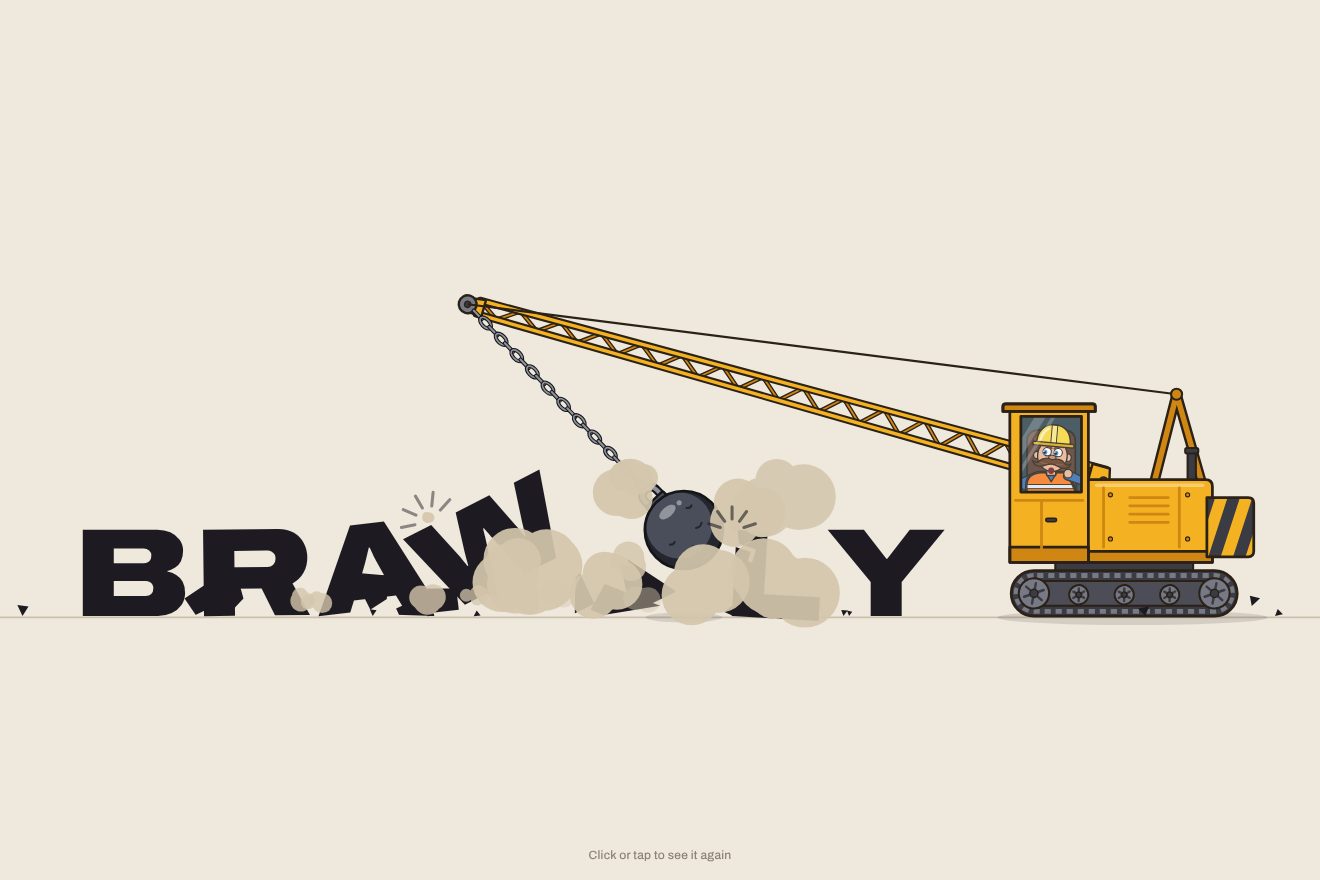
The wrecking-ball logo
Intro, Physics, SVG, Text
NewFree
A minimal logo intro: a single red dot drops onto a thin line, bounces twice, lower each time, and settles on the third touch; the stem of the i grows up under it and lifts it, and the dot becomes the dot of the i. The other letters slide out from behind the i to both sides, narrow and light, and widen on a spring one after the other. With no i, the dot hops to the end of the name and becomes the full stop. In the Playground you type your own name or upload your own logo.
A folder that runs on its own: index.html, style.css, script.js and the libraries from a CDN. The React and Vue tabs hold the same demo as a ready component, which switches its animations off when it leaves the page.
<!doctype html>
<html lang="en">
<head>
  <meta charset="utf-8">
  <meta name="viewport" content="width=device-width, initial-scale=1">
  <title>The bouncing-dot logo</title>
  <link rel="stylesheet" href="https://cdn.jsdelivr.net/npm/@fontsource-variable/archivo@5.3.0/wdth.css">
  <link rel="stylesheet" href="style.css">
</head>
<body>
  <main class="scena">
    <!-- the stage: the script measures it, drops the dot on the floor line and lets the name out from behind it -->
    <svg class="palco" data-stage role="img" aria-label="calimo" xmlns="http://www.w3.org/2000/svg">
      <defs data-defs></defs>
      <!-- the hairline the dot bounces on -->
      <path class="pavimento" data-floor />
      <!-- the letters left and right of the dot, each side clipped where it comes out -->
      <g data-left></g>
      <g data-right></g>
      <!-- the letter that wears the dot (its own dot is cut away) -->
      <g data-stem></g>
      <!-- the dot -->
      <ellipse class="punto" data-dot />
    </svg>
    <p class="nota">Click or tap to see it again</p>
  </main>

  <script src="https://cdn.jsdelivr.net/npm/gsap@3.15.0/dist/gsap.min.js"></script>
  <script src="script.js"></script>
</body>
</html>Change values, colours and text with the controls and watch the animation respond live. Or write in the code yourself. Then download the folder with your changes.
15 values to change
With the Animorio connector, Claude Code takes it from here, guide included, and fits it into your project. Paste this request:
Take “The bouncing-dot logo” from Animorio and fit it into my siteThe stage is an SVG whose viewBox is as big as the window, so one unit is one pixel. Every letter is measured in the page, in a hidden span in the same typeface (Archivo, variable in width and weight), at three points of its way: narrow and light, halfway and in place. In between the width is read on a straight line between the three measures, and beyond the last one it carries on: so the spring that passes the size by a pixel really pushes the neighbours. The type size is chosen so that the whole name fits the width, on a phone too.
The i is drawn large on a canvas and read row by row from the top: the first block of ink above an empty row is its dot, the next block is the stem. That gives the centre and size of the dot, where the stem starts and how wide it is. The real i is cut by a clipPath that never shows its own dot: the cutting rectangle rises from the line and looks like the stem growing, while the red dot, drawn separately as an ellipse, sits on top. Among the i and j letters of the name, the one nearest the middle is chosen.
The fall and the bounces are real parabolas: a gravity in pixels per second squared, the descent with power1.in and the climb with power1.out (they are second-degree curves), and every bounce a fifth as high as the one before, so shorter too. The dot is drawn from its lowest point: when it touches it flattens and widens to match, and the line under it is a path with a soft dip, which sinks a few pixels and comes back with an elastic that makes it quiver.
The letters on the left and on the right are two groups, each with its own clip ending at the edge of the stem: they all start hidden behind the i and slide out like two little trains. Then every letter has a single number, from 0 (narrow and light) to 1 (in place), which drives the wdth and wght axes of font-variation-settings and its width together; one function after every frame lines the letters up again from the i outwards, so when one widens the others are pushed. Every letter goes to 1.05 and back to 1 with an elastic.out.
The whole intro is one timeline, with the labels start, fall, land, stem, open, widen, reveal, rest and leave, and timeScale for the speed. With no i, or with FULL_STOP, the name is split in the middle, the two parts come out from behind the dot, and at the end the dot hops over the letters to the end while the gap it leaves closes. If IMAGE holds an address, the two halves of the picture take the place of the letters, squeezed and then widened the same way. In the Playground, next to the field, there is a button to upload a file, which goes into the code as a data: address.
| Name | File | Default | What it changes |
|---|---|---|---|
NAME | script.js | 'calimo' | The logo as a word: the dot becomes the dot of its i (or j), or the full stop. |
IMAGE | script.js | '' | The logo as a picture: the address of a file, or upload it from your computer. If there is one, it takes the place of the word and the dot becomes its full stop. |
BOUNCES | script.js | 2 | How many times the dot bounces before it stops (0 = it lands and stays). |
SQUASH | script.js | 1 | How much the dot flattens when it hits the line (0 = it stays round). |
NARROW | script.js | 62 | How narrow the letters are when they come out, on the width axis: 62 is the narrowest, 100 the normal width. |
FULL_STOP | script.js | false | With true the dot always becomes the full stop at the end of the name, even when there is an i. |
SPEED | script.js | 1 | The speed of the whole animation: 2 is twice as fast, 0.5 half as fast. |
REST | script.js | 4 | How many seconds the logo stays on show before it starts again. |
LOOP | script.js | true | Whether the name folds away and the dot falls again. With false the logo stays, and now and then the dot gives a small nod. |
To present a logo with a small, likeable but clean gesture: the opening of a studio's site, an app, a brand with an i or a full stop in its name, a portfolio, a loading screen, a preview for a client, a social post. It suits pages where everything else is quiet. It works with a written wordmark and with a picture.
The same animation with the sizes adapted: the name is smaller to fit the width, the dot and the bounces in proportion. A tap restarts it.
Nothing moves: the dot fades in where it belongs, then the name fades in around it. If the animation starts again, the logo leaves with a fade too.
GSAP 3.15.0, Archivo (font variabile) 5.3.0.
Compressed with gzip, the three demo files weigh 10 KB; the libraries: GSAP 28 KB.
Tested on 15 October 2026
Use it in your own projects and in your clients’ projects. Do not resell it or redistribute it as is. GSAP stays under its own Standard license. Full license.
With your account’s email and password.
or with your email
You’re signed in as .
With your account, you can download the zip of every animation and every pack, for free.