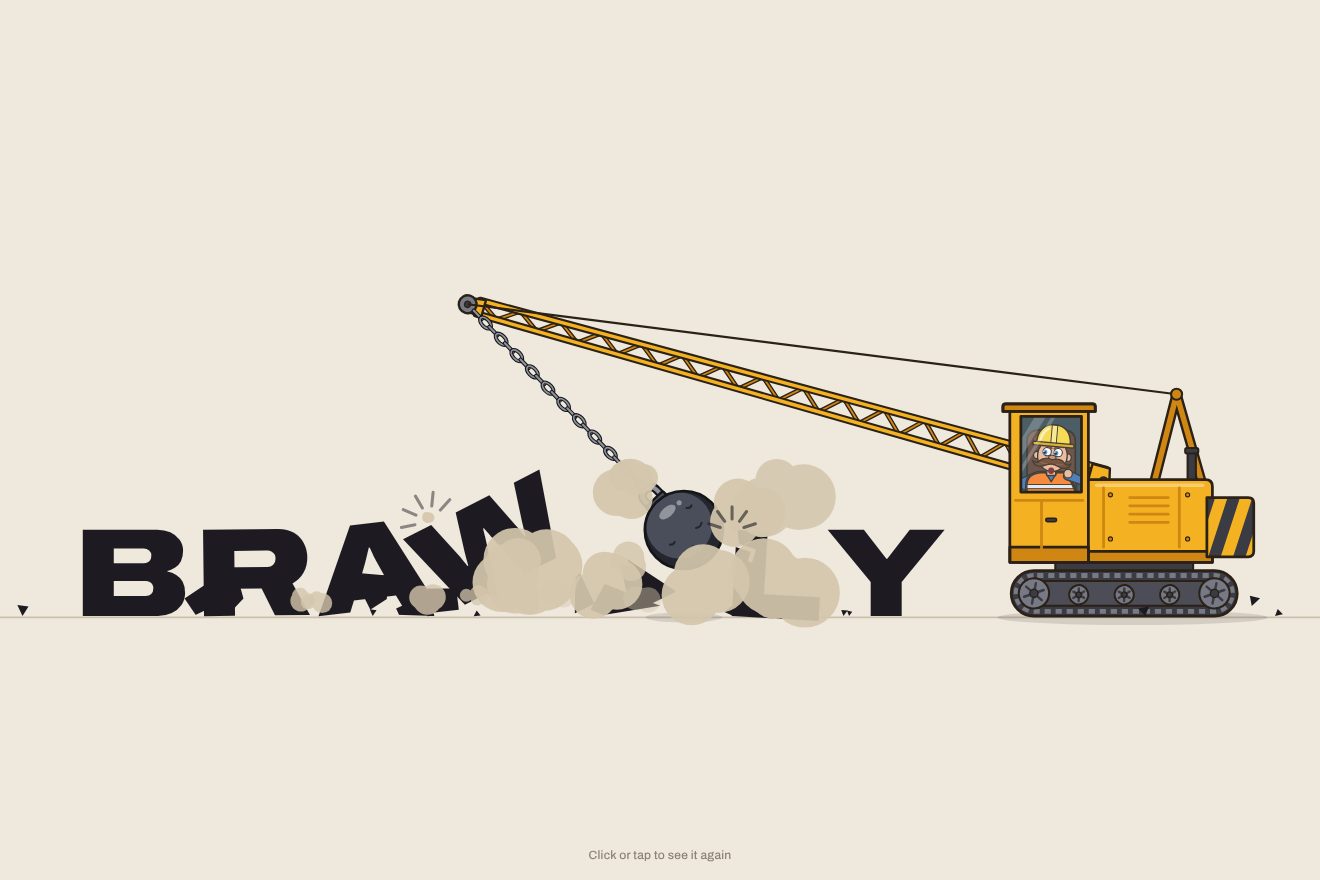
The wrecking-ball logo
Intro, Physics, SVG, Text
NewFree
A logo preview embroidered before your eyes: a wooden hoop pulls the linen taut, a silver needle with its thread sews the edges of the letters in running stitch and fills them in satin stitch, ties a knot, and a small pair of scissors snips the thread. In the Playground you type your own name or upload your own logo.
A folder that runs on its own: index.html, style.css, script.js and the libraries from a CDN. The React and Vue tabs hold the same demo as a ready component, which switches its animations off when it leaves the page.
<!doctype html>
<html lang="en">
<head>
  <meta charset="utf-8">
  <meta name="viewport" content="width=device-width, initial-scale=1">
  <title>The sewn logo</title>
  <link rel="stylesheet" href="https://cdn.jsdelivr.net/npm/@fontsource-variable/gabarito@5.3.0/index.css">
  <link rel="stylesheet" href="style.css">
</head>
<body>
  <main class="scena">
    <!-- the stage: the script measures it, reads the logo's shape and sews it stitch by stitch -->
    <svg class="palco" data-stage role="img" aria-label="Hemwick" xmlns="http://www.w3.org/2000/svg">
      <defs>
        <!-- the linen: a weave of light and dark threads, with a few thicker knots -->
        <pattern id="linen" patternUnits="userSpaceOnUse" width="8" height="8">
          <rect class="lino" width="8" height="8" />
          <path class="lino-ordito" d="M1.5 0V8M5.5 0V8" />
          <path class="lino-trama" d="M0 1.5H8M0 5.5H8" />
          <path class="lino-nodo" d="M2.6 1h2.2v1H2.6ZM6.4 5h1.6v1H6.4ZM1 3.2h1v1.6H1Z" />
        </pattern>
        <radialGradient id="vignette" cx="0.5" cy="0.48" r="0.72">
          <stop offset="0.55" class="velo" stop-opacity="0" />
          <stop offset="1" class="velo" stop-opacity="0.2" />
        </radialGradient>
        <!-- the steel of the needle and the scissors: light along the top, dark along the bottom -->
        <linearGradient id="steel" x1="0" y1="0" x2="0" y2="1">
          <stop offset="0" class="acciaio-luce" />
          <stop offset="0.32" class="acciaio" />
          <stop offset="0.62" class="acciaio" />
          <stop offset="1" class="acciaio-scuro" />
        </linearGradient>
        <linearGradient id="brass" x1="0" y1="0" x2="0" y2="1">
          <stop offset="0" class="ottone-luce" />
          <stop offset="0.4" class="ottone-medio" />
          <stop offset="1" class="ottone-scuro" />
        </linearGradient>
        <!-- the little dip in the cloth where the needle goes in -->
        <radialGradient id="pucker">
          <stop offset="0" class="velo" stop-opacity="0.42" />
          <stop offset="1" class="velo" stop-opacity="0" />
        </radialGradient>
        <!-- the light that runs over the satin stitches -->
        <linearGradient id="sheen-band" x1="0" y1="0" x2="1" y2="0">
          <stop offset="0" stop-color="#000" />
          <stop offset="0.5" stop-color="#fff" />
          <stop offset="1" stop-color="#000" />
        </linearGradient>
        <mask id="sheen" maskUnits="userSpaceOnUse" data-sheen-mask>
          <g data-sheen-turn><rect fill="url(#sheen-band)" data-sheen-rect /></g>
        </mask>
        <!-- outside the hoop the cloth is loose and a little darker -->
        <mask id="outside" maskUnits="userSpaceOnUse" data-outside-mask>
          <rect fill="#fff" data-outside-full />
          <ellipse fill="#000" data-outside-hole />
        </mask>
        <clipPath id="inside"><ellipse data-inside /></clipPath>
        <!-- the part of the needle that is still above the cloth -->
        <clipPath id="needle-cut"><rect x="-260" y="-60" width="260" height="120" data-needle-cut /></clipPath>
        <clipPath id="screw-body"><rect x="-46" y="-37" width="96" height="14" rx="4" /></clipPath>
        <clipPath id="screw-head"><rect x="50" y="-48" width="16" height="36" rx="5" /></clipPath>
        <!-- a flat shadow of whatever uses it -->
        <filter id="silhouette" x="-20%" y="-60%" width="140%" height="220%" color-interpolation-filters="sRGB">
          <feFlood class="ombra-colore" />
          <feComposite in2="SourceAlpha" operator="in" />
        </filter>

        <!-- the needle: drawn pointing right, the point is 0 0, the eye is near -180 -->
        <g id="needle-art">
          <path class="ago" d="M0 0C-24 -1.6 -70 -4.8 -128 -5.4L-190 -5.4C-198 -5.4 -204 -3 -204 0C-204 3 -198 5.4 -190 5.4L-128 5.4C-70 4.8 -24 1.6 0 0Z" />
          <path class="ago-scuro" d="M-26 1.6C-70 3.4 -112 3.9 -150 3.9" />
          <path class="ago-lucido" d="M-10 -0.9C-44 -2.7 -92 -3.5 -152 -3.5" />
          <path class="cruna" d="M-190 -1.9H-162A1.9 1.9 0 0 1 -162 1.9H-190A1.9 1.9 0 0 1 -190 -1.9Z" />
          <ellipse class="ago-luccichio" cx="-60" cy="-2.6" rx="10" ry="1.4" data-glint />
        </g>
      </defs>

      <g data-world>
        <rect fill="url(#linen)" data-cloth />
        <rect class="fuori" mask="url(#outside)" data-outside />
        <g mask="url(#outside)" data-drapes></g>
        <g clip-path="url(#inside)" data-folds></g>

        <!-- the embroidery: the shadows of the stitches, the satin, its lights, the running stitch, the knot -->
        <g data-work>
          <g data-stitch-shadow></g>
          <g data-fill></g>
          <g data-light></g>
          <path class="luce" mask="url(#sheen)" data-sheen />
          <g data-outline></g>
          <g data-knot></g>
        </g>

        <!-- the wooden hoop: the script draws the ring to fit the logo; the brass screw sits on top of it -->
        <g data-hoop>
          <g data-ring></g>
          <g data-screw>
            <g data-tab-l>
              <path class="legno" d="M-38 10L-38 -46C-38 -50 -36 -52 -32 -52L-12 -52C-8 -52 -6 -50 -6 -46L-6 10Z" />
              <path class="legno-ombra" d="M-14 -50L-14 8" />
              <path class="venatura" d="M-30 -40Q-28 -20 -30 2M-22 -44Q-20 -24 -23 4" />
            </g>
            <g data-tab-r>
              <path class="legno" d="M6 10L6 -46C6 -50 8 -52 12 -52L32 -52C36 -52 38 -50 38 -46L38 10Z" />
              <path class="legno-ombra" d="M30 -50L30 8" />
              <path class="venatura" d="M14 -40Q16 -20 13 2M22 -44Q24 -24 21 4" />
            </g>
            <!-- the screw runs through both blocks: a nut on the left, a ridged thumb head on the right -->
            <path class="ottone" d="M-58 -44L-50 -48L-44 -44L-44 -16L-50 -12L-58 -16Z" />
            <path class="ottone-riga" d="M-58 -30H-44" />
            <rect class="ottone" x="-46" y="-37" width="96" height="14" rx="4" />
            <g clip-path="url(#screw-body)">
              <path class="filetto" data-threads d="M-60 -38l-5 16M-54 -38l-5 16M-48 -38l-5 16M-42 -38l-5 16M-36 -38l-5 16M-30 -38l-5 16M-24 -38l-5 16M-18 -38l-5 16M-12 -38l-5 16M-6 -38l-5 16M0 -38l-5 16M6 -38l-5 16M12 -38l-5 16M18 -38l-5 16M24 -38l-5 16M30 -38l-5 16M36 -38l-5 16M42 -38l-5 16M48 -38l-5 16M54 -38l-5 16M60 -38l-5 16M66 -38l-5 16M72 -38l-5 16M78 -38l-5 16M84 -38l-5 16M90 -38l-5 16" />
            </g>
            <path class="ottone-lucido" d="M-42 -33.5H46" />
            <rect class="ottone" x="50" y="-48" width="16" height="36" rx="5" />
            <g clip-path="url(#screw-head)">
              <path class="zigrino" data-knurl d="M44 -48v36M48 -48v36M52 -48v36M56 -48v36M60 -48v36M64 -48v36M68 -48v36M72 -48v36M76 -48v36M80 -48v36M84 -48v36" />
            </g>
            <path class="ottone-lucido" d="M54 -44V-16" />
          </g>
        </g>
        <rect fill="url(#vignette)" pointer-events="none" data-vignette />

        <!-- the needle, its shadow, the dip in the cloth and the thread -->
        <g data-tools>
          <g data-dimple>
            <ellipse fill="url(#pucker)" rx="34" ry="15" />
            <path class="piega-segno" d="M-6 -5Q-34 -13 -66 -15M-6 5Q-34 13 -66 15" />
            <path class="piega-luce" d="M-8 -9Q-36 -18 -64 -21M-8 9Q-36 18 -64 21" />
          </g>
          <g data-needle-shadow><g clip-path="url(#needle-cut)"><use href="#needle-art" filter="url(#silhouette)" /></g></g>
          <g data-thread>
            <path class="filo-bordo" data-thread-edge />
            <path class="filo filo--orlo" data-thread-main />
            <path class="filo-giro" data-thread-twist />
          </g>
          <g data-needle><g clip-path="url(#needle-cut)"><use href="#needle-art" /></g></g>
        </g>

        <!-- the scissors: drawn with the blades pointing right, the pivot is 0 0 -->
        <g data-scissors-shadow><use href="#scissors-live" filter="url(#silhouette)" /></g>
        <g data-scissors>
          <g id="scissors-live">
            <!-- each half is a blade and the handle on the other side, turning on the pivot -->
            <g data-half-b>
              <g transform="scale(1 -1)">
                <path class="manico-bordo" d="M-8 4C-26 10 -40 18 -52 28" />
                <path class="manico" d="M-8 4C-26 10 -40 18 -52 28" />
                <ellipse class="manico-bordo" cx="-70" cy="40" rx="22" ry="15" transform="rotate(25 -70 40)" />
                <ellipse class="manico" cx="-70" cy="40" rx="22" ry="15" transform="rotate(25 -70 40)" />
                <path class="lama" d="M-12 -6C28 -10 84 -8 128 -1.6C130 -0.6 129 0.6 127 0.8L-12 6Z" />
                <path class="lama-filo" d="M0 -2.2L118 -1.2" />
              </g>
            </g>
            <g data-half-a>
              <path class="manico-bordo" d="M-8 4C-26 10 -40 18 -52 28" />
              <path class="manico" d="M-8 4C-26 10 -40 18 -52 28" />
              <ellipse class="manico-bordo" cx="-70" cy="40" rx="22" ry="15" transform="rotate(25 -70 40)" />
              <ellipse class="manico" cx="-70" cy="40" rx="22" ry="15" transform="rotate(25 -70 40)" />
              <path class="manico-lucido" d="M-84 30Q-78 26 -68 27" />
              <path class="lama" d="M-12 -6C28 -10 84 -8 128 -1.6C130 -0.6 129 0.6 127 0.8L-12 6Z" />
              <path class="lama-filo" d="M0 -2.2L118 -1.2" />
              <path class="lama-lucido" d="M10 -5.2C44 -7.4 80 -6.4 112 -3" />
            </g>
            <circle class="perno" r="7.5" />
            <path class="perno-taglio" d="M-4.5 -2.5L4.5 2.5" />
          </g>
        </g>

        <g data-fx></g>
      </g>
    </svg>
    <p class="nota">Click or tap to see it again</p>
  </main>

  <script src="https://cdn.jsdelivr.net/npm/gsap@3.15.0/dist/gsap.min.js"></script>
  <script src="script.js"></script>
</body>
</html>Change values, colours and text with the controls and watch the animation respond live. Or write in the code yourself. Then download the folder with your changes.
31 values to change
With the Animorio connector, Claude Code takes it from here, guide included, and fits it into your project. Paste this request:
Take “The sewn logo” from Animorio and fit it into my siteEach letter (or the picture) is drawn alone on a small canvas, in the same face as the page, and its pixels are read. The edge between inside and outside is found with marching squares: for every square of four pixels a table says which sides the edge crosses, the point slides along the side according to the alpha, and the little pieces are joined into closed lines, smoothed twice. That gives the outer edge and the edges of the holes, as in the e or the o.
The edge is measured along its length and divided into equal stitches, each STITCH letter heights long with a gap after it. The satin is parallel rows, slanted by ANGLE degrees, one FILL-th of the height apart: along each row the stretches inside the letter are found, stretches of nearby rows that overlap become a column the needle fills in one go, and stretches that are too long are split into shorter stitches staggered like bricks.
The stitches are not one element each: every colour has three paths (the shadow moved down and right, the thread, the shorter light up and left), and each keeps the text of all its stitches with the length after each one. Showing the first n stitches means cutting the string: one d attribute per path each frame. The slightly lighter and darker strands come from the same colour with color-mix; with a picture the stitches are grouped by the colour read from its pixels.
The needle is one object (where it enters, where it points, how deep it is, how high it is lifted, how much it stretches) written as a transform attribute. The depth pushes it along its own axis while a clipPath in its own coordinates cuts off the part already under the cloth, and a dimple with a radial gradient opens where it goes in. The route is a list of stops, with how many stitches are done at each one: a single tween runs along it, so the timeline can be stopped and taken to any time.
The thread is a little chain of twenty-two points moved in gsap.ticker with Verlet integration: each point keeps its speed, falls a little, and fourteen passes pull it back to its distance from the next one. One end is the needle’s eye, the other is the last stitch or loose; when the scissors cut, that end is let go and the thread hangs from the needle. If the needle jumps far (a restart, a jump of the timeline) the thread is laid out again and settles at once.
The whole story is one timeline, with timeScale for the speed and the labels start, arrive, stab, fill, reveal, knot, snip, pin, rest and unpick. Unpicking runs the number of stitches backwards while the needle pulls, then the scene restarts from «arrive» with the rows slanting the other way. The hoop is the oval that gives the biggest letters: round on a phone, wide on a computer. If IMAGE holds an address its shape is sewn; a picture from another site that cannot be read is sewn as a rectangle and shows on top of the embroidery.
| Name | File | Default | What it changes |
|---|---|---|---|
NAME | script.js | 'Hemwick' | The logo as a word: the needle sews the edges of every letter, then fills it. |
IMAGE | script.js | '' | The logo as a picture: the address of a file, or upload it from your computer. If there is one, it takes the place of the word: the needle sews its shape and the satin takes its colours. |
STITCH | script.js | 0.1 | How long a running stitch along the edges is, in letter heights. |
FILL | script.js | 36 | How close the satin stitches sit: rows of thread per letter height. |
ANGLE | script.js | 35 | The slant of the satin stitches, in degrees (0 level, 90 upright). It changes a little either way on every round. |
HOOP | script.js | true | The wooden hoop with its brass screw. With false the cloth stays loose and the folds smooth out on their own. |
SPEED | script.js | 1 | The speed of the whole story: 2 is twice as fast, 0.5 half as fast. |
REST | script.js | 4 | How many seconds the embroidered logo stays on show before it is unpicked. |
LOOP | script.js | true | Whether the embroidery is unpicked and starts again. With false it stays, with the light running over it and the needle swaying. |
To present a logo with warmth and craft: a fashion label, a tailor, a yarn shop, a haberdashery, a craft studio, a loading page or a social post. It works with a written wordmark and with a picture.
The same story, with the sizes adapted: the hoop picks the shape that gives the biggest letters, so on a phone it is almost round, and the needle, the scissors and the thread are sized to match. A tap restarts it.
Nothing moves: the hoop is already in place, the edges fade in, then the satin, then the knot and the pinned needle. If the story starts again, the embroidery fades away and comes back.
GSAP 3.15.0, Gabarito (font variabile) 5.3.0.
Compressed with gzip, the three demo files weigh 23 KB; the libraries: GSAP 28 KB.
Tested on 10 October 2026
Use it in your own projects and in your clients’ projects. Do not resell it or redistribute it as is. GSAP stays under its own Standard license. Full license.
With your account’s email and password.
or with your email
You’re signed in as .
With your account, you can download the zip of every animation and every pack, for free.