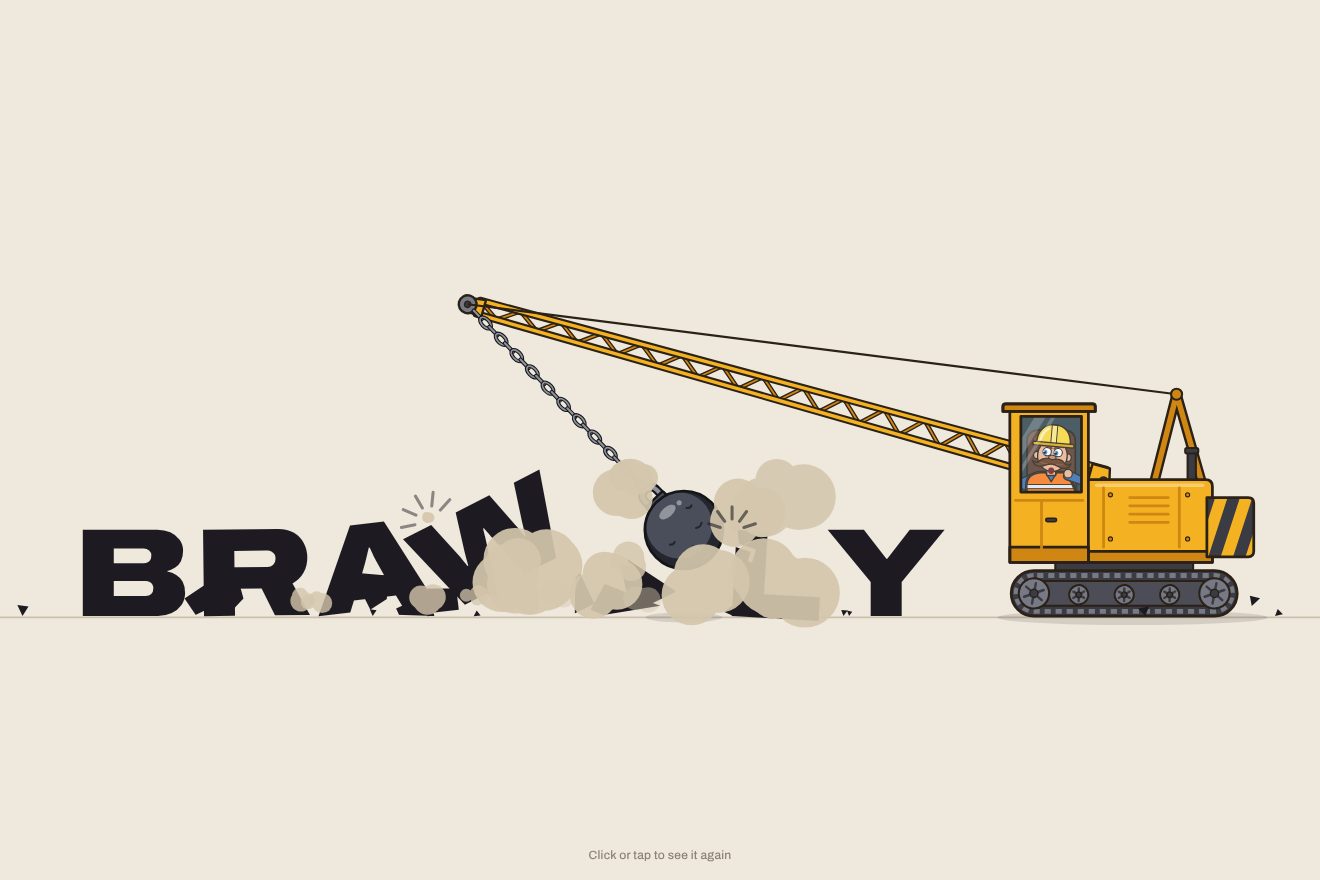
The wrecking-ball logo
Intro, Physics, SVG, Text
NewFree
An 8-bit video game logo intro: the logo turns into a grid of big pixels that drop in as blocks, bounce and lock in row by row, then split into smaller and smaller pixels until the logo is sharp, with a stepped shadow. In the Playground you type your own name or upload your own logo.
A folder that runs on its own: index.html, style.css, script.js and the libraries from a CDN. The React and Vue tabs hold the same demo as a ready component, which switches its animations off when it leaves the page.
<!doctype html>
<html lang="en">
<head>
  <meta charset="utf-8">
  <meta name="viewport" content="width=device-width, initial-scale=1">
  <title>The pixel-block logo</title>
  <link rel="stylesheet" href="https://cdn.jsdelivr.net/npm/@fontsource-variable/bricolage-grotesque@5.3.0/index.css">
  <link rel="stylesheet" href="style.css">
</head>
<body>
  <main class="scena">
    <!-- the stage: the script measures it, turns the logo into a grid of big pixels, drops them in as blocks and
         sharpens them into the real logo -->
    <svg class="palco" data-stage role="img" aria-label="Bitrun" xmlns="http://www.w3.org/2000/svg">
      <defs data-defs>
        <!-- the glint at rest shows only on the logo -->
        <mask id="glint-mask" maskUnits="userSpaceOnUse" style="mask-type: alpha" data-glint-mask>
          <use href="#crisp" />
        </mask>
      </defs>
      <g data-world>
        <!-- the board: a faint outline of every big pixel the logo needs -->
        <g class="tavola" data-board></g>
        <g data-logo>
          <!-- the stepped shadow, a few copies of the logo one step further each -->
          <g data-shadow></g>
          <!-- the falling blocks -->
          <g data-pieces></g>
          <!-- the logo, from the biggest pixels to the sharp one: one layer each, clipped by a scan line -->
          <g data-levels></g>
          <!-- the scan line that sharpens the pixels -->
          <rect class="scansione" data-scan />
          <g mask="url(#glint-mask)"><path class="luccichio" data-glint /></g>
        </g>
        <g data-fx></g>
      </g>
    </svg>
    <!-- the lines of an old screen: still, never flickering -->
    <div class="crt" aria-hidden="true"></div>
    <p class="nota">Click or tap to see it again</p>
  </main>

  <script src="https://cdn.jsdelivr.net/npm/gsap@3.15.0/dist/gsap.min.js"></script>
  <script src="script.js"></script>
</body>
</html>Change values, colours and text with the controls and watch the animation respond live. Or write in the code yourself. Then download the folder with your changes.
20 values to change
With the Animorio connector, Claude Code takes it from here, guide included, and fits it into your project. Paste this request:
Take “The pixel-block logo” from Animorio and fit it into my siteThe stage is an SVG whose viewBox is as big as the window. The logo is measured on a canvas in the same typeface (measureText, actualBoundingBoxAscent and actualBoundingBoxLeft for the true ink box) and the pixel size is chosen: the height of a letter divided by PIXEL, rounded to whole pixels so the edges stay sharp, never under four screen pixels (on a phone with a long name the grid gets coarser). Then the logo is drawn on a hidden canvas, with sixteen samples to every big pixel.
The canvas alpha and colours are added up in the finest grid (two samples to a cell), then each coarser grid adds up four cells of the one below: the four grids cost a single read. A cell is filled if it is half covered, and its colour is the average of its samples brought down to the palette: greys, black and white become the logo colour (the screen is dark), the others the colour with the nearest hue. Each grid becomes one path per colour, with the touching cells of a row merged into a single rectangle.
The cells of the coarse grid are grouped into pieces of two to four, starting from the bottom and growing only in the same row or the one above, so the logo rises row by row. Every piece is a group holding another group: the first one moves (falls with power2.in and a snap to half a pixel, slides sideways with steps), the second one turns in jumps around its centre (svgOrigin). They all fall for the same time, so they land in the order they left, and the bounce is a series of keyframes.
For every row we know the moment its last piece settled: there the flat row in the logo colour appears over the pieces, a white copy blinks twice with four sets, the screen shakes by whole pixels and four crumbs fly off in arcs at both ends. Then the sharpening: every grid has a clipPath with a rectangle; the scan line widens the one of the new grid and narrows the one of the old, with a steps ease that moves down one row of pixels at a time.
The whole intro is one timeline, with the labels start, complete, reveal, rest and leave and timeScale for the speed. The stepped shadow is four copies of the logo that move out diagonally with steps(1), steps(2), steps(3), steps(4). If IMAGE holds an address, the logo becomes that picture: it is sampled into the same pixels and, for the sharp logo, every point of it is repainted in the palette colours on a canvas as big as the screen; a picture with no transparency loses its white background. In the Playground, next to the field, there is a button to upload a file.
| Name | File | Default | What it changes |
|---|---|---|---|
NAME | script.js | 'Bitrun' | The logo as a word: it is cut into big pixels and built up block by block. |
IMAGE | script.js | '' | The logo as a picture: the address of a file, or upload it from your computer. If there is one, it takes the place of the word. |
PIXEL | script.js | 12 | How many big pixels make the height of a letter: 6 gives chunky blocks, 18 fine pixels and many pieces. |
DROP | script.js | 1 | How fast the blocks fall and how much they bounce: 0.5 slow and soft, 2 quick with a high bounce. |
SHAKE | script.js | 1 | How much the screen jolts when a row locks in and at every pass of the sharpening (0 = it stays still). |
TINT | script.js | false | A picture keeps its colours, brought down to the console palette; with true it is all in the logo colour. |
SPEED | script.js | 1 | The speed of the whole animation: 2 is twice as fast, 0.5 half as fast. |
REST | script.js | 4 | How many seconds the sharp logo stays on show before the rows clear. |
LOOP | script.js | true | Whether the rows clear and the logo is built again. With false the logo stays, with a glint now and then. |
To present a logo with the feel of an old video game: the opening of a game studio's site, an arcade, an event or a brand that plays with retro, a loading screen, a preview for a client, a social post. It works with a written wordmark and with a picture.
The same animation with the sizes adapted: the logo is almost as wide as the screen and, if the name is long, the grid gets coarser so the pixels never go under four points. A tap restarts it.
Nothing moves and nothing shakes: the big-pixel logo fades in, then the sharp logo fades in in its place with the stepped shadow behind it. If the animation starts again, the logo leaves with a fade.
GSAP 3.15.0, Bricolage Grotesque (font variabile) 5.3.0.
Compressed with gzip, the three demo files weigh 12 KB; the libraries: GSAP 28 KB.
Tested on 10 October 2026
Use it in your own projects and in your clients’ projects. Do not resell it or redistribute it as is. GSAP stays under its own Standard license. Full license.
With your account’s email and password.
or with your email
You’re signed in as .
With your account, you can download the zip of every animation and every pack, for free.