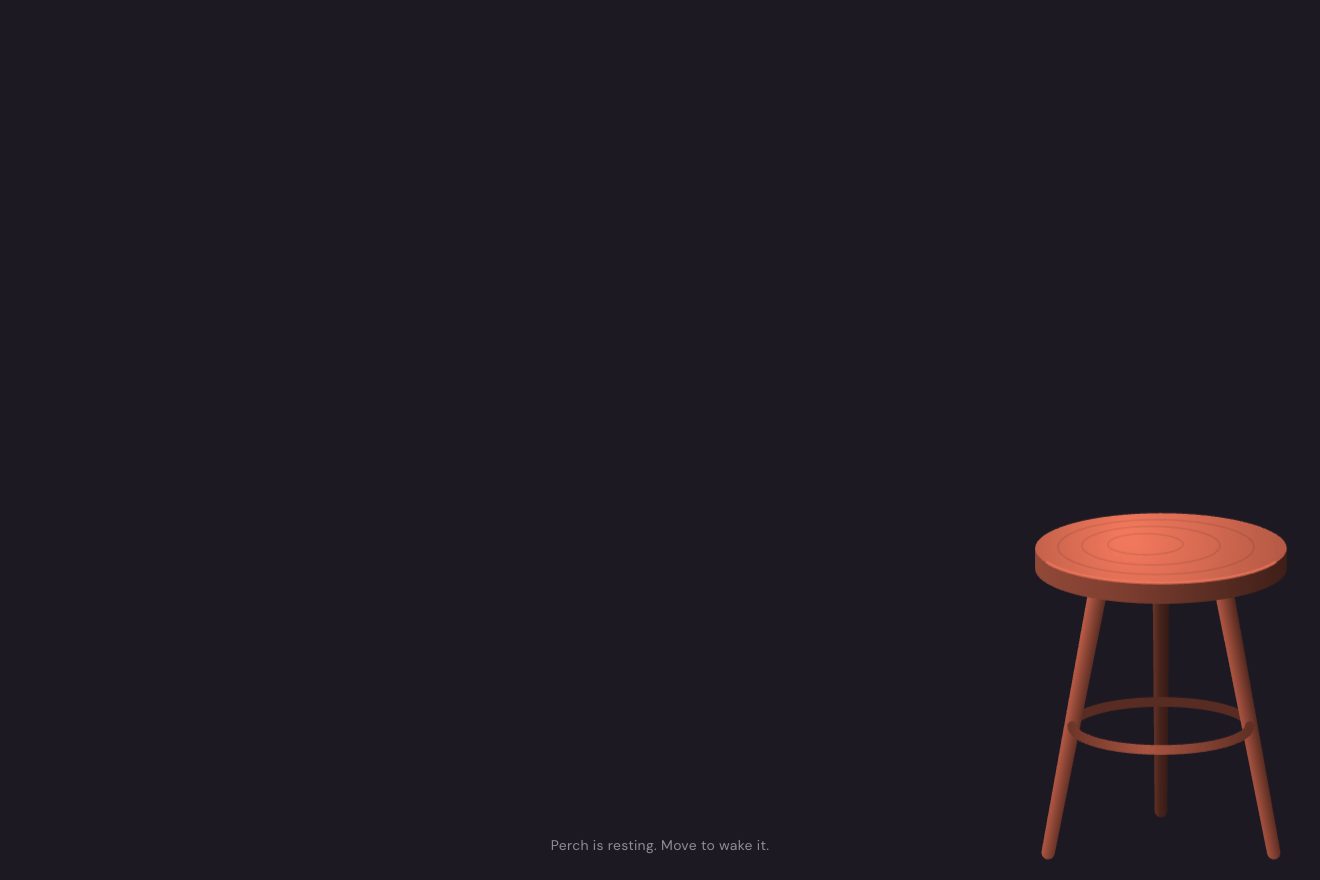
The screensaver stool
Physics, Transitions
NewFree
A new lamp waits under a red satin cloth, hanging in folds over the page. On click an invisible hand takes it by the top right corner: a small tug, the rings come off one after the other and the cloth flies away full of air, showing the page as it makes its entrance. On the next click the cloth falls back from above and settles in its folds. It is a real cloth simulation, drawn with WebGL.
A folder that runs on its own: index.html, style.css, script.js and the libraries from a CDN. The React and Vue tabs hold the same demo as a ready component, which switches its animations off when it leaves the page.
<!doctype html>
<html lang="en">
<head>
<meta charset="utf-8">
<meta name="viewport" content="width=device-width, initial-scale=1, viewport-fit=cover">
<title>The unveiling</title>
<link rel="stylesheet" href="https://cdn.jsdelivr.net/npm/@fontsource-variable/newsreader@5.3.0/index.css">
<link rel="stylesheet" href="https://cdn.jsdelivr.net/npm/@fontsource-variable/hanken-grotesk@5.3.0/index.css">
<link rel="stylesheet" href="style.css">
</head>
<body>
<main class="stage is-covered" data-stage data-autoclic>
<!-- the page under the cloth: a small ceramics studio launching a new lamp -->
<div class="page" data-page inert>
<header class="nav">
<span class="brand" data-in-nav>Vesk & Lowe</span>
<nav class="links" aria-label="Studio">
<a href="#" data-in-nav>Lamps</a>
<a href="#" data-in-nav>Studio</a>
<a href="#" data-in-nav>Journal</a>
</nav>
</header>
<section class="hero">
<div class="copy">
<p class="kicker" data-in>Spring edition, unveiled today</p>
<h1 class="title" data-title>Moonwell</h1>
<p class="lede" data-in>A stoneware table lamp, thrown by hand and glazed in river ash. The light pools low and warm, like a moon at the bottom of a well.</p>
<span class="rule" data-rule></span>
<dl class="specs">
<div data-in><dt>Height</dt><dd>46 cm</dd></div>
<div data-in><dt>Glaze</dt><dd>River ash</dd></div>
<div data-in><dt>Edition</dt><dd>120 pieces</dd></div>
</dl>
<div class="buy" data-in>
<span class="price">€380</span>
<button class="reserve" type="button" data-reserve><span class="reserve__bg"></span><span class="reserve__label" data-reserve-label>Reserve yours</span></button>
</div>
</div>
<figure class="art" data-art>
<svg viewBox="0 0 420 520" aria-hidden="true" data-lamp>
<defs>
<radialGradient id="halo" cx="0.5" cy="0.5" r="0.5">
<stop offset="0" class="glow-a"/>
<stop offset="1" class="glow-b"/>
</radialGradient>
<radialGradient id="pool" cx="0.5" cy="0.5" r="0.5">
<stop offset="0" class="pool-a"/>
<stop offset="1" class="pool-b"/>
</radialGradient>
<linearGradient id="glaze" x1="0" y1="0" x2="1" y2="0.3">
<stop offset="0" class="glaze-hi"/>
<stop offset="0.5" class="glaze-mid"/>
<stop offset="1" class="glaze-lo"/>
</linearGradient>
<linearGradient id="shadeLit" x1="0" y1="0" x2="0" y2="1">
<stop offset="0" class="lit-a"/>
<stop offset="1" class="lit-b"/>
</linearGradient>
</defs>
<circle class="halo" cx="210" cy="180" r="200" fill="url(#halo)" data-glow/>
<rect class="plinth" data-plinth x="40" y="432" width="340" height="88"/>
<rect class="plinth-top" data-plinth x="40" y="432" width="340" height="6"/>
<ellipse class="pool" cx="210" cy="434" rx="170" ry="18" fill="url(#pool)" data-glow/>
<g class="lamp" data-lamp-body>
<ellipse class="lamp__shadow" cx="210" cy="432" rx="78" ry="7"/>
<path class="lamp__body" d="M162 432C112 404 104 330 156 296c18-12 90-12 108 0c52 34 44 108-6 136z" fill="url(#glaze)"/>
<path class="lamp__rim" d="M166 300c20-9 68-9 88 0"/>
<circle class="lamp__moon" cx="212" cy="368" r="27"/>
<circle class="lamp__crater" cx="203" cy="360" r="5"/>
<circle class="lamp__crater" cx="222" cy="376" r="3.5"/>
<circle class="lamp__crater" cx="216" cy="355" r="2.5"/>
<rect class="lamp__neck" x="202" y="244" width="16" height="50" rx="3"/>
<path class="lamp__shade" d="M118 246L152 112h116l34 134z"/>
<path class="lamp__shade-lit" d="M118 246L152 112h116l34 134z" fill="url(#shadeLit)" data-glow/>
<path class="lamp__seam" d="M124 236h172M147 124h126"/>
</g>
</svg>
</figure>
</section>
</div>
<!-- the cloth: a mesh of points held by springs, drawn with WebGL over its own soft shadow -->
<div class="cloth" data-cloth aria-hidden="true">
<canvas data-shadow></canvas>
<canvas data-gl></canvas>
</div>
<button class="toggle" type="button" data-toggle><span class="toggle__bg"></span><span class="toggle__label" data-toggle-label>Unveil</span></button>
<p class="sr" aria-live="polite" data-live></p>
</main>
<script src="https://cdn.jsdelivr.net/npm/gsap@3.15.0/dist/gsap.min.js"></script>
<script src="script.js"></script>
</body>
</html>Change values, colours and text with the controls and watch the animation respond live. Or write in the code yourself. Then download the folder with your changes.
45 values to change
With the Animorio connector, Claude Code takes it from here, guide included, and fits it into your project. Paste this request:
Take “The cloth reveal transition” from Animorio and fit it into my siteThe cloth is a grid of points (about one every 30 pixels) with a position and a previous position: that is Verlet integration, where the speed is the difference between the two. Between the points there are distance constraints along the threads, across the cells so it does not shear into diamonds, and skipping one point for the resistance to bending (STIFFNESS). At every fixed step of 1/120 of a second the points move and then the constraints are put right twelve times.
The top row is fixed to a rail shorter than the cloth (FOLDS is the extra cloth), with the points set in depth along a wave: the squeezed cloth can only fold toward you and back. Once, out of sight, it is left to hang until still: that is the shape at rest, found again the same at every fall.
On click the top right corner becomes a point held by the hand, which GSAP moves: a tug, then a pull faster and faster up and out. The rings come off the rail one at a time with a call in the timeline. The air pushes every cell against its motion along its normal (AIR): that is what fills it. So that it never stretches like rubber, no point may be farther from the hand than the cloth between them allows.
The mesh is drawn with WebGL in a single call: vertex positions and normals are worked out again every frame, the perspective sits in the vertex shader and the fragment shader does the diffuse light, the satin sheen, the darker deep folds, the gold lining on the back (gl_FrontFacing) and the hem with its dashed stitch, from the cloth coordinates. The shadow on the page is the outline of the cloth on a 2D canvas below, blurred and moved by how high the cloth is. Without WebGL the flat 2D drawing remains.
To cover again, the cloth at rest starts above the screen already falling, and the rail comes down with an acceleration never stronger than gravity, so the satin keeps hanging and does not crumple; when the rail stops the cloth pulls taut and swings, a breath of air under the hem makes it breathe, then a damping that grows in a timeline brings it to rest. The page underneath gets ready for its entrance again.
| Name | File | Default | What it changes |
|---|---|---|---|
PULL | script.js | 1.5 | The seconds the invisible hand takes to pull the cloth away. |
DROP | script.js | 1.1 | The seconds of the fall of the cloth from above. |
AIR | script.js | 2.4 | How much the air catches the cloth: high it billows like silk, low it drops like felt. |
GRAVITY | script.js | 2.2 | How heavy the cloth is, in screen heights per second squared. |
FOLDS | script.js | 0.14 | How much extra cloth is gathered on the rail: more makes deeper folds. |
STIFFNESS | script.js | 0.35 | How much the cloth resists bending: low makes tight creases like silk, high soft rolls like canvas. |
CELL | script.js | 30 | The size of a cell of the mesh in pixels: smaller is finer and heavier to work out. |
For the launch of a product or a collection, for the page of an artwork or an exhibition that is unveiled as at an opening, for an announcement, for the step from the cover to the content of a site that wants a moment of theatre.
Same simulation and same animations: the mesh fits the screen (fewer columns, same cell size), gravity is in screen heights, so the fall takes the same time. The page puts the text above and the lamp below. The lamp swaying under the pointer is there only with a mouse.
Nothing moves: the cloth is drawn still in its folds at rest; on click it fades out and the page appears already in place with a fade, on the next click the cloth fades back in.
GSAP 3.15.0, Newsreader (font variabile) 5.3.0, Hanken Grotesk (font variabile) 5.3.0.
Compressed with gzip, the three demo files weigh 14 KB; the libraries: GSAP 28 KB.
Tested on 11 October 2026
Use it in your own projects and in your clients’ projects. Do not resell it or redistribute it as is. GSAP stays under its own Standard license. Full license.
With your account’s email and password.
or with your email
You’re signed in as .
With your account, you can download the zip of every animation and every pack, for free.