The loader that becomes a logo
Transitions, SVG, Text
NewFree
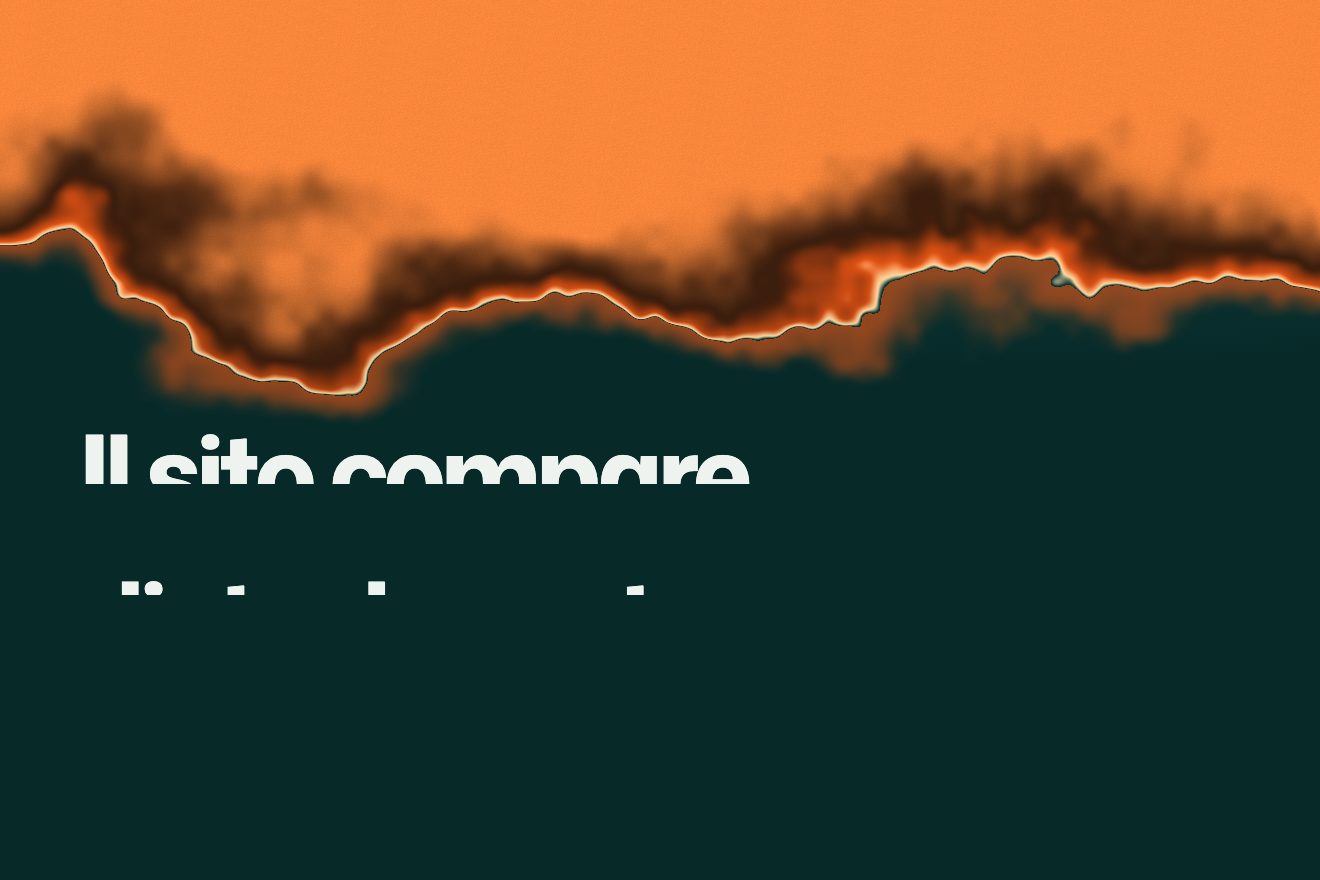
Four columns of different widths drop like a staircase, the page changes underneath, then it is revealed. One gesture for loading and page changes.
A folder that runs on its own: index.html, style.css, script.js and the libraries from a CDN.
<!doctype html>
<html lang="it">
<head>
  <meta charset="utf-8">
  <meta name="viewport" content="width=device-width, initial-scale=1">
  <title>Otturatore a colonne</title>
  <link rel="stylesheet" href="https://cdn.jsdelivr.net/npm/@fontsource-variable/mona-sans@5.3.0/standard.css">
  <link rel="stylesheet" href="style.css">
</head>
<body>
  <header class="testata">
    <span class="marchio">Studio</span>
    <nav class="voci" aria-label="Pagine">
      <button type="button" class="voce" data-vai="lavori" aria-current="page">Lavori</button>
      <button type="button" class="voce" data-vai="studio" data-autoclic>Chi siamo</button>
    </nav>
  </header>

  <main>
    <section class="pagina pagina--lavori" data-pagina="lavori">
      <p class="sopra">Pagina uno</p>
      <h1 class="titolo">Lavori scelti</h1>
      <p class="testo">Clicca «Chi siamo»: l'otturatore cade a colonne, la pagina cambia sotto, poi le colonne risalgono a scalinata.</p>
    </section>
    <section class="pagina pagina--studio" data-pagina="studio" hidden>
      <p class="sopra">Pagina due</p>
      <h1 class="titolo">Chi siamo</h1>
      <p class="testo">La stessa mossa serve per il caricamento iniziale e per ogni passaggio fra pagine: chi guarda la riconosce e il sito sembra uno solo.</p>
    </section>
  </main>

  <!-- l'otturatore: quattro colonne di larghezze diverse -->
  <div class="otturatore" aria-hidden="true">
    <span style="--f: 22"></span><span style="--f: 18"></span><span style="--f: 38"></span><span style="--f: 22"></span>
  </div>

  <script src="https://cdn.jsdelivr.net/npm/gsap@3.15.0/dist/gsap.min.js"></script>
  <script src="script.js"></script>
</body>
</html>
/* Otturatore a colonne */
:root {
--colonna: #0b3b39; /* colore delle colonne */
--pagina-uno: #eef3ef;
--pagina-due: #ff8a3d;
--testo: #07201f;
}
* { box-sizing: border-box; }
html,
body {
margin: 0;
height: 100%;
}
body {
font-family: 'Mona Sans Variable', system-ui, sans-serif;
color: var(--testo);
background: var(--pagina-uno);
overflow: hidden;
}
.testata {
position: fixed;
inset: 0 0 auto 0;
z-index: 5;
display: flex;
justify-content: space-between;
align-items: center;
padding: 22px 5vw;
}
.marchio {
font-weight: 760;
font-stretch: 116%;
font-size: 20px;
letter-spacing: -0.04em;
}
.voci {
display: flex;
gap: 8px;
}
.voce {
font: inherit;
font-weight: 600;
font-stretch: 106%;
font-size: 15px;
color: inherit;
background: none;
border: 0;
padding: 10px 16px;
border-radius: 999px;
cursor: pointer;
box-shadow: inset 0 0 0 1.5px rgba(7, 32, 31, 0.25);
transition: background-color 0.3s, color 0.3s, transform 0.16s;
}
.voce:active {
transform: scale(0.96);
}
.voce[aria-current='page'] {
background: var(--testo);
color: #f6f7f3;
box-shadow: none;
}
.pagina {
position: fixed;
inset: 0;
display: grid;
align-content: end;
gap: 18px;
padding: 0 5vw 9vh;
}
.pagina[hidden] {
display: none;
}
.pagina--studio {
background: var(--pagina-due);
}
.sopra {
margin: 0;
font-size: 15px;
font-weight: 600;
opacity: 0.65;
}
.titolo {
margin: 0;
font-size: clamp(56px, 12vw, 190px);
font-weight: 700;
font-stretch: 114%;
letter-spacing: -0.05em;
line-height: 0.88;
}
.titolo .riga {
display: inline-block;
overflow: hidden;
vertical-align: top;
padding-bottom: 0.06em;
}
.titolo .riga span {
display: block;
}
.testo {
margin: 0;
max-width: 46ch;
font-size: clamp(16px, 1.3vw, 20px);
line-height: 1.45;
}
.otturatore {
position: fixed;
inset: 0;
z-index: 10;
display: flex;
pointer-events: none;
}
.otturatore span {
flex: var(--f, 1);
background: var(--colonna);
transform: scaleY(1); /* chiuso all'inizio: la pagina si apre al caricamento */
box-shadow: inset 1px 0 0 rgba(246, 247, 243, 0.08);
}/* Otturatore a colonne
Un solo gesto per il caricamento e per i passaggi fra pagine: quattro colonne di larghezze
diverse cadono dall'alto in un ordine sparso (la più larga per prima), la pagina cambia sotto,
poi le colonne continuano la corsa verso il basso e scoprono la pagina nuova a scalinata.
In un sito vero: chiudi prima di cambiare pagina (location.href) e apri al caricamento. */
/* ---- valori da cambiare ---- */
const ORDINE = [2, 0, 3, 1]; /* in che ordine si muovono le colonne (indici da sinistra) */
const DURATA = 0.85; /* secondi di ogni colonna */
const SFASATURA = 0.06; /* secondi fra una colonna e la successiva */
const CURVA = 'expo.inOut';
const otturatore = document.querySelector('.otturatore');
const colonne = ORDINE.map((i) => otturatore.querySelectorAll('span')[i]);
const RIDOTTO = matchMedia('(prefers-reduced-motion: reduce)').matches;
let occupato = false;
/* a otturatore aperto il contenitore è nascosto: Safari su iPhone altrimenti tinge le sue barre
con il colore delle colonne, anche se sono ridotte a zero */
function chiudi() {
otturatore.style.visibility = 'visible';
return gsap.fromTo(colonne, { scaleY: 0, transformOrigin: '50% 0%' }, { scaleY: 1, duration: DURATA, ease: CURVA, stagger: SFASATURA });
}
function apri() {
return gsap.to(colonne, {
scaleY: 0, transformOrigin: '50% 100%', duration: DURATA * 1.1, ease: CURVA, stagger: SFASATURA,
onComplete: () => { otturatore.style.visibility = 'hidden'; },
});
}
/* le righe del titolo salgono dalla loro maschera mentre l'otturatore si apre */
function entrata(pagina) {
const titolo = pagina.querySelector('.titolo');
if (!titolo.dataset.pronto) {
titolo.innerHTML = titolo.textContent.split(' ').map((p) => `<span class="riga"><span>${p}</span></span>`).join(' ');
titolo.dataset.pronto = '1';
}
const tl = gsap.timeline();
tl.fromTo(titolo.querySelectorAll('.riga span'), { yPercent: 110 }, { yPercent: 0, duration: 1.2, ease: 'expo.out', stagger: 0.08 }, 0.25)
.fromTo(pagina.querySelectorAll('.sopra, .testo'), { y: 20, opacity: 0 }, { y: 0, opacity: 1, duration: 0.9, ease: 'expo.out', stagger: 0.08 }, 0.45);
return tl;
}
async function vai(nome) {
const dove = document.querySelector(`[data-pagina="${nome}"]`);
if (occupato || !dove || !dove.hidden) return;
occupato = true;
const cambia = () => {
document.querySelectorAll('.pagina').forEach((p) => { p.hidden = p !== dove; });
document.querySelectorAll('[data-vai]').forEach((b) => {
const qui = b.dataset.vai === nome;
b.toggleAttribute('aria-current', qui);
if (qui) b.setAttribute('aria-current', 'page');
/* l'anteprima automatica clicca sempre l'altra voce */
b.toggleAttribute('data-autoclic', !qui);
});
};
if (RIDOTTO) {
cambia();
occupato = false;
return;
}
await chiudi();
cambia();
entrata(dove);
await apri();
occupato = false;
}
document.querySelectorAll('[data-vai]').forEach((b) => b.addEventListener('click', () => vai(b.dataset.vai)));
/* al caricamento l'otturatore è chiuso (style.css) e si apre */
if (RIDOTTO) { gsap.set(colonne, { scaleY: 0 }); otturatore.style.visibility = 'hidden'; }
else {
gsap.delayedCall(0.3, () => { apri(); entrata(document.querySelector('.pagina:not([hidden])')); });
}A fixed full-screen flex container with four spans and flex-grow 22, 18, 38, 22. Different widths are half of the effect: with equal columns it looks like a curtain.
The ORDINE array decides who goes first: [2, 0, 3, 1] starts the wide column, then the first, then the last. With a small stagger the edge becomes a staircase.
To close, scaleY goes from 0 to 1 with the origin at the top. To open, scaleY goes from 1 to 0 with the origin at the bottom: the column seems to carry on instead of going back.
The vai() function awaits the closing (GSAP timelines can be awaited), swaps the content, starts the title entrance and then opens.
| Name | File | Default | What it changes |
|---|---|---|---|
ORDINE | script.js | [2, 0, 3, 1] | The column order. Try [0, 1, 2, 3] for a sweeping curtain, [1, 3, 0, 2] for a jumpier rhythm. |
DURATA / SFASATURA | script.js | 0.85 / 0.06 | Duration of each column and delay between them. |
--f | index.html | 22, 18, 38, 22 | The relative width of each column. |
--colonna | style.css | #0b3b39 | The shutter colour. |
For page transitions and loading, when you want the whole site to have a recognisable signature. Not for opening menus or dialogs: it is too slow there.
Identical. The columns are proportional, so they work in portrait too.
No shutter: the page changes instantly.
GSAP 3.15.0, Mona Sans (font variabile) 5.3.0.
Weight: 7.0 KB of our own files.
Tested on 26 September 2026
Use it in your own projects and in your clients’ projects. Do not resell it or redistribute it as is. GSAP stays under its own Standard license. Full license.
With your account’s email and password.
You’re signed in as .
Your plan is free. When lifetime access arrives, it will switch on for this same account.