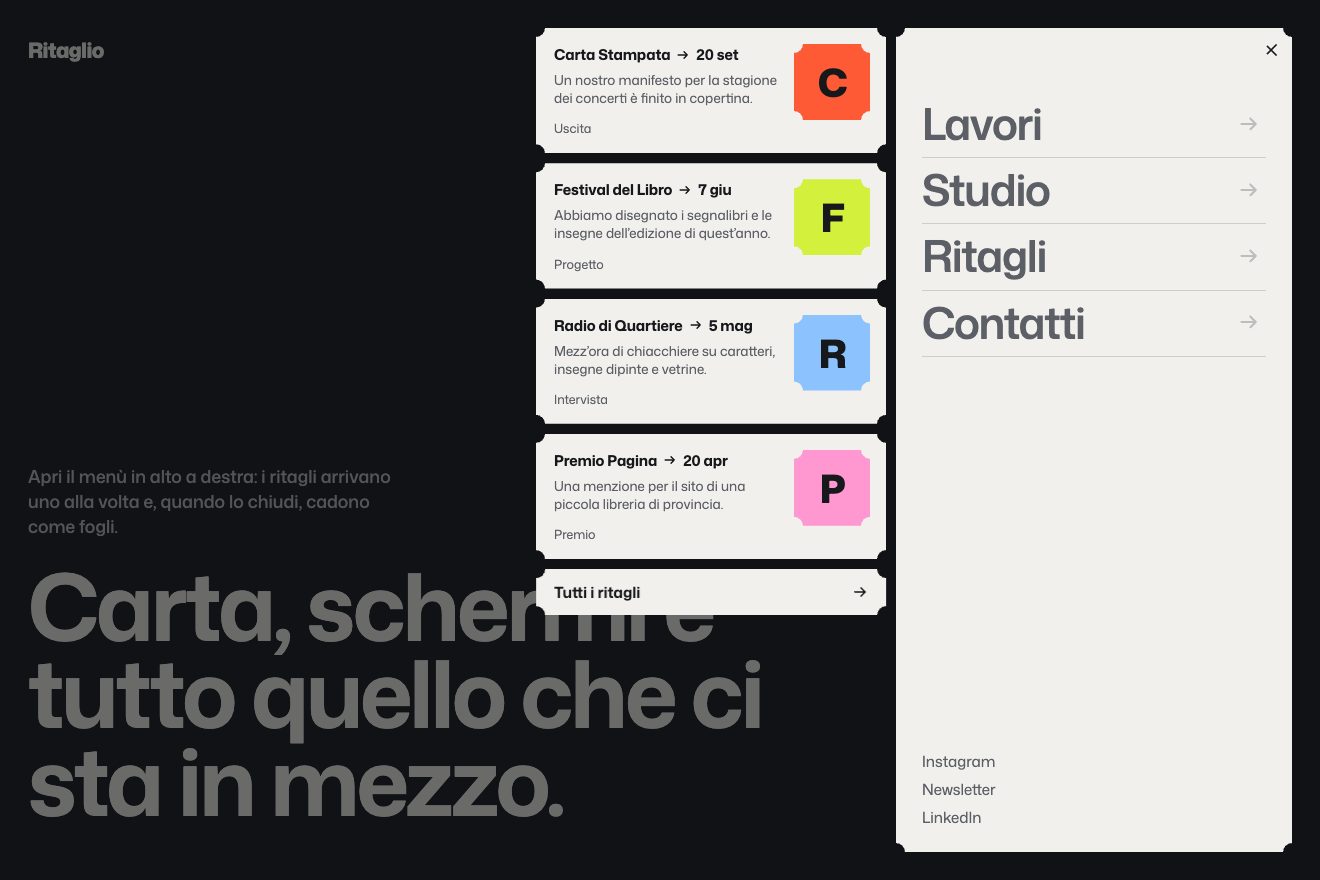
The paper-slip menu
Transitions, Hover
NewLifetime
A full-screen grid of cells that re-proportions under the pointer with a long lag, and a pill-shaped logo that snaps open.
A folder that runs on its own: index.html, style.css, script.js and the libraries from a CDN.
The code for this animation is part of lifetime access.
The preview stays open: watch it, slow it down, try it on your phone.
Lifetime accessThe grid is made of nested grids; column widths and row heights live in variables (--c1, --r1…) used in grid-template-columns and grid-template-rows. Changing one variable re-proportions everything without touching the cells.
State lives in an object of numbers; gsap.quickTo makes it chase the pointer position in 1.2 seconds with power3, and on every frame the numbers become CSS variables. The lag is what makes it liquid.
The pills start square (as wide as they are tall) and go to their word’s measured width on a custom curve 0.754, 0.007, 0.094, 0.989: still for a long time, then it snaps and brakes. The words arrive from blur(6px).
If the pointer has not moved for two and a half seconds, a slow curve (two sines at different speeds) takes its place. With a finger the grid follows the touch: the stage has touch-action none.
| Name | File | Default | What it changes |
|---|---|---|---|
RITARDO | script.js | 1.2 | Seconds the grid takes to reach the pointer: higher, more liquid. |
MISURE | script.js | c1 34→58vw, r1 70→36%… | For each size, the value with the pointer at one end and the other, and on which axis. |
SCATTO | script.js | 0.754, 0.007, 0.094, 0.989 | The pills’ curve. |
border-radius delle celle | style.css | misti | Keep them different from each other: with a single radius it looks like a table. |
For the opening of a report, an event or a brand that wants to feel like a living interface. Empty cells are a choice: if you put images in them, keep the same lag.
The cells follow the finger; without touch they wander on their own. The logo stacks into a column and the side labels disappear.
Still grid, logo already open.
GSAP 3.15.0, CustomEase (GSAP) 3.15.0, Mona Sans (font variabile) 5.3.0.
Weight: 8.3 KB of our own files.
Tested on 27 September 2026
Use it in your own projects and in your clients’ projects. Do not resell it or redistribute it as is. GSAP stays under its own Standard license. Full license.
With your account’s email and password.
You’re signed in as .
Your plan is free. When lifetime access arrives, it will switch on for this same account.