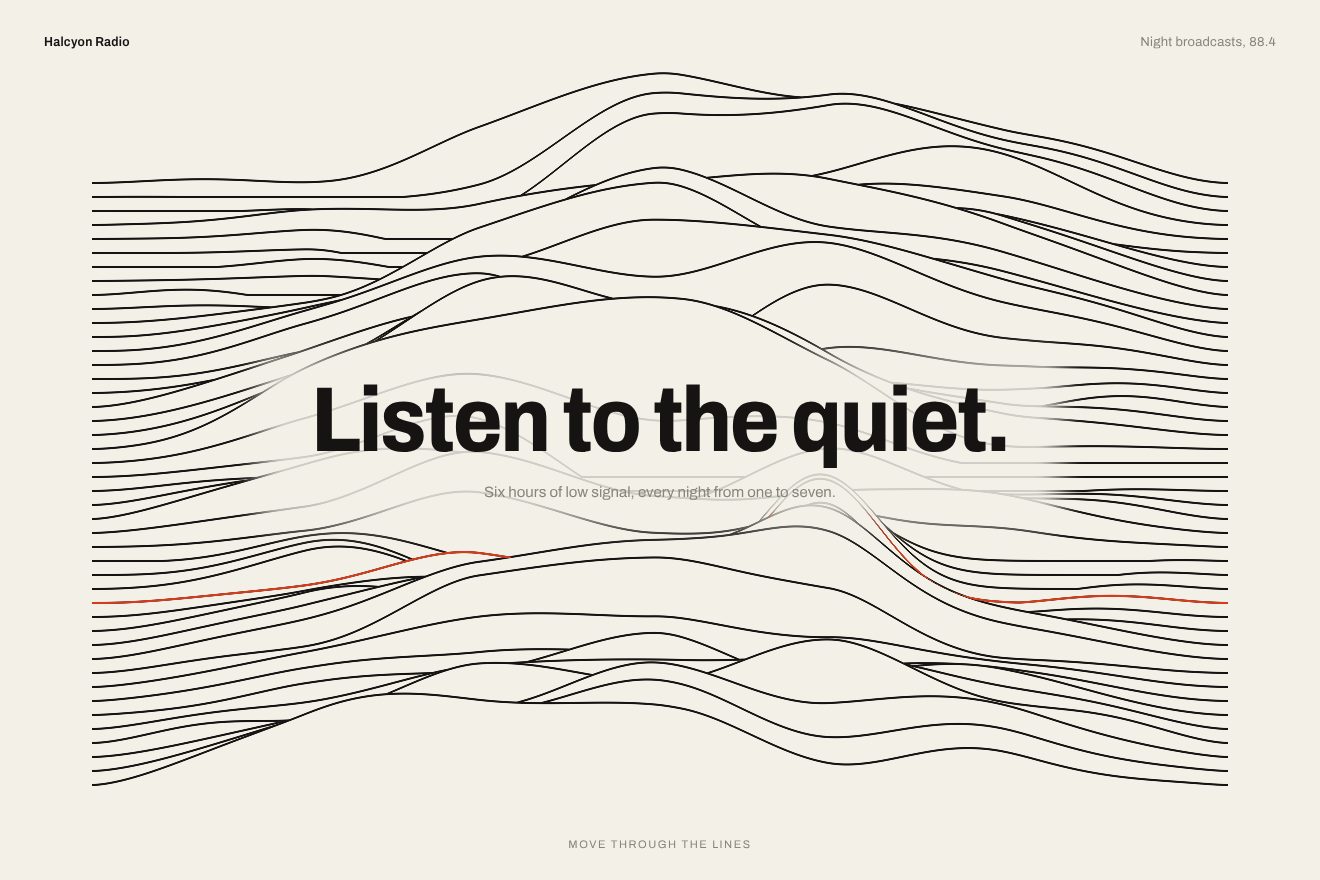
The ridge line background
Backgrounds, WebGL, Hover
NewFree
An animated background to put behind a heading or a section: a soft fog of three tints, apricot, periwinkle and butter, drifting slowly over warm white paper, with a fine film grain. One small WebGL shader; behind the heading the fog thins out and the periwinkle cloud leans towards the pointer. Minimal style.
A folder that runs on its own: index.html, style.css, script.js and the libraries from a CDN. The React and Vue tabs hold the same demo as a ready component, which switches its animations off when it leaves the page.
<!doctype html>
<html lang="en">
<head>
  <meta charset="utf-8">
  <meta name="viewport" content="width=device-width, initial-scale=1">
  <title>Hush</title>
  <link rel="stylesheet" href="https://cdn.jsdelivr.net/npm/@fontsource-variable/mona-sans@5.3.0/standard.css">
  <link rel="stylesheet" href="style.css">
</head>
<body>
  <!-- the background: a soft fog of three tints drawn by one small WebGL shader, with a fine film grain; the tints
       drift slowly and the nearest one leans towards the pointer -->
  <main class="pagina" data-pagina>
    <canvas class="fondo" aria-hidden="true" data-fondo></canvas>

    <header class="testa">
      <p class="marchio">hush</p>
      <p class="testa__nota">A sleep app</p>
    </header>

    <section class="eroe">
      <div class="blocco" data-blocco>
        <p class="occhiello" data-entra>For light sleepers and long days</p>
        <h1 class="titolo" data-titolo>Let the evening go quiet.</h1>
        <div class="azione" data-entra>
          <a class="pillola" href="#">
            <span class="pillola__scritta" data-testo="Get the app">Get the app</span>
            <svg class="pillola__freccia" viewBox="0 0 16 16" aria-hidden="true"><path d="M2.5 8h10.5M9 3.8 13.2 8 9 12.2" /></svg>
          </a>
        </div>
      </div>
    </section>
  </main>

  <script src="https://cdn.jsdelivr.net/npm/gsap@3.15.0/dist/gsap.min.js"></script>
  <script src="script.js"></script>
</body>
</html>Change values, colours and text with the controls and watch the animation respond live. Or write in the code yourself. Then download the folder with your changes.
19 values to change
With the Animorio connector, Claude Code takes it from here, guide included, and fits it into your project. Paste this request:
Take “The coloured fog background” from Animorio and fit it into my siteA full-page WebGL canvas with a single triangle covering the screen; the resolution is capped at devicePixelRatio 1.5, which is enough for a soft fog. The shader starts from the paper colour and mixes three clouds over it, each a gaussian e^(−d²/r²) in its tint, with strength DENSA.
Before the distance to the clouds is measured the point is moved by STORTA pixels along two nested waves (a sine inside another) that move with the phase: the clouds stay round from afar but their edges bend and fray. Everything is made of sines of the phase, so after each round it is exactly the same.
The centres of the three clouds are worked out in JavaScript every frame: each one moves round an ellipse with whole turns per round of the phase, which is a repeating GSAP timeline GIRO seconds long. The centre of the periwinkle cloud moves towards the pointer by SEGUE times the distance, following it on a slow, damped spring.
The heading block is measured and the shader gets its centre and radii: inside, the strength of the fog drops by CALMA, with a soft transition (smoothstep) outwards. At the end a still grain is added, a hash of the pixel coordinates times GRANA: it looks like photographic paper and removes the banding that long gradients make on 8-bit screens.
The tints live in :root and are read with getComputedStyle; a one-pixel canvas turns them into rgb, so any CSS form works and the Playground changes them live. A timeline takes the fog from 0 to 1 with power2.inOut and brings the words up (opacity, blur from 10 px to 0, font-stretch from 118% to 100%, weight from 380 to 520, back.out). Without WebGL a still fog of CSS gradients is left; IntersectionObserver and visibilitychange stop everything when the page is not visible.
| Name | File | Default | What it changes |
|---|---|---|---|
GIRO | script.js | 22 | How many seconds the fog takes to come full circle. |
NUVOLE | script.js | 0.4 | How big the colour clouds are, compared with the page. |
DENSA | script.js | 0.85 | How dense the fog is, from 0 (only paper) to 1. |
STORTA | script.js | 70 | How much the waves bend the fog, in px: 0 round clouds. |
GRANA | script.js | 0.035 | How much film grain: 0 removes it. |
CALMA | script.js | 0.45 | How much lighter the fog gets behind the heading, from 0 to 1. |
SEGUE | script.js | 0.35 | How far the periwinkle cloud leans towards the pointer, from 0 to 1. |
As the background of the first screen of a wellbeing, sleep or meditation app, a cosmetics or perfume brand, a landing page for a digital product; in general behind a short heading when you want colour that lives without any drawing. The three tints and the paper are set in the CSS.
The same fog with the sizes adapted: the clouds are sized for the tall, narrow page, the heading wraps onto two lines. The finger draws the periwinkle cloud while it touches and drags.
The fog is still, already risen, at the start of its round: no orbits and no pointer. The heading, the small line and the pill fade in, with no blur.
GSAP 3.15.0, Mona Sans (font variabile) 5.3.0.
Compressed with gzip, the three demo files weigh 6.4 KB; the libraries: GSAP 28 KB.
Tested on 19 October 2026
Use it in your own projects and in your clients’ projects. Do not resell it or redistribute it as is. GSAP stays under its own Standard license. Full license.
With your account’s email and password.
or with your email
You’re signed in as .
With your account, you can download the zip of every animation and every pack, for free.