The loader that becomes a logo
Transitions, SVG, Text
NewFree
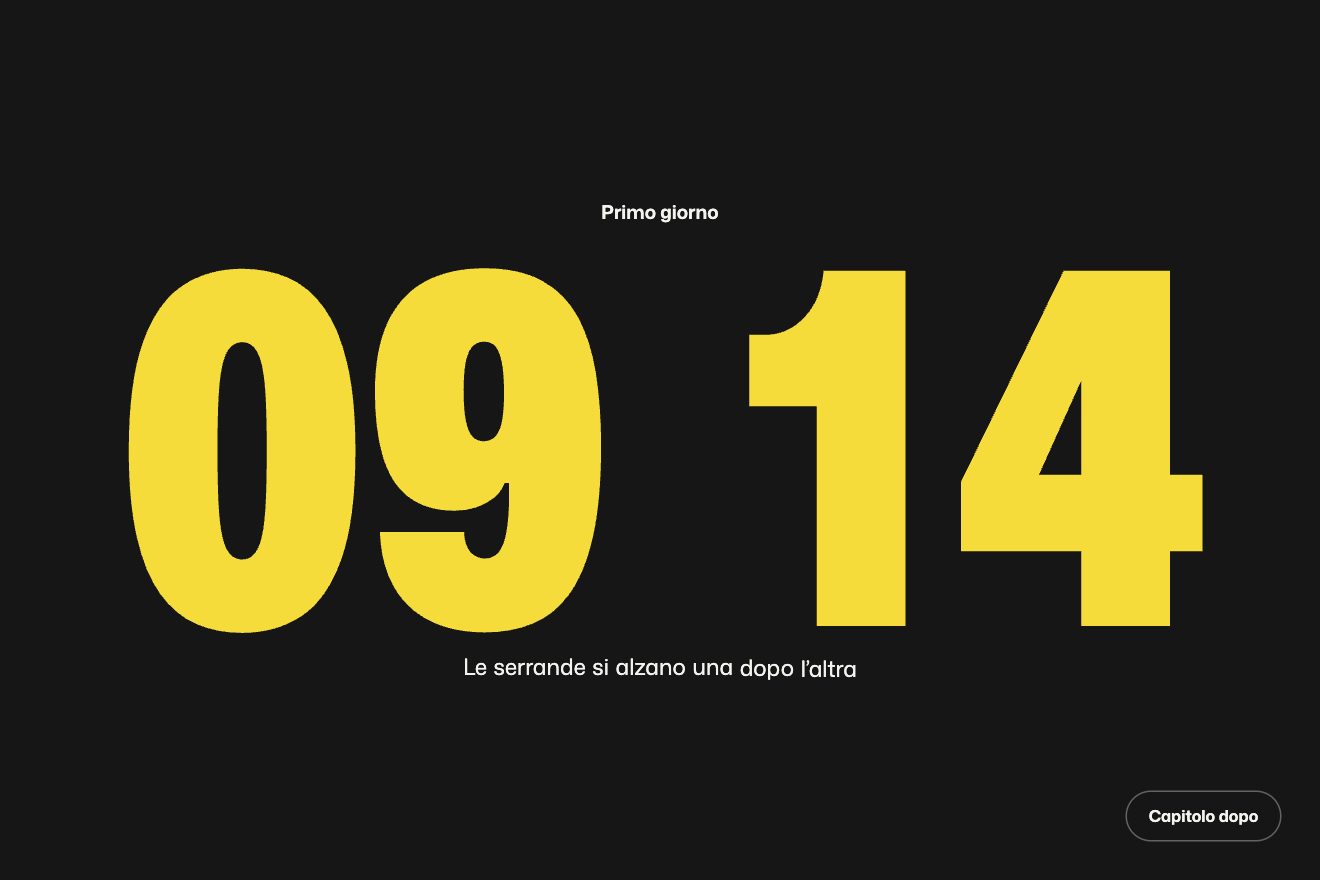
A logo intro on a split-flap station board: the flaps turn in 3D, each at its own speed, run through random letters and stop one after the other on the logo, with a little bounce; round it the departures sort themselves out, and at the end a wave of flaps gives a round of applause. In the Playground you type your own name or upload your own logo, which is cut into flaps.
A folder that runs on its own: index.html, style.css, script.js and the libraries from a CDN. The React and Vue tabs hold the same demo as a ready component, which switches its animations off when it leaves the page.
<!doctype html>
<html lang="en">
<head>
  <meta charset="utf-8">
  <meta name="viewport" content="width=device-width, initial-scale=1">
  <title>The departure-board logo</title>
  <link rel="stylesheet" href="https://cdn.jsdelivr.net/npm/@fontsource-variable/archivo@5.3.0/wdth.css">
  <link rel="stylesheet" href="style.css">
</head>
<body>
  <main class="scena">
    <!-- the stage: the script measures it, builds the board, its rows of flaps, and turns them until they spell the logo -->
    <div class="palco" data-stage role="img" aria-label="Wayline">
      <div class="tabellone" data-board>
        <div class="tabellone__vetro" aria-hidden="true"></div>
        <div class="tabellone__testa" data-head aria-hidden="true"></div>
        <div class="tabellone__celle" data-cells aria-hidden="true"></div>
        <div class="tabellone__riflesso" data-glare aria-hidden="true"></div>
      </div>
    </div>
    <p class="nota">Click or tap to see it again</p>
  </main>

  <script src="https://cdn.jsdelivr.net/npm/gsap@3.15.0/dist/gsap.min.js"></script>
  <script src="script.js"></script>
</body>
</html>Change values, colours and text with the controls and watch the animation respond live. Or write in the code yourself. Then download the folder with your changes.
24 values to change
With the Animorio connector, Claude Code takes it from here, guide included, and fits it into your project. Paste this request:
Take “The departure-board logo” from Animorio and fit it into my siteEvery flap is a div with four halves: two standing still (the new letter above, the old one below) and a leaf that falls, with two faces. The front face shows the upper half of the old letter, the back one, turned with rotateX(180deg) and backface-visibility hidden, the lower half of the new letter. The letter is always as tall as the whole flap and every half, with overflow hidden, shows its own part of it. The leaf turns with rotateX around its bottom edge (transform-origin 50% 100%) inside a box with perspective: at 180 degrees the back face lands exactly on the lower half.
One turn is a number going from 0 to 1: for 70 per cent of it the leaf falls like a weight (the angle grows with the square of time), then it bounces off the stop and settles; on the last turn there are two bigger bounces. As it falls the front face darkens, the back one brightens as it lands, the still lower half takes a sine-shaped shadow and the new upper half comes out of the shade. It is all written by hand in the onUpdate (transform and opacity), and the text of a half changes only when the letter does.
Every flap gets a list: the starting letter, a few random letters (never the same twice in a row; only figures for times and platforms) and the one it stops on. A single tween takes a number from 0 to the length of the list, with a linear ease and a time per turn that is different for every flap: the whole part says which two letters are being swapped, the decimal part how far the leaf has fallen. So the timeline can be paused, rewound and sent to a label without losing count.
Sizes are counted in widths of a small flap: the timetable has 28 columns on a computer, 19 on a tablet and 16 on a phone (time, destination, platform and remarks, as far as they fit); the logo's flaps are bigger and shrink if the name is wider than the timetable; a long name with spaces goes on two lines. The surrounding rows are ROWS, half above and half below the logo, parted by two painted rails. The first board uses a seeded random number generator, so the poster is always the same; the rounds after it are truly random.
The whole intro is one timeline, with the labels start, timetable, logo, spelled, applause, rest and leave and timeScale for the speed; the applause is one turn on the same letter plus a hop with elastic.out. If IMAGE holds an address, the logo becomes a grid of light flaps that keeps the picture's shape: every half shows its own piece, with the same background-size for all and a background-position shifted by its distance from the picture's corner, so the drawing carries on from one flap to the next. In the Playground, next to the field, there is a button to upload a file, which goes into the code as a data: address.
| Name | File | Default | What it changes |
|---|---|---|---|
NAME | script.js | 'Wayline' | The logo as a word: one big flap for every letter. A long name with spaces goes on two lines. |
IMAGE | script.js | '' | The logo as a picture: the address of a file, or upload it from your computer. If there is one, it is cut into flaps and takes the place of the word. |
FLIPS | script.js | 14 | How many letters a flap of the logo runs through before it stops (the timetable's a few less). |
STAGGER | script.js | 0.09 | The seconds between one flap of the logo starting and the next: the higher, the clearer the wave from the left. |
ROWS | script.js | 4 | How many rows of timetable surround the logo, half above and half below (0 = the logo alone). |
COLOR | script.js | '#ffc83d' | The colour of the logo's letters. |
SPEED | script.js | 1 | The speed of the whole animation: 2 is twice as fast, 0.5 half as fast. |
REST | script.js | 4 | How many seconds the logo stays on show before the board clears. |
LOOP | script.js | true | Whether the board clears and spells the logo again. With false the logo stays, and now and then one of its flaps turns over. |
To present a logo with the mechanical charm of stations and airports: the opening of a travel agency's site, a hotel, an event, a luggage brand or a magazine, a launch announcement, a loading screen, a social post. It works with a written wordmark and with a picture.
The same animation with the sizes adapted: the timetable has fewer columns (time and destination), the logo's flaps are as wide as the screen allows. A tap restarts it.
Nothing turns: the board fades in with the timetable already in place, then the logo fades in. If the animation starts again, the flaps fade out and come back.
GSAP 3.15.0, Archivo (font variabile) 5.3.0.
Compressed with gzip, the three demo files weigh 11 KB; the libraries: GSAP 28 KB.
Tested on 10 October 2026
Use it in your own projects and in your clients’ projects. Do not resell it or redistribute it as is. GSAP stays under its own Standard license. Full license.
With your account’s email and password.
or with your email
You’re signed in as .
With your account, you can download the zip of every animation and every pack, for free.