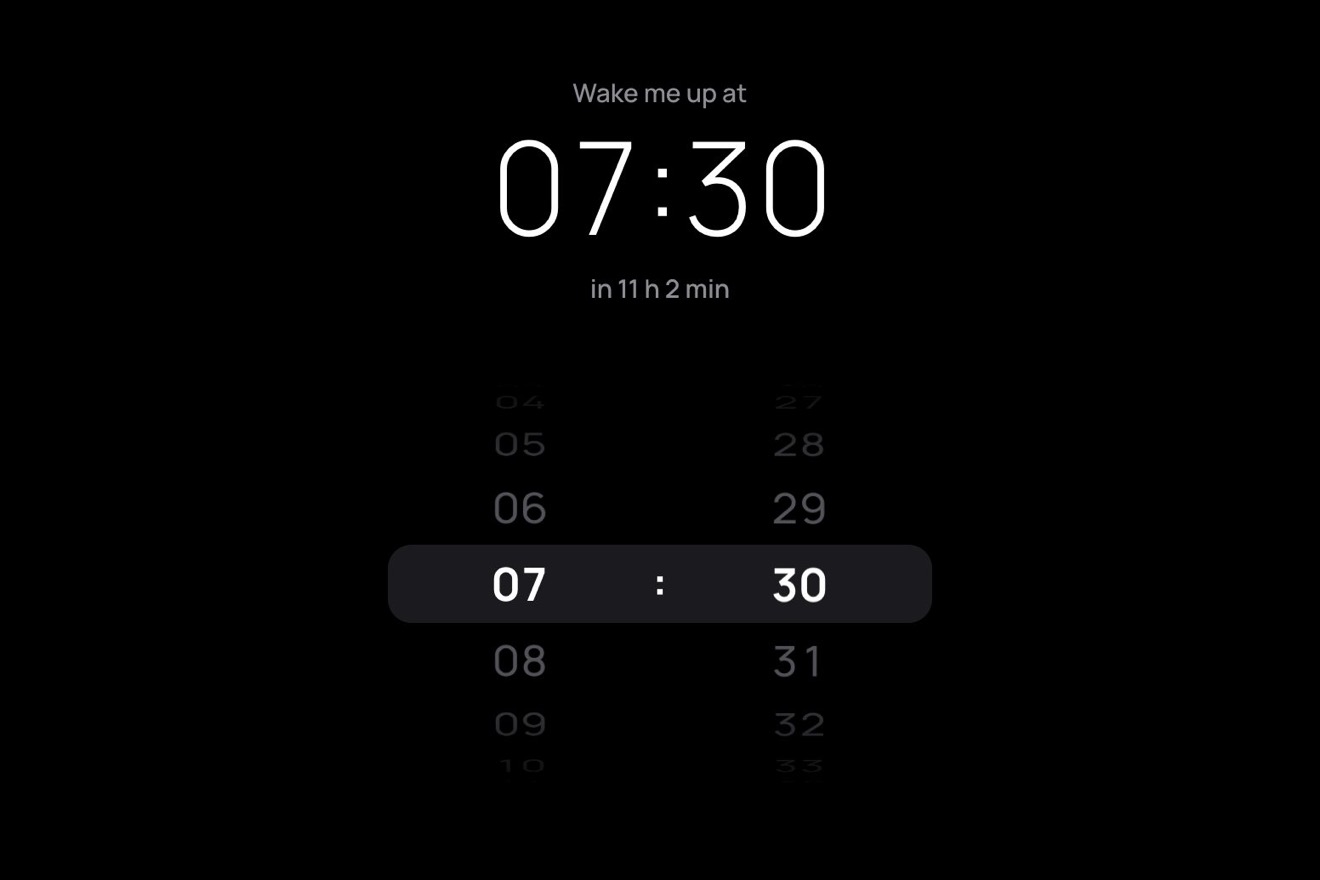
The time wheel
Pickers, 3D, Physics
NewFree
The Log out button of an account, with a real door in the round end of the pill: a cream frame with its sill, a painted door with two sunken panels and a brass lever handle, and behind it a room with its bulb on, whose light shows as a thin line under the door. The door is CSS 3D and turns on its hinges: under the pointer the handle goes down and the door opens a crack, and a blade of warm light spreads over the pill, as wide as the gap. At a click the door swings wide, a small figure walks out, the door slams and bounces on its stop, and the light inside goes out: Signed out. The next click turns the light back on, the figure walks home and the door shuts behind it.
A folder that runs on its own: index.html, style.css, script.js and the libraries from a CDN. The React and Vue tabs hold the same demo as a ready component, which switches its animations off when it leaves the page.
<!doctype html>
<html lang="en">
<head>
  <meta charset="utf-8">
  <meta name="viewport" content="width=device-width, initial-scale=1">
  <title>The door button</title>
  <link rel="stylesheet" href="https://cdn.jsdelivr.net/npm/@fontsource-variable/mona-sans@5.3.0/wdth.css">
  <link rel="stylesheet" href="style.css">
</head>
<body>
  <main class="stage">
    <!-- the door button: the Log out button of an account, with a real door in the round right end of the pill, built
         in CSS 3D: the frame, the door with its lever handle, and behind it a room with its light on. Under the
         pointer the handle goes down and the door opens a few degrees: a blade of warm light spreads over the pill.
         A click opens it wide, a small figure walks out, the door shuts and bounces on its stop and the light goes
         out; the next click signs back in, the light comes on and the figure walks home -->
    <div class="exit" data-exit>
      <button class="exit__btn" type="button" data-btn data-autoclic>
        <span class="exit__fill" aria-hidden="true"></span>
        <canvas class="exit__light" aria-hidden="true" data-light></canvas>
        <span class="exit__faces">
          <span class="exit__face" data-face="in">
            <span class="exit__lead" data-lead-in>Signed in as Ada</span>
            <span class="exit__word" data-wide="Log out" data-word-in>Log out</span>
          </span>
          <span class="exit__face" data-face="out" aria-hidden="true">
            <span class="exit__lead" data-lead-out>Signed out</span>
            <span class="exit__word" data-wide="Sign in" data-word-out>Sign in</span>
          </span>
          <span class="exit__face exit__face--busy" data-face="busy" aria-hidden="true">
            <span class="exit__shine" data-busy-text>Signing out…</span>
          </span>
          <span class="exit__face exit__face--big" data-face="big" aria-hidden="true">
            <span class="exit__big" data-big-text>Signed out</span>
          </span>
        </span>
        <span class="exit__doorway" aria-hidden="true" data-doorway>
          <span class="exit__room" data-room>
            <span class="exit__wall"></span>
            <span class="exit__cord"></span>
            <span class="exit__bulb" data-bulb></span>
          </span>
          <span class="exit__persp" data-persp>
            <span class="exit__door" data-door>
              <span class="exit__panel exit__panel--top"></span>
              <span class="exit__panel exit__panel--low"></span>
              <span class="exit__shade" data-shade></span>
              <span class="exit__handle">
                <span class="exit__rose"></span>
                <span class="exit__lever" data-lever></span>
              </span>
            </span>
          </span>
          <span class="exit__frame"></span>
          <span class="exit__sill"></span>
          <span class="exit__under" data-under></span>
        </span>
        <svg class="exit__walker" aria-hidden="true" data-walker>
          <defs>
            <clipPath id="exit-clip"><rect data-clip x="-60" y="-20" width="400" height="100"/></clipPath>
          </defs>
          <g clip-path="url(#exit-clip)">
            <g data-figure opacity="0">
              <path class="exit__limb exit__limb--far" data-limb="farLeg"/>
              <path class="exit__limb exit__limb--far exit__limb--arm" data-limb="farArm"/>
              <path class="exit__limb exit__limb--body" data-limb="body"/>
              <circle class="exit__head" r="3.1" data-head/>
              <path class="exit__limb" data-limb="nearLeg"/>
              <path class="exit__limb exit__limb--arm" data-limb="nearArm"/>
            </g>
          </g>
        </svg>
      </button>
      <p class="sr" aria-live="polite" data-live></p>
    </div>
  </main>

  <script src="https://cdn.jsdelivr.net/npm/gsap@3.15.0/dist/gsap.min.js"></script>
  <script src="script.js"></script>
</body>
</html>Change values, colours and text with the controls and watch the animation respond live. Or write in the code yourself. Then download the folder with your changes.
28 values to change
With the Animorio connector, Claude Code takes it from here, guide included, and fits it into your project. Paste this request:
Take “The door button” from Animorio and fit it into my siteThe door is a span inside a box with perspective: 90px, as big as the opening (24 by 37 pixels), with transform-origin on its right edge: rotateY with a negative angle turns it on its hinges into the room. The panels are inset box-shadows, and a black veil with an opacity of 0.62 · sin(angle) darkens it as it turns away. Behind it is the room: a dark ground, a warm wall with the light's opacity, the cord and the bulb, whose light and halo are color-mix and calc on the --lit variable the script writes. The frame, the sill and the line of light under the door stand in front, so the open door passes behind them.
The script knows where the door's free edge falls on the screen: turning by an angle a, the edge goes back by 24 · sin a and towards the hinges by 24 · (1 − cos a), and the perspective draws it towards the middle by 90 / (90 + 24 · sin a), exactly as the browser does. The width of the gap sets everything else: the line of light under the door goes out as soon as the gap opens, the blade takes its spread, and the figure is cut (an SVG clipPath rewritten every frame) right of the free edge, so it comes and goes from behind the door.
A canvas as big as the pill, in mix-blend-mode: screen, draws the light only when the door or the bulb changes. The blade is a fan that starts at the sill and runs to the left: its upper edge rises by 0.02 + 0.13 · √s radians and its lower edge falls by 0.05 + 0.5 · √s, where s is the gap divided by 16 pixels. The root means a door just ajar already throws a thin, bright blade. The soft edges are eight fans one inside the other, each at 0.16 opacity, with a gradient that starts almost white and fades to the left; round the opening a radial glow lights the wall. The colour sinks towards orange when the light is weak, like a filament warming up or cooling down.
The door's angle is a damped spring towards a target: 84 degrees to open (slow, with hardly a bounce), 18 degrees ajar under the mouse, and −6 degrees when shut, a little past the stop, so the spring presses it against it. At zero degrees there is the stop, a hard limit: the door reaches it with its speed, stops and comes back with BOUNCE times that speed, two or three times, less each time, until it rests. When the knock is hard the wall and the fill give a small elastic jolt. Steps of 1/240 of a second, the frame capped at 1/30; once the door is still, the loop stops working and drawing.
The figure is an SVG pictogram of six round-capped strokes (body, head, two legs and two arms) redrawn every frame. The phase of the walk comes from the distance walked (2π every 24 pixels), so the feet do not slide. The thigh swings by 0.44 · sin(phase), the knee bends while the leg goes forward (cos(phase) positive), the arms swing against the legs with the elbow bending forward. The hip rides just high enough for the lower foot to stand on the sill: the bob of the walk comes by itself. The far leg and arm are a little lighter. GSAP carries the figure from behind the door to the end of the landing at WALK speed, and fades it as it leaves the light.
Signing out: Signing out…, the door opens, the figure walks out, the door slams when it is halfway along the blade, the light goes out, Signed out. Signing in: Signing in…, the door opens on the dark, the bulb comes on (a timeline of flickers, then power2.out to 1), the figure walks in, the door shuts, Signed in. The finished word, large, is measured and carried with its own scale exactly onto the small line, then the real line takes its place and the next action rises under it. The button is a real button, aria-disabled while it works; an aria-live region says Signing out…, Signed out, Signing in…, Signed in as Ada. A round takes about 4.2 seconds, more than the 2.8 between two clicks of the preview: one click falls in the wait and every state stays in view.
| Name | File | Default | What it changes |
|---|---|---|---|
PERSON | script.js | Ada | Who is signed in: the small line says Signed in as and this name. |
LOG_OUT | script.js | Log out | The words while signed in, the action to leave. |
SIGN_IN | script.js | Sign in | The words while signed out, the action to come back. |
SIGNING_OUT | script.js | Signing out… | The words while it signs out; also what the aria-live region says. |
SIGNING_IN | script.js | Signing in… | The words while it signs in. |
SIGNED_OUT | script.js | Signed out | The word once done, which then becomes the small line over Sign in. |
SIGNED_IN | script.js | Signed in | The word once done, signing in; the small line adds as and the name. |
AJAR | script.js | 18 | How many degrees the door opens under the pointer: the higher, the wider the blade of light. |
OPEN | script.js | 84 | How many degrees it opens to let the figure through. |
WALK | script.js | 44 | How fast the figure walks, in pixels a second: its legs always keep step with the ground. |
BOUNCE | script.js | 0.45 | How much speed the door keeps when it hits its stop: 0 it stops dead, 0.8 it rattles a long time. |
FLICKER | script.js | true | The bulb flickers before it comes on; off, it fades on. |
For the button that signs out and back in: an app's account menu, a dashboard's bar, a profile page, a members' area, a holiday home or hotel site, an architecture or interiors studio. The door says what happens better than an arrow in a box. It has to be wired to your site's real sign out and sign in (the call to your server or to the sign in service): here it is all simulated.
The pill is about 245 pixels wide: at 390 pixels it fits with room to spare, and with longer words the type gets smaller. The door and the figure keep their size. A finger resting on the button opens the door a crack as the mouse does, and the tap signs out or in.
The door stays shut and the figure does not walk; the pill does not swell and the words do not widen (under the mouse the fill only lightens a little). Signing out, the light under the door fades out and the words fade from one to the next; signing in, the light fades back on the same way, with no flicker.
GSAP 3.15.0, Mona Sans (font variabile) 5.3.0.
Compressed with gzip, the three demo files weigh 13 KB; the libraries: GSAP 28 KB.
Tested on 12 October 2026
Use it in your own projects and in your clients’ projects. Do not resell it or redistribute it as is. GSAP stays under its own Standard license. Full license.
With your account’s email and password.
or with your email
You’re signed in as .
With your account, you can download the zip of every animation and every pack, for free.