The variable weight menu
Menus, Text, Hover, Physics
NewFree
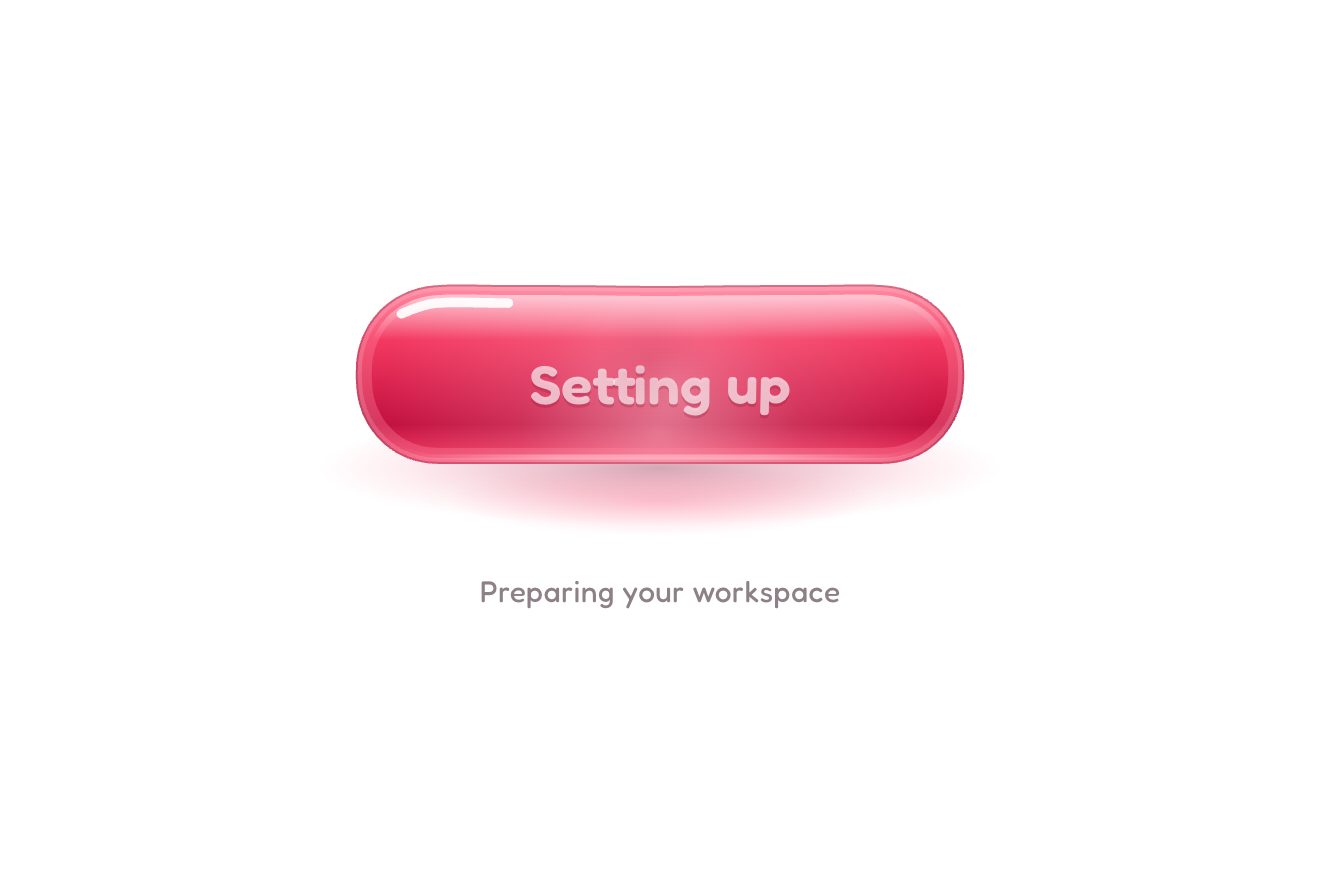
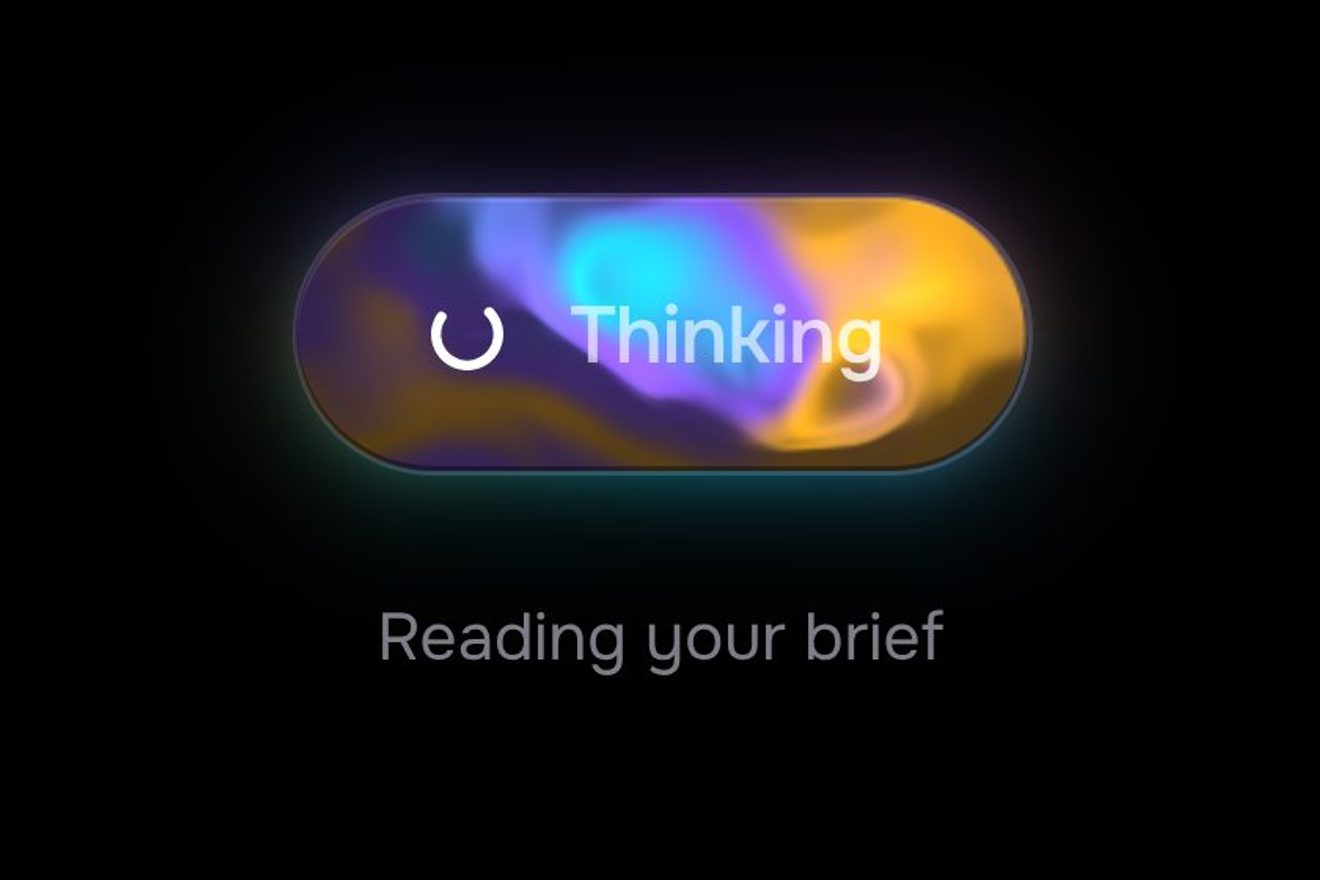
Three pill buttons that answer like rubber: under the pointer the label widens on the typeface’s width axis and gets bolder, the fill swells past its size and bounces back, and a press squashes it, wider and lower, before throwing it back on a spring.
A folder that runs on its own: index.html, style.css, script.js and the libraries from a CDN. The React and Vue tabs hold the same demo as a ready component, which switches its animations off when it leaves the page.
<!doctype html>
<html lang="en">
<head>
  <meta charset="utf-8">
  <meta name="viewport" content="width=device-width, initial-scale=1">
  <title>The elastic button</title>
  <link rel="stylesheet" href="https://cdn.jsdelivr.net/npm/@fontsource-variable/mona-sans@5.3.0/wdth.css">
  <link rel="stylesheet" href="style.css">
</head>
<body>
  <main class="stage">
    <!-- the buttons: the label widens on the typeface's width axis, the fill swells with a bounce, a press squashes it.
         The wide label is already measured by an invisible copy, so nothing around them ever moves -->
    <div class="buttons" data-buttons>
      <a class="elastic elastic--ink" href="#" data-elastic>
        <span class="elastic__fill" aria-hidden="true"></span>
        <span class="elastic__label" data-label="Get started"><span class="elastic__text">Get started</span></span>
        <svg class="elastic__icon elastic__icon--arrow" viewBox="0 0 24 24" aria-hidden="true"><path d="M4 12h15M13 6l6 6-6 6"/></svg>
      </a>
      <a class="elastic elastic--accent" href="#" data-elastic data-autoclic>
        <span class="elastic__fill" aria-hidden="true"></span>
        <span class="elastic__label" data-label="Read the guide"><span class="elastic__text">Read the guide</span></span>
        <svg class="elastic__icon elastic__icon--page" viewBox="0 0 24 24" aria-hidden="true"><path d="M7 3.5h7.5L19 8v12.5H7zM14.5 3.5V8H19M10 12.5h6M10 16h6"/></svg>
      </a>
      <a class="elastic elastic--ghost" href="#" data-elastic>
        <span class="elastic__fill" aria-hidden="true"></span>
        <span class="elastic__label" data-label="Send a gift"><span class="elastic__text">Send a gift</span></span>
        <svg class="elastic__icon elastic__icon--gift" viewBox="0 0 24 24" aria-hidden="true"><path d="M4.5 10h15v10h-15zM3.5 7h17v3h-17zM12 7v13M12 7c-1.2-2.6-4.9-3.6-5.4-1.5C6.2 7.2 9.5 7 12 7zm0 0c1.2-2.6 4.9-3.6 5.4-1.5.4 1.7-2.9 1.5-5.4 1.5z"/></svg>
      </a>
    </div>
  </main>

  <script src="https://cdn.jsdelivr.net/npm/gsap@3.15.0/dist/gsap.min.js"></script>
  <script src="https://cdn.jsdelivr.net/npm/gsap@3.15.0/dist/CustomEase.min.js"></script>
  <script src="script.js"></script>
</body>
</html>Change values, colours and text with the controls and watch the animation respond live. Or write in the code yourself. Then download the folder with your changes.
21 values to change
With the Animorio connector, Claude Code takes it from here, guide included, and fits it into your project. Paste this request:
Take “The elastic button” from Animorio and fit it into my siteMona Sans is a variable typeface with a width axis, from 75 to 125. Under the pointer the label goes from font-stretch 100% to STRETCH and from weight WEIGHT[0] to WEIGHT[1] with a CSS transition of TIME seconds. The curve is BOUNCE, a cubic-bezier with its second number above 1: it takes the label past its width and brings it back. The script writes these values into CSS variables, so the stylesheet uses them without repeating them.
Next to the label sits a copy of it, made with ::before and attr(data-label), already at the widest width and the heaviest weight, zero pixels high and invisible. The two share one grid cell: the button is as wide from the start as it will ever be, and widening moves neither it nor the buttons next to it.
The fill is a layer of its own behind the label, so it can swell without stretching it. GSAP takes it to INFLATE in TIME seconds on the same curve as the label, made into a CustomEase. While the button is on, a shadow grows under the fill, with a CSS transition.
A press squashes the fill by SQUASH, wider and lower, in 0.12 seconds, starting from the size it has at that moment. Letting go sends it back to its size in 0.9 seconds with an elastic.out of strength and time RELEASE. The tweens use overwrite: 'auto', so a press cleanly interrupts a fill that is still swelling.
The mouse turns the button on when it enters and off when it leaves. A finger has no «over»: a tap turns on and presses at once, and after it lets go the button stays on for PULSE seconds. With the Tab key the button turns on when you reach it (only with :focus-visible, not after a click) and Enter presses it. A click that comes from neither a pointer nor the keyboard, from another script for instance, gets the same answer as a tap.
| Name | File | Default | What it changes |
|---|---|---|---|
STRETCH | script.js | 122 | How wide the label gets, as a percentage of its width (the typeface goes from 75 to 125). |
WEIGHT | script.js | [620, 720] | The label’s weight at rest and when the button is on. |
INFLATE | script.js | 1.06 | How much the fill swells when the button is on. |
TIME | script.js | 0.6 | The seconds of the swelling and the widening. |
BOUNCE | script.js | [0.34, 1.9, 0.45, 1] | The curve of both, as a cubic-bezier: a second number above 1 goes past and comes back. |
SQUASH | script.js | [1.04, 0.9] | The fill under a press: how much wider and how much lower. |
RELEASE | script.js | [1, 0.35] | The spring when a press ends: its strength and how quickly it settles. |
PULSE | script.js | 0.45 | After a tap with a finger, the seconds the label stays wide. |
For the main button of a page, or a row of two or three actions in different colours: buy, discover, give. It needs a variable typeface with a width axis (Mona Sans, Roboto Flex, Anybody): with a static typeface the label does not widen and only the fill is left.
The buttons stack one under the other and are a little lower. A tap turns the button on and presses it at once; the label stays wide for a moment after the tap, then goes back.
No widening and no swelling: the label stays as it is and the fill does not move. Only the colour answers, a little lighter on the dark button and darker on the rust one, and the shadow below.
GSAP 3.15.0, Mona Sans (font variabile) 5.3.0.
Compressed with gzip, the three demo files weigh 4.4 KB; the libraries: GSAP + CustomEase 31 KB.
Tested on 2 October 2026
Use it in your own projects and in your clients’ projects. Do not resell it or redistribute it as is. GSAP stays under its own Standard license. Full license.
With your account’s email and password.
or with your email
You’re signed in as .
With your account, you can download the zip of every animation and every pack, for free.