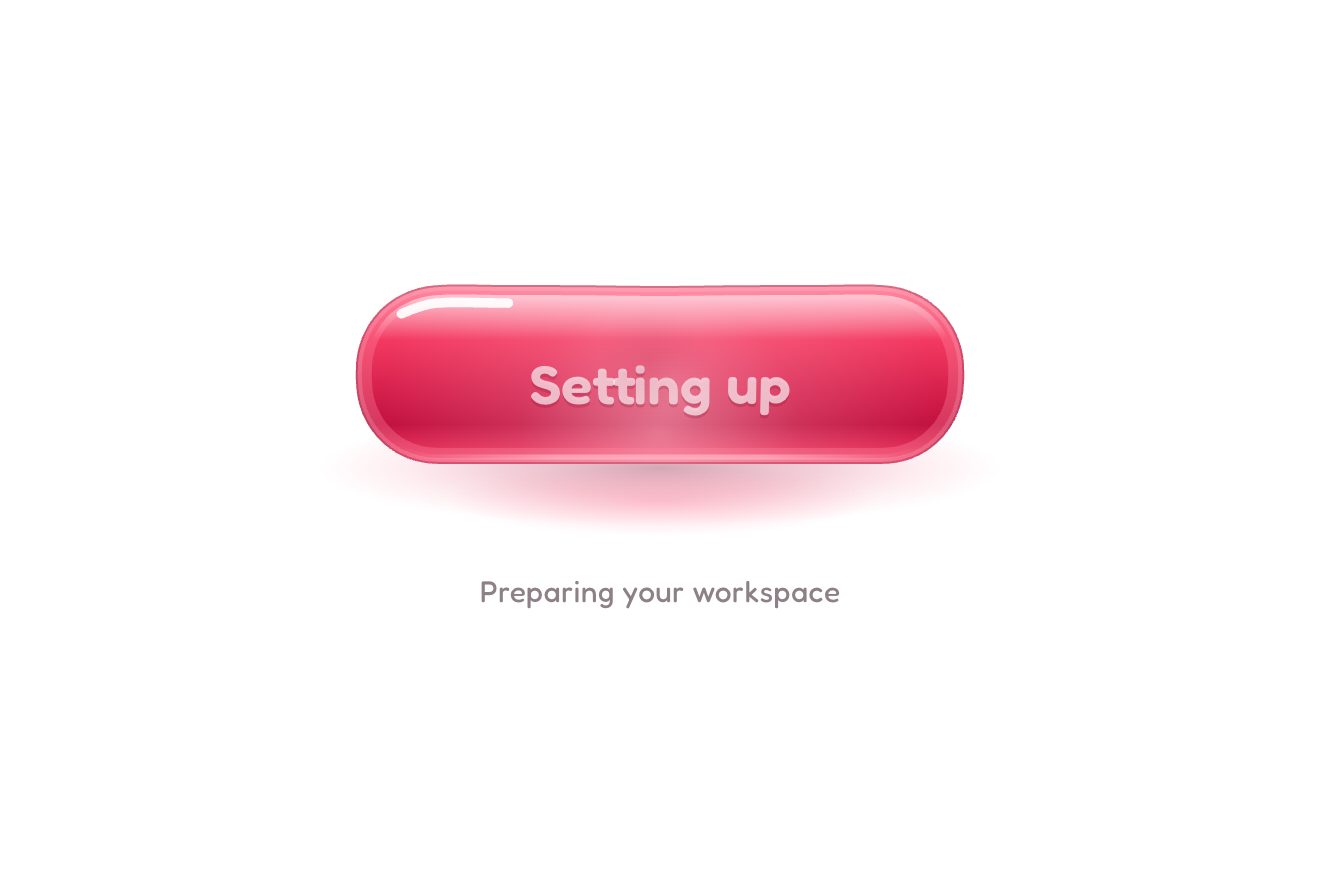
The jelly button
Buttons, Physics, Hover, Text
NewFree
A full-screen menu with big links in a variable typeface: every letter takes its weight and width from how far the pointer is, so a wave of black, wide letters follows it through the words, with a spring for each letter that makes it ripple. The link under the pointer leans; on a phone the wave follows the finger.
A folder that runs on its own: index.html, style.css, script.js and the libraries from a CDN. The React and Vue tabs hold the same demo as a ready component, which switches its animations off when it leaves the page.
<!doctype html>
<html lang="en">
<head>
  <meta charset="utf-8">
  <meta name="viewport" content="width=device-width, initial-scale=1">
  <title>The variable weight menu</title>
  <link rel="stylesheet" href="https://cdn.jsdelivr.net/npm/@fontsource-variable/anybody@5.3.0/wdth.css">
  <link rel="stylesheet" href="style.css">
</head>
<body class="is-open">
  <!-- the button stays above the menu: it closes the menu and opens it again -->
  <button class="toggle" type="button" aria-expanded="true" aria-controls="menu" data-toggle>
    <span class="toggle__words" aria-hidden="true">
      <span class="toggle__word" data-word-open>Menu</span>
      <span class="toggle__word" data-word-close>Close</span>
    </span>
    <span class="sr" data-toggle-name>Close the menu</span>
    <span class="toggle__icon" aria-hidden="true"><i data-line></i><i data-line></i></span>
  </button>

  <!-- the menu: big words in a variable typeface; every letter takes its weight and width from how far the pointer
       is, so a wave of heavy, wide letters follows it through the words -->
  <nav class="menu" id="menu" aria-label="Main" data-menu>
    <ul class="menu__list" data-list>
      <li class="menu__row"><a class="menu__item" href="#" data-item><span class="menu__mask"><span class="menu__word" data-word>Work</span></span><span class="menu__note">38 projects since 2016</span></a></li>
      <li class="menu__row"><a class="menu__item" href="#" data-item><span class="menu__mask"><span class="menu__word" data-word>Studio</span></span><span class="menu__note">Eleven people, two cities</span></a></li>
      <li class="menu__row"><a class="menu__item" href="#" data-item><span class="menu__mask"><span class="menu__word" data-word>Services</span></span><span class="menu__note">Brand, motion and web</span></a></li>
      <li class="menu__row"><a class="menu__item" href="#" data-item><span class="menu__mask"><span class="menu__word" data-word>Journal</span></span><span class="menu__note">Notes from the desk</span></a></li>
      <li class="menu__row"><a class="menu__item" href="#" data-item><span class="menu__mask"><span class="menu__word" data-word>Contact</span></span><span class="menu__note">Start a project</span></a></li>
    </ul>
  </nav>

  <script src="https://cdn.jsdelivr.net/npm/gsap@3.15.0/dist/gsap.min.js"></script>
  <script src="script.js"></script>
</body>
</html>Change values, colours and text with the controls and watch the animation respond live. Or write in the code yourself. Then download the folder with your changes.
31 values to change
With the Animorio connector, Claude Code takes it from here, guide included, and fits it into your project. Paste this request:
Take “The variable weight menu” from Animorio and fit it into my siteAnybody, from Fontsource in its wdth version, has in the same file the weight axis (100 to 900) and the width axis (50 to 150). Each word is split into one span per letter; every frame each one gets font-variation-settings: 'wght' and 'wdth' worked out between WEIGHT and WIDTH, and a variable --v that darkens it from grey to black with color-mix. A copy of the whole word stays for screen readers.
For each letter the script takes its middle in the layout (adding up the offsets up to the list, so neither the words rising nor the lean move it) and its distance from the pointer; the value it wants is a Gaussian bell, exp(−d²/R²), with R equal to REACH times the letters' height. Past the ends of a word the pointer counts as if it were on the last letter, so the empty part of the row still pulls the end of the word.
A letter does not take the wanted value at once: it chases it on a spring (stiffness and damping in SPRING), integrated by hand on GSAP's ticker with the step capped at 1/30 of a second. Lightly damped, when the pointer runs the wave lags, overshoots and settles with a ripple. A letter's style is written again only if its weight, width or colour changed.
The word under the pointer leans with skewX from its foot, on a spring of its own: the angle is a fixed share of LEAN plus a share that follows the pointer's horizontal speed, measured between two moves and damped. Beside it, the orange note comes in with a CSS transition when the row gets the is-on class.
The mouse and a finger drive the wave; a finger only while it touches, and the list has touch-action: none so the drag does not turn into a scroll. With the keys, a ghost pointer slides onto the link reached. When the menu opens and when nobody points a tween drives it, first once across, then on a slow Lissajous curve through the words. Esc closes the menu, Close and Menu open and close it with a clip-path on the paper.
| Name | File | Default | What it changes |
|---|---|---|---|
WEIGHT | script.js | [240, 900] | The weight of a letter far from the pointer, and right under it (100 to 900). |
WIDTH | script.js | [78, 150] | The width of a letter far from the pointer, and right under it (50 to 150). |
REACH | script.js | 1.7 | How far the wave reaches round the pointer, in times the height of the letters. |
SPRING | script.js | [210, 15] | Each letter's spring: how stiff, and how much it is held back (less holds, more ripple). |
LEAN | script.js | 9 | How many degrees the word under the pointer leans. |
WANDER | script.js | true | A slow wave wanders through the words when nobody points. |
OPEN | script.js | 0.9 | The seconds the paper takes to drop when the menu opens. |
For the full-screen menu of a studio, an agency, a photographer or a magazine: a few short links, where the typography is the star. With long links or more than six or seven rows the words can no longer be big enough for the wave to show.
The words are as big as the screen allows and the note beside them goes. The wave follows the finger while it touches the list (which does not scroll under the finger) and fades slowly when it lifts; after a moment the wandering wave starts again. A tap on a link opens it like a click.
No wave, no springs and no lean: the word under the pointer, or reached with the keys, turns black and heavy in a short fade without widening, so nothing moves aside; the note appears without sliding. The menu opens and closes with a fade.
GSAP 3.15.0, Anybody (font variabile, assi wght e wdth) 5.3.0.
Compressed with gzip, the three demo files weigh 7.7 KB; the libraries: GSAP 28 KB.
Tested on 4 October 2026
Use it in your own projects and in your clients’ projects. Do not resell it or redistribute it as is. GSAP stays under its own Standard license. Full license.
With your account’s email and password.
or with your email
You’re signed in as .
With your account, you can download the zip of every animation and every pack, for free.