The variable weight menu
Menus, Text, Hover, Physics
NewFree
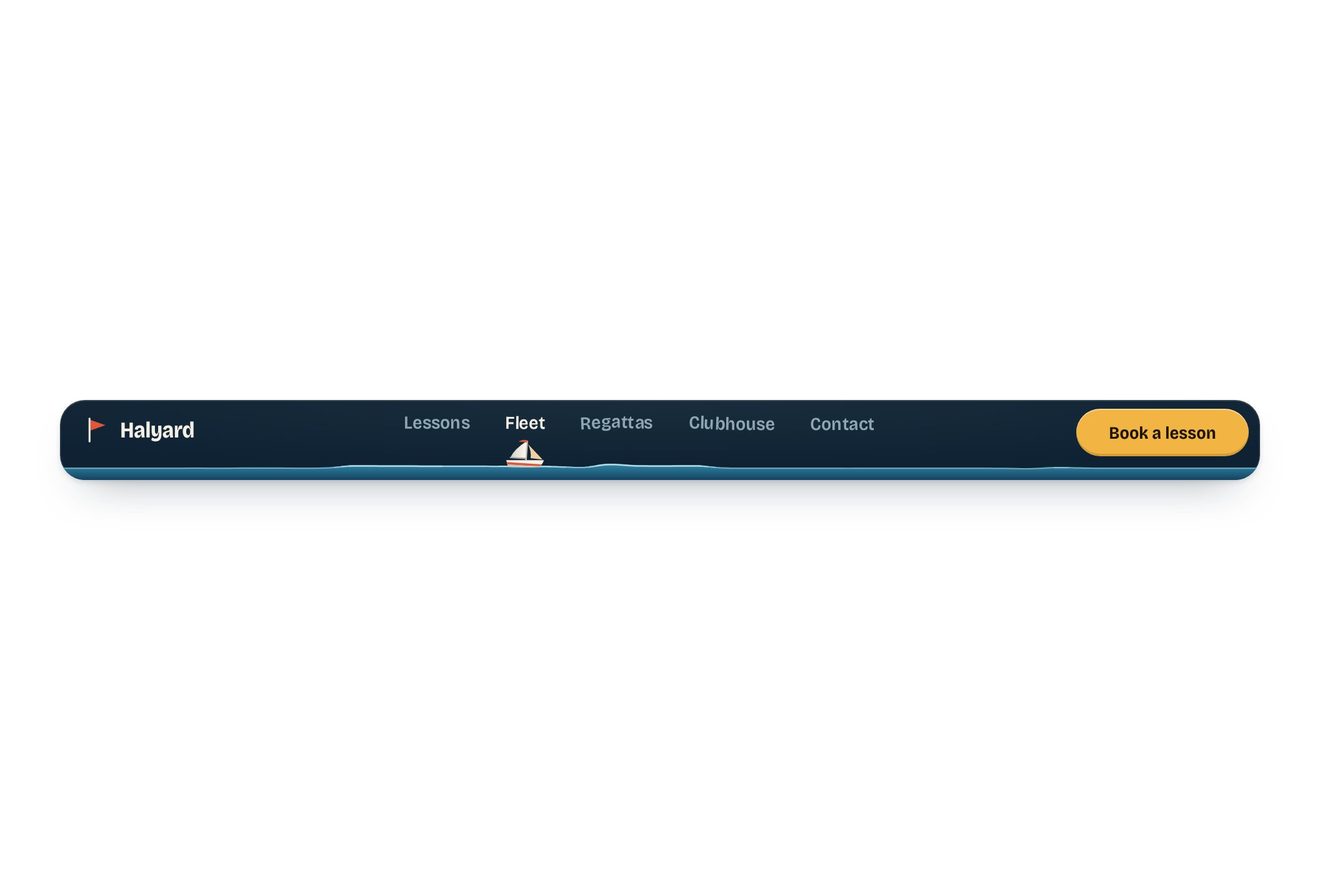
The top bar of a nature reserve's site, with a pair of swallows perched on the letters of the current page, on the tops of the stems as on two posts: the spots are read from the real outline of the letters. Pointing at another link one swallow flies over to look and hops along the word after the pointer; choosing it, both take off, cross the bar beating and gliding and come down on the new word, and the letter they land on dips under their weight.
A folder that runs on its own: index.html, style.css, script.js and the libraries from a CDN. The React and Vue tabs hold the same demo as a ready component, which switches its animations off when it leaves the page.
<!doctype html>
<html lang="en">
<head>
  <meta charset="utf-8">
  <meta name="viewport" content="width=device-width, initial-scale=1">
  <title>The swallows nav</title>
  <link rel="stylesheet" href="https://cdn.jsdelivr.net/npm/@fontsource-variable/albert-sans@5.3.0/index.css">
  <link rel="stylesheet" href="style.css">
</head>
<body>
  <main class="stage">
    <!-- the top bar of a wetland nature reserve. A pair of swallows lives on it, perched on the letters of the page
         you are on; pointing at another link sends one of them over to have a look, and choosing it moves them both.
         On a phone the links fold into a menu, and the swallows wait on the word Menu -->
    <header class="bar" data-bar>
      <a class="brand" href="#" aria-label="Fenlark, home">
        <svg class="brand__mark" viewBox="0 0 28 28" aria-hidden="true">
          <path d="M11.6 26c0-5.4-.2-10.3-.6-14.6M16.6 26c.1-4 .4-7.3 1-10.2M10.9 4.6l-.2-2.4M18.3 9.2l.3-2.1"/>
          <path d="M10.4 26c-.9-4.1-2.9-7.4-6.2-9.6M17.8 26c1.1-5.1 3.3-9.4 6.4-12.4"/>
          <rect class="brand__head" x="9.3" y="4.4" width="3.2" height="9" rx="1.6"/>
          <rect class="brand__head" x="16.5" y="8.9" width="3" height="7.4" rx="1.5" transform="rotate(7 18 12.6)"/>
        </svg>
        <span class="brand__name">Fenlark</span>
      </a>

      <!-- on a phone: the button that opens the links; the swallows wait on its word -->
      <button class="menu" type="button" aria-expanded="false" aria-controls="fenlark-links" data-menu>
        <span class="menu__words">
          <span class="menu__word" data-menu-word>Menu</span>
          <span class="menu__word menu__word--close" aria-hidden="true" data-close-word>Close</span>
        </span>
        <svg class="menu__icon" viewBox="0 0 18 18" aria-hidden="true">
          <path class="menu__line menu__line--a" d="M3 6.5h12"/>
          <path class="menu__line menu__line--b" d="M3 11.5h12"/>
        </svg>
      </button>

      <nav class="nav" id="fenlark-links" aria-label="Main" data-nav>
        <ul class="nav__list">
          <li><a class="nav__link" href="#" data-link data-autoclic>Visiting</a></li>
          <li><a class="nav__link" href="#" aria-current="page" data-link>Wildlife</a></li>
          <li><a class="nav__link" href="#" data-link data-autoclic>Trails</a></li>
          <li><a class="nav__link" href="#" data-link data-autoclic>Events</a></li>
          <li><a class="nav__link" href="#" data-link data-autoclic>Shop</a></li>
        </ul>
      </nav>

      <a class="cta" href="#"><span class="cta__long">Become a member</span><span class="cta__short">Join</span></a>

      <!-- the swallows, drawn over the bar and the air above it -->
      <canvas class="sky" aria-hidden="true" data-sky></canvas>
    </header>
  </main>

  <script src="https://cdn.jsdelivr.net/npm/gsap@3.15.0/dist/gsap.min.js"></script>
  <script src="script.js"></script>
</body>
</html>Change values, colours and text with the controls and watch the animation respond live. Or write in the code yourself. Then download the folder with your changes.
30 values to change
With the Animorio connector, Claude Code takes it from here, guide included, and fits it into your project. Paste this request:
Take “The swallows nav” from Animorio and fit it into my siteEach word is split into letters, each in an inline-block of its own (hidden from screen readers, which hear the whole word), with an inline-block of no size at the end that sits on the baseline and tells where it is. Each letter is drawn alone on a hidden canvas, four times larger, in the same font read from getComputedStyle (variable weight included), and its outline is read from above column by column: for each column, the height of the first inked pixel above the baseline. A spot is a level stretch (less than 0.8 pixels of difference) a little over a pixel wide, a swallow's grip: the top of a stem will do. Each letter keeps at most two spots, the highest, and the dots of i and j are not spots.
A spot only counts if no nearby letter, or the taller part of the same letter, rises above it within 0.3 times the swallow's length either side: so a swallow never stands inside a stem or over the dot of an i. The swallows spread from the first letter to the last, at least 0.72 of a swallow apart when they can, taking the highest spots. Perched, a swallow turns towards the taller letter beside it, so its tail is on the low side and does not cover the letters. The spots are measured with offsetLeft and offsetTop, which ignore transforms.
Each swallow flies on its own with Reynolds style steering: it heads first for the top of an arc (ARC pixels over the higher of the two words, less for a short flight), then for a point above and behind its spot, then for the spot. Far away it goes at SPEED pixels a second, keeps more than one and a half of its lengths from the others and matches their speed within 60 pixels, with a top acceleration of 5.5 times SPEED; the last stretch is a critically damped arrival that never overshoots the spot. Down to a word far below (the phone's panel) it dives instead of climbing. The take-offs are 75 milliseconds apart, the nearest first.
The swallow is drawn on a canvas with Bézier curves: body, head, pale breast, rust throat, two tail streamers. The wings are worked out in 3D: they beat from 1 radian above to 0.75 below, swept back the more they are raised, and are seen from the side and 0.8 radians from below, so with the wings level the near one shows under the body and the far one over it, the anchor of a swallow in flight. Beats and glides take turns in a rhythm (between 0.46 and 0.66 seconds), gliding more going down and beating more climbing or turning; 30 pixels from the spot the wings go up and the head lifts to brake. A thin halo the colour of the bar sets it apart from the letters.
Every letter is on a spring (stiffness 520, damping 17) and moves its translateY: a swallow landing gives it a push down of DIP times 26 pixels a second, harder the faster it comes in, one taking off a push up, and the swallow goes down and up with it. Still, the swallows turn with the smallest of hops towards the pointer going by, and about every RESTLESS seconds one moves along by a letter (keeping its distance), turns round or shakes its wings. The loop on GSAP's ticker only draws when something moves.
After 80 milliseconds over a link the nearest swallow takes off and lands on the free spot nearest the pointer; when the pointer moves 11 pixels away it follows with a hop, at most every 0.26 seconds, and 0.3 seconds after the pointer has left the links it goes back to its place. The keyboard focus does the same, in the middle of the word. The links are links in a nav with aria-current. Under 820 pixels the links move into a panel under the bar, opened by the Menu button (aria-expanded), and the swallows wait on the word Menu. The library's preview clicks the links in turn, and Menu too on a phone.
| Name | File | Default | What it changes |
|---|---|---|---|
BIRDS | script.js | 2 | How many swallows live on the bar: a pair by default, at the two ends of the word. |
SPEED | script.js | 420 | How fast they fly, in pixels a second. |
ARC | script.js | 34 | How high a long flight rises over the words, in pixels. |
SIZE | script.js | 1.2 | How long a swallow is, next to the size of the letters it stands on. |
DIP | script.js | 2 | How far a letter dips under a swallow landing on it, in pixels. |
SCOUT | script.js | true | Whether pointing at a link sends a swallow over to have a look. |
RESTLESS | script.js | 4 | The seconds, more or less, between two little moves of the perched swallows (0: they keep still). |
For the top bar of a site about nature and living things: a reserve, a park, a botanical garden, an animal sanctuary, a birdwatching or walking app, a slow travel magazine. The swallows say where you are even when still, and the one that flies over to look shows where you are about to go.
Under 820 pixels the bar is 58 pixels tall and as wide as the screen less 32 (358 at 390): the name stays, Join instead of Become a member and the Menu button with its two lines, and the swallows wait on the word Menu. Tapping it the lines cross into an X, Menu becomes Close and the panel opens under the bar with the links at 21 pixels on rows 56 tall: the swallows dive down to the current page, growing with the letters. Choosing another link they fly there; closing (Close, Esc or a tap outside) they go back to Menu. A finger down on a link sends a swallow at once, the tap chooses.
The swallows do not fly or hop: they fade off the old word and appear again, already perched, on the new one. No swallow flying over to look under the pointer, no turning to watch it, no little moves at rest and no letters dipping; on arrival they fade in. On a phone the panel fades in and the menu's lines become the X without turning.
GSAP 3.15.0, Albert Sans (font variabile) 5.3.0.
Compressed with gzip, the three demo files weigh 16 KB; the libraries: GSAP 28 KB.
Tested on 6 October 2026
Use it in your own projects and in your clients’ projects. Do not resell it or redistribute it as is. GSAP stays under its own Standard license. Full license.
With your account’s email and password.
or with your email
You’re signed in as .
With your account, you can download the zip of every animation and every pack, for free.