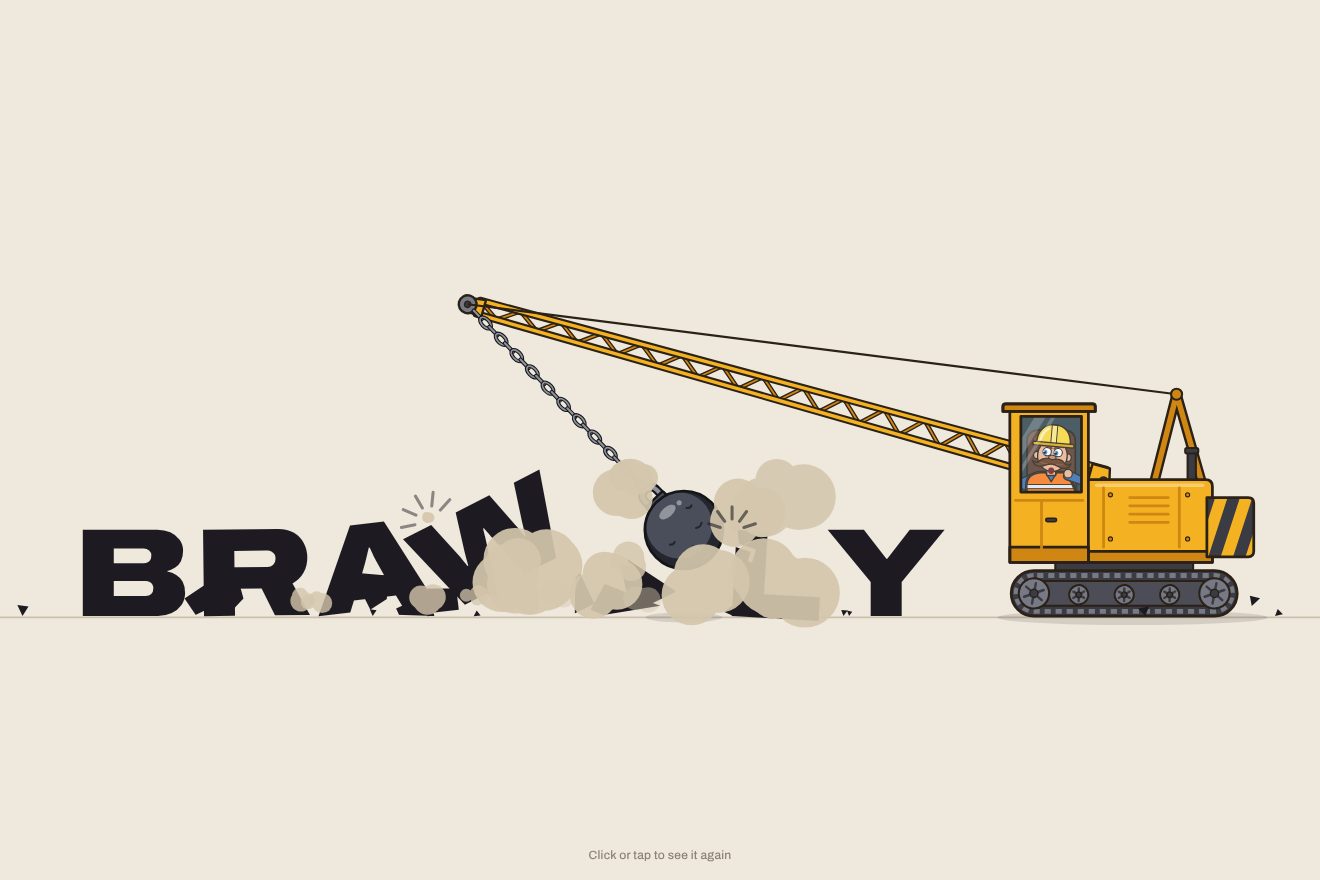
The wrecking-ball logo
Intro, Physics, SVG, Text
NewFree
A minimal-style text animation: a thin word on a light rule, “cafe”, and from above a vermilion accent falls. It hits the “e”, bounces twice and straightens up; the struck letter squashes and gains weight, its neighbours feel the knock and the rule gives. The accent literally puts the stress on it. Then “rosé” and “résumé”, with two accents.
A folder that runs on its own: index.html, style.css, script.js and the libraries from a CDN. The React and Vue tabs hold the same demo as a ready component, which switches its animations off when it leaves the page.
<!doctype html>
<html lang="en">
<head>
  <meta charset="utf-8">
  <meta name="viewport" content="width=device-width, initial-scale=1">
  <title>The falling accent</title>
  <link rel="stylesheet" href="https://cdn.jsdelivr.net/npm/@fontsource-variable/newsreader@5.3.0/opsz.css">
  <link rel="stylesheet" href="style.css">
</head>
<body>
  <main class="stage" aria-live="polite">
    <!-- the words, one on top of the other: only one is on show at a time -->
    <div class="words" data-words></div>

    <!-- the hairline the words stand on and the accents that fall: drawn by the script -->
    <svg class="marks" data-marks aria-hidden="true">
      <path class="line" data-line d="" />
      <g data-accents></g>
    </svg>
  </main>

  <script src="https://cdn.jsdelivr.net/npm/gsap@3.15.0/dist/gsap.min.js"></script>
  <script src="script.js"></script>
</body>
</html>Change values, colours and text with the controls and watch the animation respond live. Or write in the code yourself. Then download the folder with your changes.
12 values to change
With the Animorio connector, Claude Code takes it from here, guide included, and fits it into your project. Paste this request:
Take “The falling accent” from Animorio and fit it into my siteThe words are written with their accents (café, rosé, résumé). The script splits them with normalize('NFD'): every accented letter becomes the letter plus a combining mark, and the marks 769 (acute) and 768 (grave) say which letter an accent falls on and whether it leans right or left. Other marks are dropped.
The accent is an SVG path, a wedge that is wider at the top, worked out in proportion to the font size along a slanted line (the normal to the line gives the thickness). For the grave the same wedge is mirrored. It lands at the x-height, measured with measureText('x').actualBoundingBoxAscent, plus a hair of air.
The fall is a power2.in (it speeds up like gravity), with the angle going from 34 to 10 degrees; on contact the angle goes to zero with an elastic.out and the height makes two bounces, the second a quarter of the first. BOUNCE scales the heights and the square root of the times, like a real bounce.
At the moment of impact the letter goes from the light weight to the full one with 50 points too many in 90 milliseconds, then settles; its box squashes to 0.9 and comes back with an elastic.out. The neighbours drop by 3.2% of their height divided by the distance (yPercent, which stays right when the window changes size), staggered by 35 milliseconds per letter.
When the letter gets heavier the word widens: the function on the ticker re-centres it and reads the letter’s offsetLeft again to place the accent, so the accent follows it while the neighbours move. The dip of the rule is a quadratic curve that goes down under the struck letter.
| Name | File | Default | What it changes |
|---|---|---|---|
WORDS | script.js | ['café', 'rosé', 'résumé'] | The words, written with their acute or grave accents: one at a time, the accent falls where you put it (up to six words). |
LIGHT | script.js | 300 | The weight of the letters without an accent (200 to 800). |
STRESS | script.js | 720 | The weight of the letter when the accent hits it (200 to 800). |
BOUNCE | script.js | 1 | How much the accent bounces: 0 lands dead, 2 bounces higher. |
GRAVITY | script.js | 1 | How fast the fall is: 2 a heavier world, 0.5 a lighter one. |
HOLD | script.js | 1.6 | Seconds the accented word stays still. |
For a witty, precise headline: the opening of a café, a wine bar or a bistro, a blog about languages or words, the résumé page of a portfolio, a translation or proofreading site.
The same animation with the sizes adapted: the longest word fills 80% of the width, the rule never runs off the edges and the accents fall from the same height in proportion.
Nothing falls and nothing moves: the words appear already accented, with the stressed letters already full, one after another in a fade.
GSAP 3.15.0, Newsreader (font variabile) 5.3.0.
Compressed with gzip, the three demo files weigh 5.4 KB; the libraries: GSAP 28 KB.
Tested on 19 October 2026
Use it in your own projects and in your clients’ projects. Do not resell it or redistribute it as is. GSAP stays under its own Standard license. Full license.
With your account’s email and password.
or with your email
You’re signed in as .
With your account, you can download the zip of every animation and every pack, for free.