Button menu
Menus, Transitions, Text
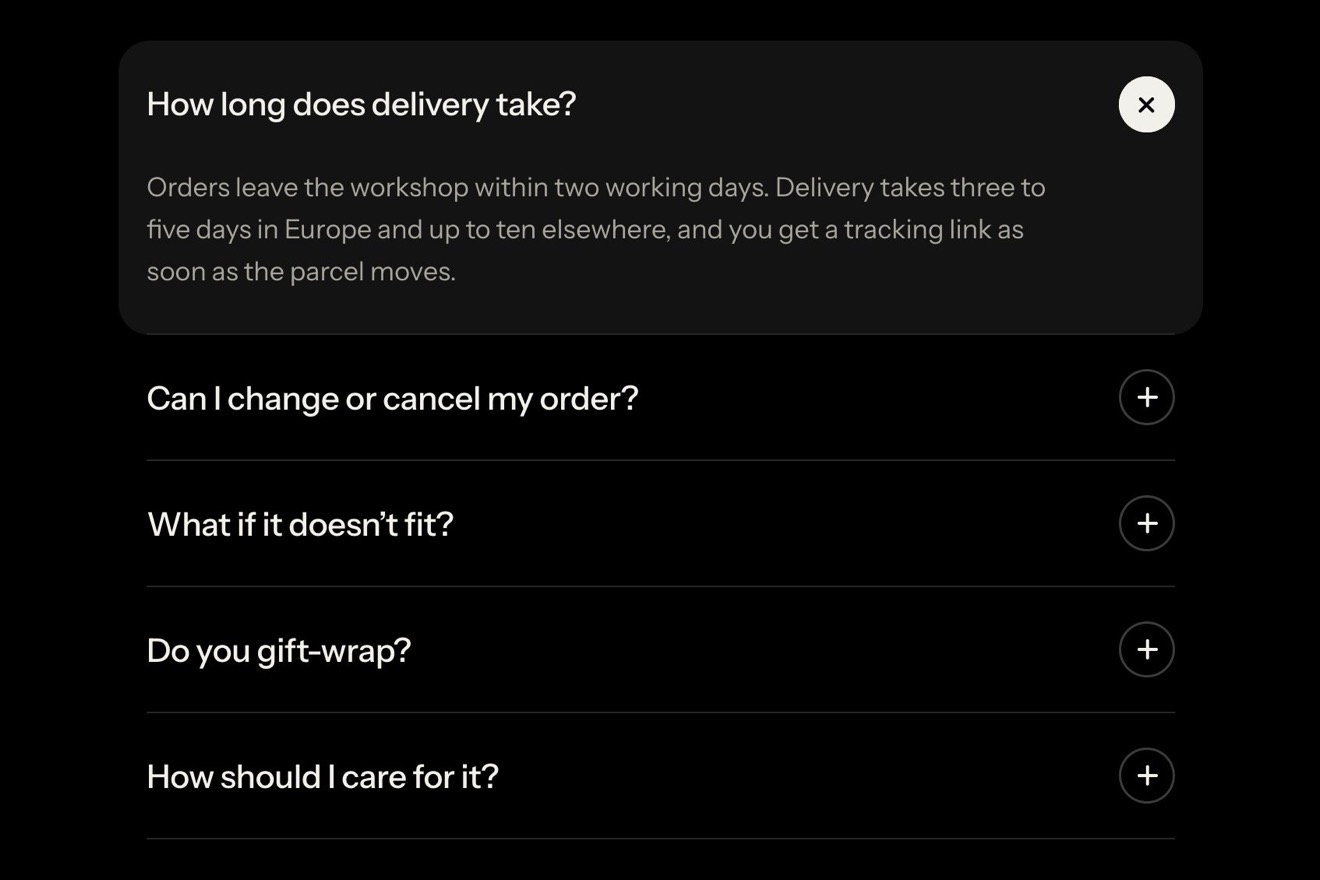
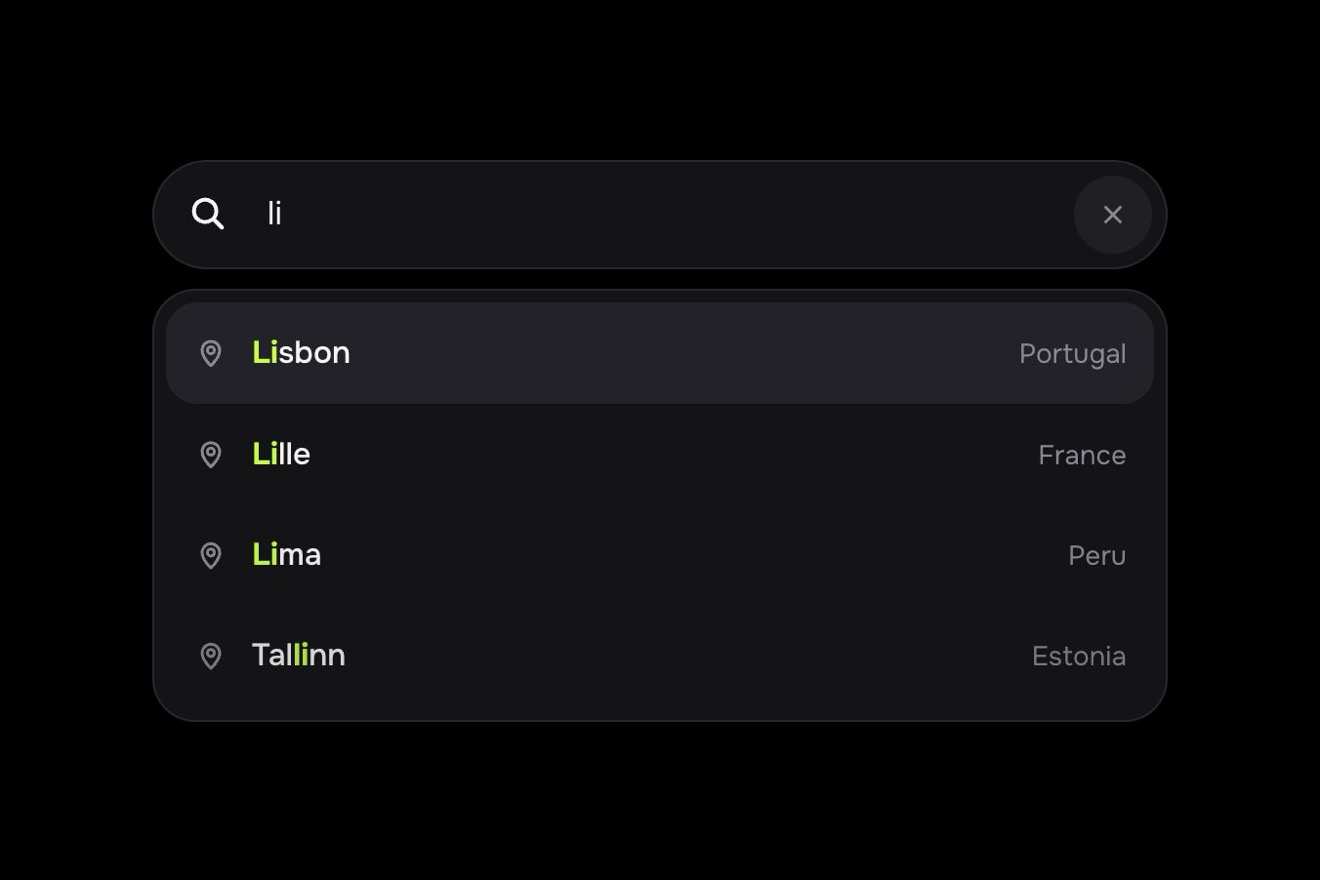
The FAQ of Corvo, an e-bike rental, on white, in the premium style of Dribbble shots: an accordion with a search field on top. As you type, the questions that do not match close, get shorter and fade, the right ones rise to the top on a spring with the typed letters under a green highlighter, and the «3 results» counter rolls. If only one question is left, as soon as the hand stops it opens by itself and the answer comes down; the others open like an accordion with the plus turning into a minus.
A folder that runs on its own: index.html, style.css, script.js and the libraries from a CDN. The React and Vue tabs hold the same demo as a ready component, which switches its animations off when it leaves the page.
<!doctype html>
<!--
"Filtered FAQ" from Animorio · https://animorio.com
License: free on your own sites and your clients’ sites, paid work included.
Not for resale, redistribution, templates or code collections · https://animorio.com/en/license/
-->
<html lang="en">
<head>
<meta charset="utf-8">
<meta name="viewport" content="width=device-width, initial-scale=1">
<title>The FAQ with the filter that opens the right answer</title>
<link rel="stylesheet" href="https://cdn.jsdelivr.net/npm/@fontsource-variable/mona-sans@5.3.0/wdth.css">
<link rel="stylesheet" href="style.css">
</head>
<body>
<main class="stage">
<!-- the help questions of an e-bike rental (Corvo): typing in the field, the questions that do not match close, dim
and step aside, the right ones rise on a spring with the word marked, and when only one is left it opens by itself -->
<section class="faq" data-faq aria-label="Frequently asked questions">
<header class="faq__head">
<div class="faq__brand">
<svg class="faq__mark" viewBox="0 0 24 24" aria-hidden="true">
<circle cx="12" cy="12" r="9" />
<path d="M13.2 5.6 L8.6 12.8 H11.8 L10.8 18.4 L15.4 11.2 H12.2 Z" />
</svg>
<div>
<h1 class="faq__title">Help center</h1>
<p class="faq__meta">Corvo e-bikes <span aria-hidden="true">·</span> Rides</p>
</div>
</div>
<span class="faq__chip">FAQ</span>
</header>
<div class="search" data-field>
<svg class="search__lens" data-lens viewBox="0 0 24 24" aria-hidden="true">
<circle cx="10.5" cy="10.5" r="6" />
<path d="M15 15 L20 20" />
</svg>
<label class="sr" for="faq-q">Search the questions</label>
<input class="search__input" id="faq-q" data-input type="text" autocomplete="off" spellcheck="false" placeholder="Search questions">
<span class="search__mirror" data-mirror aria-hidden="true"></span>
<span class="search__caret" data-caret aria-hidden="true"></span>
<span class="search__count" data-count aria-hidden="true"><span class="search__drum" data-drum><span class="search__n">5</span></span><span data-word>results</span></span>
<button class="search__clear" data-clear type="button" aria-label="Clear the search" tabindex="-1">
<svg viewBox="0 0 24 24" aria-hidden="true"><path d="M8 8 L16 16 M16 8 L8 16" /></svg>
</button>
<span class="search__glint" data-glint aria-hidden="true"></span>
</div>
<div class="list" data-list>
<div class="row" data-row data-id="unlock">
<button class="q" type="button" aria-expanded="false" aria-controls="a-unlock" id="q-unlock">
<span class="q__text" data-text>How do I unlock a bike?</span>
<span class="plus" aria-hidden="true"><svg viewBox="0 0 24 24"><path class="plus__h" d="M7 12 H17" /><path class="plus__v" d="M12 7 V17" /></svg></span>
</button>
<div class="a" id="a-unlock" role="region" aria-labelledby="q-unlock" data-answer>
<div class="a__in" data-in>
<p class="a__p">Scan the code on the handlebar with the Corvo app. The lock opens with a click and the ride starts.</p>
<p class="a__more"><svg viewBox="0 0 24 24" aria-hidden="true"><path d="M5 12 H18 M13 7 L18 12 L13 17" /></svg>Unlocking guide</p>
</div>
</div>
</div>
<div class="row" data-row data-id="battery">
<button class="q" type="button" aria-expanded="false" aria-controls="a-battery" id="q-battery">
<span class="q__text" data-text>What if the battery runs low?</span>
<span class="plus" aria-hidden="true"><svg viewBox="0 0 24 24"><path class="plus__h" d="M7 12 H17" /><path class="plus__v" d="M12 7 V17" /></svg></span>
</button>
<div class="a" id="a-battery" role="region" aria-labelledby="q-battery" data-answer>
<div class="a__in" data-in>
<p class="a__p">The display turns amber at 15%, about 8 km left. End the ride at any dock and the next unlock is on us.</p>
<p class="a__more"><svg viewBox="0 0 24 24" aria-hidden="true"><path d="M5 12 H18 M13 7 L18 12 L13 17" /></svg>Find a dock</p>
</div>
</div>
</div>
<div class="row" data-row data-id="end">
<button class="q" type="button" aria-expanded="false" aria-controls="a-end" id="q-end">
<span class="q__text" data-text>Where can I end my ride?</span>
<span class="plus" aria-hidden="true"><svg viewBox="0 0 24 24"><path class="plus__h" d="M7 12 H17" /><path class="plus__v" d="M12 7 V17" /></svg></span>
</button>
<div class="a" id="a-end" role="region" aria-labelledby="q-end" data-answer>
<div class="a__in" data-in>
<p class="a__p">At any Corvo dock or painted bay. The map in the app shows the free spaces near you.</p>
<p class="a__more"><svg viewBox="0 0 24 24" aria-hidden="true"><path d="M5 12 H18 M13 7 L18 12 L13 17" /></svg>Open the map</p>
</div>
</div>
</div>
<div class="row" data-row data-id="price">
<button class="q" type="button" aria-expanded="false" aria-controls="a-price" id="q-price">
<span class="q__text" data-text>How is a ride priced?</span>
<span class="plus" aria-hidden="true"><svg viewBox="0 0 24 24"><path class="plus__h" d="M7 12 H17" /><path class="plus__v" d="M12 7 V17" /></svg></span>
</button>
<div class="a" id="a-price" role="region" aria-labelledby="q-price" data-answer>
<div class="a__in" data-in>
<p class="a__p">€1 to unlock, then €0.25 a minute. A day pass is €12 and covers the first three hours.</p>
<p class="a__more"><svg viewBox="0 0 24 24" aria-hidden="true"><path d="M5 12 H18 M13 7 L18 12 L13 17" /></svg>See all passes</p>
</div>
</div>
</div>
<div class="row" data-row data-id="train">
<button class="q" type="button" aria-expanded="false" aria-controls="a-train" id="q-train">
<span class="q__text" data-text>Can I take the bike on a train?</span>
<span class="plus" aria-hidden="true"><svg viewBox="0 0 24 24"><path class="plus__h" d="M7 12 H17" /><path class="plus__v" d="M12 7 V17" /></svg></span>
</button>
<div class="a" id="a-train" role="region" aria-labelledby="q-train" data-answer>
<div class="a__in" data-in>
<p class="a__p">Yes, on regional trains outside rush hour. Fold the pedals in and keep it by the doors.</p>
<p class="a__more"><svg viewBox="0 0 24 24" aria-hidden="true"><path d="M5 12 H18 M13 7 L18 12 L13 17" /></svg>Travel rules</p>
</div>
</div>
</div>
<p class="list__empty" data-empty>No questions match. Try another word.</p>
</div>
<svg class="hand" data-hand viewBox="0 0 24 24" aria-hidden="true">
<path d="M5.5 3.2 L5.5 18.4 L9.4 14.9 L12 20.6 L14.6 19.4 L12.1 13.9 L17.4 13.6 Z" />
</svg>
</section>
<p class="sr" data-live aria-live="polite"></p>
</main>
<script src="https://cdn.jsdelivr.net/npm/gsap@3.15.0/dist/gsap.min.js"></script>
<script src="script.js"></script>
</body>
</html>Change values, colours and text with the controls and watch the animation respond live. Or write in the code yourself. Then download the folder with your changes.
39 values to change
With the Animorio connector, Claude Code, ChatGPT, Cursor or VS Code take it from here, guide included, and fit it into your project. Paste this request:
Take “Filtered FAQ” from Animorio and fit it into my siteThe questions stay in the DOM in their order, but each row is absolute inside the list and the script gives it y and height with GSAP: so a row rises to the top or drops to the bottom without being moved in the DOM, and the list's height follows the sum of the rows on the same spring. The height of each answer is measured at start, when the fonts are ready and on every resize.
On every letter the word is compared with the text of each question. The matching questions come first, in their order, the others after: they take a reduced height (SQUEEZE), the DIM opacity and their button moves up by half the difference, so the words stay centred in the shorter row. Only the rows that change place are staggered, the still ones do not wait.
The matched letters become a mark holding a green layer at z-index -1 (the text has isolation: isolate), which widens from the left with scaleX only when the word grows. The counter is a drum: the old figure leaves upwards and the new one comes in from below (the other way when the results grow), while a thin light runs along the edge of the field.
When only one result is left a gsap.delayedCall of OPEN_DELAY seconds starts, cancelled by every new letter: the question opens only when the hand stops. A letter that takes it out of the results closes it again. The pilot never focuses the field: the blinking caret is drawn and put at the end of the word measured in a hidden mirror.
The sign is an SVG with two strokes: on opening the whole sign turns 180 degrees on a hand written spring (the response of a spring damped at BOUNCE) while the vertical stroke flattens with scaleY, and the small square fills with green with a little scale kick. The answer and its link come in 70 milliseconds apart, dropping seven pixels.
| Name | File | Default | What it changes |
|---|---|---|---|
BOUNCE | script.js | 0.74 | The spring of the rows: lower bounces more (0.5), 1 settles without passing the mark. |
DIM | script.js | 0.34 | How visible the questions that do not match stay (1 like the others). |
SQUEEZE | script.js | 0.74 | How short a question that does not match gets (1 keeps its height). |
STAGGER | script.js | 0.035 | The seconds between one row and the next when they change place. |
OPEN_DELAY | script.js | 0.5 | The seconds of pause in the typing before the only result opens by itself. |
TYPE_SPEED | script.js | 1 | How fast the pilot types (2 twice as fast). |
LOOP | script.js | true | The pilot plays the story again and again. |
For the help page of a service, an app or a shop with many frequently asked questions: whoever searches types a word and sees at once which questions match, without losing sight of the others, and if the answer is only one it finds it already open. It also works at the bottom of a landing page, in the shipping questions of a shop, the bookings of a hotel or the tickets of an event.
The same animation with adapted sizes: the panel is 94% of the screen wide, the row height, the field and the spacing are sized on the window height too, and long questions end with an ellipsis instead of wrapping. A finger types in the field and taps a question to open it.
Nothing moves: the questions that change place fade out and back in at their new place, the height changes at once, the highlighter, the counter's figure and the answer fade in, and the plus becomes a minus as its vertical stroke fades away. The pilot still types, without the moving hand.
GSAP 3.15.0, Mona Sans (font variabile) 5.3.0.
Compressed with gzip, the three demo files weigh 9.8 KB; the libraries: GSAP 28 KB.
Tested on 7 November 2026
Use it in your own projects and in your clients’ projects. Do not resell it or redistribute it as is. GSAP stays under its own Standard license. Full license.
Support Animorio
Animorio stays free thanks to the people who support it. If you like, buy us a coffee: it helps us make the next animations.
You asked for
We made it for you: it’s in the library, with the preview, the Playground and the code to copy.
An animation you can’t find, or a site to take apart in the journal: tell us which. We pick the next ones from here.
With your account’s email and password.
or with your email
You’re signed in as .
With your account, you can download the zip of every animation and every pack, for free.