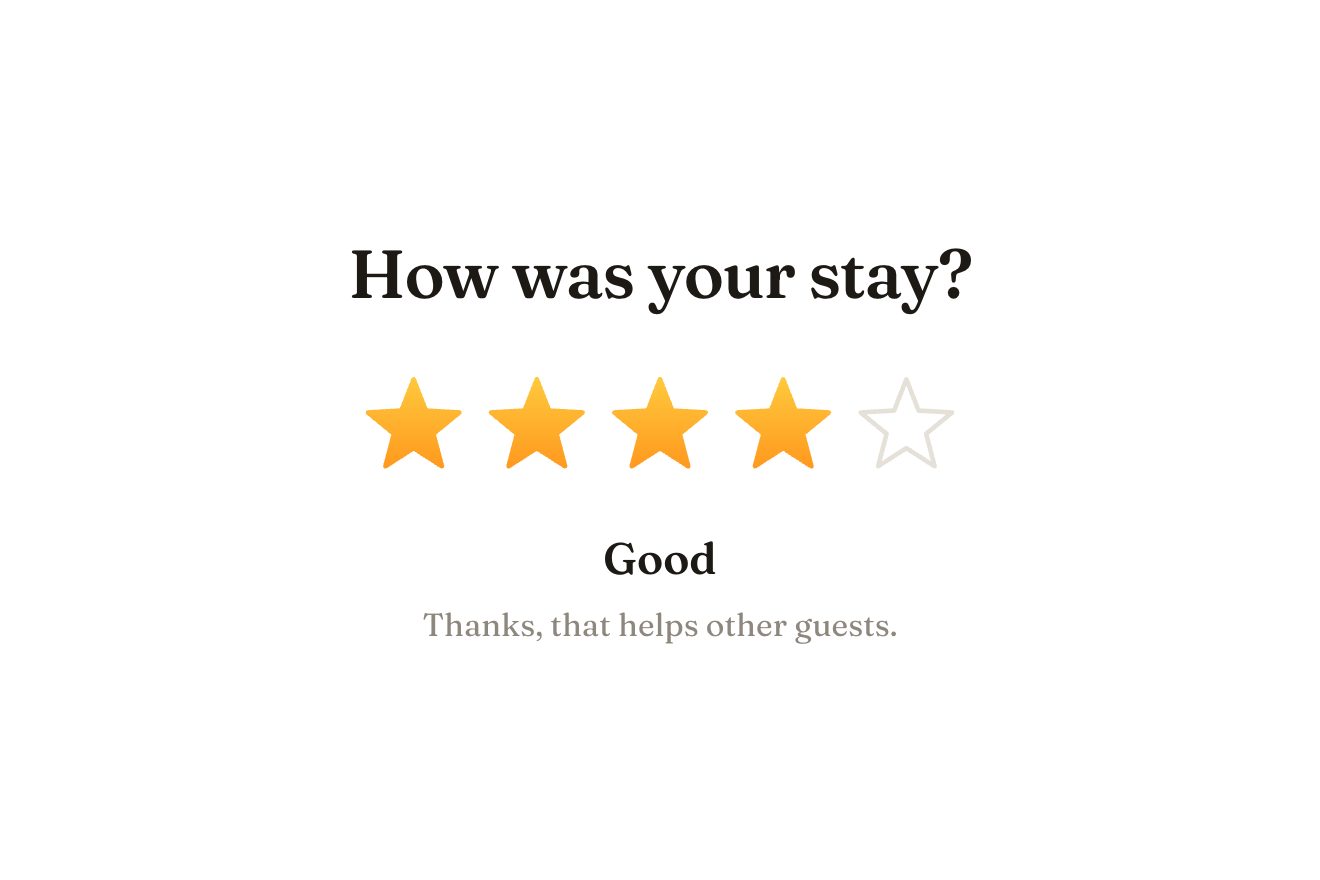
The star rating
Ratings, SVG, Hover
NewFree
In the minimal style, on black: a lamp’s Turn on, a graphite pill with a small bulb drawn in hairlines inside. Under the pointer the filament warms from grey to a dull orange and trembles slightly, as on a dimmer. Pressed, the bulb lights like a real one, with two quick flickers before it holds: the filament goes white-amber, a soft warm glow grows from the bulb and fills the pill, light spills round it and the words become On. Pressed again, the glow fades and the filament cools slowly, staying warm for a moment.
A folder that runs on its own: index.html, style.css, script.js and the libraries from a CDN. The React and Vue tabs hold the same demo as a ready component, which switches its animations off when it leaves the page.
<!doctype html>
<html lang="en">
<head>
  <meta charset="utf-8">
  <meta name="viewport" content="width=device-width, initial-scale=1">
  <title>The filament bulb button</title>
  <link rel="stylesheet" href="https://cdn.jsdelivr.net/npm/@fontsource-variable/archivo@5.3.0/wdth.css">
  <link rel="stylesheet" href="style.css">
</head>
<body>
  <main class="stage">
    <!-- the filament bulb button: a dark pill on black with a small line drawn bulb on the left. Under the pointer the
         filament warms up; pressed, the bulb lights and a soft warm glow fills the pill; pressed again, it fades out
         and the filament stays warm for a moment -->
    <div class="lamp" data-lamp>
      <div class="lamp__halo" data-halo aria-hidden="true"></div>
      <button class="lamp__btn" type="button" data-btn data-autoclic aria-pressed="false">
        <span class="lamp__glow" data-glow aria-hidden="true"></span>
        <span class="lamp__shine" aria-hidden="true"></span>
        <svg class="lamp__bulb" viewBox="0 0 24 34" aria-hidden="true" data-bulb>
          <path class="lamp__fill" data-fill d="M12 2.5c-4.7 0-8 3.4-8 7.8 0 2.9 1.5 4.7 2.9 6.3 1 1.1 1.6 2.2 1.6 3.6v1.3h7v-1.3c0-1.4.6-2.5 1.6-3.6 1.4-1.6 2.9-3.4 2.9-6.3 0-4.4-3.3-7.8-8-7.8Z"></path>
          <path class="lamp__glass" data-glass d="M12 2.5c-4.7 0-8 3.4-8 7.8 0 2.9 1.5 4.7 2.9 6.3 1 1.1 1.6 2.2 1.6 3.6v1.3h7v-1.3c0-1.4.6-2.5 1.6-3.6 1.4-1.6 2.9-3.4 2.9-6.3 0-4.4-3.3-7.8-8-7.8Z"></path>
          <path class="lamp__wire" d="M10.2 21.4V14.6 M13.8 21.4V14.6"></path>
          <path class="lamp__coil" data-coil d="M10.2 14.6l.3-2.6.4 1.7.4-1.7.4 1.7.4-1.7.4 1.7.4-1.7.4 1.7.25-1.7.25 2.6"></path>
          <path class="lamp__base" d="M8.6 23.6h6.8 M8.9 25.8h6.2 M9.4 28h5.2 M10.7 30.3h2.6"></path>
          <path class="lamp__spec" data-spec d="M7.3 9.6c.3-2 1.6-3.6 3.4-4.2"></path>
        </svg>
        <span class="lamp__words" data-words><span class="lamp__word" data-word>Turn on</span></span>
      </button>
      <p class="lamp__note" data-note>Desk lamp · off</p>
      <p class="sr" aria-live="polite" data-live></p>
    </div>
  </main>

  <script src="https://cdn.jsdelivr.net/npm/gsap@3.15.0/dist/gsap.min.js"></script>
  <script src="script.js"></script>
</body>
</html>Change values, colours and text with the controls and watch the animation respond live. Or write in the code yourself. Then download the folder with your changes.
19 values to change
With the Animorio connector, Claude Code takes it from here, guide included, and fits it into your project. Paste this request:
Take “The filament bulb button” from Animorio and fit it into my siteThe filament’s colour is a single number, heat, from 0 to 1, mapped onto five stops: cold grey, dull red, orange, amber, white-amber. gsap.utils.interpolate works it out between the stop before and the one after on every frame, and the same number thickens the filament’s stroke a little.
Switching on is a timeline of five steps a few hundredths long: heat rises to 0.74, drops to 0.38, rises to 0.86, falls to 0.6 and only then reaches 1 with power2.out. It is the flicker of a real bulb catching; the glow starts afterwards, when the light holds.
Inside the pill, which has overflow hidden, there is a circle 360 pixels wide with a warm radial gradient, centred on the bulb: it grows from 0.2 to 1.06 and settles at 1. Outside, behind the pill, a blurred ellipse with the same warmth lights up slowly: it is the light spilling onto the desk.
On switching off the glow is gone in just over half a second, while the filament’s heat goes back to zero in COOL seconds with power2.out: the curve drops early and then slows down, so the filament stays a dull red for a moment, like real tungsten.
The words change length, Turn on and On: the pill measures its width before and after the change and moves from one to the other with back.out(2.4), while the new words arrive narrow and widen on Archivo’s wdth axis.
| Name | File | Default | What it changes |
|---|---|---|---|
LABEL | script.js | Turn on | The words with the light off. |
LABEL_ON | script.js | On | The words with the light on. |
NOTE | script.js | Desk lamp · off | The small line under the pill, off. |
NOTE_ON | script.js | Desk lamp · 2700 K | The small line with the light on. |
WARM | script.js | 0.32 | How warm the filament gets under the pointer, from 0 cold to 1 lit. |
GLOW | script.js | 1 | How strong the warm glow inside the pill is. |
COOL | script.js | 2.2 | The seconds the filament takes to cool down. |
FLICKER | script.js | 0.07 | How much the warming filament trembles. |
For a button that turns something on: a smart home light, a home automation app’s switch, a site’s light theme, the Turn on of a product that lights up, trying a lamp in a lighting shop.
The pill keeps its size and sits comfortably in the frame; a tap switches on and off like a click. The filament warming on hover happens only with a mouse.
No springs or flickers: the filament, the glow and the light around fade from off to on, and the words swap without bounces.
GSAP 3.15.0, Archivo (font variabile) 5.3.0.
Compressed with gzip, the three demo files weigh 5.5 KB; the libraries: GSAP 28 KB.
Tested on 24 October 2026
Use it in your own projects and in your clients’ projects. Do not resell it or redistribute it as is. GSAP stays under its own Standard license. Full license.
With your account’s email and password.
or with your email
You’re signed in as .
With your account, you can download the zip of every animation and every pack, for free.