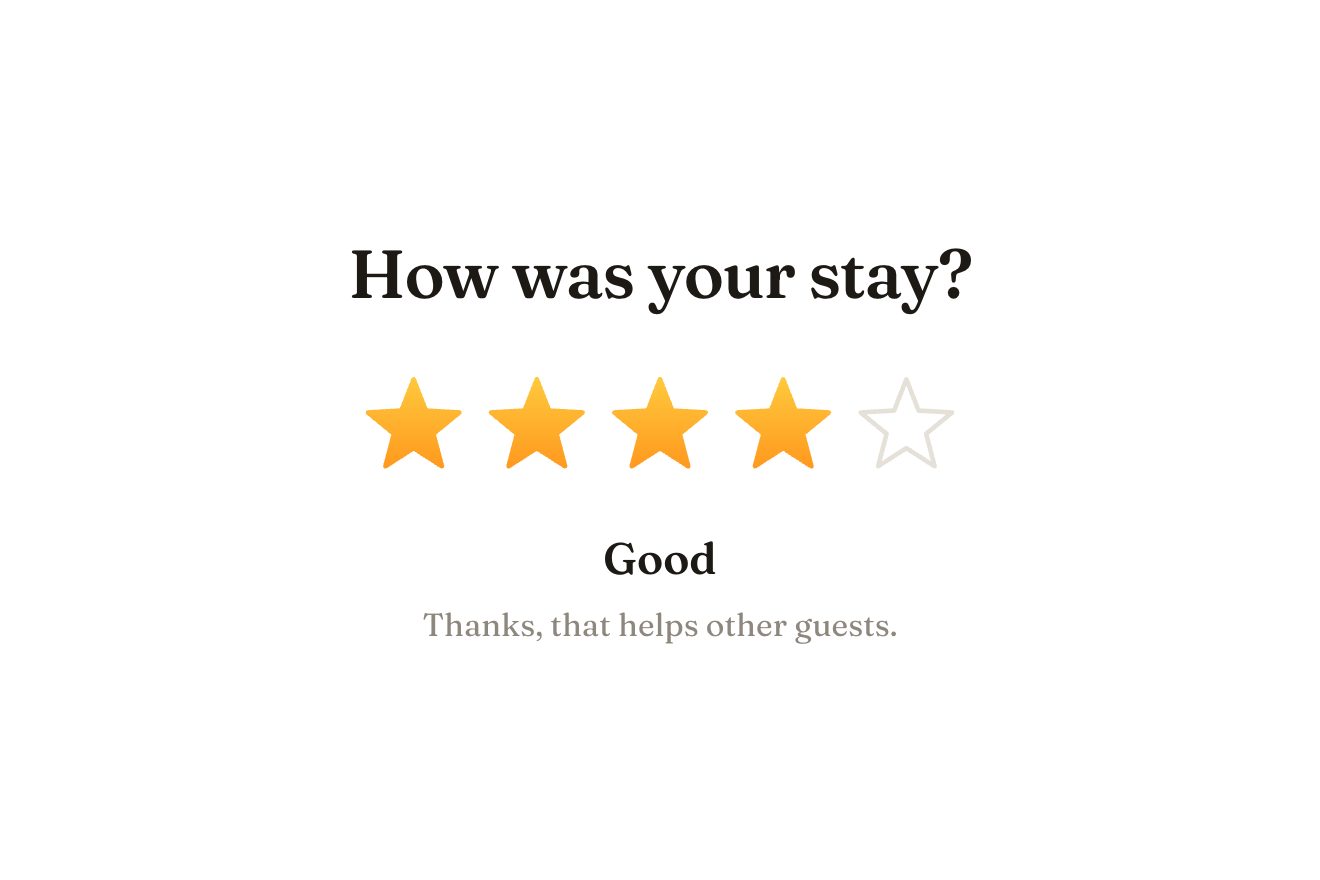
The star rating
Ratings, SVG, Hover
NewFree
A watch drawn finely enough to be looked at closely: a round glass follows the pointer on a soft spring and shows it bigger and sharp, down to the smallest print on the dial; the wheel changes the zoom, the seconds hand ticks inside and outside the glass, and the case changes colour.
A folder that runs on its own: index.html, style.css, script.js and the libraries from a CDN. The React and Vue tabs hold the same demo as a ready component, which switches its animations off when it leaves the page.
<!doctype html>
<html lang="en">
<head>
  <meta charset="utf-8">
  <meta name="viewport" content="width=device-width, initial-scale=1">
  <title>The product lens</title>
  <link rel="stylesheet" href="https://cdn.jsdelivr.net/npm/@fontsource-variable/bodoni-moda@5.3.0/index.css">
  <link rel="stylesheet" href="https://cdn.jsdelivr.net/npm/@fontsource-variable/public-sans@5.3.0/index.css">
  <link rel="stylesheet" href="style.css">
</head>
<body>
  <main class="stage">
    <!-- the product lens: a round glass follows the pointer over the watch on a soft spring and shows it bigger, sharp,
         down to the smallest print; the wheel changes how much, and the case can change colour under it -->
    <section class="product" aria-labelledby="product-title" data-product data-autoclic>
      <div class="shot" tabindex="0" role="img" aria-label="The Meridiana 38 watch. Arrows move the lens, plus and minus change how much it enlarges." data-shot>
        <div class="shot__art" data-art></div>
        <div class="lens" aria-hidden="true" data-lens>
          <div class="lens__view" data-view></div>
          <span class="lens__zoom" data-zoom></span>
        </div>
      </div>
      <div class="product__info">
        <div>
          <h2 class="product__title" id="product-title">Meridiana 38</h2>
          <p class="product__meta">Automatic · 38 mm · steel case</p>
        </div>
        <p class="product__price">€640</p>
      </div>
      <div class="swatches" role="radiogroup" aria-label="Case" data-swatches></div>
      <p class="product__hint"><span class="hint--pointer">Move over the watch to look closer; the wheel zooms.</span><span class="hint--touch">Rest a finger on the watch and drag it to look closer.</span></p>
      <p class="sr" aria-live="polite" data-live></p>
    </section>
  </main>

  <script src="https://cdn.jsdelivr.net/npm/gsap@3.15.0/dist/gsap.min.js"></script>
  <script src="script.js"></script>
</body>
</html>Change values, colours and text with the controls and watch the animation respond live. Or write in the code yourself. Then download the folder with your changes.
22 values to change
With the Animorio connector, Claude Code takes it from here, guide included, and fits it into your project. Paste this request:
Take “The product lens” from Animorio and fit it into my siteThe watch is an SVG; the glass holds a second copy of it, ZOOM times the picture’s width and moved so the point looked at sits in the middle of the glass: so, enlarged, it stays sharp, because it is a drawing and not a photo. The two copies have gradients with different names.
The glass follows the point looked at on a spring (FOLLOW), worked out on GSAP’s ticker in steps of 4 milliseconds; coming in it appears from 0.4 with back.out, going out it fades, shrinking.
The wheel multiplies the zoom, kept between 1.5 and 4 and brought to the new value in 0.3 seconds; the glass is SIZE pixels wide. The case has two colours in two CSS variables on the root element, which GSAP takes to the new colours (CASES): both copies read them.
The seconds hand, in the picture and in the glass, is moved by a single tween: 6 degrees every second with a small bounce (back.out), round the middle of the small dial (svgOrigin).
The picture is reached with Tab: the glass appears in the middle, the arrows move it, plus and minus change the zoom, Escape closes it; the cases are a group of choices changed with the arrows. On a phone a finger resting on it makes the glass appear above itself, so it does not cover it, and lifting it the glass goes. A click from a script (the library’s preview) is a pretend pointer that goes round the dial, zooms in on the small print, changes the case and leaves.
| Name | File | Default | What it changes |
|---|---|---|---|
ZOOM | script.js | 2.5 | How much the glass enlarges at first (the wheel changes it from 1.5 to 4). |
SIZE | script.js | 150 | The glass’s width, in pixels. |
FOLLOW | script.js | [260, 0.82] | The spring that brings the glass under the pointer: how stiff it is and how much it is held back. |
CASES | script.js | [['Steel', '#c9ccd1', '#8f949c'], …] | The cases: name, colour and its shadow. |
For a shop’s product pages (jewellery, watches, fabrics, ceramics), a label to read, a map or an illustrated plate, the detail of a painting.
The finger takes the pointer’s place: resting and dragged, the glass appears above it; the long press does not open the system’s menu and the page does not scroll under the finger (touch-action none).
The glass appears and disappears without growing, sits straight under the pointer without a spring, the zoom changes at once, the seconds hand stays still and the case changes colour at once.
GSAP 3.15.0, Bodoni Moda (font variabile) 5.3.0, Public Sans (font variabile) 5.3.0.
Compressed with gzip, the three demo files weigh 6.7 KB; the libraries: GSAP 28 KB.
Tested on 3 October 2026
Use it in your own projects and in your clients’ projects. Do not resell it or redistribute it as is. GSAP stays under its own Standard license. Full license.
With your account’s email and password.
or with your email
You’re signed in as .
With your account, you can download the zip of every animation and every pack, for free.